Resourceful Config Needed by Anvil Fix 2.0.5+Forge
requiredMatching file found Matched file: [Forge] Resourceful Config 2.1.3
CurseForge · Minecraft mod
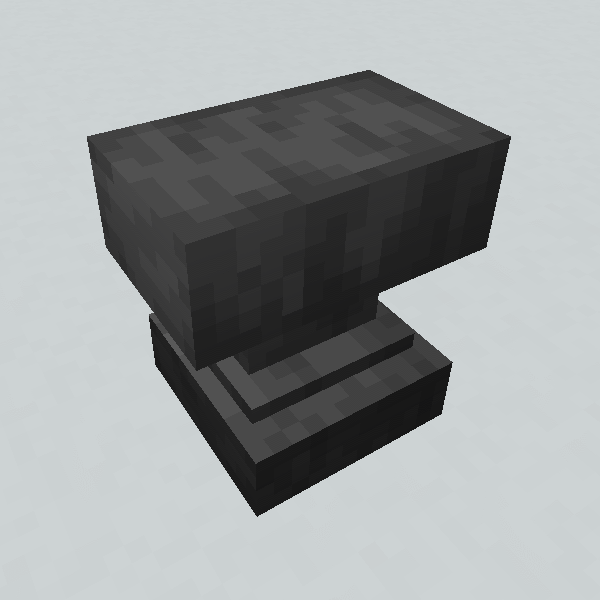
AnvilFix: Vanilla Anvils - but better! It removes the level limit for combining Items
Quick answer
Anvil Fix 2.0.5+Forge targets 1.20.1 with Forge. The project page does not say whether this file belongs on the client, dedicated server, or both. All 1 required mods have matching files.
Where it goes
The project page does not say whether this file belongs on the client, dedicated server, or both.
The source does not explicitly classify this release as client-only or server-only.
2.0.5+Forge. Change the file and its required mods may change too.
Install Resourceful Config first. We found matching files for this game-version and loader setup.
We only count dependency files that match this setup. A file for another loader does not fill the gap.
Before you install it
Built for Anvil Fix 2.0.5+Forge. Pick another file and the loader, install side or required mods may change.
Use 2.0.5+Forge. It targets 1.20.1 with Forge; another release may have different loader, side or dependency requirements.
Install Resourceful Config first. We found matching files for this game-version and loader setup.
The project page does not say whether this file belongs on the client, dedicated server, or both.
Use the “Get this file” button beside 2.0.5+Forge. It opens that exact file at the source.
About this project
Anvil Fix removes the level limit of combining Items in an Anvil (vanilla default is 40), so you can repair Items an infinite amount of times or combine enchantments that would otherwise be too expensive to combine in Survival mode.
There's also a config option to remove the cumulative XP cost for repairing.
Note: This mod is technically not needed on the client, but if not present the anvil GUI will show the "too expensive" warning instead of the level cost, even tho combining items will work.
Project description from CurseForge.
Pick your setup
Choose the version and loader you play, then open the matching release.
Showing the newest 12 of 20 game versions. Older files are in the list below.
Check the dependencies, then try the file in a copied instance before changing a world you care about.
Recent files
AnvilFix-Forge-2.0.5.jar
23 Jan 2026
AnvilFix-Fabric-2.0.5.jar
23 Jan 2026
AnvilFix-Fabric-2.0.4.jar
22 Jan 2026
AnvilFix-Forge-2.0.4.jar
22 Jan 2026
AnvilFix-Fabric-2.0.3.jar
22 Jan 2026
AnvilFix-Forge-2.0.3.jar
22 Jan 2026
AnvilFix-Forge-2.0.2.jar
22 Jan 2026
AnvilFix-Fabric-2.0.2.jar
22 Jan 2026
AnvilFix-Quilt-3.0.0.jar
9 Apr 2024
AnvilFix-NeoForge-3.0.0.jar
9 Apr 2024
AnvilFix-Quilt-2.0.1.jar
9 Apr 2024
AnvilFix-NeoForge-2.0.1-all.jar
9 Apr 2024
Looking for an older file? The official CurseForge project page is in Resources.
 mod
modAn advanced, high-performance, and fully configurable mob creation system, you just need to bring the models.
 mod
modCreate Mounts, Ride them, Bond with them, level them up!
 mod
modKICK! Fully animated melee combat with jump kicks, dropkicks, slide kicks, shield bashes, knockback and door breaking.