Back to mods
RandomPortals project artwork

CurseForge · Minecraft mod

RandomPortals

Vertical End portals, lateral (horizontal) Nether portals and custom portal types with a focus on configurability!

Choose a version Pick your version below, then grab the matching file.

Quick answer

Which RandomPortals release should I use?

Updated 5 years ago
Latest stable file RandomPortals 1.12.2-1.8.2.4
Game version 1.12.2
Loader Forge

RandomPortals 1.12.2-1.8.2.4 targets 1.12.2 with Forge. The project page does not say whether this file belongs on the client, dedicated server, or both. All 1 required mods have matching files.

Where it goes

Is RandomPortals required on the client, server, or both?

The project page does not say whether this file belongs on the client, dedicated server, or both.

Client Source doesn’t say
Dedicated server Source doesn’t say
Loader for this release Forge
Required install it here Optional supported, not mandatory Not supported do not install here Source doesn’t say do not assume

The source does not explicitly classify this release as client-only or server-only.

What else does RandomPortals 1.12.2-1.8.2.4 need?

RandomPortals 1.12.2-1.8.2.4. Change the file and its required mods may change too.

All 1 required mods have matching files

Install RandomPatches (Forge) first. We found matching files for this game-version and loader setup.

RandomPatches (Forge) Needed by RandomPortals 1.12.2-1.8.2.4
required
Matching file found Matched file: RandomPatches 1.12.2-1.22.1.10
We only count dependency files that match this setup. A file for another loader does not fill the gap.

Before you install it

Add RandomPortals without breaking your instance.

Built for RandomPortals 1.12.2-1.8.2.4. Pick another file and the loader, install side or required mods may change.

  1. 01

    Stick to this file

    Use RandomPortals 1.12.2-1.8.2.4. It targets 1.12.2 with Forge; another release may have different loader, side or dependency requirements.

  2. 02

    Bring the mods it needs

    Install RandomPatches (Forge) first. We found matching files for this game-version and loader setup.

  3. 03

    Put it on the correct side

    The project page does not say whether this file belongs on the client, dedicated server, or both.

  4. 04

    Pick the file you checked

    Use the “Get this file” button beside RandomPortals 1.12.2-1.8.2.4. It opens that exact file at the source.

About this project

What does RandomPortals add?

Sponsor

I've partnered with Apex Hosting! In my experience, their servers are lag-free, easy to manage, and of high quality. Check them out here:

RandomPortals requires RandomPatches1.12.2-1.16.0.0 or newer.

RandomPortals should *not* be used with NetherPortalFix.

When using RandomPortals with LiteLoader, Extra Foam For LiteLoader or RandomPatches Integration should be used to prevent thiscrash.

RandomPortals is a mod that brings vertical End portals and lateral Nether portals to Minecraft with a focus on configurability. RandomPortals also allows modpack authors and addon mods to define their own portal types that go to different dimensions or require specific amounts of different frame blocks. I recommend Just Enough Dimensions for defining your own custom dimensions.

Features:

Placeable portal blocks

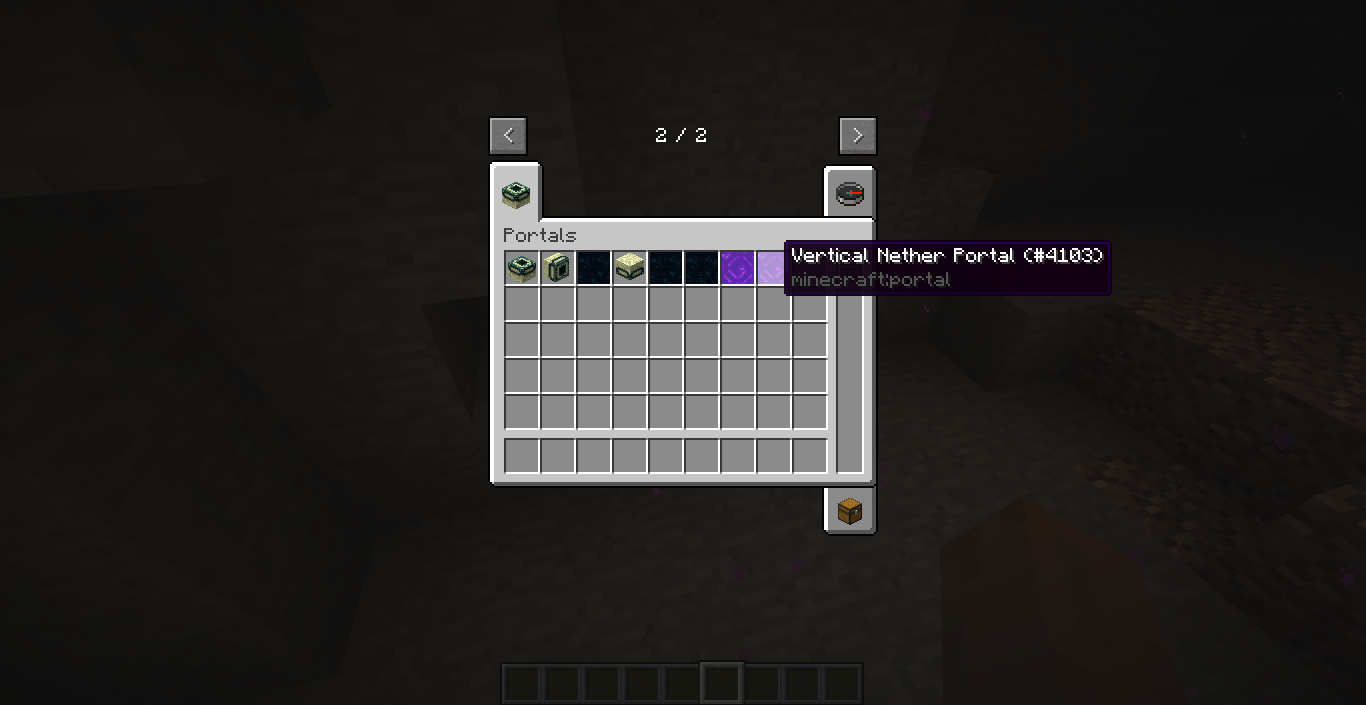
  • RandomPortals adds items for both the Nether portal, the End portal and the End gateway, which can be found in the Portals creative tab.
  • If the tab is disabled, the portals can be found in the Decoration Blocks creative tab.
  • You can also use the Pick Block keybind to select portal blocks.

End portals

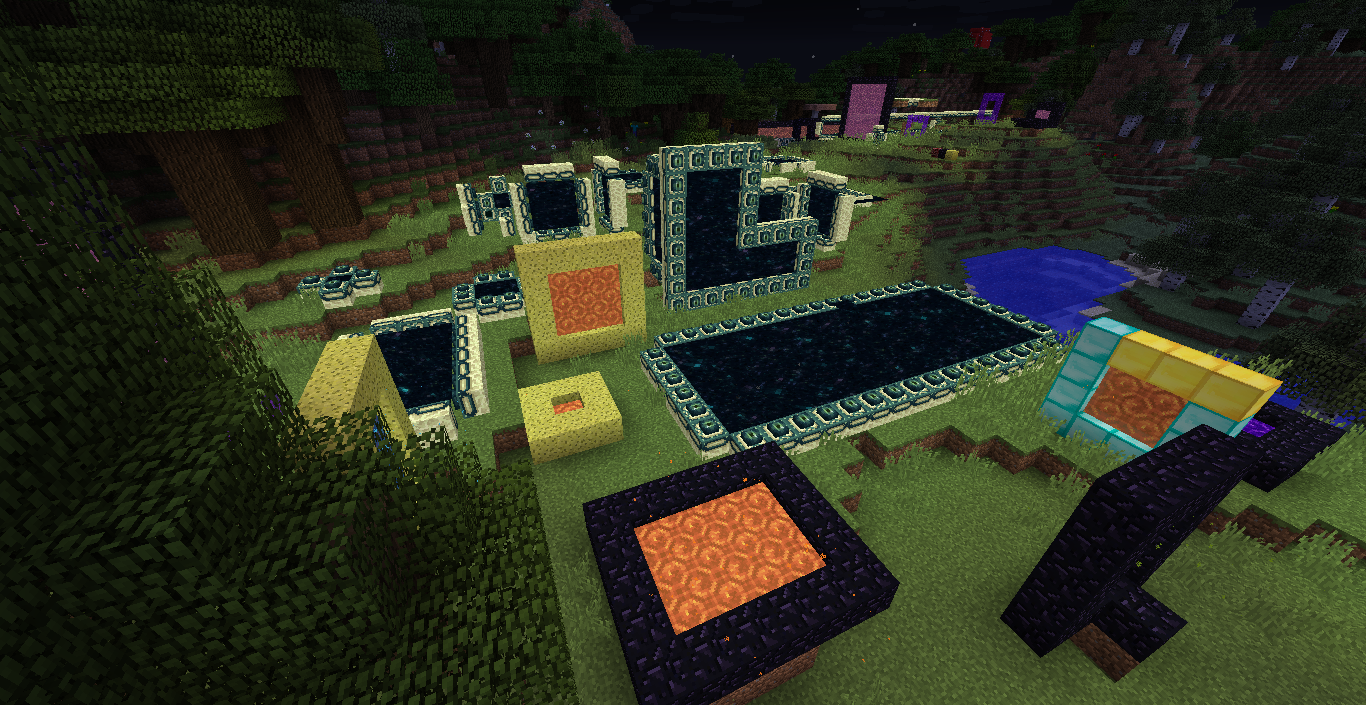
  • RandomPortals adds the following End portal types:
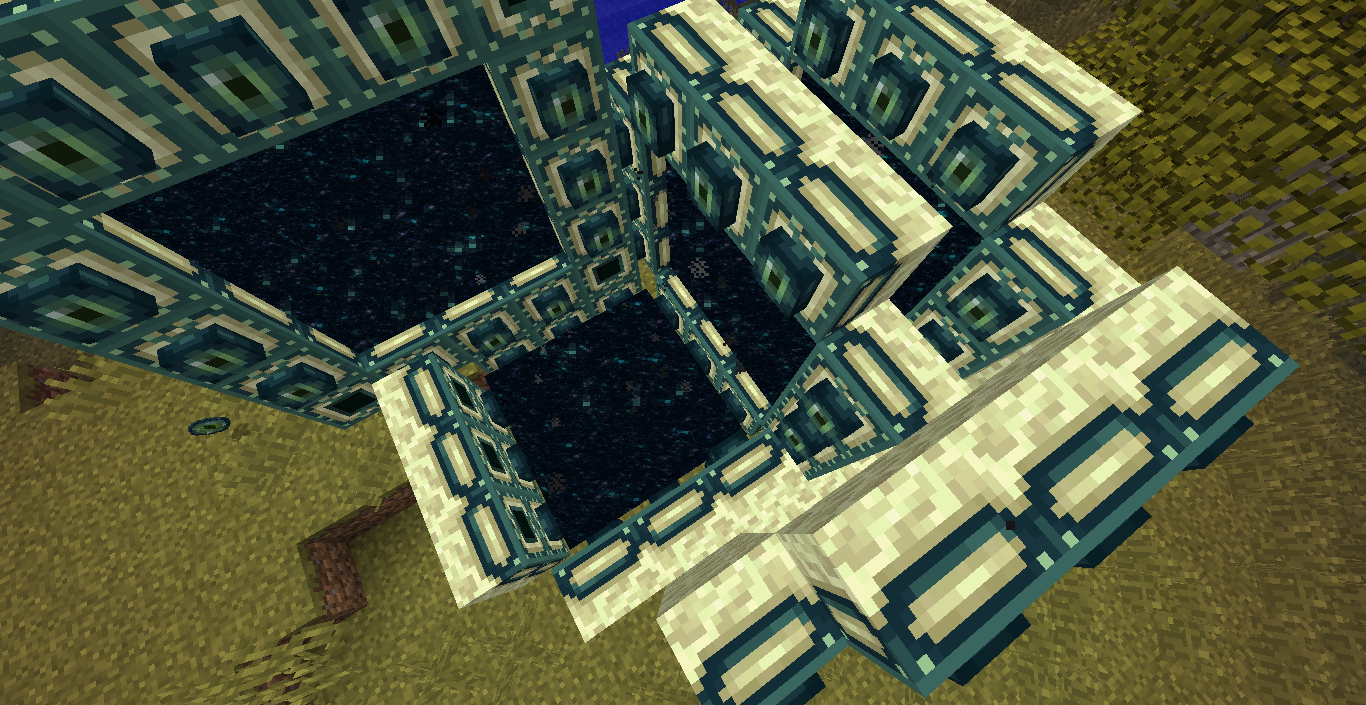
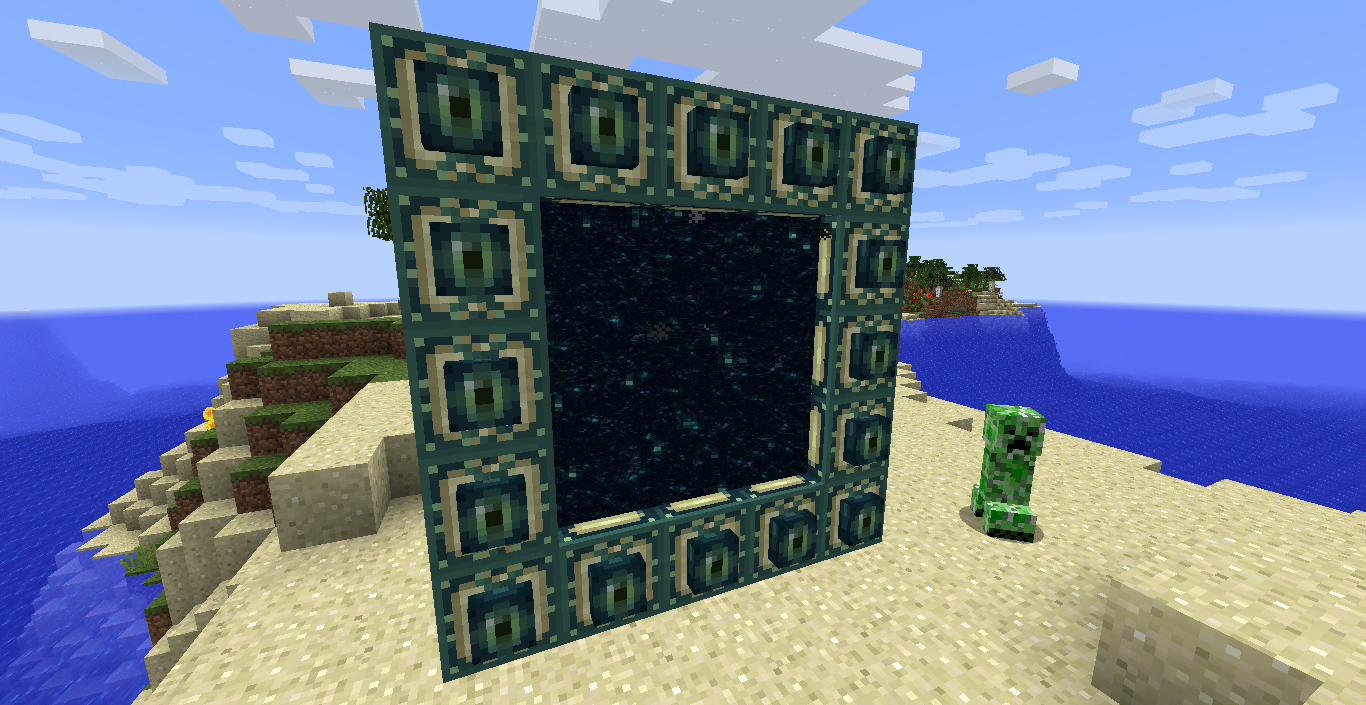
    • Vertical End portals
    • Inwards-facing vertical End portals
    • Lateral End portals using vertical frame blocks
    • Upside down lateral End portals
  • RandomPortals fixes MC-97216 by using its own frame detection logic.
  • RandomPortals also fixes another very minor vanilla bug. In vanilla, when an End portal frame is activated, then a corner frame is also placed and activated, the End portal activates again. Vertical End Portals fixes this by ensuring the activated frame block isn't a frame corner.
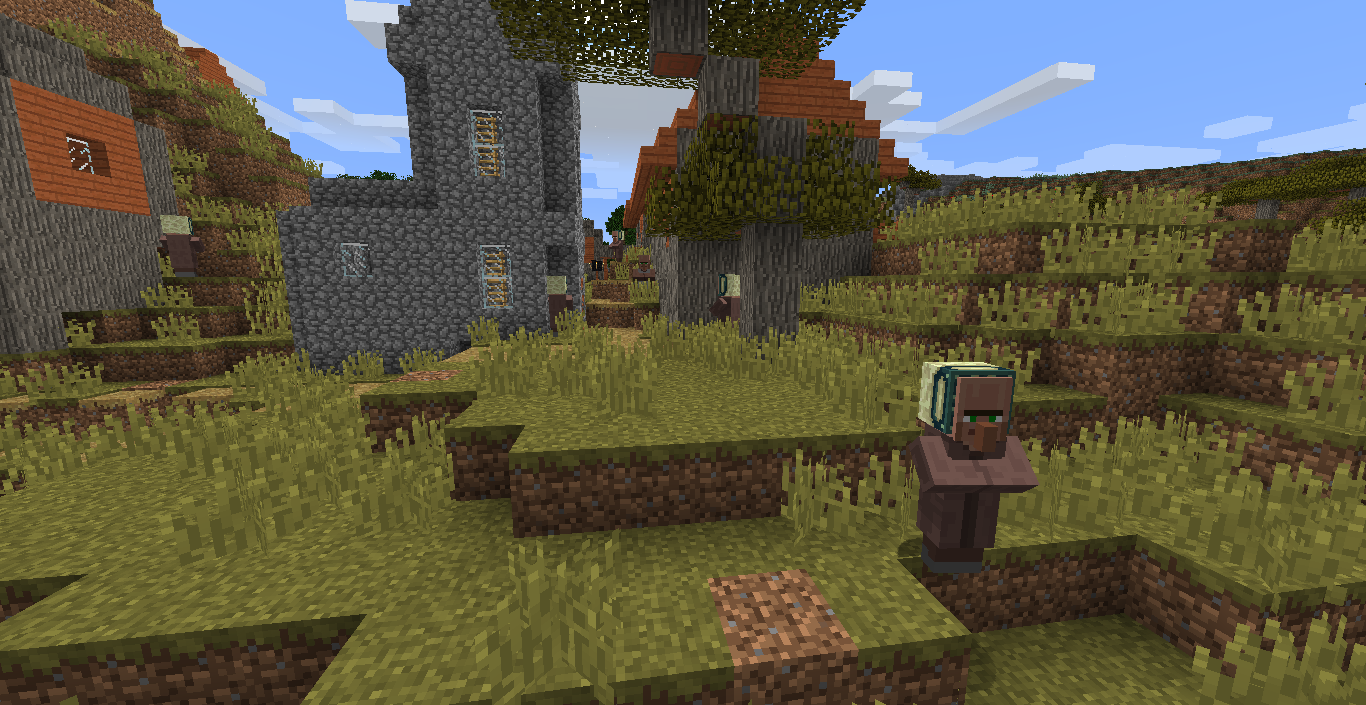
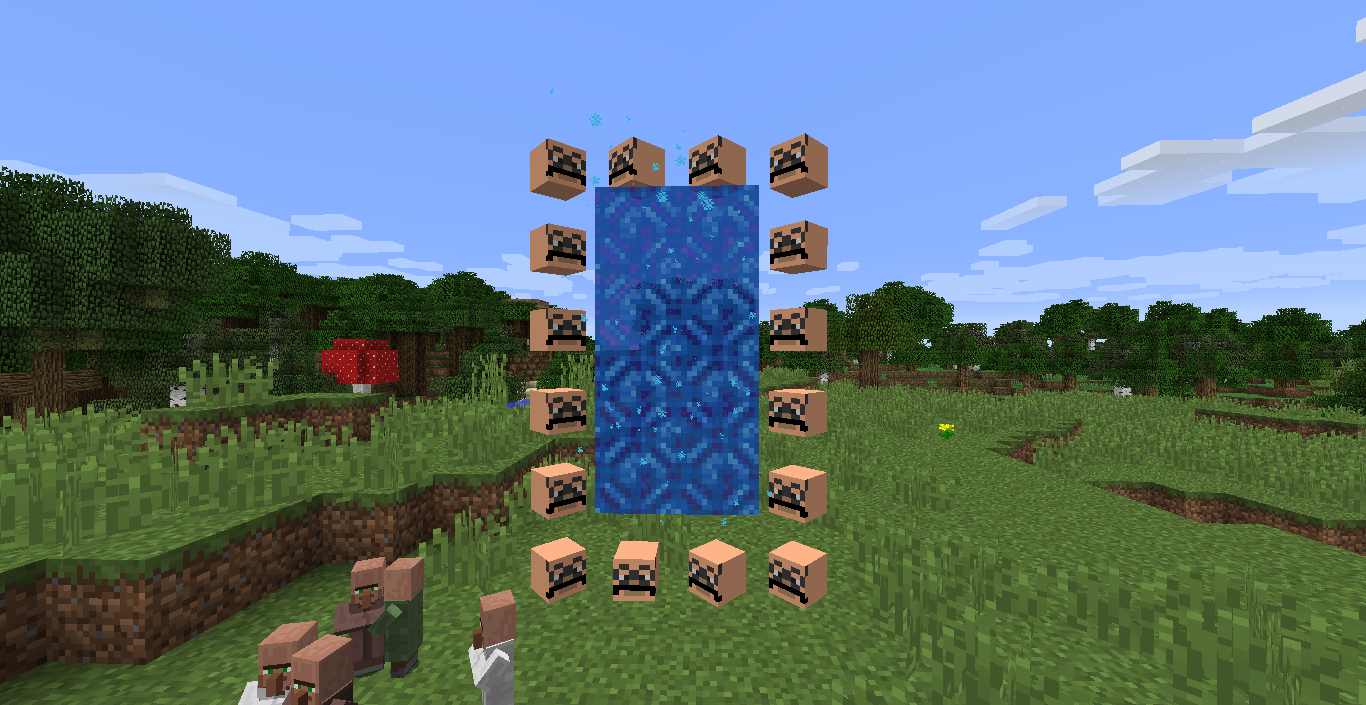
  • Villagers sometimes spawn with vertical End portal frames on their heads. You can also right click on a villager with a vertical End portal frame to put it on their head.

Nether portals

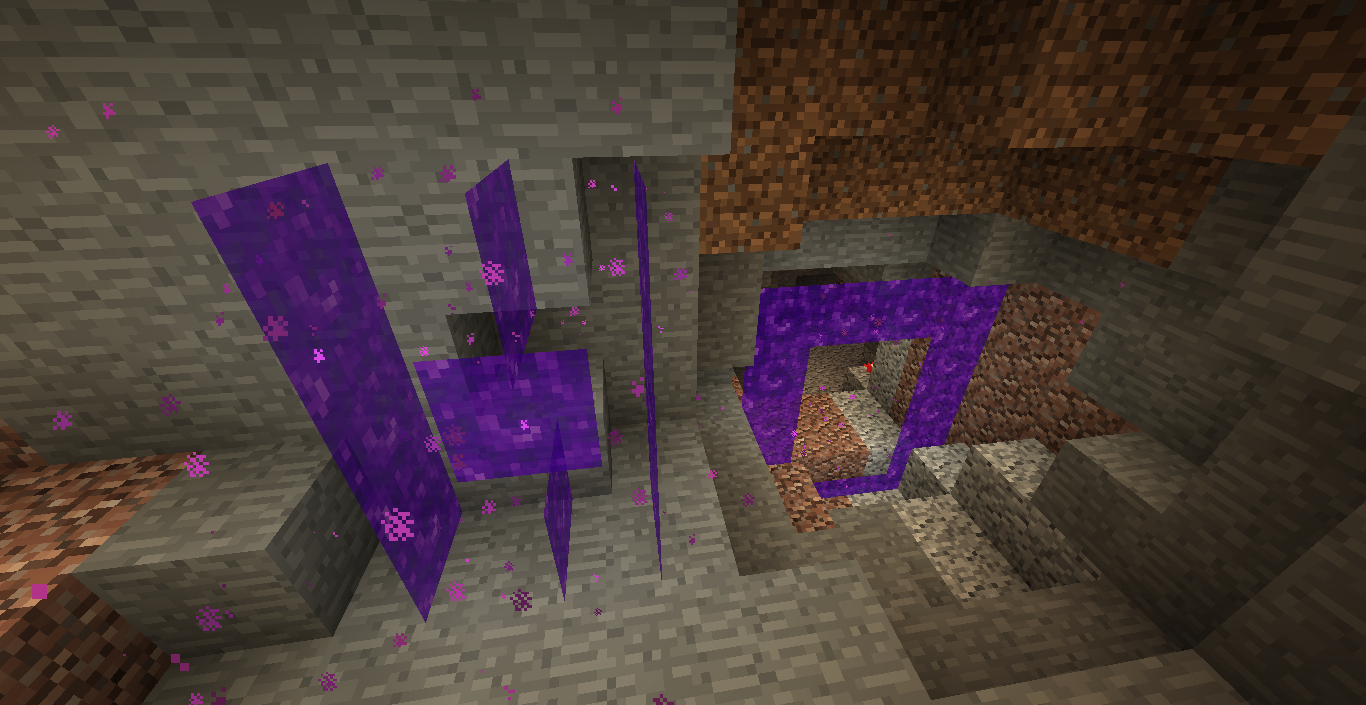
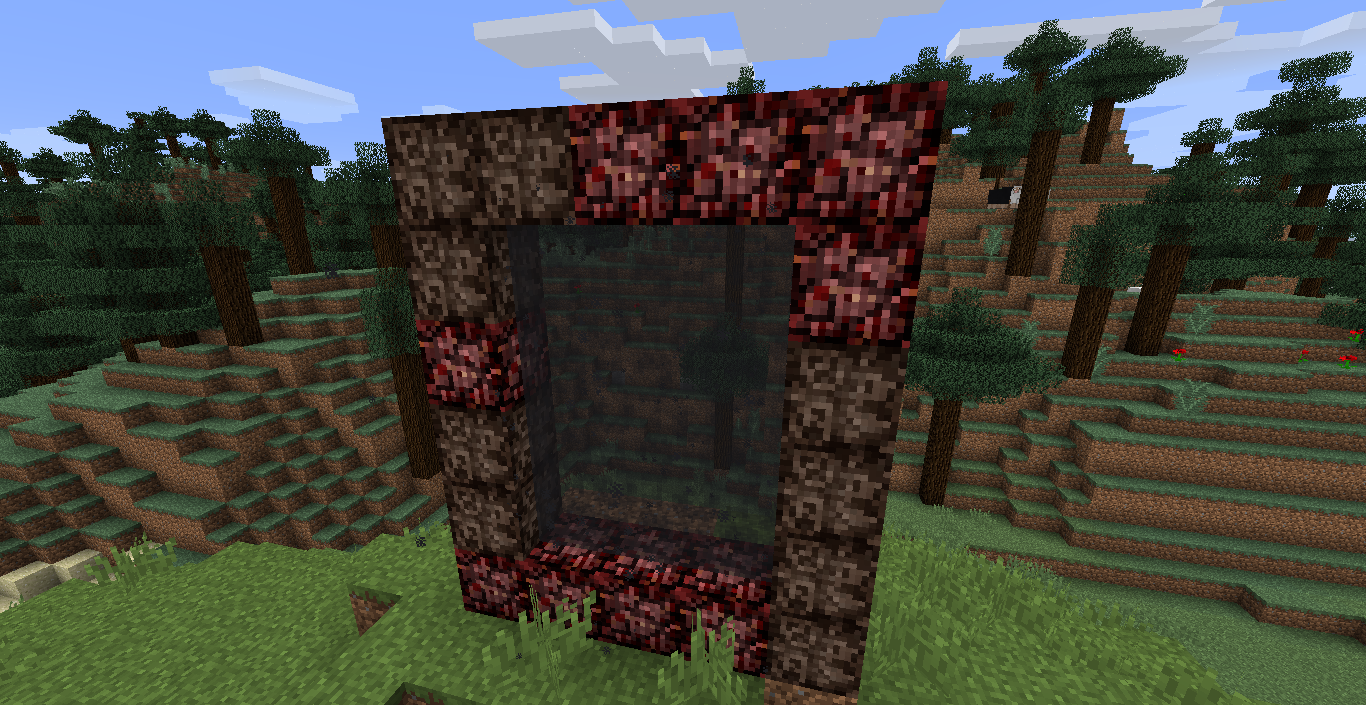
  • RandomPortals adds lateral Nether portals.
  • Because RandomPortals doesn't use vanilla's frame detection code, it cannot post the Nether portal activation event provided by Forge. Instead, it provides its own, which may cause compatibility issues.
  • Receiving Nether portals (and custom portals) are persistent, making NetherPortalFix and similar mods obsolete.
  • Receiving portals will be reset if they do not have a valid frame or are of a different type to the sending portal.
  • Manually placed Nether portal blocks do not break if a valid portal frame is not detected, unless they were in a portal of the same type and it was activated (and netherPortals.replaceUserPlacedPortalsOnActivation is set to false).
  • RandomPortals adds colored portals. All relevant portal blocks change color when dyes are thrown into a portal, and single portal blocks can be dyed by right clicking on them. Dyeing behavior can be configured.
  • When a portal is activated, user placed portal blocks are not replaced, allowing players to more easily create colored patterns.
  • Portals contribute to beacon colors and have map colors.
  • RandomPortals also adds several advancements related to portals, which can be disabled.
  • Note that RandomPortals replaces the vanilla teleportation behavior with its own. If you find any issues or inconsistencies, let me know.
  • By default, RandomPortals clones Nether portals when generating them in the receiving dimension. This means that if a player activates a lateral 5x4 portal, dyes it red, then goes through it, a red lateral 5x4 portal will be generated in the receiving dimension.
  • RandomPortals is not compatible with Inspirations' custom portal color feature, and the feature is automatically disabled if it is detected.

Custom portal types

  • RandomPortals allows you to define custom portal types.
  • Each directory in config/randomportals/portal_types is a portal type group.
  • Each group directory has a file called group_data.json, which allows you to specify the valid activation dimensions and the default dimension ID.
  • Different portal types can be defined for different dimensions within the same group.
  • Many different options can be configured for each portal type, such as size, minimum amounts of frame blocks, teleportation behavior, activation items and zombie pigman spawn rates.
  • For more information, refer to the examples here.

Configuration

  • The minimum and maximum widths and heights of each frame type and variant can be configured in the JSON files in config/randomportals. The minimum and maximum dimensions default to 3 and 30.
  • Every feature is configurable in the configuration files in config/randomportals and through the in-game configuration GUI.
  • Many configuration properties take effect in-game. Use /rporeload and /rporeloadclient to reload the configuration from disk. If you're using the configuration GUI, this isn't necessary, although the frame sizes and Nether portal types can only be configured by manually editing the JSON files.
  • /rporeload and /rporeloadclient also list the loaded portal type groups.

Feel free to report issues and provide feedback.

TODO:

  • More portal shapes, including L-shaped portals and "donut" portals
  • Mod compatibility (Aether, Twillight Forest, etc.)
  • Custom portal blocks with configurable textures, ambient sounds and particles
  • I'm not going to be working on the 1.12.2 version of this mod anymore. I'll eventually get to a rewrite for the latest version of Minecraft. I've been really busy lately, sorry!

Screenshots and videos:

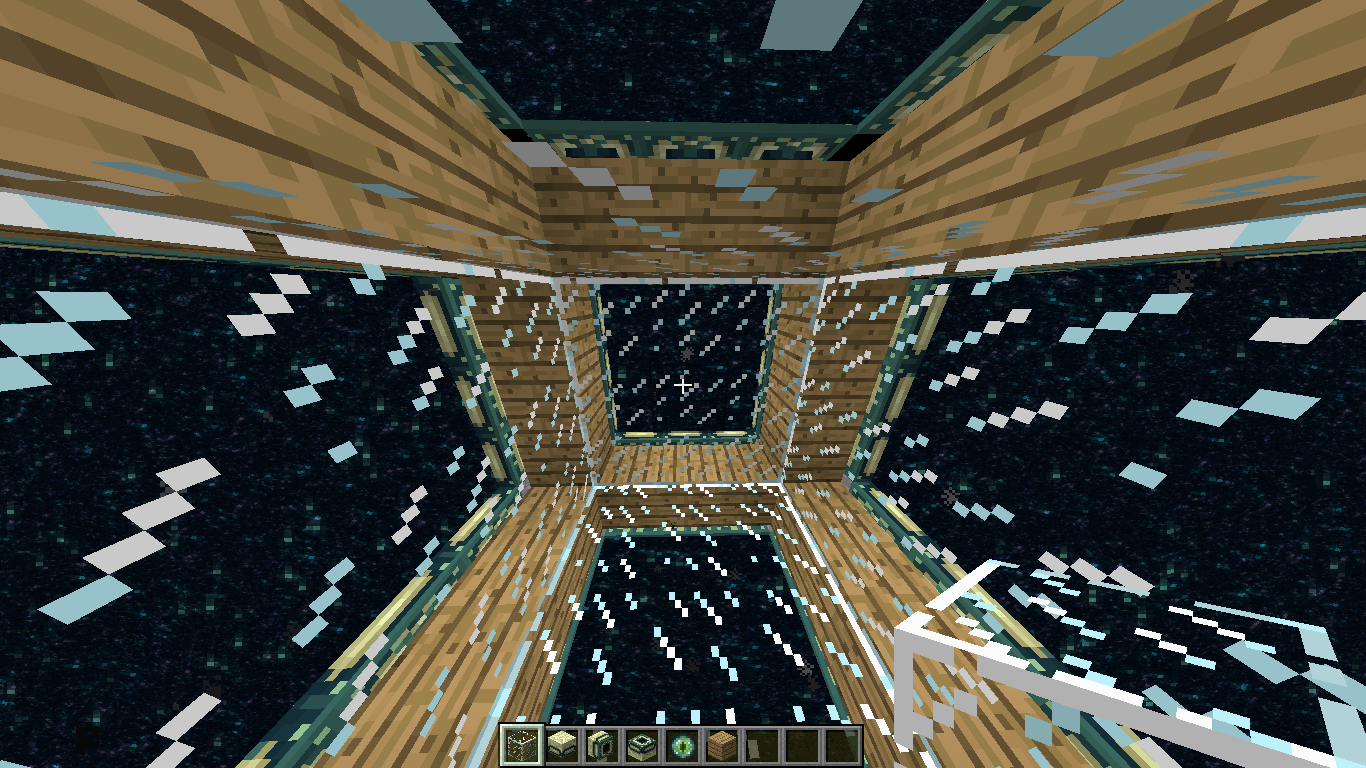
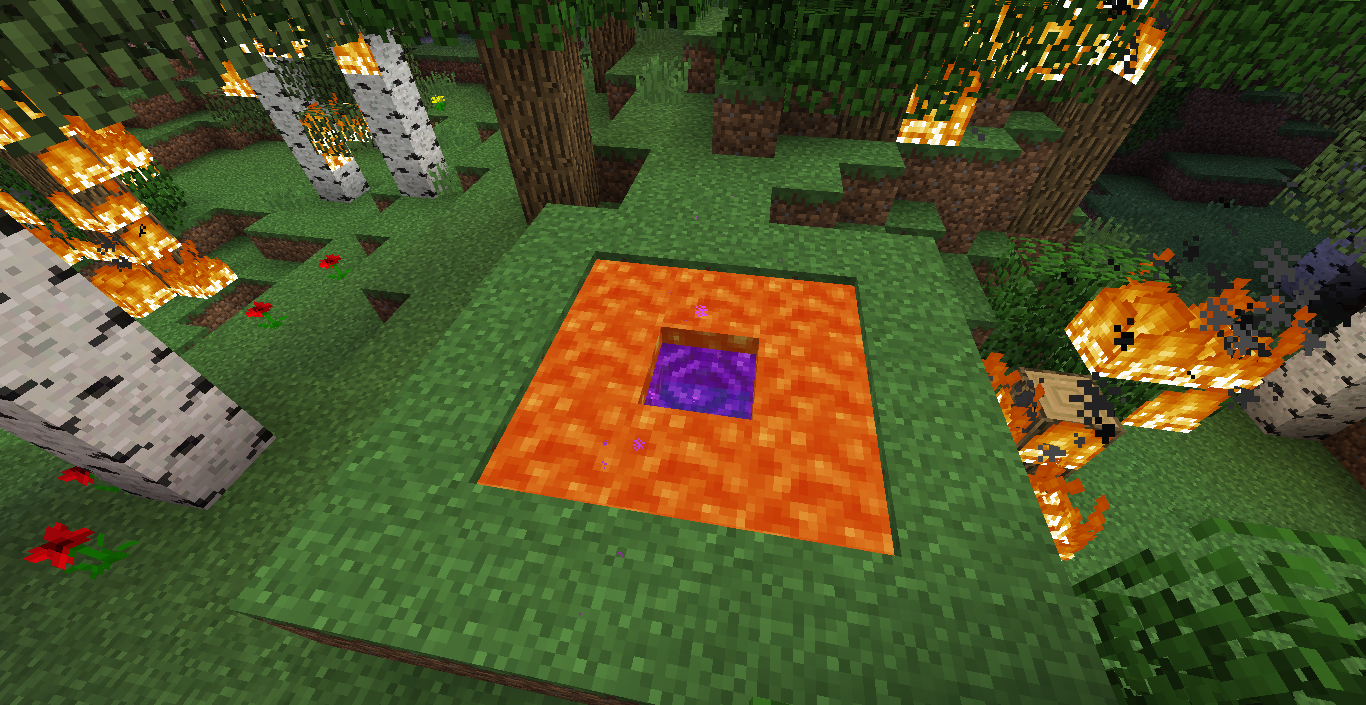
ChaosNether portals can be used as Nether portal framesVertical End portalEnd Portal housePortals creative tab (outdated)Lava Frame PortalLots of portals (outdated colored portal textures)FrameheadsHeadframes (outdated colored portal textures)Scary portal

Vertical End portal

Terrible cinematic view

Upside down End portal

Hidden End portal

Inwards-facing End portal

One-way portals

Custom Nether portal types (outdated)

Colored portals (outdated textures)

Custom Nether portal frame blocks (outdated)

Nether portal frame costs (outdated)

Project description from CurseForge.

Pick your setup

RandomPortals by Minecraft version and loader

Choose the version and loader you play, then open the matching release.

2 available setups

Check the dependencies, then try the file in a copied instance before changing a world you care about.

Recent files

RandomPortals versions and loaders

46 of 46 releases match

Looking for an older file? The official CurseForge project page is in Resources.