Simple RPG Needed by ObjectPriorities-1.1.2.jar
requiredMatching file found Matched file: Simple RPG version 2.2 for Minecraft 1.12.1 and 1.12.2
CurseForge · Minecraft mod
Make items heavy if you aren't skilled enough. For pack and mod makers.
Quick answer
ObjectPriorities-1.1.2.jar targets 1.12.2. The project page does not say whether this file belongs on the client, dedicated server, or both. All 1 required mods have matching files.
Where it goes
The project page does not say whether this file belongs on the client, dedicated server, or both.
The source does not explicitly classify this release as client-only or server-only.
ObjectPriorities-1.1.2.jar. Change the file and its required mods may change too.
Install Simple RPG first. We found matching files for this game-version and loader setup.
We only count dependency files that match this setup. A file for another loader does not fill the gap.
Before you install it
Built for ObjectPriorities-1.1.2.jar. Pick another file and the loader, install side or required mods may change.
Use ObjectPriorities-1.1.2.jar. It targets 1.12.2; another release may have different loader, side or dependency requirements.
Install Simple RPG first. We found matching files for this game-version and loader setup.
The project page does not say whether this file belongs on the client, dedicated server, or both.
Use the “Get this file” button beside ObjectPriorities-1.1.2.jar. It opens that exact file at the source.
About this project
This mod lets you assign an item an "Object Priority." Originally, this was from my other mod, but I thought it would be more useful if any item could have a priority, so, using ProjectE as a template, I made this.
The idea originally comes from Sword Art Online: Alicization, where every person has an "Object Control Authority," and every object has a "Object Priority." If your authority isn't high enough, the object is extremely heavy.
Using it:
/priorities setPriority - Sets the priority of an item. For more, run it.
/priorities removePriority - Removes the priority from an item. For more, run it.
/priorities clearPriorities - Removes ALL priorities.
/priorities reloadPriorities - updates any changes made.
Project description from CurseForge.
Pick your setup
Choose the version and loader you play, then open the matching release.
Check the dependencies, then try the file in a copied instance before changing a world you care about.
Recent files
21 Jan 2019
4 Dec 2018
2 Dec 2018
Looking for an older file? The official CurseForge project page is in Resources.
 mod
Build Multiblocks with one click
 mod
A sleek social chat mod for Minecraft that replaces vanilla chat with channels, private messaging, and a modern GUI.
 mod
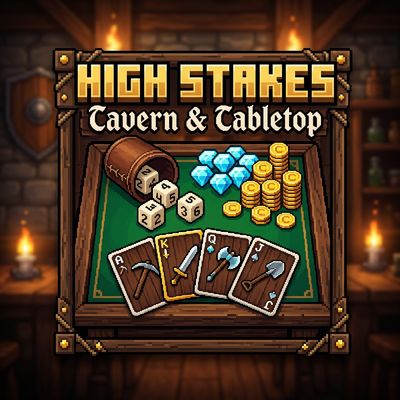
Turn your survival nights into cozy tavern parlour games! Bet diamonds and gold in Liar's Dice, Miner's Blackjack, and Coin Flip with 3D physical wagers and an immersive non-blocking HUD.