Architectury API Needed by Item Filters item-filters-forge-1802.2.8-build.50.jar
requiredNo matching file

CurseForge · Minecraft mod
Item Filters is a library mod that is used by mods like FTB Quests. It adds several filter items that let you precisely select which items to match.
Quick answer
Item Filters item-filters-forge-1802.2.8-build.50.jar targets 1.18.2 with Forge. The project page does not say whether this file belongs on the client, dedicated server, or both. 1 required mod needs a matching file.
Where it goes
The project page does not say whether this file belongs on the client, dedicated server, or both.
The source does not explicitly classify this release as client-only or server-only.
item-filters-forge-1802.2.8-build.50.jar. Change the file and its required mods may change too.
Install Architectury API first, but 1 required mod has no matching file for this setup. Do not mix loader builds to force a match.
We only count dependency files that match this setup. A file for another loader does not fill the gap.
Before you install it
Built for Item Filters item-filters-forge-1802.2.8-build.50.jar. Pick another file and the loader, install side or required mods may change.
Use item-filters-forge-1802.2.8-build.50.jar. It targets 1.18.2 with Forge; another release may have different loader, side or dependency requirements.
Install Architectury API first, but 1 required mod has no matching file for this setup. Do not mix loader builds to force a match.
The project page does not say whether this file belongs on the client, dedicated server, or both.
Use the “Get this file” button beside item-filters-forge-1802.2.8-build.50.jar. It opens that exact file at the source.
About this project
Item Filters is a library mod that is used by mods like FTB Quests, Modular Pipes and QNet. It adds a single item, "Item Filter" which allows advanced filtering/item selection. You can easily add your own filters with the API.
If you want to use it in quests, cheat in any filter (or you can use existing one and sneak-right-click to change type) and right-click to edit it. Then in item task, select item from your inventory. Icon will be created automatically as scrolling list of valid items, but you have to change task title yourself.
Currently available filters:
NOT, OR, AND & XOR don't have GUIs currently.
Filters still being made:
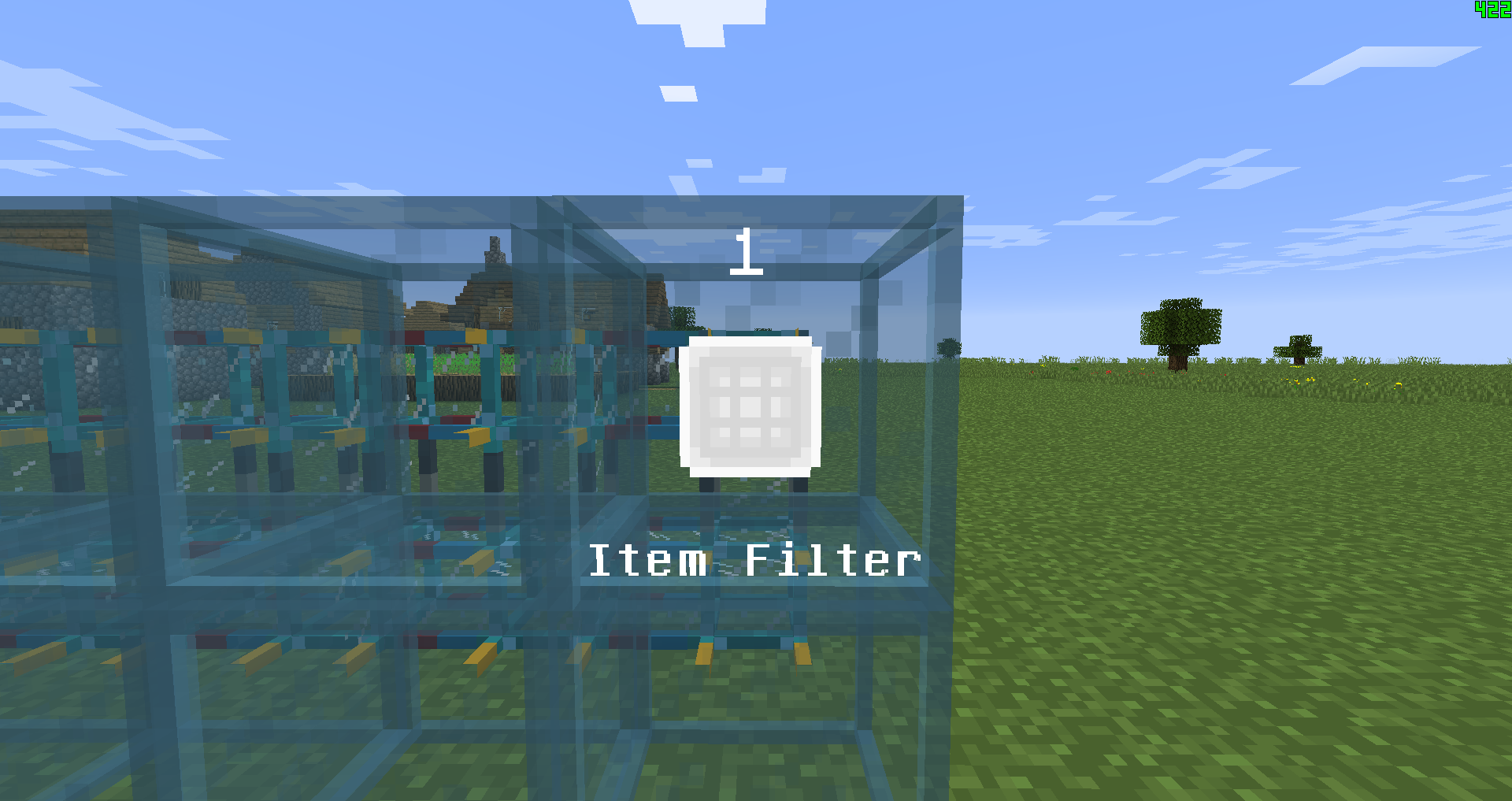

Project description from CurseForge.
Pick your setup
Choose the version and loader you play, then open the matching release.
Check the dependencies, then try the file in a copied instance before changing a world you care about.
Recent files
3 Nov 2023
3 Nov 2023
29 Aug 2023
29 Aug 2023
14 Jul 2023
14 Jul 2023
26 May 2023
26 May 2023
26 May 2023
26 May 2023
28 Oct 2022
28 Oct 2022
Looking for an older file? The official CurseForge project page is in Resources.
 mod
modAllows you to automatically reequip a totem after popping one
 mod
modPrerequisites for mods created by Quantum8060
 mod
modA tactical military style armor and equipment mod for 1.20.1 and 1.21.1 Forge and Neoforge