MCMultiPart Optional for ocdevices-MC1.12.2-1.0.0-44.jar
optionalMatching file found Matched file: MCMultiPart 2.5.3
CurseForge · Minecraft mod
some OpenComputers Devices
Quick answer
ocdevices-MC1.12.2-1.0.0-44.jar targets 1.12.2 with Forge. The project page does not say whether this file belongs on the client, dedicated server, or both. All 2 required mods have matching files.
Where it goes
The project page does not say whether this file belongs on the client, dedicated server, or both.
The source does not explicitly classify this release as client-only or server-only.
ocdevices-MC1.12.2-1.0.0-44.jar. Change the file and its required mods may change too.
Install Commons0815, OpenComputers first. We found matching files for this game-version and loader setup.
We only count dependency files that match this setup. A file for another loader does not fill the gap.
Before you install it
Built for ocdevices-MC1.12.2-1.0.0-44.jar. Pick another file and the loader, install side or required mods may change.
Use ocdevices-MC1.12.2-1.0.0-44.jar. It targets 1.12.2 with Forge; another release may have different loader, side or dependency requirements.
Install Commons0815, OpenComputers first. We found matching files for this game-version and loader setup.
The project page does not say whether this file belongs on the client, dedicated server, or both.
Use the “Get this file” button beside ocdevices-MC1.12.2-1.0.0-44.jar. It opens that exact file at the source.
About this project
Addon Mod for OpenComputers
This mod depends on Commons0815 Library if your Launcher doesnt support autodownload for dependencies you have to get the library by yourself.
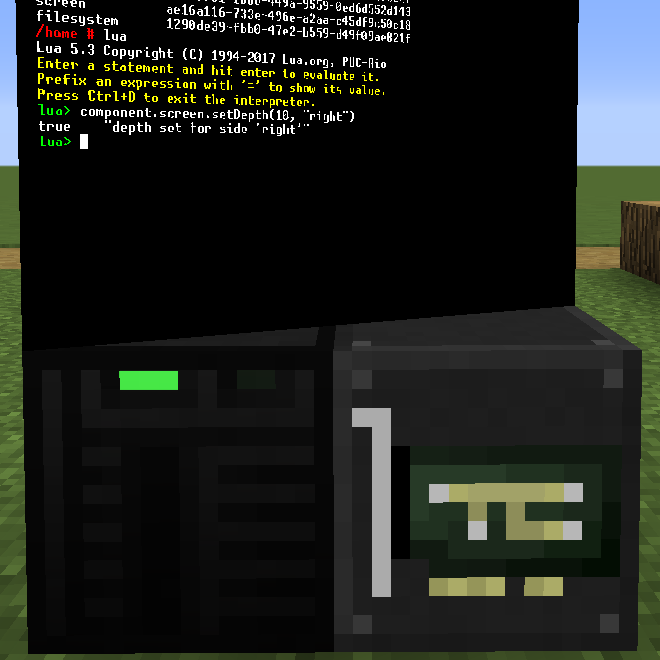
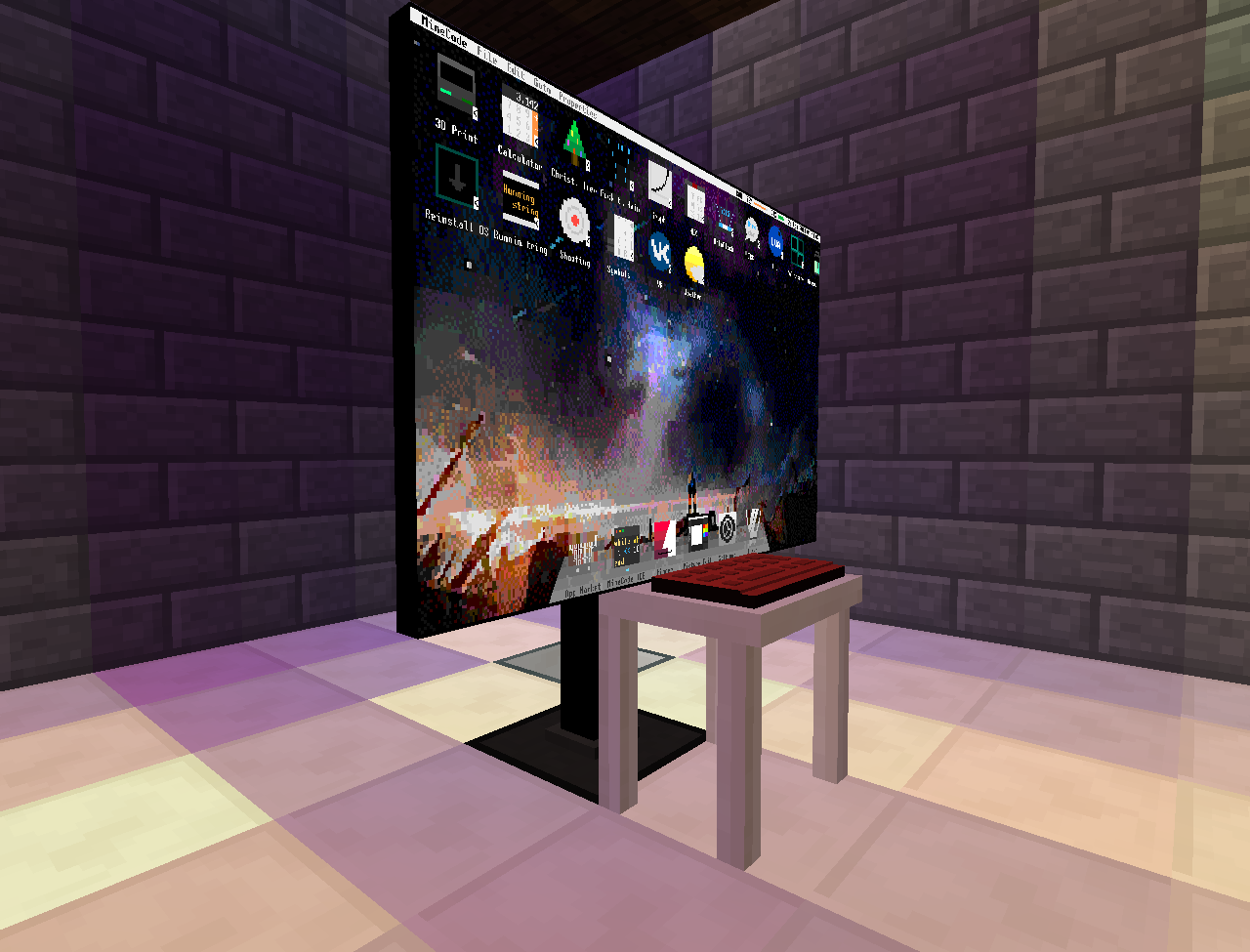
frameless screen which can be configured to be "rotated/tilted" on the x/y axis and can render transparent
(use component.screen methods to change their appearance)
external housing for OpenComputer Cards which can be bound to any machine in the Network
additional Tier3 computer cases
dyeable keyboards \o/
reads recipes from items and stores them in database upgrades
The Wiki gives more details about methods and how to use the blocks
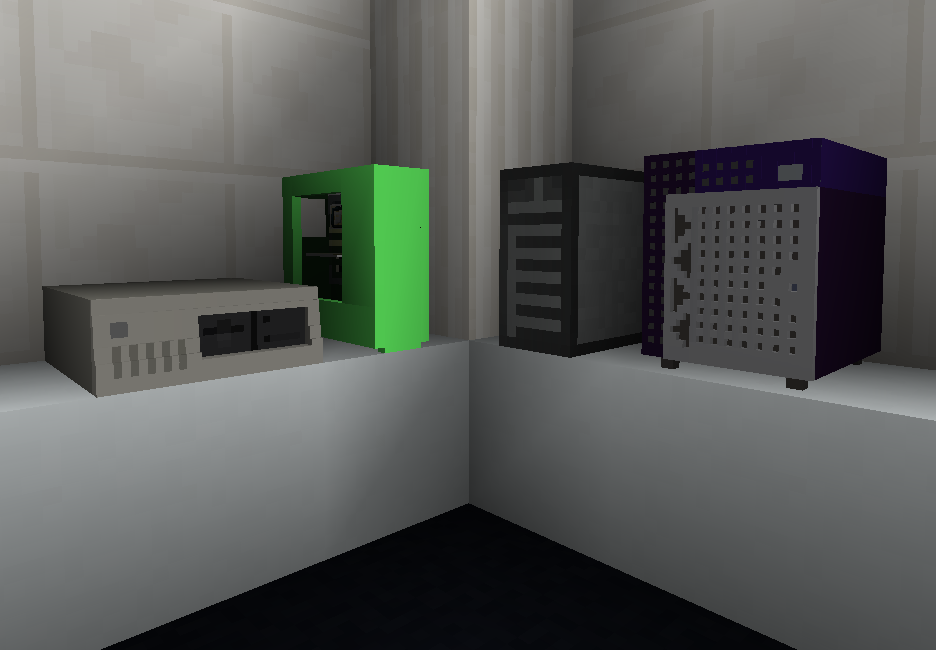
case models and textures made by ZefTheFox
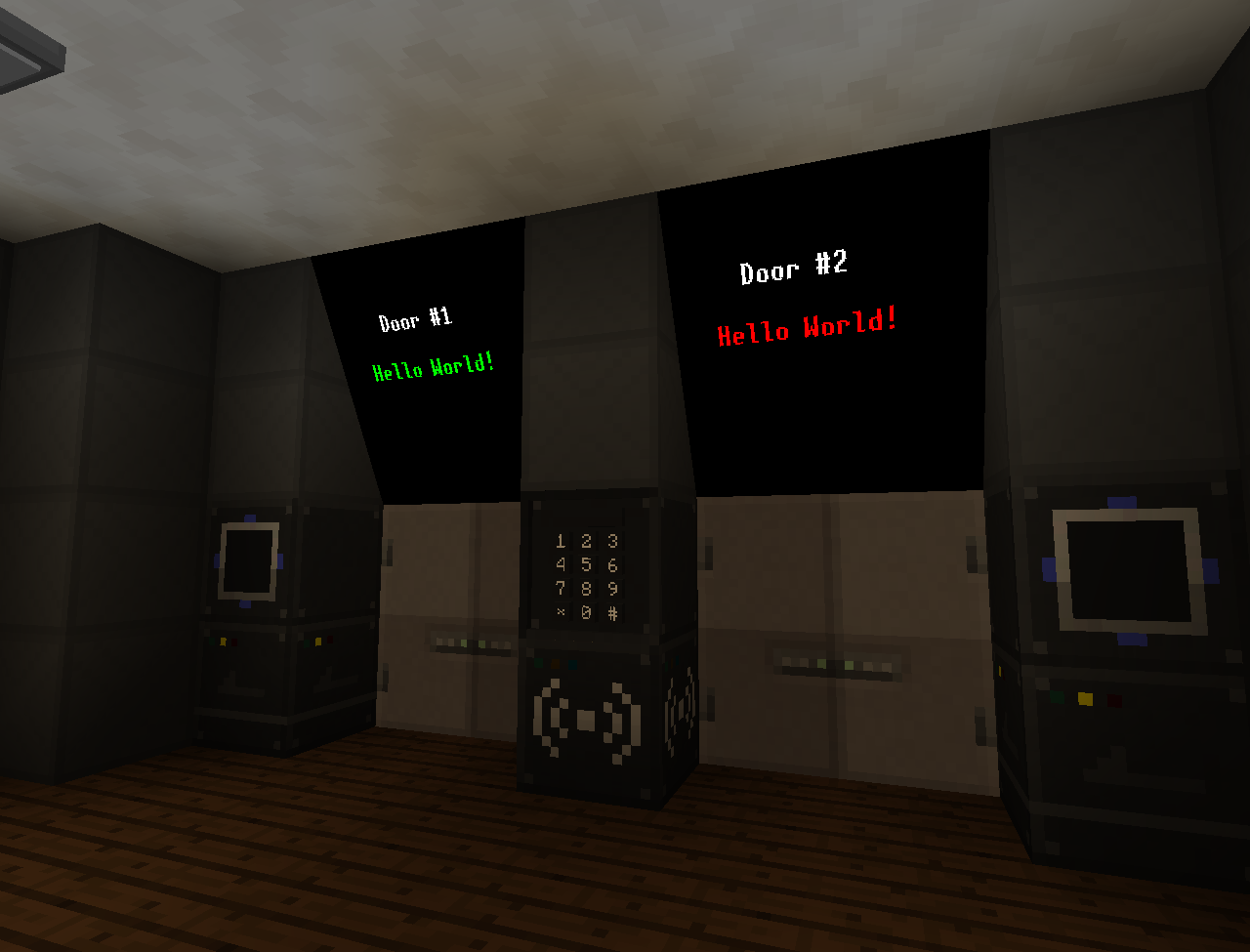
the keypad and other blocks are from OpenSecurity Addon
Project description from CurseForge.
Pick your setup
Choose the version and loader you play, then open the matching release.
Check the dependencies, then try the file in a copied instance before changing a world you care about.
Recent files
8 Nov 2019
Looking for an older file? The official CurseForge project page is in Resources.
 mod
modThis mod will add various, iconic YouTube related things, like YouTubers, Subscribe buttons, Subscribe Wood, etc.
 mod
modfastor than Treecapitator or Lumberjack , efficient terraforming. Like VeinMiner, our Demolish Axe instantly removes trees. It offers fast logging with zero wait. Leaving zero items,Clear Obstacles,Instant Break,Fast Logging
 mod
modThis project adds a large suite of ambient sounds to TerraFirmaCraft, that play based on its built-in climate systems.

