Hospital Mod - Theatres Pack Optional for Hospital Mod - Facilities Pack - 1.12.2
optionalMatching file found Matched file: Hospital Mod - Theatre Pack 1.12.2
CurseForge · Minecraft mod
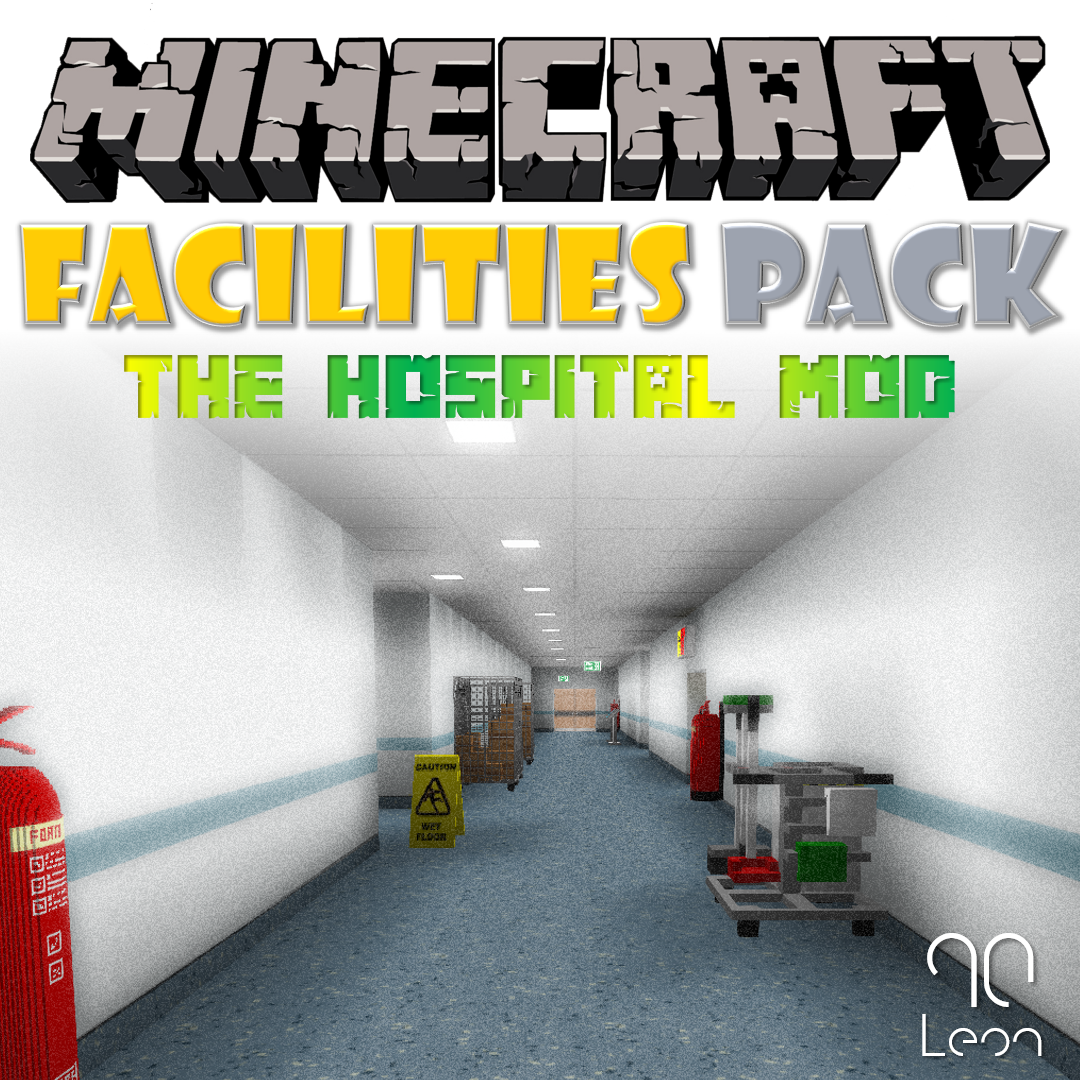
Enhance your Minecraft world with the Hospital Mod Facilities pack, part of the Hospital Mod Minecraft mod project by Leon90.
Quick answer
Hospital Mod - Facilities Pack - 1.12.2 targets 1.12.2. The project page does not say whether this file belongs on the client, dedicated server, or both. No extra mods listed for this file.
Where it goes
The project page does not say whether this file belongs on the client, dedicated server, or both.
The source does not explicitly classify this release as client-only or server-only.
Hospital Mod - Facilities Pack - 1.12.2. Change the file and its required mods may change too.
This file does not list any required mods. Do not add a library just because a different file uses it.
We only count dependency files that match this setup. A file for another loader does not fill the gap.
Before you install it
Built for Hospital Mod - Facilities Pack - 1.12.2. Pick another file and the loader, install side or required mods may change.
Use Hospital Mod - Facilities Pack - 1.12.2. It targets 1.12.2; another release may have different loader, side or dependency requirements.
This file does not list any required mods. Do not add a library just because a different file uses it.
The project page does not say whether this file belongs on the client, dedicated server, or both.
Use the “Get this file” button beside Hospital Mod - Facilities Pack - 1.12.2. It opens that exact file at the source.
About this project
Hospital Mod – Facilities Pack
NOTICE ABOUT FUTURE UPDATES:- Please note that I will not be updating this mod any further. I appreciate this may cause some frustration, however I no longer have the time to make these mods. Messages or comments asking for this mod to be updated won’t be responded to. Thank you to all those who have downloaded the mod, over the years.
Enhance your Minecraft world with the Hospital Mod Facilities pack, part of the Hospital Mod Minecraft mod project by Leon90.
What is it?
The facilities pack brings some additional ‘misc’ items which can add to the realism of your Minecraft world, intended to compliment other ‘Hospital Mod’ content, this can be used in a variety of other builds and projects.
Included Content
Building items include;
Office items include;
Misc Objects include;
Requirements
To use this mod, you will need to
have the latest version of Minecraft Forge and be using Minecraft version
1.12.2.
You can download the latest version
of Minecraft Forge by following the link below;
https://files.minecraftforge.net/
Installation
Firstly you will need to ensure you
have installed Minecraft Forge correctly and this is working with your
Minecraft Client, you should also make sure the version of Minecraft you are
using is version 1.12.2.
Installation
If you do not know how to install
mods for Minecraft, follow the below guidance. I would strongly recommend
viewing some YouTube tutorials if you are still unsure.
Windows Installation
Mac Installation
/Library/Application Support/Minecraft/mods
folder
Connect
If you like my content, please check out some of my other mods which are available to
download and subscribe for regular updates on new content.
Follow me
on Twitter @Leon90_
Subscribe to 90TV on YouTube for content
previews, tutorials and updates.
https://www.youtube.com/channel/UCXzlondS_UQczsesh6W5-Sg?
Credits
This mod has been developed by myself (Leon90) using MCreator (https://mcreator.net/) and all custom models (if any) have been made with Cubik Studio (https://cubik.studio/). All ideas and designs are my own however some textures and models may have similarities if they are based on real world items, in which case every effort has been made to not infringe any copyrighted material.
For more information about my content, please visit my website https://sites.google.com/view/leonjah90content/
Project description from CurseForge.
Pick your setup
Choose the version and loader you play, then open the matching release.
Check the dependencies, then try the file in a copied instance before changing a world you care about.
Recent files
Hospital_Mod_Facilities_Pack_1.12.2.jar
23 Feb 2019
Looking for an older file? The official CurseForge project page is in Resources.
 mod
Vanilla+ additions: Jars, signposts, faucets, weather vanes spring launchers, sconces, planters, lights, decoration and automation
 mod
Adds a series of tools like cameras and tripods and a photo scoring system (Think Pokemon Snap) to take photos and catalogue all creatures in various ways
 mod
Modern weapons. Tactical gear. A high-stakes multiplayer extraction shooter inside Minecraft.