Jade 🔍 Optional for Corpse [NEOFORGE][26.2] Corpse 1.1.19+26.2
optionalMatching file found Matched file: [NeoForge 26.2.X] 26.2.10
CurseForge · Minecraft mod
Never lose your items again!
Quick answer
Corpse [NEOFORGE][26.2] Corpse 1.1.19+26.2 targets 26.2 with NeoForge. The project page does not say whether this file belongs on the client, dedicated server, or both. No extra mods listed for this file.
Where it goes
The project page does not say whether this file belongs on the client, dedicated server, or both.
The source does not explicitly classify this release as client-only or server-only.
[NEOFORGE][26.2] Corpse 1.1.19+26.2. Change the file and its required mods may change too.
This file does not list any required mods. Do not add a library just because a different file uses it.
2 extra mods were pulled in by other dependencies. Indented rows show who needs each one. We only count dependency files that match this setup. A file for another loader does not fill the gap.
Before you install it
Built for Corpse [NEOFORGE][26.2] Corpse 1.1.19+26.2. Pick another file and the loader, install side or required mods may change.
Use [NEOFORGE][26.2] Corpse 1.1.19+26.2. It targets 26.2 with NeoForge; another release may have different loader, side or dependency requirements.
This file does not list any required mods. Do not add a library just because a different file uses it.
The project page does not say whether this file belongs on the client, dedicated server, or both.
Use the “Get this file” button beside [NEOFORGE][26.2] Corpse 1.1.19+26.2. It opens that exact file at the source.
About this project
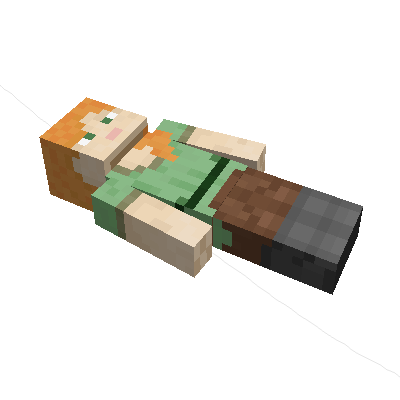
The corpse will appear at the players location upon death. Your player skin will be applied to the corpse. It contains all the items you had when you died. It can hold an infinite amount of items.
You can access the items by right-clicking the corpse.
When you take out all items, the corpse will disappear. The corpse can't fall into the void or burn in lava.
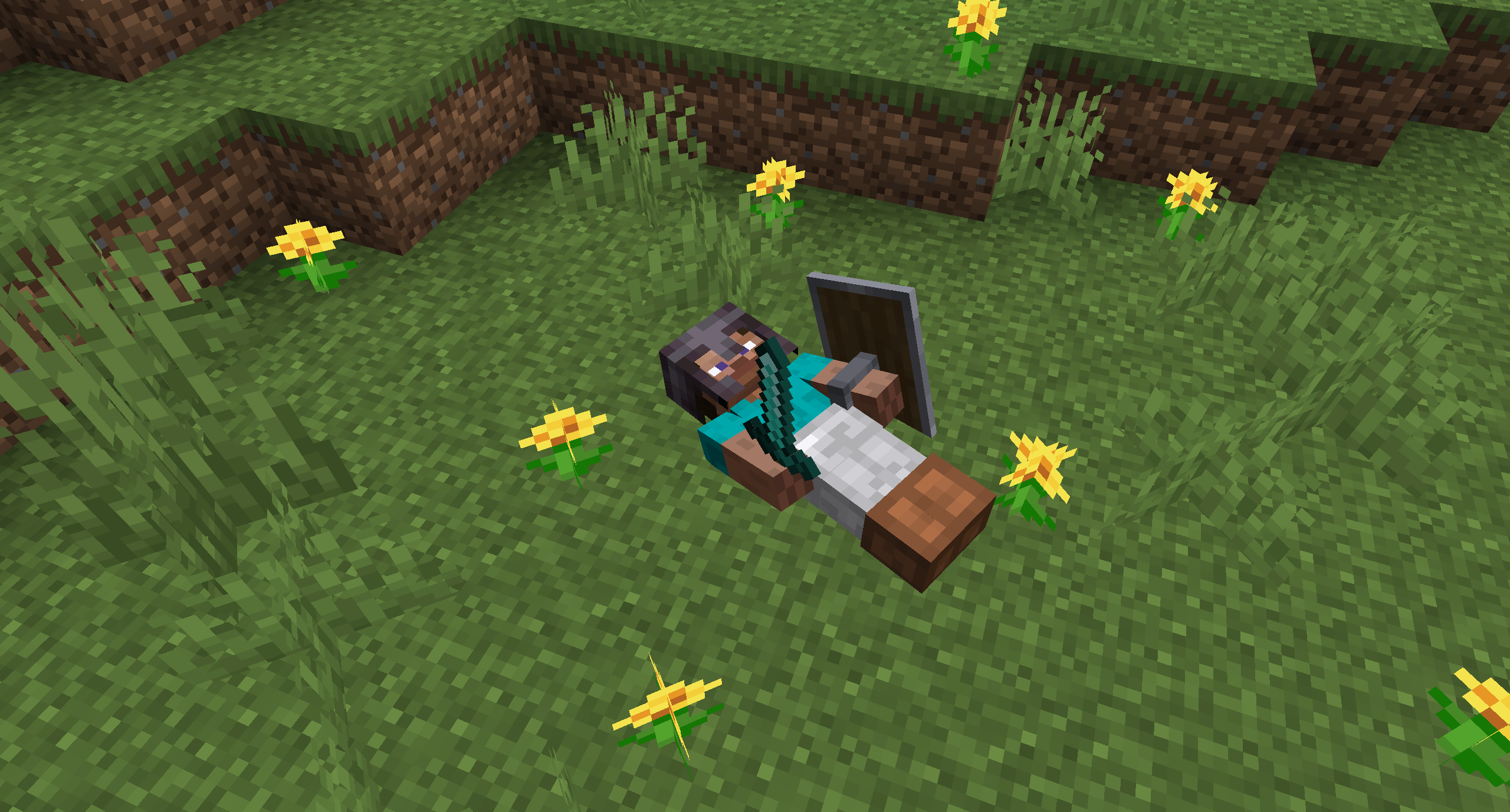
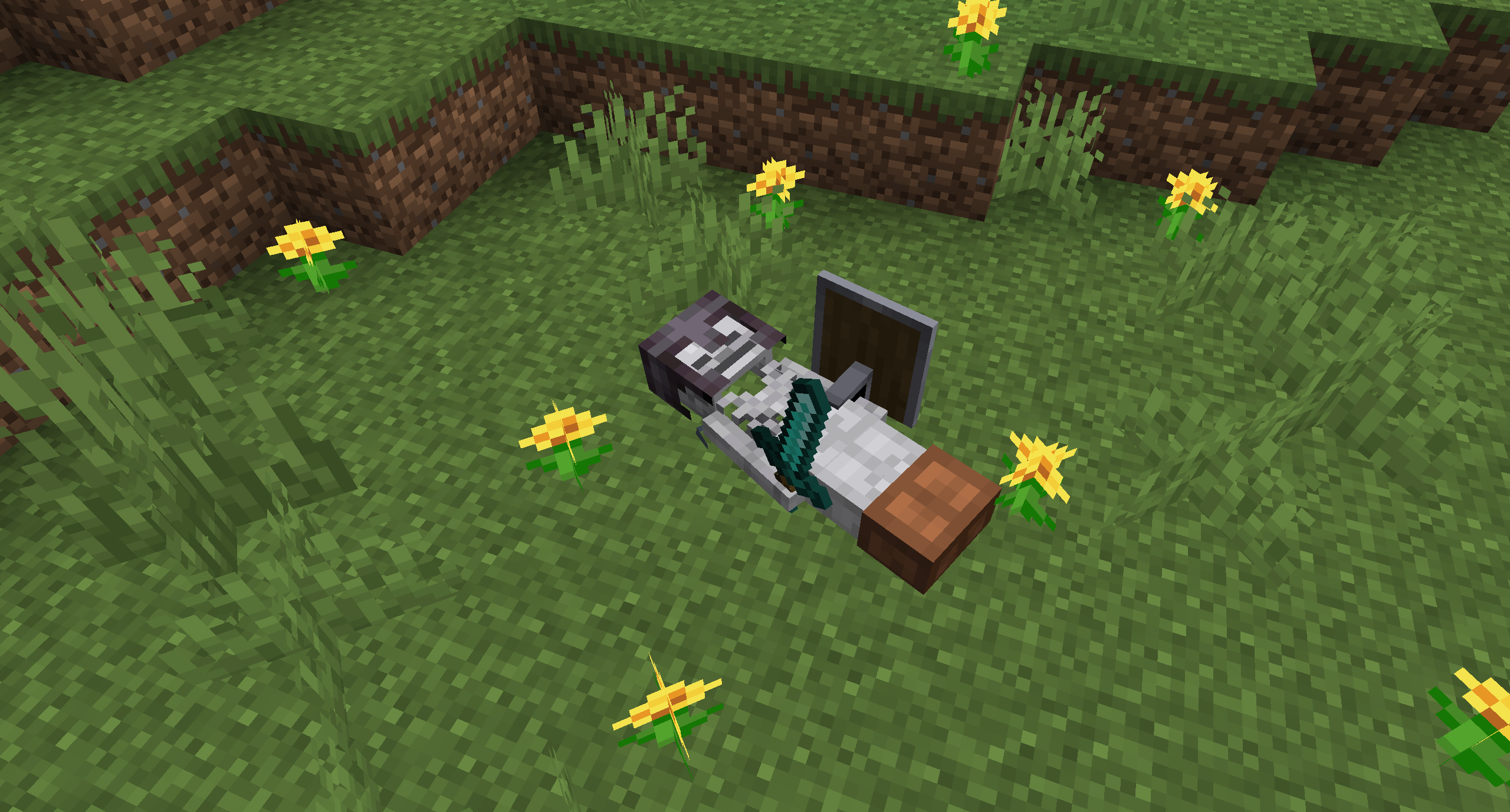
After 1 hour, the corpse will turn into a skeleton, indicating that it existed for a longer time. This won't change the functionality of the corpse.
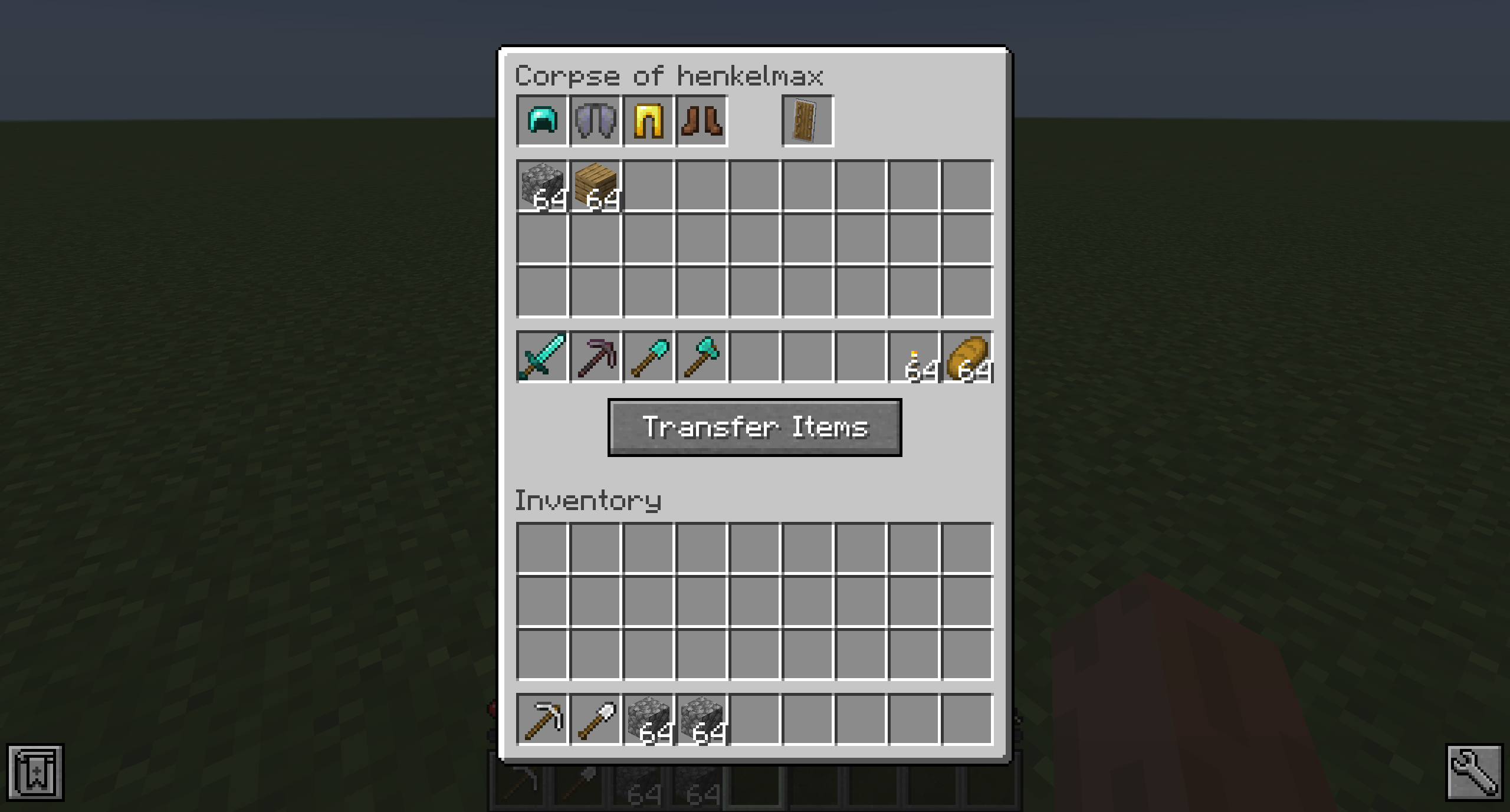
You get all your items back into their original slots when transferring the items.
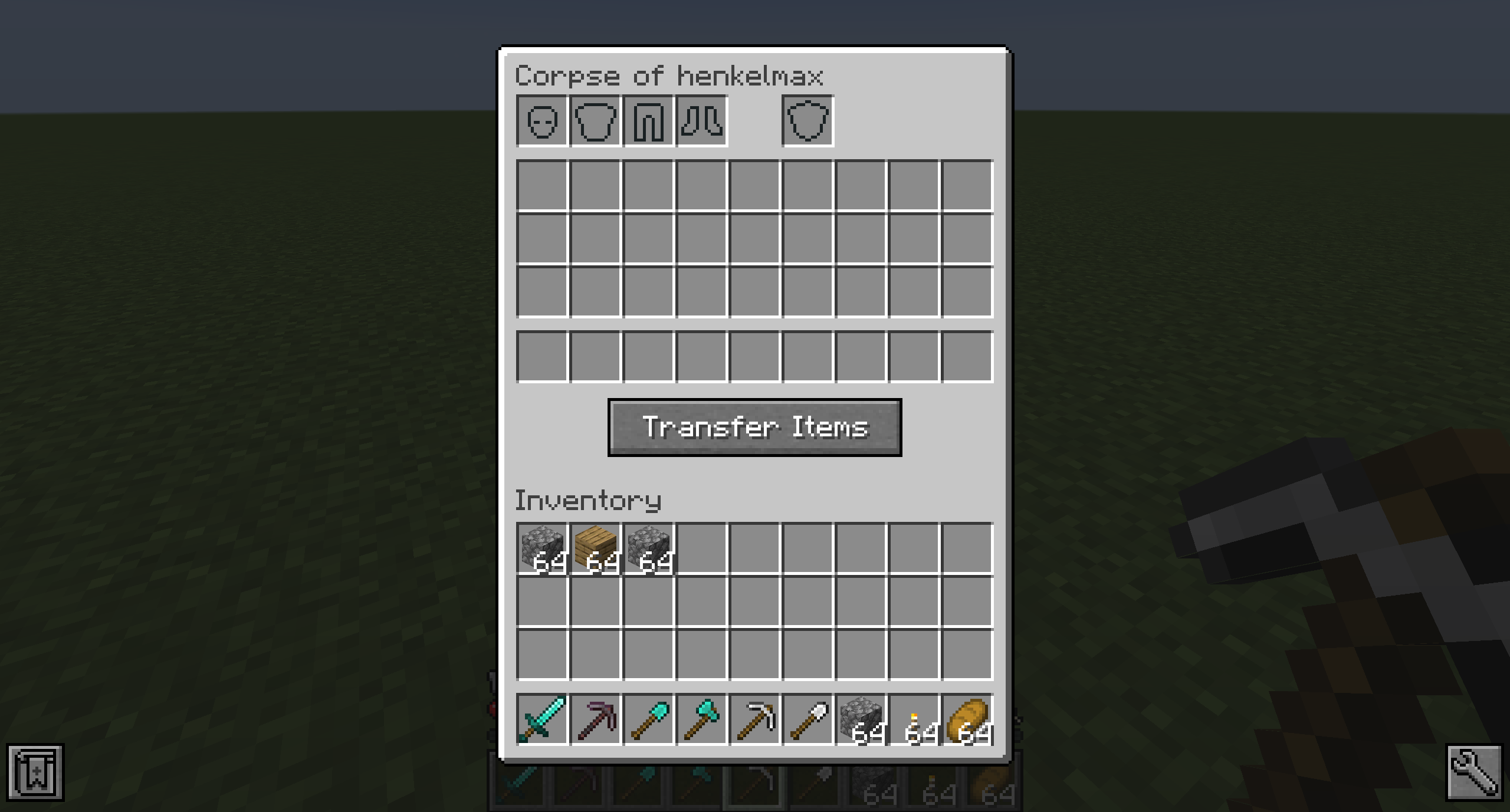
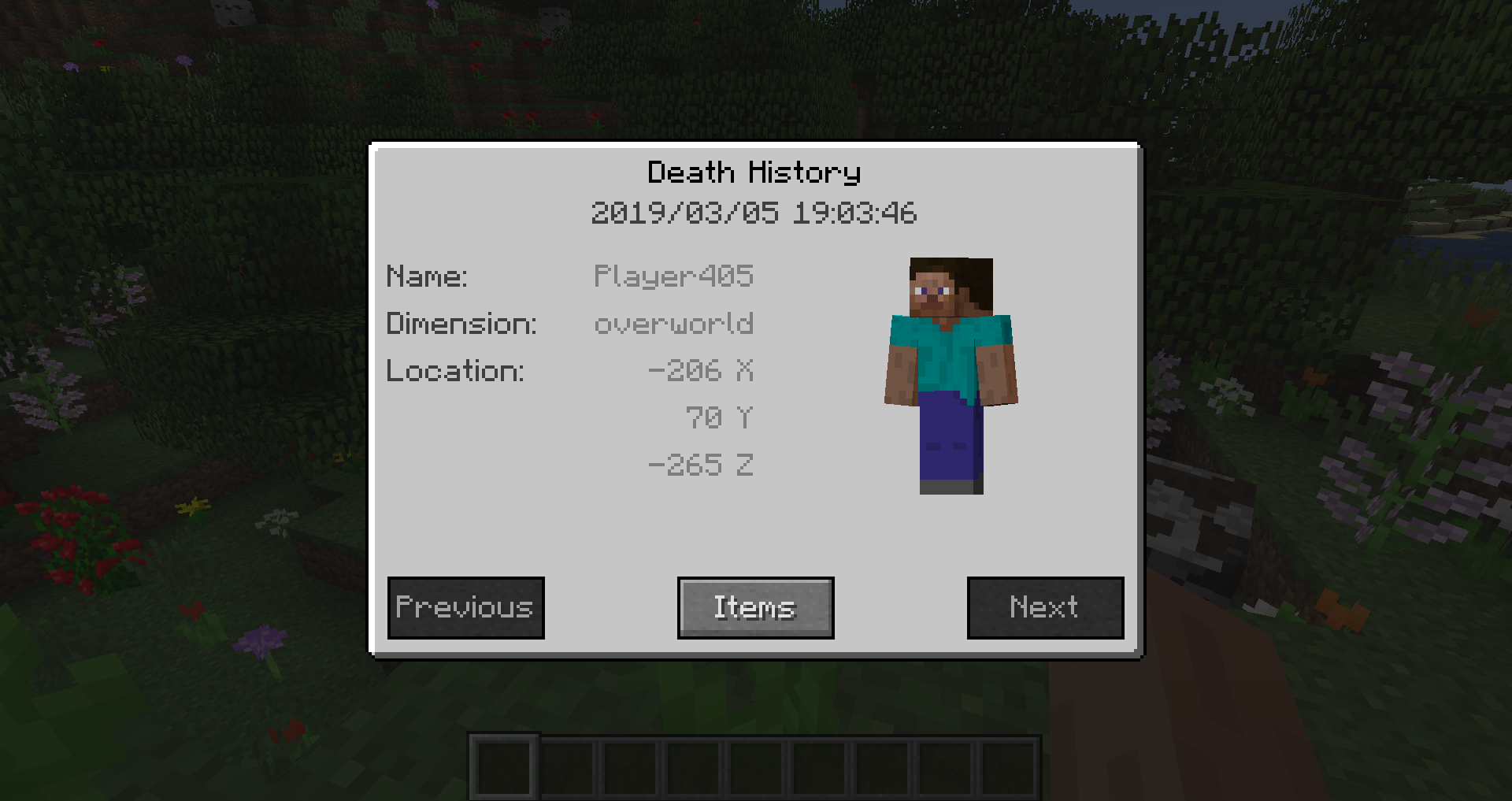
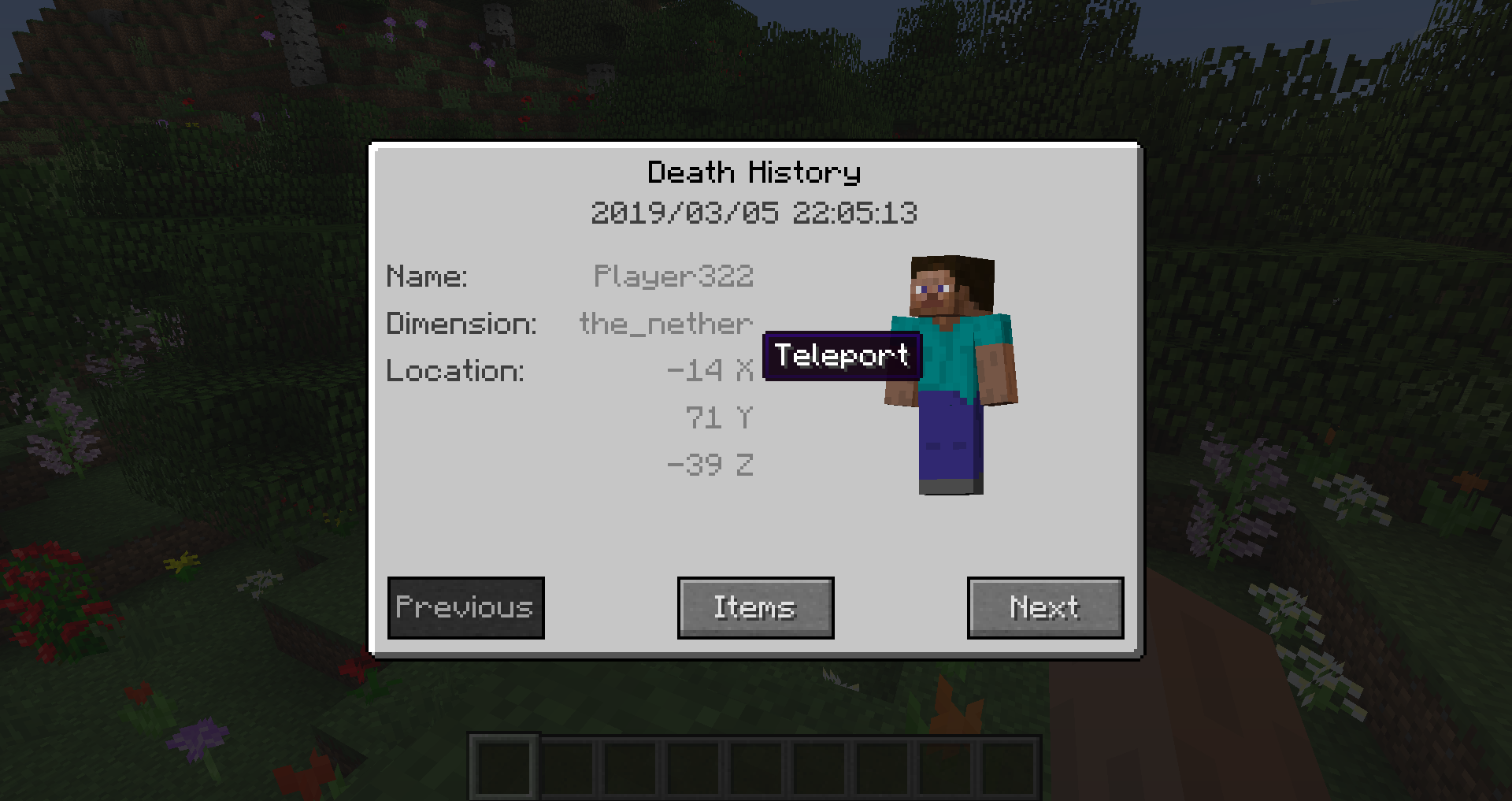
You can view all your past deaths by pressing the 'U' key. You can retrieve lost items if you are in creative mode.
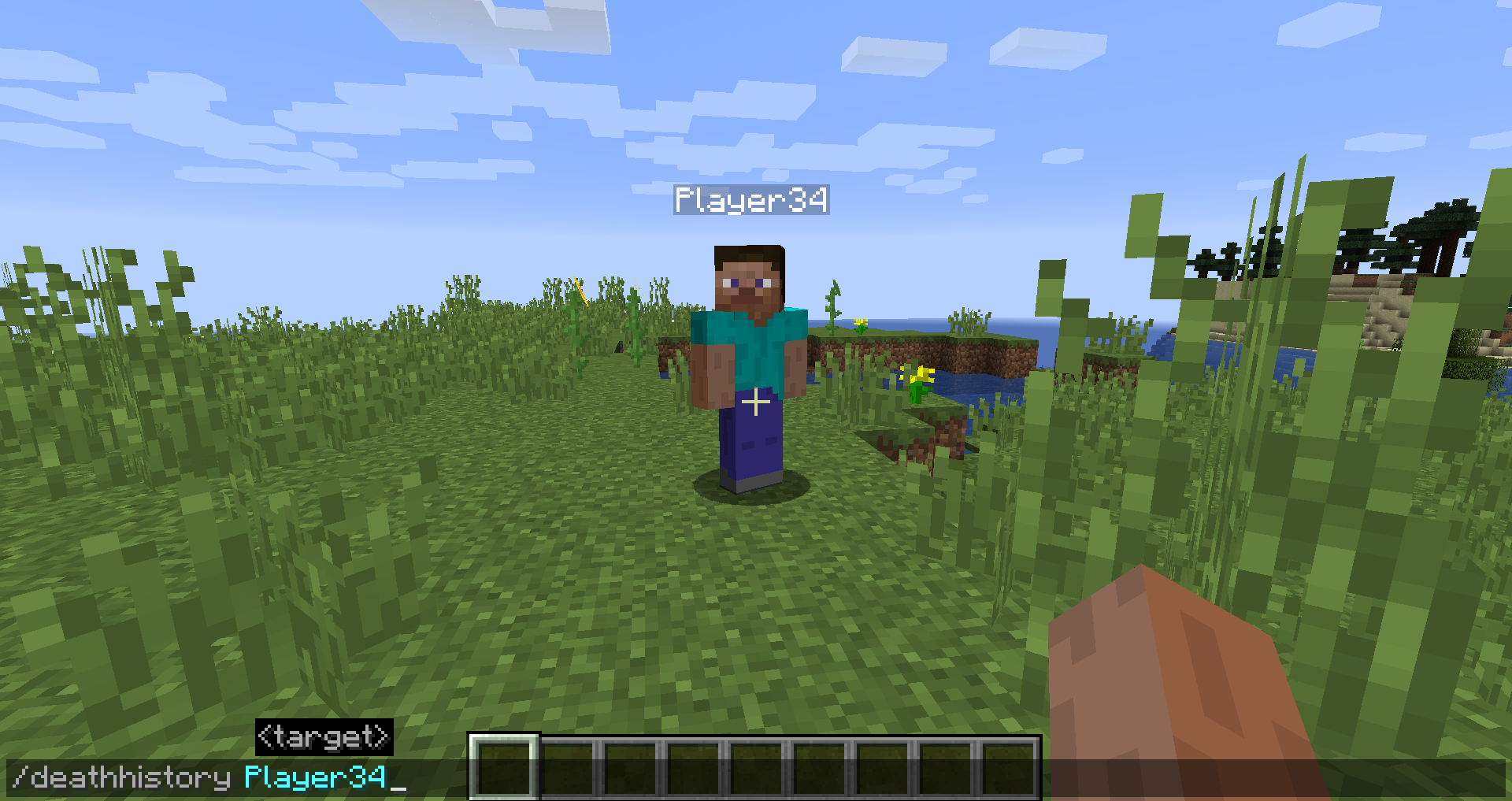
By typing /deathhistory <player> as an operator, you can view the death history of another player.
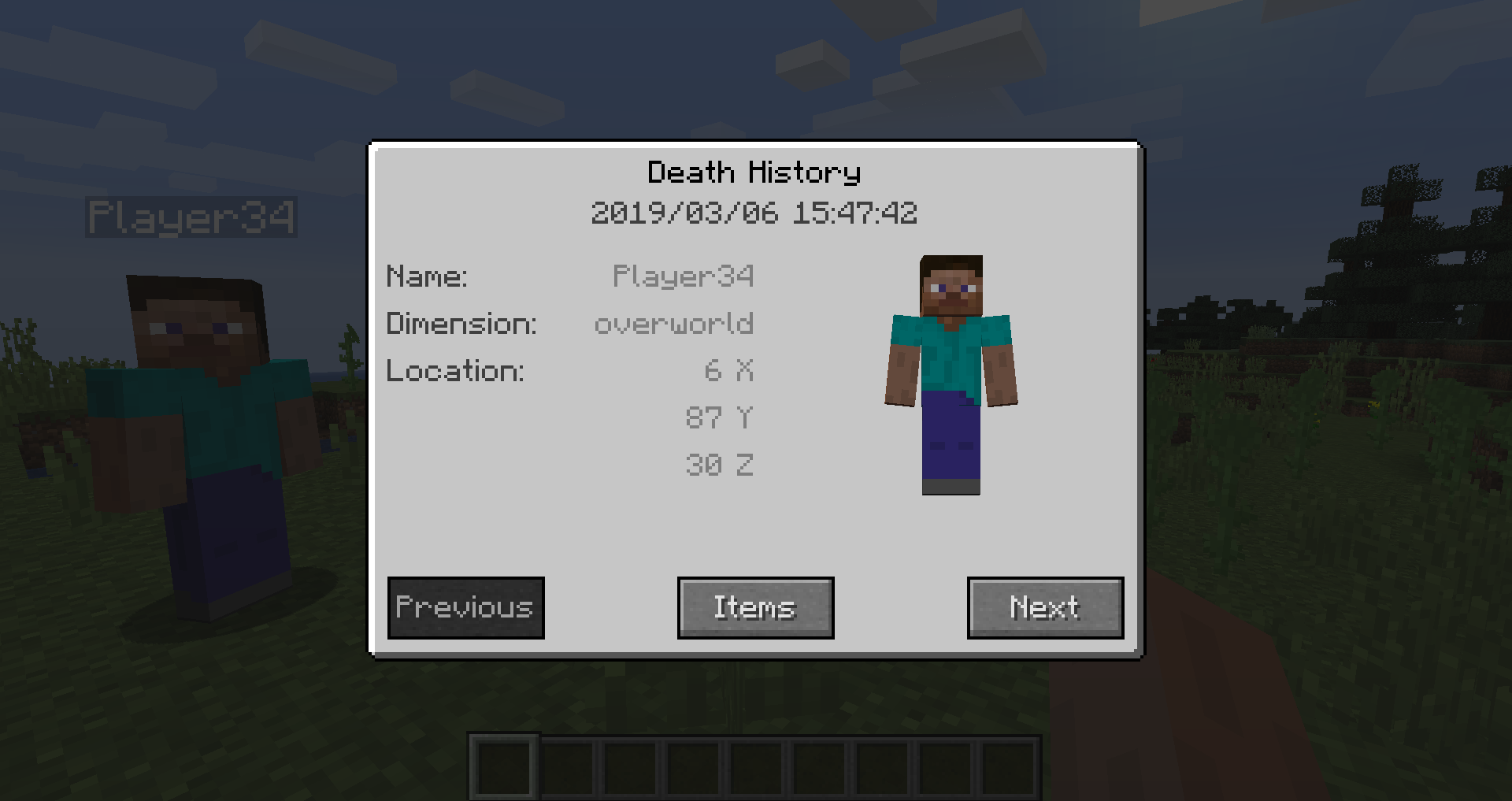
You can retrieve lost items by pressing the "Items" button in the death history GUI. Note that you can only take out items if you are in creative mode.
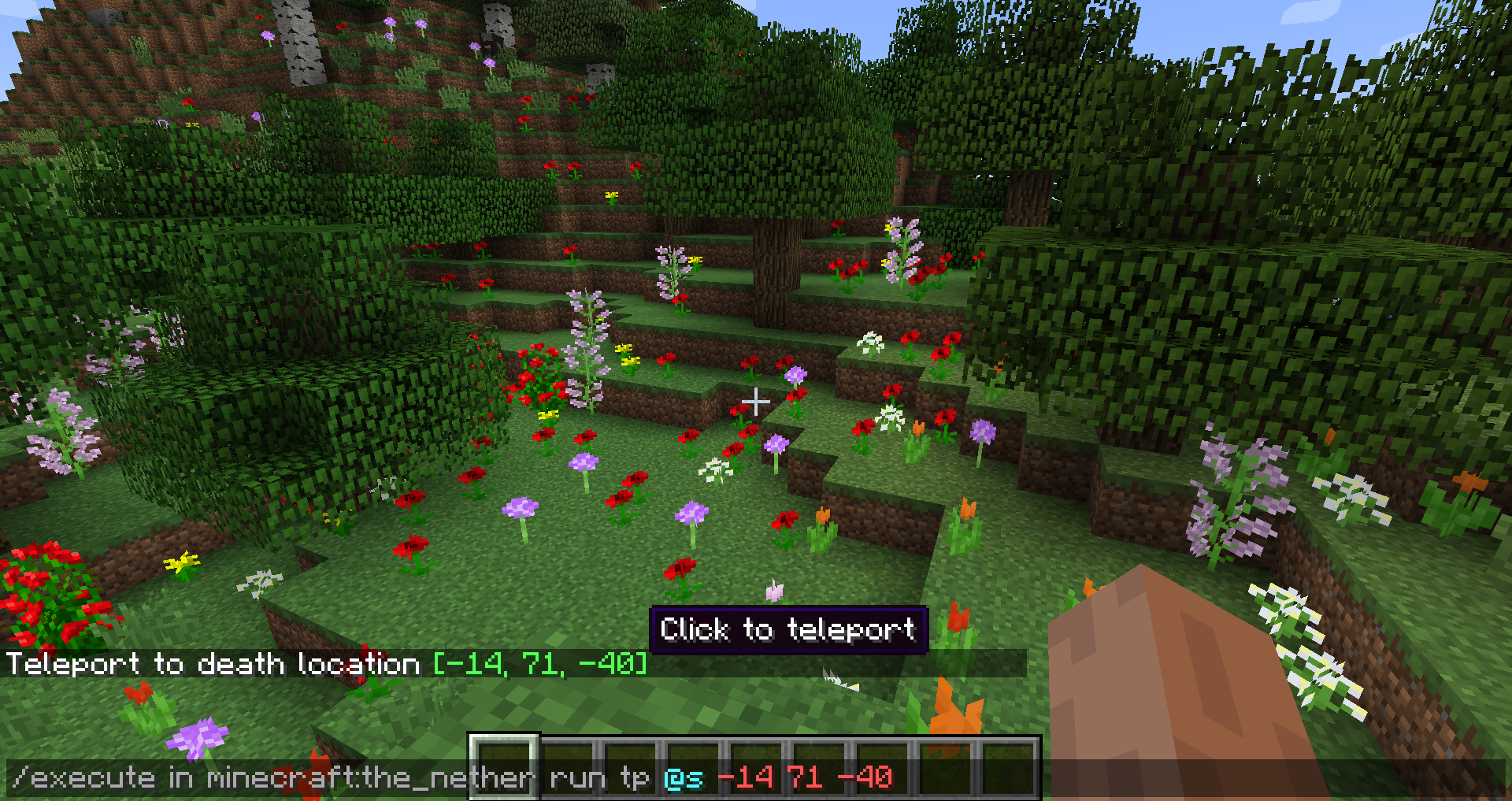
By clicking on the "Location" area in the death history GUI, the command to teleport you to the death location will be displayed in chat. It includes the coordinates and the dimension.
Project description from CurseForge.
Pick your setup
Choose the version and loader you play, then open the matching release.
Showing the newest 12 of 28 game versions. Older files are in the list below.
Check the dependencies, then try the file in a copied instance before changing a world you care about.
Recent files
corpse-neoforge-1.1.19+26.2.jar
16 Aug 2026
corpse-neoforge-1.1.18+26.2.jar
29 Jul 2026
corpse-neoforge-1.1.17+26.2.jar
16 Jun 2026
corpse-neoforge-1.1.16+26.1.2.jar
10 Apr 2026
corpse-neoforge-1.1.16+26.1.1.jar
1 Apr 2026
corpse-neoforge-1.1.16+26.1.1.jar
1 Apr 2026
corpse-neoforge-1.1.16+26.1.jar
24 Mar 2026
corpse-neoforge-1.1.16+26.1.jar
24 Mar 2026
corpse-neoforge-1.21.11-1.1.16.jar
9 Dec 2025
corpse-neoforge-1.21.11-1.1.16.jar
9 Dec 2025
corpse-neoforge-1.21.10-1.1.16.jar
17 Oct 2025
corpse-neoforge-1.21.10-1.1.16.jar
17 Oct 2025
Looking for an older file? The official CurseForge project page is in Resources.
 mod
modScoreboard ranking mod: web dashboard access, historical data query, point lookup for arbitrary post-install dates.
 mod
modServer utility mod with warps, homes, kits, economy (/pay, /balance), chat formatting, and moderation (/mute, /ban, /kick) — no plugins needed.
 mod
modThe reset version of Eye of Dragons in higher versions uses Ice and Fire CE as a prerequisite.