LetsEncryptCraft Needed by FTB Tutorial Mod (Forge) FTBTutorialMod-1.0.0.11.jar
requiredMatching file found Matched file: letsencryptcraft-1.10.2-1.2.0.jar

CurseForge · Minecraft mod
Allows you to create tutorials and open them with commands
Quick answer
FTB Tutorial Mod (Forge) FTBTutorialMod-1.0.0.11.jar targets 1.12.2. The project page does not say whether this file belongs on the client, dedicated server, or both. All 2 required mods have matching files.
Where it goes
The project page does not say whether this file belongs on the client, dedicated server, or both.
The source does not explicitly classify this release as client-only or server-only.
FTBTutorialMod-1.0.0.11.jar. Change the file and its required mods may change too.
Install LetsEncryptCraft, FTB Library (Forge) (Legacy) first. We found matching files for this game-version and loader setup.
We only count dependency files that match this setup. A file for another loader does not fill the gap.
Before you install it
Built for FTB Tutorial Mod (Forge) FTBTutorialMod-1.0.0.11.jar. Pick another file and the loader, install side or required mods may change.
Use FTBTutorialMod-1.0.0.11.jar. It targets 1.12.2; another release may have different loader, side or dependency requirements.
Install LetsEncryptCraft, FTB Library (Forge) (Legacy) first. We found matching files for this game-version and loader setup.
The project page does not say whether this file belongs on the client, dedicated server, or both.
Use the “Get this file” button beside FTBTutorialMod-1.0.0.11.jar. It opens that exact file at the source.
About this project
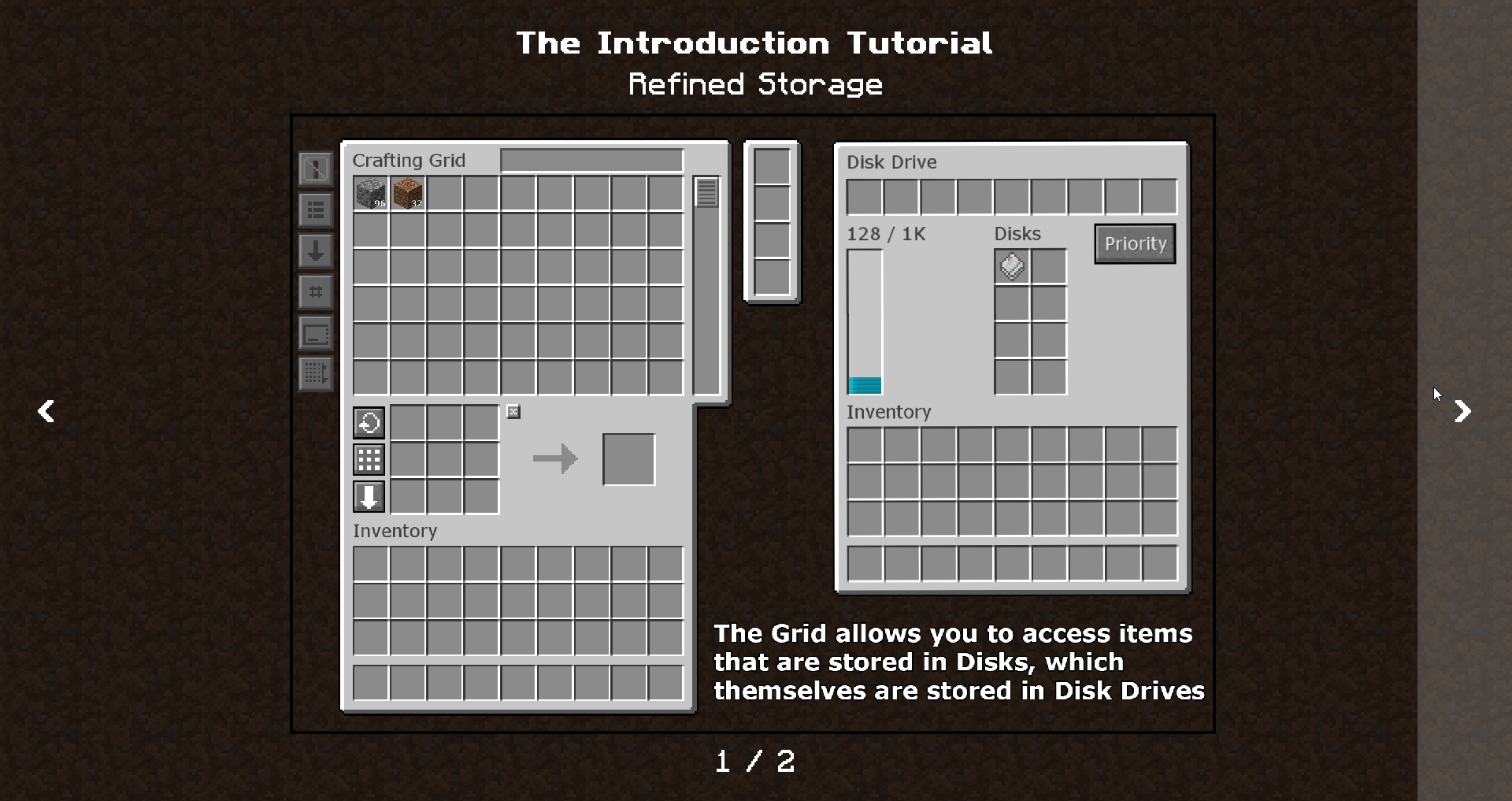
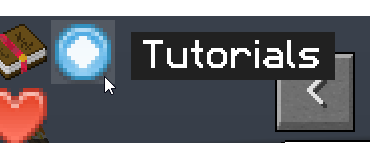
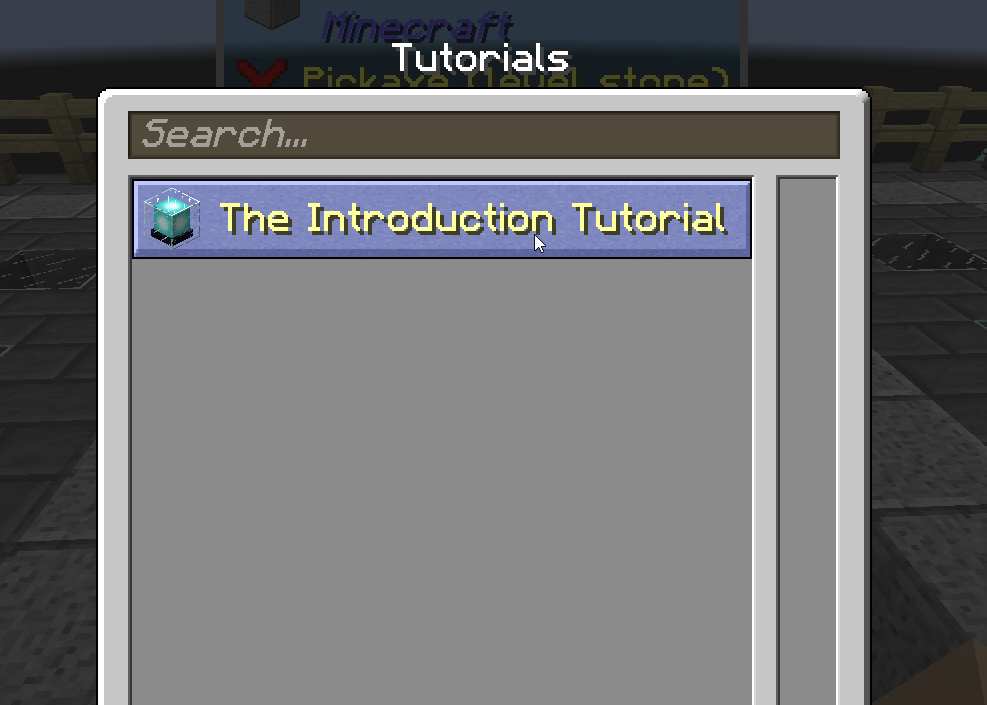
Tutorials are lazily-loaded from resource packs, so if you want to use this for a modpack, you will need to get Resource Loader mod.
For example, I will be using FTB Academy modpack paths, replace those with your own mod/modpack IDs.
ftbacademy:tutorials/intro/index.json (For modpack it would be resources/ftbacademy/tutorials/intro/index.json, for mod assets/modid/tutorials/intro/index.json){
"title": "The Introduction Tutorial",
"icon": "item:minecraft:beacon",
"pages": [
{
"description": "Refined Storage",
"layers": [
"0.png"
]
},
{
"description": "Welcome Banner",
"layers": [
"ftbacademy:welcome.png"
]
}
]
}
Title and icon are optional, as are descriptions for each page. You only are required to set those for visible tutorials. It must contain an array of pages, which each must contain list of layers, which currently are strings of image paths, but later will have other features, like text or arrows. If image namespace is not specified (e.g. 0.png) it will load image from the same folder, otherwise, it will treat it as full minecraft image path.
[
  "intro"
]
This simply lists all tutorials that will be added to Tutorials gui.
As modpack creator you can run the command /open_tutorial ftbacademy:intro @p. As mod dev you can send IMC to mod FMLInterModComms.sendRuntimeMessage(modInstance, "ftbtutorialmod", "open", "ftbacademy:intro"); on client side or "open_from_server" as message ID on server side.
Project description from CurseForge.
Pick your setup
Choose the version and loader you play, then open the matching release.
Check the dependencies, then try the file in a copied instance before changing a world you care about.
Recent files
20 Sept 2019
19 Sept 2019
12 Sept 2019
9 Sept 2019
8 Sept 2019
28 Jul 2019
9 Jul 2019
7 Jul 2019
5 Jul 2019
3 Jul 2019
Looking for an older file? The official CurseForge project page is in Resources.