Minecraft version
Back to mods 
CurseForge · Minecraft mod
Advanced-Tools
The last set of tools you will EVER need.
Choose a version Pick your version below, then grab the matching file.
Quick answer
Which Advanced-Tools release matches 1.16.2 Forge?
alpha file [1.16.2] Advanced Tools 1.16.2-1.0.2
Game version 1.16.2
Loader Forge
Advanced-Tools [1.16.2] Advanced Tools 1.16.2-1.0.2 targets 1.16.2 with Forge. The project page does not say whether this file belongs on the client, dedicated server, or both. No extra mods listed for this file.
Where it goes
Is Advanced-Tools required on the client, server, or both?
The project page does not say whether this file belongs on the client, dedicated server, or both.
Client Source doesn’t say
Dedicated server Source doesn’t say
Loader for this release Forge
Required install it here Optional supported, not mandatory Not supported do not install here Source doesn’t say do not assume
The source does not explicitly classify this release as client-only or server-only.
What else does Advanced-Tools [1.16.2] Advanced Tools 1.16.2-1.0.2 need?
[1.16.2] Advanced Tools 1.16.2-1.0.2 on 1.16.2 Forge. Every mod below is checked against that same setup.
This file does not list any required mods. Do not add a library just because a different file uses it.
This file does not list any required or optional mods.
Before you install it
Add Advanced-Tools without breaking your instance.
Built for Advanced-Tools [1.16.2] Advanced Tools 1.16.2-1.0.2 on 1.16.2 Forge. Pick another file and the loader, install side or required mods may change.
- 01
Stick to this file
Use [1.16.2] Advanced Tools 1.16.2-1.0.2. It targets 1.16.2 with Forge; another release may have different loader, side or dependency requirements.
- 02
Bring the mods it needs
This file does not list any required mods. Do not add a library just because a different file uses it.
- 03
Put it on the correct side
The project page does not say whether this file belongs on the client, dedicated server, or both.
- 04
Pick the file you checked
Use the “Get this file” button beside [1.16.2] Advanced Tools 1.16.2-1.0.2. It opens that exact file at the source.
About this project
What does Advanced-Tools add?
FAQ | Credits
Features
- Tools are indestructibe
- Tool materials can be upgraded
- Tools can be repaired
- Tools track statistics
- Tools have modifiable enchantments
- Full JEI compatibility


Recipes
Crafting
The recipes of these tools are equal to all vanilla tools, just flipped upside down.

Repairing
Every tool can be repaired with its corresponding material.


Change Material
The material of every tool can be changed to a better or worse one. Just combine it with the right amount in the crafting grid.


Convert Books
You can convert enchanted books to enchantment templates. These can be used to add enchantments to your tool.

Enchanting
You can combine any tool with a compatible enchantment template to apply the enchantment.


Remove Enchantments
You can remove any enchantment from your tool with the enchantment remover. Just right-click the enchantment remover until you see the enchanment you wish to remove and then put it togehter with the tool you want to remove the enchantment from in a crafting grid.

Convert Enchantments
You can put the enchantments back on books by combining the enchantment template with a book in the crafting grid.

Combine Enchantments
Like with enchanted books in the anvil, you can combine two equal enchantments to a higher enchantment level, by putting them together in the crafting grid.


Split Enchantments
You can split an enchantment into two lower level enchantments by putting the enchantment template into the crafting grid.


Converting Vanilla Tools
Vanilla tools can be converted to advanced tools by just placing them into the crafting grid.

Project description from CurseForge.
Pick your setup
Advanced-Tools by Minecraft version and loader
Choose the version and loader you play, then open the matching release.
Minecraft version
1.16.4
1 loader buildMinecraft version
1.16.3
1 loader buildMinecraft version
1.16.2
1 loader buildMinecraft version
1.16.1
1 loader buildMinecraft version
1.15.2
1 loader buildMinecraft version
1.15.1
1 loader buildMinecraft version
1.14.4
1 loader buildCheck the dependencies, then try the file in a copied instance before changing a world you care about.
Recent files
Advanced-Tools versions and loaders
[1.16.2] Advanced Tools 1.16.2-1.0.2
advancedtools-1.16.2-1.0.2.jar
16 Aug 2020
Client Source doesn’t say Server Source doesn’t say Dependencies No extras listed Listed on Release listing
Check the 1.16.2 · Forge setup Forge1.16.2 alpha
[1.16.2] Advanced Tools 1.16.2-1.0.1
advancedtools-1.16.2-1.0.1.jar
13 Aug 2020
Client Source doesn’t say Server Source doesn’t say Dependencies No extras listed Listed on Release listing
Check the 1.16.2 · Forge setup Forge1.16.2 beta
[1.16.2] Advanced Tools 1.16.2-1.0.0
advancedtools-1.16.2-1.0.0.jar
13 Aug 2020
Client Source doesn’t say Server Source doesn’t say Dependencies No extras listed Listed on Release listing
Check the 1.16.2 · Forge setup Forge1.16.2 alpha
Looking for an older file? The official CurseForge project page is in Resources.
 mod
CurseForge · Minecraft
Rally Health
Adding Bloodborne's Rally system to Minecraft.
 mod
CurseForge · Minecraft
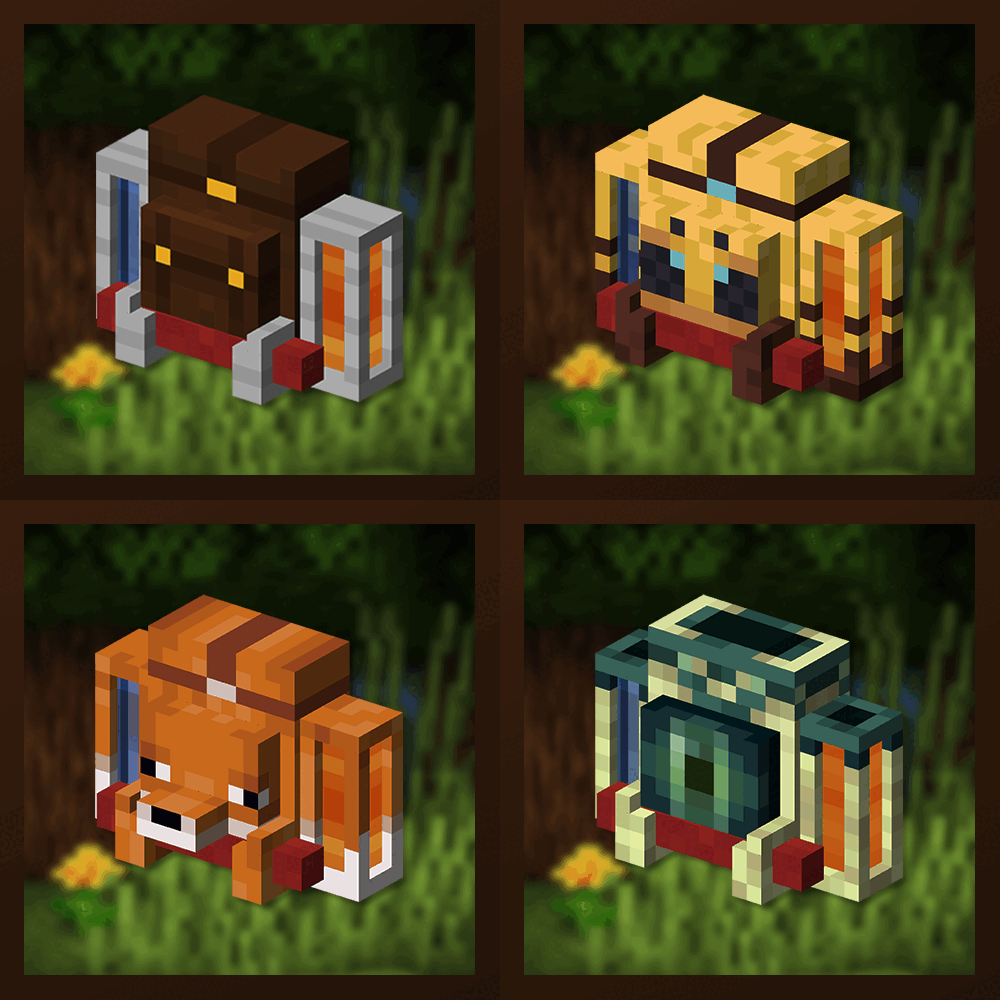
Traveler's Backpack
Unique and upgradeable backpacks with customisation, Curios API integration and more!
 mod
CurseForge · Minecraft
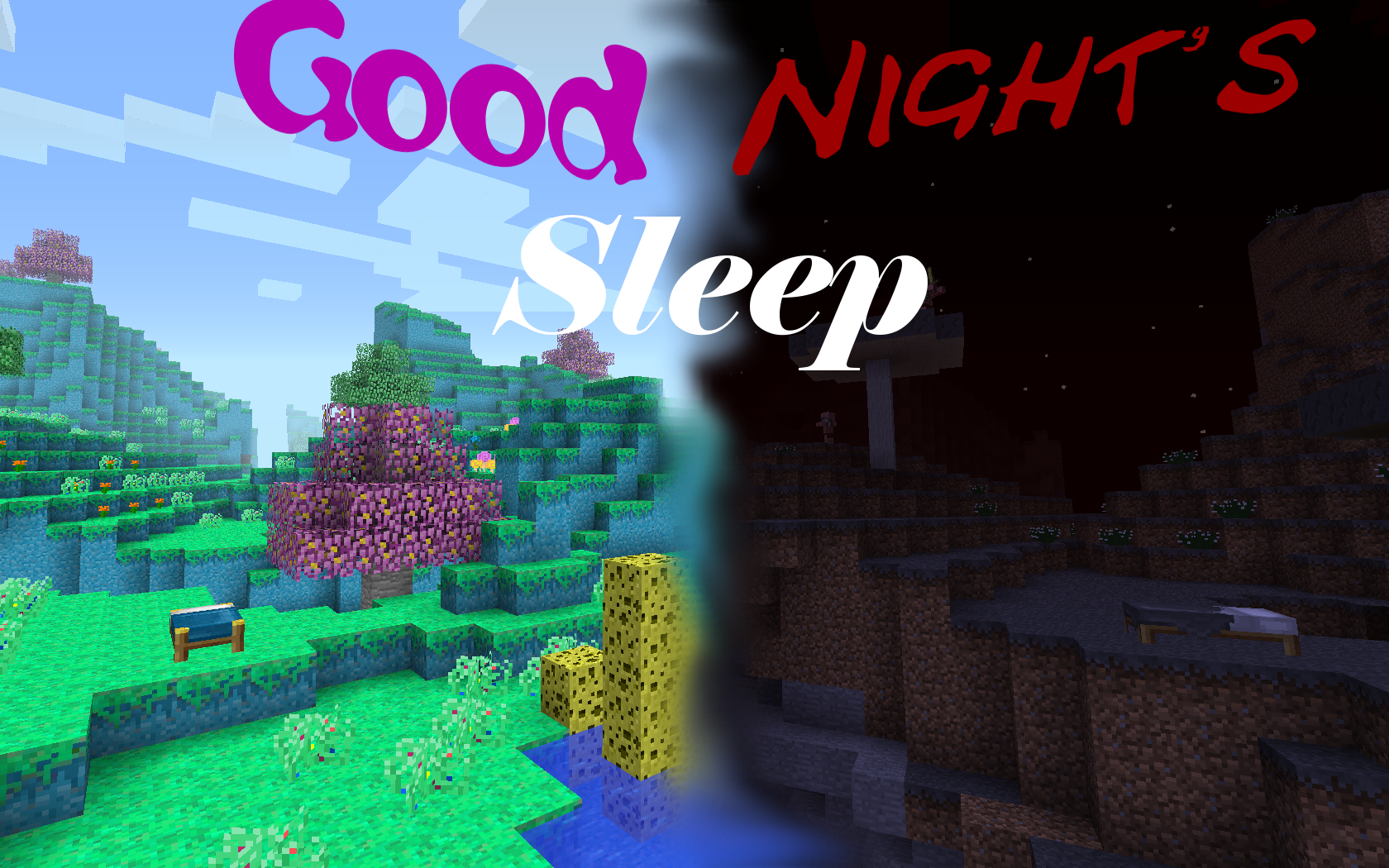
Good Night's Sleep
Your dreams are new worlds for you to explore.