Fabric API Needed by runorama-0.2.4.jar
requiredMatching file found Matched file: [1.15.1] Fabric API 0.4.27 build 286
CurseForge · Minecraft mod
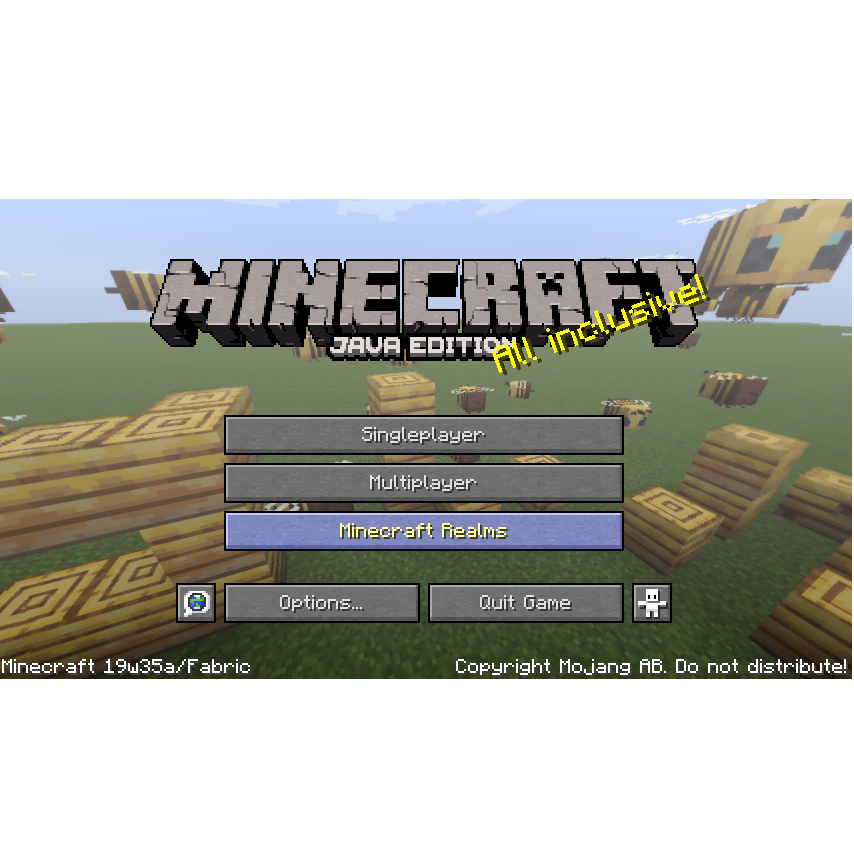
Taking panorama and using it as your main menu background!
Quick answer
runorama-0.2.4.jar targets 1.16-Snapshot, 1.15-Snapshot, 1.15 with Fabric. The project page does not say whether this file belongs on the client, dedicated server, or both. All 1 required mods have matching files.
Where it goes
The project page does not say whether this file belongs on the client, dedicated server, or both.
The source does not explicitly classify this release as client-only or server-only.
runorama-0.2.4.jar on 1.15.1. Every mod below is checked against that same setup.
Install Fabric API first. We found matching files for this game-version and loader setup.
We only count dependency files that match this setup. A file for another loader does not fill the gap.
Before you install it
Built for runorama-0.2.4.jar on 1.15.1. Pick another file and the loader, install side or required mods may change.
Use runorama-0.2.4.jar. It targets 1.16-Snapshot, 1.15-Snapshot, 1.15 with Fabric; another release may have different loader, side or dependency requirements.
Install Fabric API first. We found matching files for this game-version and loader setup.
The project page does not say whether this file belongs on the client, dedicated server, or both.
Use the “Get this file” button beside runorama-0.2.4.jar. It opens that exact file at the source.
About this project

You can take a panorama when spectating mobs as well and can get panorama with special shaders!
If there is no panoramic screenshot available to the mod, the vanilla panorama will appear instead.
Note: This mod is client only as the title screen only exists on the client :)
There are files for 1.14.4 and 1.15 snapshots. See each file for details on the Minecraft versions they support.
Config
The configuration of runorama is in the "runorama.properties" in the "config" folder in your game directory.
UTF-8 encoded, this is the settings for runorama.
next ID exceeds pool size, new panoramas taken will override old ones.This is where the panoramic screenshots taken are saved. Runorama will look into the subfolders for main menu panorama candidates. You can delete the folders of panorama you dislike, and they will cease appearing in your main menu.
Why runorama? Because Runemoro suggested this, and Runemoro + panorama = runorama!
Join the Fabric Discord and find the origin of the idea!
Project description from CurseForge.
Pick your setup
Choose the version and loader you play, then open the matching release.
Check the dependencies, then try the file in a copied instance before changing a world you care about.
Recent files
25 Nov 2019
Looking for an older file? The official CurseForge project page is in Resources.