Minecraft version
Back to mods 
CurseForge · Minecraft mod
Structure Void Toggle
Gets rid of that annoying Structure Void hitbox when building with a toggle!
Choose a version Pick your version below, then grab the matching file.
Quick answer
Which Structure Void Toggle release matches 1.21.11 NeoForge?
Best match for your filters Structure Void Toggle v4.5.3 (1.21.11 Neoforge)
Game version 1.21.11
Loader NeoForge
Structure Void Toggle v4.5.3 (1.21.11 Neoforge) targets 1.21.11 with NeoForge. The project page does not say whether this file belongs on the client, dedicated server, or both. No extra mods listed for this file.
Where it goes
Is Structure Void Toggle required on the client, server, or both?
The project page does not say whether this file belongs on the client, dedicated server, or both.
Client Source doesn’t say
Dedicated server Source doesn’t say
Loader for this release NeoForge
Required install it here Optional supported, not mandatory Not supported do not install here Source doesn’t say do not assume
The source does not explicitly classify this release as client-only or server-only.
What else does Structure Void Toggle v4.5.3 (1.21.11 Neoforge) need?
Structure Void Toggle v4.5.3 (1.21.11 Neoforge) on 1.21.11 NeoForge. Every mod below is checked against that same setup.
This file does not list any required mods. Do not add a library just because a different file uses it.
This file does not list any required or optional mods.
Before you install it
Add Structure Void Toggle without breaking your instance.
Built for Structure Void Toggle v4.5.3 (1.21.11 Neoforge) on 1.21.11 NeoForge. Pick another file and the loader, install side or required mods may change.
- 01
Stick to this file
Use Structure Void Toggle v4.5.3 (1.21.11 Neoforge). It targets 1.21.11 with NeoForge; another release may have different loader, side or dependency requirements.
- 02
Bring the mods it needs
This file does not list any required mods. Do not add a library just because a different file uses it.
- 03
Put it on the correct side
The project page does not say whether this file belongs on the client, dedicated server, or both.
- 04
Pick the file you checked
Use the “Get this file” button beside Structure Void Toggle v4.5.3 (1.21.11 Neoforge). It opens that exact file at the source.
About this project
What does Structure Void Toggle add?
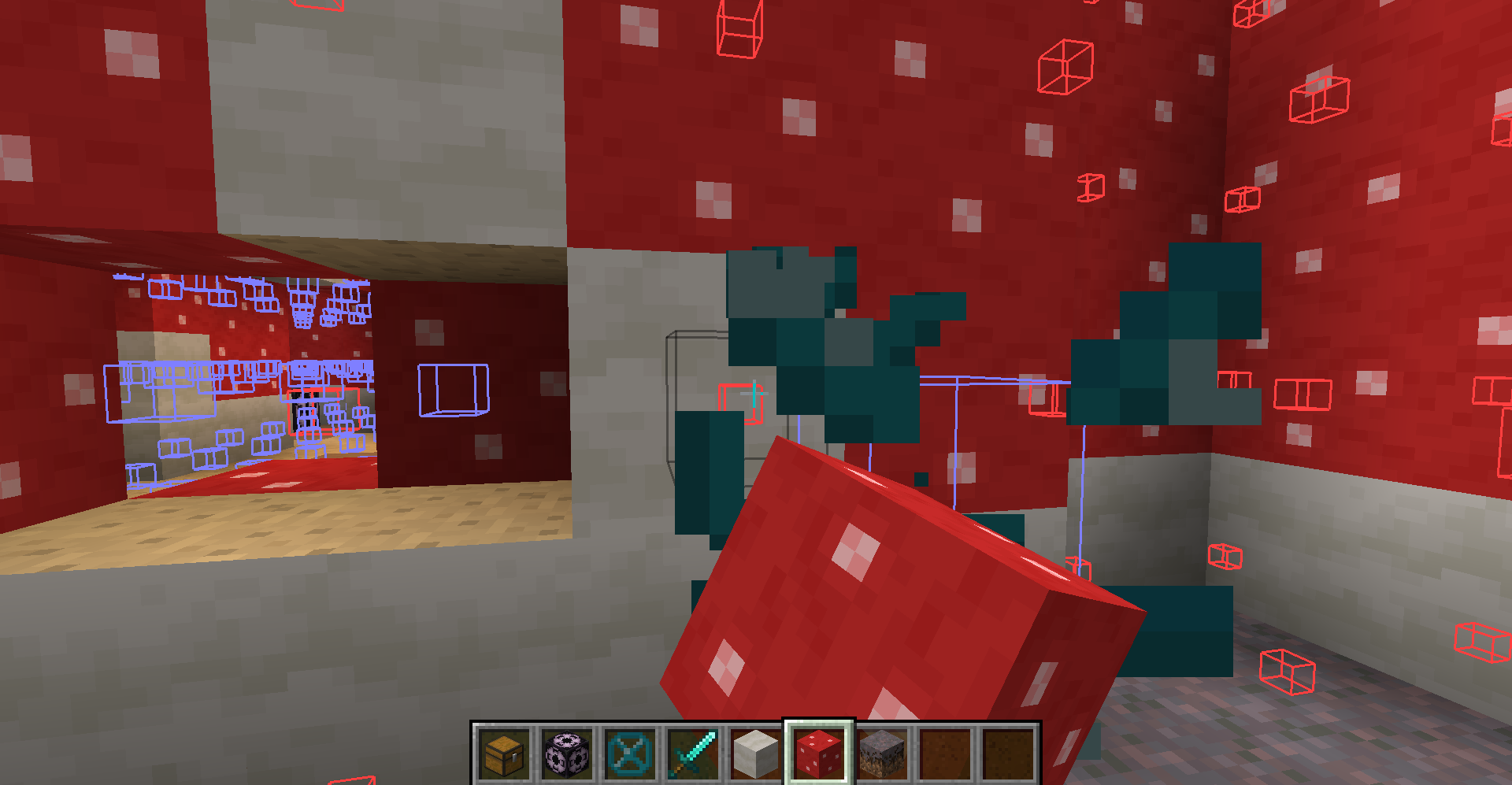
Are you annoyed with Structure Void getting in the way of you breaking/placing blocks in your structure? SO WAS I!
______________________________________________________________________________
SOLUTION: STRUCTURE VOID TOGGLE MOD!
A little backstory, I was making structures and using Structure Blocks to save them with Structure Void for world generation later. However, I got fed up with Structure Void making it difficult to add/remove blocks in my structures. So I decided to make this really simple mod where you can toggle between the size of the hitbox for the block!
AS OF 1.19.2 (Some features are not available in older MC versions):
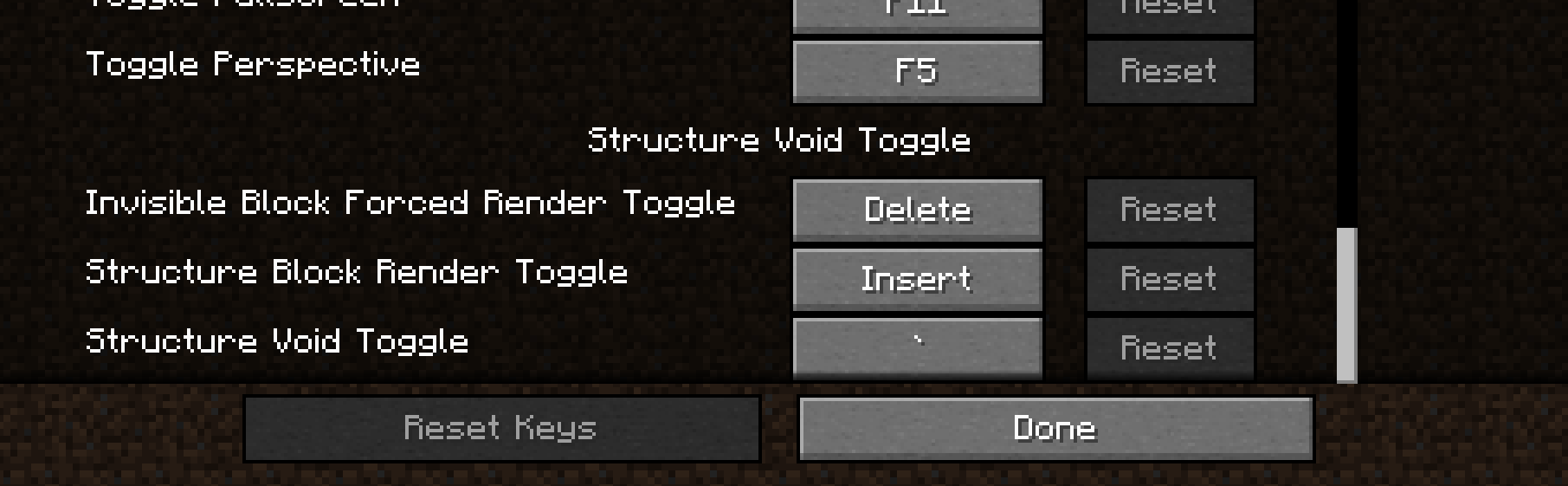
- BACKTICK KEY ` will switch between 'Default', 'No Hitbox', 'Small Hitbox', and 'Large Hitbox'. This will apply to Structure Void, Light, and Barrier block. Default goes back to normal shape and behavior for each block. The rest forces the block's hitbox to be whatever the mode is.
- INSERT KEY will disable any invisible block rendering from Structure Blocks. May be useful as the Structure Block's rendering is very laggy when showing a ton of invisible blocks.
- DELETE KEY will switch on the 'Forced Rendering' option which will render all Structure Void, Light, and Barrier blocks so that they all are visible when close enough to you even if not in bounds of a Structure Block! If 'Large Hitbox' mode is on alongside 'Forced Rendering', the blocks will get a full-cube solid rendering to make it mush easier to see where all the blocks are and easier to break them.
- PAGE UP KEY will make it so that placing any block on Structure Void or Light will place the blocks on the side instead of replacing the Structure Void or Light block.
- (26.2+) MINUS KEY will reduce the forced render distance. The render distance is not persistent and will be reset on relaunch of Minecraft.
- (26.2+) EQUALS KEY will increase the forced render distance. The render distance is not persistent and will be reset on relaunch of Minecraft.
NOTE: You can change any of the keybinds in the Controls section of settings.
I hope you enjoy this mod to make structure building a little easier and don't forget to report any bugs or issues you find with this mod in the Issue tab above or in my discord below! Or you can comment on this mod page too
Discord Link to #telepathicgrunt-mods channel for my mods! :

Project description from CurseForge.
Pick your setup
Structure Void Toggle by Minecraft version and loader
Choose the version and loader you play, then open the matching release.
Minecraft version
26.2
2 loader buildsMinecraft version
26.1.2
2 loader buildsMinecraft version
26.1.1
2 loader buildsMinecraft version
26.1
2 loader buildsMinecraft version
1.21.11
2 loader buildsMinecraft version
1.21.10
2 loader buildsMinecraft version
1.21.9
2 loader buildsMinecraft version
1.21.8
2 loader buildsMinecraft version
1.21.7
2 loader buildsMinecraft version
1.21.6
2 loader buildsMinecraft version
1.21.5
2 loader buildsShowing the newest 12 of 30 game versions. Older files are in the list below.
Check the dependencies, then try the file in a copied instance before changing a world you care about.
Recent files
Structure Void Toggle versions and loaders
Structure Void Toggle v4.5.3 (1.21.11 Neoforge)
structure_void_toggle-Neoforge-4.5.3+1.21.11.jar
10 Dec 2025
Client Source doesn’t say Server Source doesn’t say Dependencies No extras listed Listed on Release listing
Check the 1.21.11 · NeoForge setup NeoForge1.21.11 release
Looking for an older file? The official CurseForge project page is in Resources.
 mod
mod CurseForge + Modrinth · Minecraft
Continuity
A Minecraft mod that allows for efficient connected textures
 mod
mod CurseForge + Modrinth · Minecraft
Crystal Fix
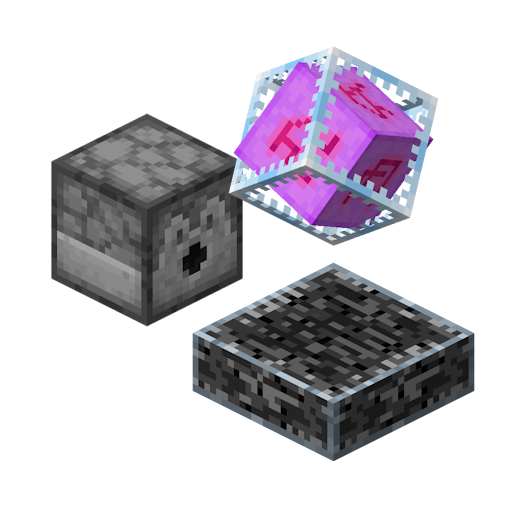
Enables Dispensers to place End Crystals and correctly trigger the Ender Dragon respawn ritual. Lightweight and Server-Side only.
 mod
mod CurseForge + Modrinth · Minecraft
Hunter'sReturn
Add evil Hunter's mob! They hunt the animals while making a cheeky laugh...