
Minecraft version
Back to mods 
CurseForge · Minecraft mod
Lithium (Fabric/NeoForge)
No-compromises game logic optimization mod, useful for both single-player games and multi-player servers.
Choose a version Pick your version below, then grab the matching file.
Quick answer
Which Lithium (Fabric/NeoForge) release matches 1.21 Fabric?
Best match for your filters Lithium mc1.21.1-0.15.2 for Fabric
Game version 1.21, 1.21.1
Loader Fabric, Quilt
Lithium (Fabric/NeoForge) Lithium mc1.21.1-0.15.2 for Fabric targets 1.21, 1.21.1 with Fabric, Quilt. The project page does not say whether it belongs on the client. The project page does not say whether it belongs on the dedicated server. No extra mods listed for this file.
Where it goes
Is Lithium (Fabric/NeoForge) required on the client, server, or both?
The project page does not say whether it belongs on the client. The project page does not say whether it belongs on the dedicated server.
Client Source doesn’t say
Dedicated server Source doesn’t say
Loader for this release Fabric, Quilt
Required install it here Optional supported, not mandatory Not supported do not install here Source doesn’t say do not assume
The source does not explicitly classify this release as client-only or server-only.
What else does Lithium (Fabric/NeoForge) Lithium mc1.21.1-0.15.2 for Fabric need?
Lithium mc1.21.1-0.15.2 for Fabric on 1.21 Fabric. Every mod below is checked against that same setup.
This file does not list any required mods. Do not add a library just because a different file uses it.
This file does not list any required or optional mods.
Before you install it
Add Lithium (Fabric/NeoForge) without breaking your instance.
Built for Lithium (Fabric/NeoForge) Lithium mc1.21.1-0.15.2 for Fabric on 1.21 Fabric. Pick another file and the loader, install side or required mods may change.
- 01
Stick to this file
Use Lithium mc1.21.1-0.15.2 for Fabric. It targets 1.21, 1.21.1 with Fabric, Quilt; another release may have different loader, side or dependency requirements.
- 02
Bring the mods it needs
This file does not list any required mods. Do not add a library just because a different file uses it.
- 03
Put it on the correct side
The project page does not say whether it belongs on the client. The project page does not say whether it belongs on the dedicated server.
- 04
Pick the file you checked
Use the “Get this file” button beside Lithium mc1.21.1-0.15.2 for Fabric. It opens that exact file at the source.
About this project
What does Lithium (Fabric/NeoForge) add?
Want to help support development?
Lithium is made possible thanks to the awesome supporters. Each pledge allows us to spend more time working on mods like these while helping to cover a few expenses.

And special thanks to everyone else who helped with the development of Lithium. If you're a programmer who would like to contribute to the project, consider taking a look at our open issues for ideas on how you can help.
You can join our discord community with support and discussion channels:

Lithium (for Fabric Loader)


Lithium is a general-purpose optimization mod for Minecraft, which works to improve a number of systems (game physics, mob AI, block ticking, etc) without changing any behavior. It works on both the client and server, and can be installed on servers without requiring clients to also have the mod. With the mod installed, you can expect to see more than a 50% improvement to tick times, resulting in a much faster game.
Even in single-player, your game runs an "integrated server" which ticks the world your player is in. Through optimizing the "server side" of the game, this can free up your computer's processor to focus on other tasks (i.e. rendering), resulting in improved frame rates and responsiveness. For multiplayer servers, administrators can expect a sizeable improvement to tick times, allowing their hardware to support more loaded entities, chunks, and players.
If you aren't using it already as well, Phosphor and Sodium both pair great with Lithium and are fully compatible.
Installation
Make sure you have the latest version of Fabric Loader present and then simply drop the mod into your mods folder. No other mods or additional setup (not even Fabric API!) is required.
You do not need to create new worlds in order to take advantage of the mod.
Features
You might be curious by now as to what exactly Lithium is doing in order to achieve such significant gains, and I'm happy you are! You can read about (some) of the changes we make in the spoiler below.
Physics optimizations: Entity collision detection has seen significant improvements through reducing the collision resolution complexity for simple, cuboid blocks. A more accurate algorithm is also used to reduce the number of blocks being checked every tick, especially in cases where entities are moving very quickly.
Mob AI optimizations: We make use of an event-based system for some tasks in order to reduce the CPU usage incurred by constantly polling the world for changes. Mob "brains" have also been optimized to select between different AI tasks much, much quicker than before. Comparison before and after here.
World generation optimizations: Many calculations in vanilla's world generation are unnecessary and do not affect the final result, which gives ample opportunity for Lithium to optimize this overhead away.
Chunk loading optimizations: The temporary data structures used in block palette compaction have been changed to be much more efficient. This results in fewer TPS drops while players are exploring terrain and provides a modest boost to world load times. We also batch some verification operations to reduce unnecessary disk I/O.
Mob farm optimizations: Mob cramming is significantly less expensive as resolving collisions between entities has been optimized to take advantage of the fact that simple boxes are involved. This makes mob farms considerably less harmful for server tick rates.
Block ticking optimizations: has less overhead, making things such as block update settling after generating chunks and other Redstone contraptions faster. This also reduces the amount of time it takes for a block to determine if it is ticking by schedule from O(n), where n is the number of ticking blocks, to O(1), providing a significant speedup when many blocks are being ticked.
Explosion optimizations: Many optimizations have been applied to TNT and explosions alike, reducing their associated lag without changing how they behave. In particular, ray-tracing is optimized to take advantage of the fact that multiple steps through a way will occur in the same block position, allowing us to quickly re-use the previous step's results. We also make use of a faster position tracking algorithm which avoids many excessive allocations.
Point of Interest optimizations: Complex mob AIs in Minecraft, primarily those belonging to Villagers and Pillagers, often need to find relevant points of interest in the world in order to choose the most appropriate AI task. In vanilla, querying all points within a chunk requires 16 separate retrievals through stream-heavy code. With Lithium present, this task is reduced to a single simple retrieval that makes use of a much faster (and traditional) iterator based approach, yielding anywhere from a 16-22x improvement for queries.
Data Tracker optimizations: The internal data manager used for tracking some entity state and properties has been optimized to use flat arrays and avoid expensive locking, providing a decent boost whenever these attributes are accessed during a game tick.
Redstone Wire optimizations: Calculating the new power level of redstone wire after a block update is costly. Reducing the number of blockstate checks without any change in behavior reduces redstone dust lag by about 35%.
... And other internal improvements to help the JVM better optimize code.
Configuration
Lithium makes use of an unusual configuration system which can be used to enable or disable certain patches. This system allows fine-grained control over what code is modified by Lithium, and as such, can be used to completely eliminate bugs or mod incompatibilities introduced by the mod. For more information, please read the wiki entry on modifying your configuration file. An empty configuration file is perfectly normal and just means you want to use the default options.
Modpack Permissions
This is a free and open-source project on CurseForge, and as such-- of course you can include it in your modpack! While not required, it's much appreciated if you link back to Lithium's project page and Patreon in your mods list or credits page.
Reporting Issues
Please use the issue tracker linked at the top of the page to report bugs, crashes, and other issues. The Curseforge comments section is not the place to report these kinds of problems and will likely result in you being asked to forward it along.
Project description from CurseForge.
Pick your setup
Lithium (Fabric/NeoForge) by Minecraft version and loader
Choose the version and loader you play, then open the matching release.
Minecraft version
26.1.2
3 loader buildsMinecraft version
26.1.1
3 loader buildsMinecraft version
26.1
3 loader buildsMinecraft version
1.21.11
3 loader buildsMinecraft version
1.21.10
3 loader buildsMinecraft version
1.21.1
3 loader buildsMinecraft version
1.21
3 loader buildsMinecraft version
1.20.1
2 loader buildsCheck the dependencies, then try the file in a copied instance before changing a world you care about.
Recent files
Lithium (Fabric/NeoForge) versions and loaders
Lithium mc1.21.1-0.15.2 for Fabric
lithium-fabric-0.15.2+mc1.21.1.jar
5 Feb 2026
Client Source doesn’t say Server Source doesn’t say Dependencies No extras listed Listed on Release listing
Check the 1.21 · Fabric setup 1.21Fabric1.21.1Quilt release
Looking for an older file? The official CurseForge project page is in Resources.
 mod
mod Modrinth · Minecraft
Sodium/Embeddium Device Check 钠/铷-设备检测
A minecraft mod can check you hardware and software
 mod
mod CurseForge · Minecraft
TT20 (TPS Fixer)
TT20 helps reduce lag by optimizing how ticks work when the server's TPS is low.
 mod
mod CurseForge · Minecraft
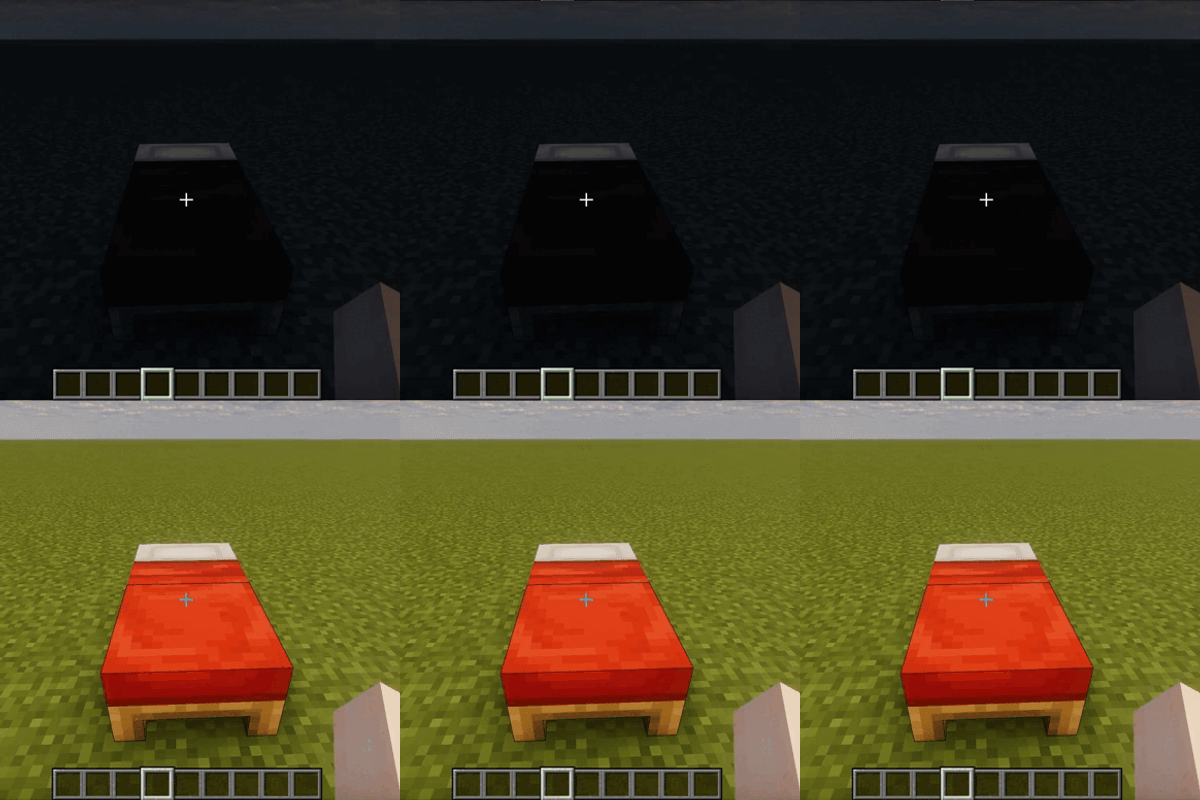
InstantSleep
Skip the sleep, wake up instantly! InstantSleep removes the sleep animation and lets you transition to morning the moment you touch a bed. Lightweight, server-friendly, and perfect for fast-paced survival.