Fabric API Needed by GameInfo-mod-2.1.0b 1.16.5.jar
requiredMatching file found Matched file: [1.16.5] Fabric API 0.42.0

CurseForge · Minecraft mod
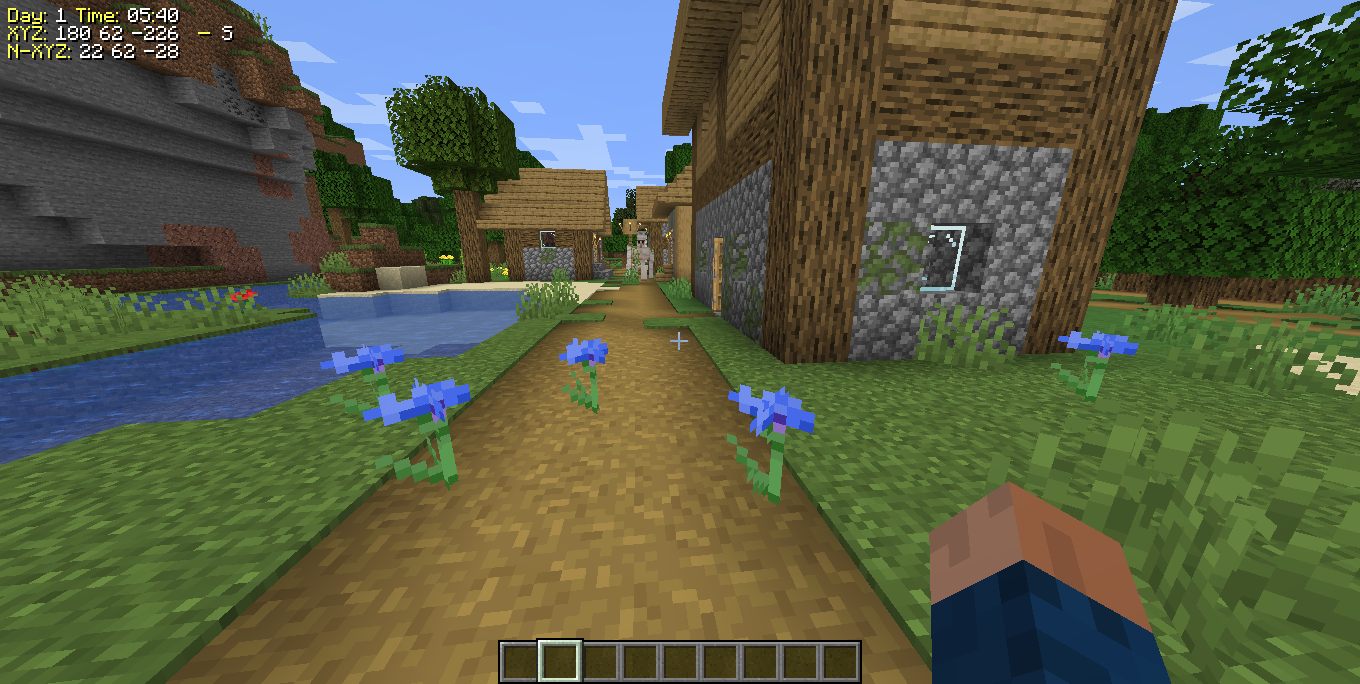
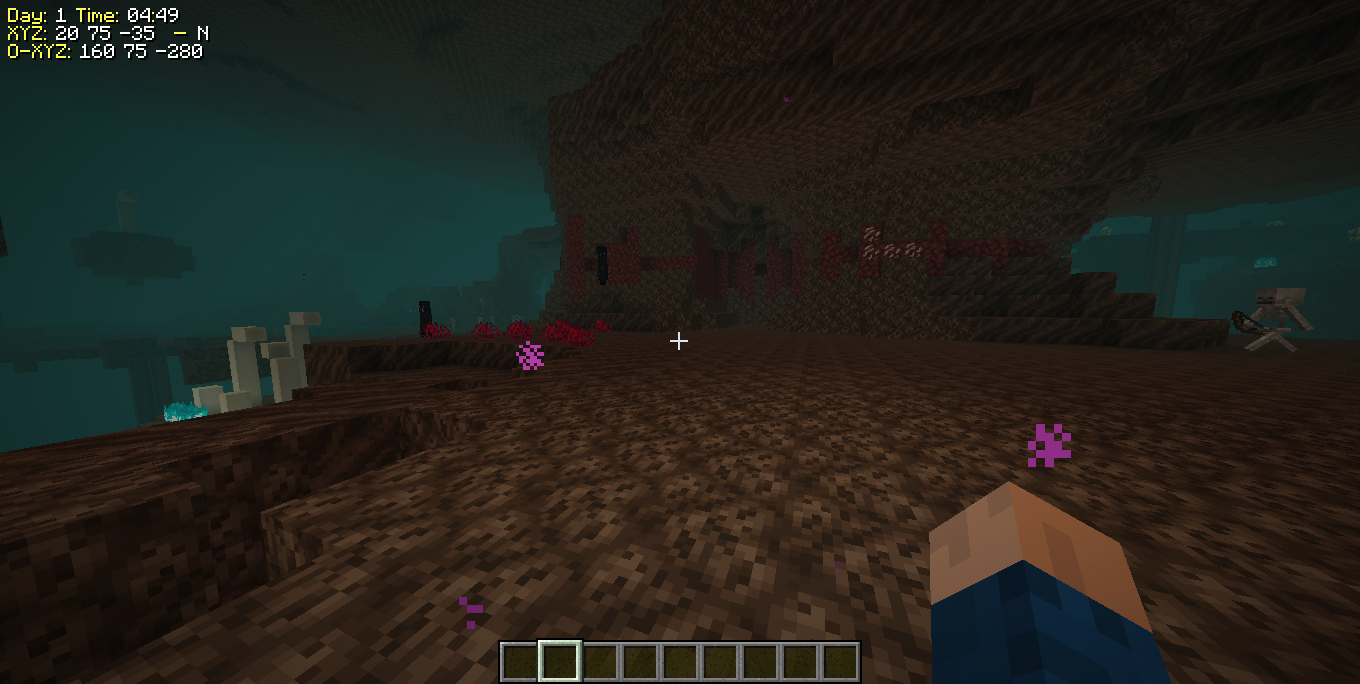
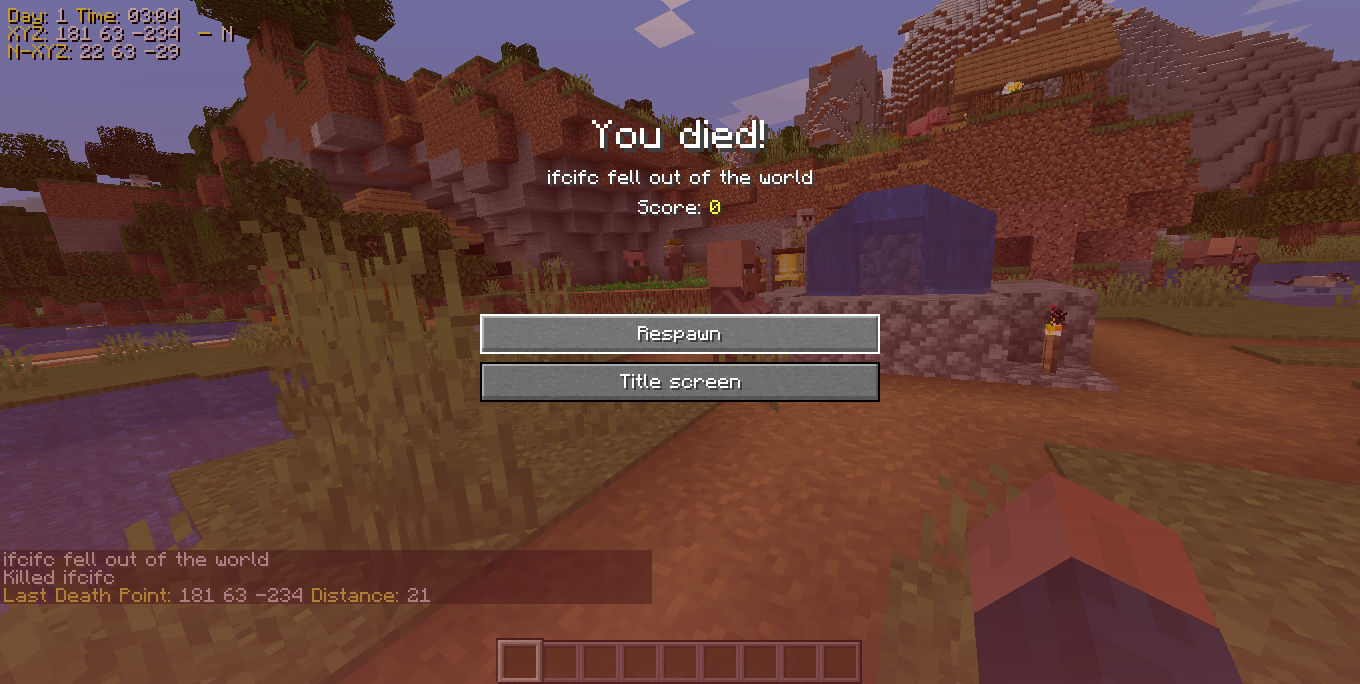
It shows information on the game screen, player position, nether/overworld coordinate conversion, address you are viewing, disable auto jump, game time and sends you a chat message with the coordinates of the last death point.
Quick answer
GameInfo-mod-2.1.0b 1.16.5.jar targets 1.16.5 with Fabric. The project page does not say whether this file belongs on the client, dedicated server, or both. All 1 required mods have matching files.
Where it goes
The project page does not say whether this file belongs on the client, dedicated server, or both.
The source does not explicitly classify this release as client-only or server-only.
GameInfo-mod-2.1.0b 1.16.5.jar on Fabric. Every mod below is checked against that same setup.
Install Fabric API first. We found matching files for this game-version and loader setup.
We only count dependency files that match this setup. A file for another loader does not fill the gap.
Before you install it
Built for GameInfo-mod-2.1.0b 1.16.5.jar on Fabric. Pick another file and the loader, install side or required mods may change.
Use GameInfo-mod-2.1.0b 1.16.5.jar. It targets 1.16.5 with Fabric; another release may have different loader, side or dependency requirements.
Install Fabric API first. We found matching files for this game-version and loader setup.
The project page does not say whether this file belongs on the client, dedicated server, or both.
Use the “Get this file” button beside GameInfo-mod-2.1.0b 1.16.5.jar. It opens that exact file at the source.
About this project
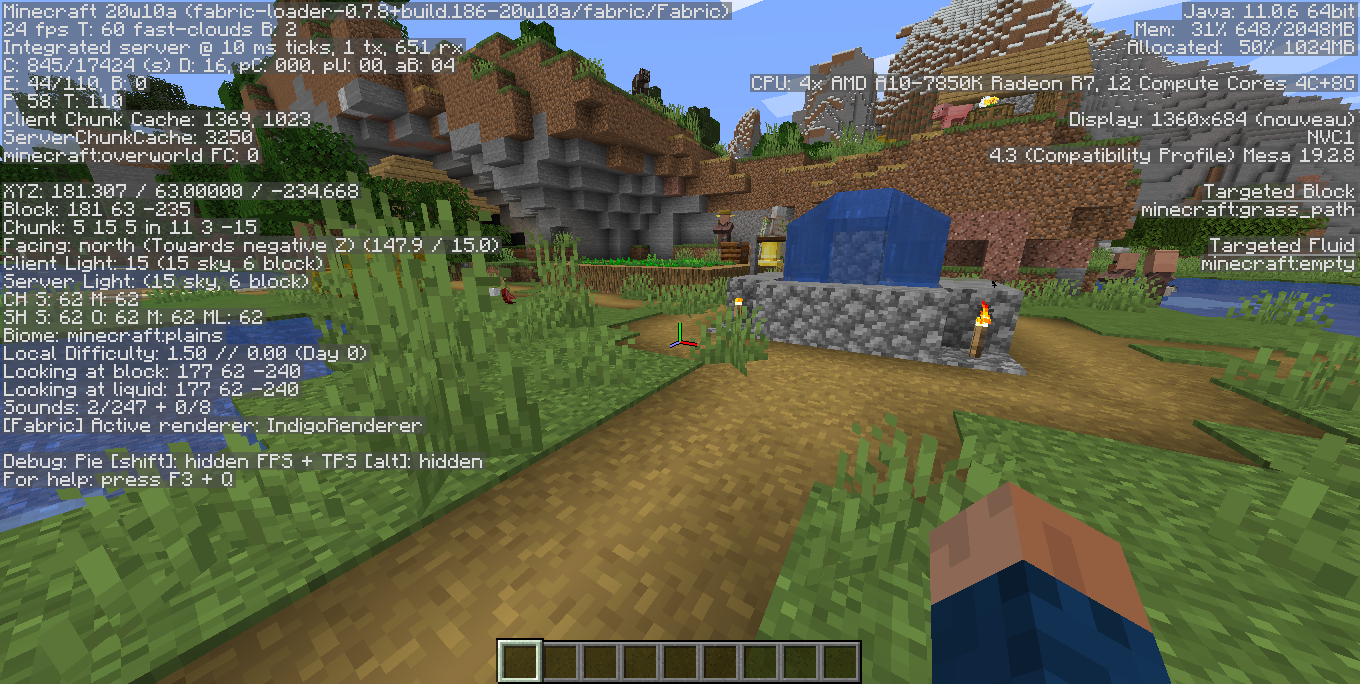
It shows information on the game screen.
- Player position,
- Nether/Overworld coordinate conversion,
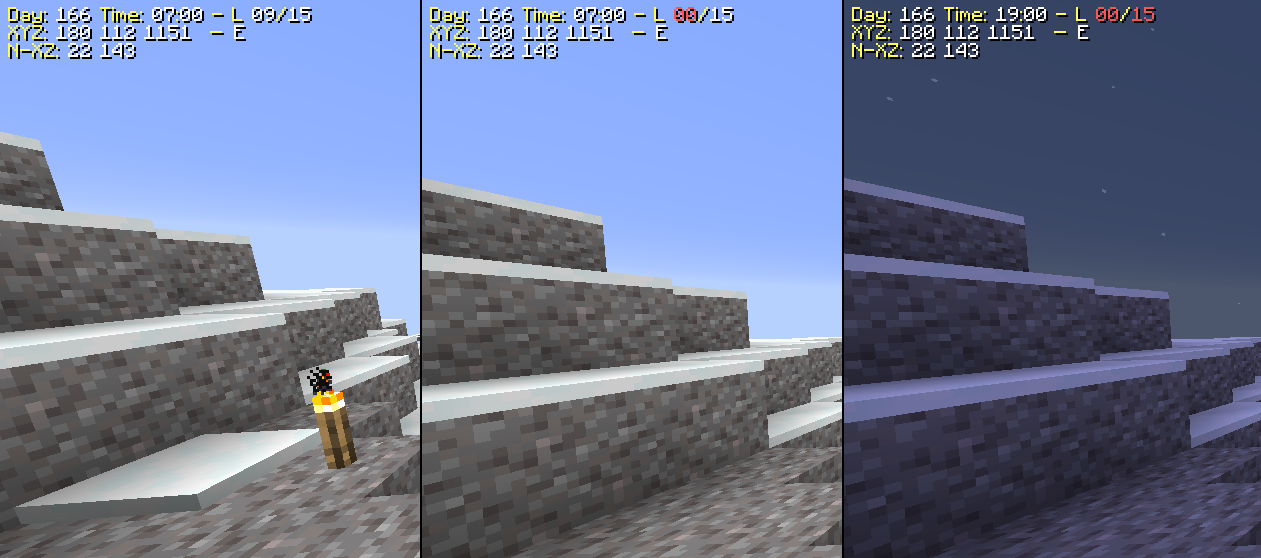
- Light level
- Address you are viewing,
- Diasable default auto jump,
- Game time
- Sends you a chat message with the coordinates of the last death point.
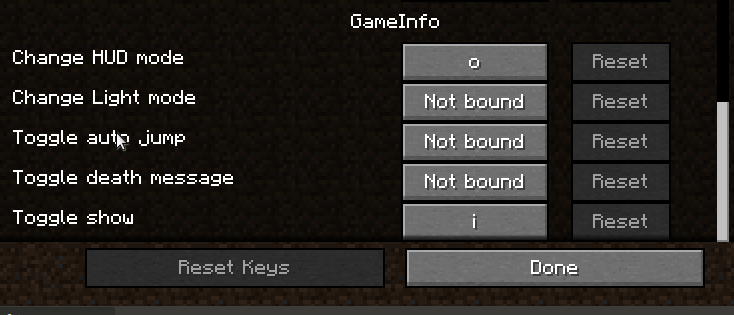
from 1.16.4, you must configure the keys binds from the configuration menu
Change mod settings press the keys 'I','O','P' or with command "/gameinfo"
It depends https://www.curseforge.com/minecraft/mc-mods/fabric-api
New in 2.0.1
-Add Show biome in the hud (Disable default)
-Add Round Coords modes
-Add Commands settings, only singleplayer
-Add "Order by width" option
-Add "Reverse order" option
-Add "Position Hud" option
-Add "Edit HUD" option
-Add "HUDFILE" option
-Add Translated Text
-Fix Day
-Add HUD Editor
HUD files in ".minecraft/gameinfo-resource"
The mod was almost completely rewritten
Many internal changes
New in 1.5.4
-Fix alert light level
-Fix show days in server
-Delay sound alert
-Add disable toast alert setting
New in 1.5.2
-Fix Slime Chunk Detector
New in 1.5.1
-Fix Update Setting File
New in 1.5.0
-Update to 20w21a
-Add light low level alert(Disable default)
New in 1.4.2
-Update to 20w17a
-Add FPS and Tick Server to HUD (Disable default).
-Fix Translate text.
-Fix World Name in deathpoints.
New in 1.4.1
-Update to 20w16a-Add Slime Chunk indicator (Disable default).
-Add Mod Menu support.-Add key "p" for open setting menu.
New in 1.3.3
-Update to 20w13b
-Add command "gameinfo" to change the settings of the mod in the game.
-Death logs are stored in the folder of the world. Save death point in file ".minecraft/saves/WOLD_NAME/deathPoints.txt".
New in 1.3.1
-Update to 20w12a.
-Add file death points log in ".minecraft/deathPoints.txt".
-Add keys for toggle light level in the hud.
New in 1.3.0-Add load/save settings.-Add Light level in the HUD.-Add file settings in the ".minecraft/config/gameinfo.json"-Enable default autojump disable on game start. New in 1.2.0-Update Minecraft version to 20w11a-Eliminate Spinnery dependence-Add mixin to render hud-Add HudStaticText class for rendering text New in 1.1.2-Add keybinding-Add key toggle Show/Hidden Info-Add key toggle Show/Hidden Death Message-Add key toggle Auto Jump Killer-Add key toggle Mode to show info

Project description from CurseForge.
Pick your setup
Choose the version and loader you play, then open the matching release.
Check the dependencies, then try the file in a copied instance before changing a world you care about.
Recent files
26 Jan 2023
25 Jan 2023
24 Jan 2023
28 Dec 2021
2 Jul 2021
25 Jun 2021
17 Jun 2021
12 Apr 2021
24 Jan 2021
18 Jan 2021
12 Jan 2021
11 Jan 2021
Looking for an older file? The official CurseForge project page is in Resources.
 mod
Heavy rain can turn into a flood! Rivers, lakes and oceans overflow their banks, then drain away when the storm passes.
 mod
Vanilla+ additions: Jars, signposts, faucets, weather vanes spring launchers, sconces, planters, lights, decoration and automation
 mod
Break down your trees by only cutting one piece of it