Minecraft version
Back to mods 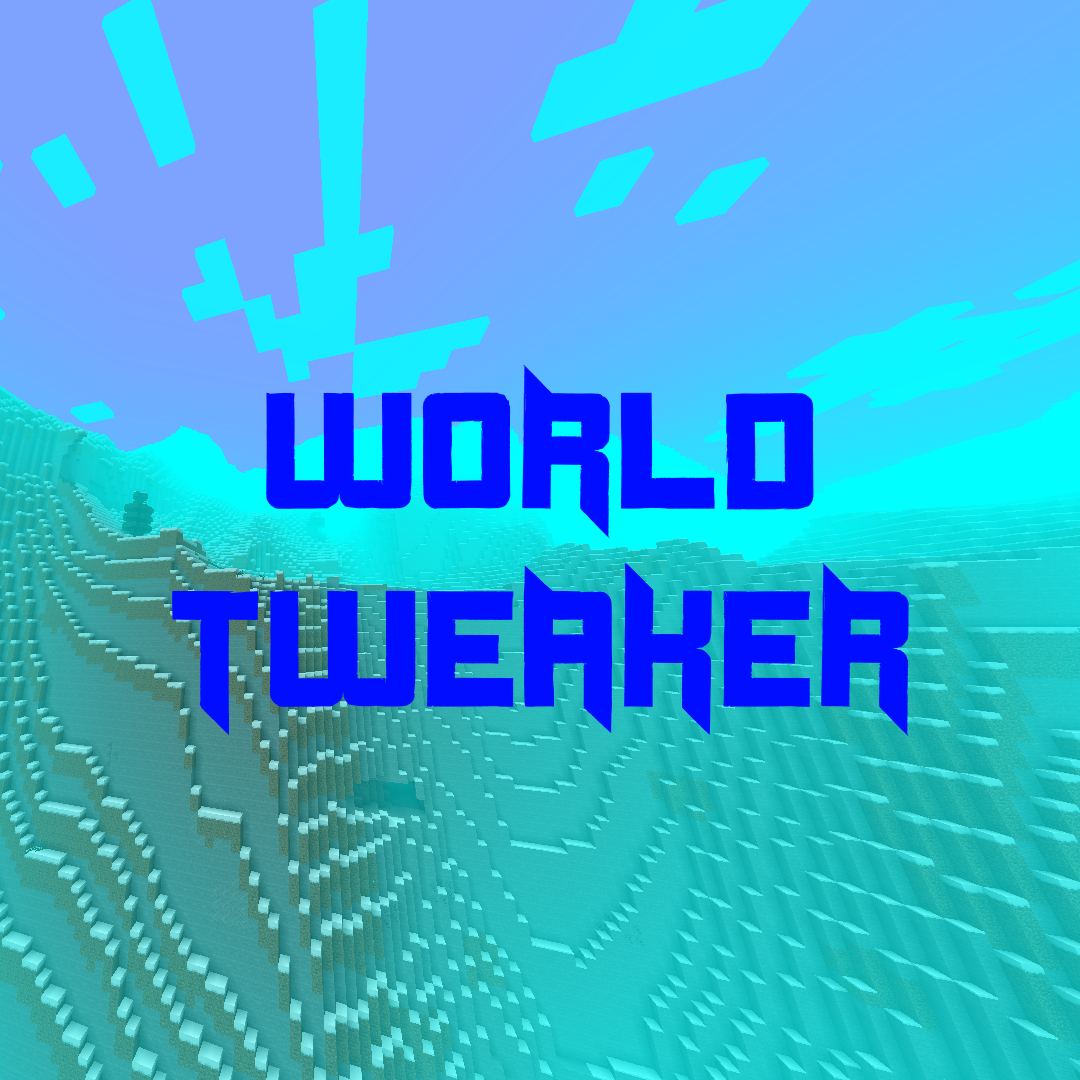
CurseForge · Minecraft mod
World Tweaker
Control time, weather, fog color/density, and more!
Choose a version Pick your version below, then grab the matching file.
Quick answer
Which World Tweaker release should I use?
Latest stable file WorldTweaker-1.0.jar
Game version 1.15.2
Loader Forge
World Tweaker WorldTweaker-1.0.jar targets 1.15.2 with Forge. The project page does not say whether this file belongs on the client, dedicated server, or both. No extra mods listed for this file.
Where it goes
Is World Tweaker required on the client, server, or both?
The project page does not say whether this file belongs on the client, dedicated server, or both.
Client Source doesn’t say
Dedicated server Source doesn’t say
Loader for this release Forge
Required install it here Optional supported, not mandatory Not supported do not install here Source doesn’t say do not assume
The source does not explicitly classify this release as client-only or server-only.
What else does World Tweaker WorldTweaker-1.0.jar need?
WorldTweaker-1.0.jar. Change the file and its required mods may change too.
This file does not list any required mods. Do not add a library just because a different file uses it.
This file does not list any required or optional mods.
Before you install it
Add World Tweaker without breaking your instance.
Built for World Tweaker WorldTweaker-1.0.jar. Pick another file and the loader, install side or required mods may change.
- 01
Stick to this file
Use WorldTweaker-1.0.jar. It targets 1.15.2 with Forge; another release may have different loader, side or dependency requirements.
- 02
Bring the mods it needs
This file does not list any required mods. Do not add a library just because a different file uses it.
- 03
Put it on the correct side
The project page does not say whether this file belongs on the client, dedicated server, or both.
- 04
Pick the file you checked
Use the “Get this file” button beside WorldTweaker-1.0.jar. It opens that exact file at the source.
About this project
What does World Tweaker add?
 About World Tweaker:
World Tweaker is a world tweaking mod where players can control several aspects of visuals and some world options in relation too the Overworld. Players are given the ability to control: Fog Color, Fog Density, Cloud Height, Day/Night length, and Weather. The mod also rewrites the default/large biome world type generators so mountains are taller and plateaus are flatter.
Notes:
There are 2 configs in which the settings are split. One is the client config in your config folder and the 2nd is the server config in your world's folder.
Modified World time can only be seen on the user's client. World Objects such as mobs will follow the set world time if the client is hosting the world. External clients will still have a normal day/night cycle visually so don't be surprised if your friend says he sees a zombie walking around in the broad daylight.

Project description from CurseForge.
Pick your setup
World Tweaker by Minecraft version and loader
Choose the version and loader you play, then open the matching release.
Check the dependencies, then try the file in a copied instance before changing a world you care about.
Recent files
World Tweaker versions and loaders
WorldTweaker-1.0.jar
23 Mar 2020
Client Source doesn’t say Server Source doesn’t say Dependencies No extras listed Listed on Release listing
Check the 1.15.2 · Forge setup 1.15.2Forge release
Looking for an older file? The official CurseForge project page is in Resources.
 mod
CurseForge · Minecraft
The Nether was Rubbish
The Nether was rubbish, so we fixed it: a whole new look, far less lava, new mobs, deadly plants, new places and a properly eerie atmosphere.
 mod
CurseForge + Modrinth · Minecraft
Immersive Farming
Addon for immersive engineering focused on agriculture by adding new mechanics and blocks.