CraftTweaker Optional for More Smiley Clouds More-Smiley-Clouds-1.1
optionalMatching file found Matched file: CraftTweaker2-1.12-4.1.20.715.jar

CurseForge · Minecraft mod
Add new and your own Smiley Clouds
Quick answer
More Smiley Clouds More-Smiley-Clouds-1.1 targets 1.12.2. The project page does not say whether this file belongs on the client, dedicated server, or both. All 1 required mods have matching files.
Where it goes
The project page does not say whether this file belongs on the client, dedicated server, or both.
The source does not explicitly classify this release as client-only or server-only.
More-Smiley-Clouds-1.1. Change the file and its required mods may change too.
Install Actually Additions first. We found matching files for this game-version and loader setup.
We only count dependency files that match this setup. A file for another loader does not fill the gap.
Before you install it
Built for More Smiley Clouds More-Smiley-Clouds-1.1. Pick another file and the loader, install side or required mods may change.
Use More-Smiley-Clouds-1.1. It targets 1.12.2; another release may have different loader, side or dependency requirements.
Install Actually Additions first. We found matching files for this game-version and loader setup.
The project page does not say whether this file belongs on the client, dedicated server, or both.
Use the “Get this file” button beside More-Smiley-Clouds-1.1. It opens that exact file at the source.
About this project
This mod adds more Actually Additions Smiley Clouds. That's it.
Oh, and you can make your own ones using CraftTweaker.
Crafttweaker Integration:
import mods.moresmileyclouds.SmileyCloud;
SmileyCloud.addCloud("Bob"); // Adds a cloud
SmileyCloud.addLeftItem("Bob",<minecraft:coal>); // Adds a Item to the Left side
SmileyCloud.addRightItem("Bob",<minecraft:torch>); // Adds a Item to the Right side
SmileyCloud.addTopBlock("Bob",<minecraft:furnace>); // Adds a Block to the Top
SmileyCloud.registerCloud("Bob"); // Registers the finished Cloud
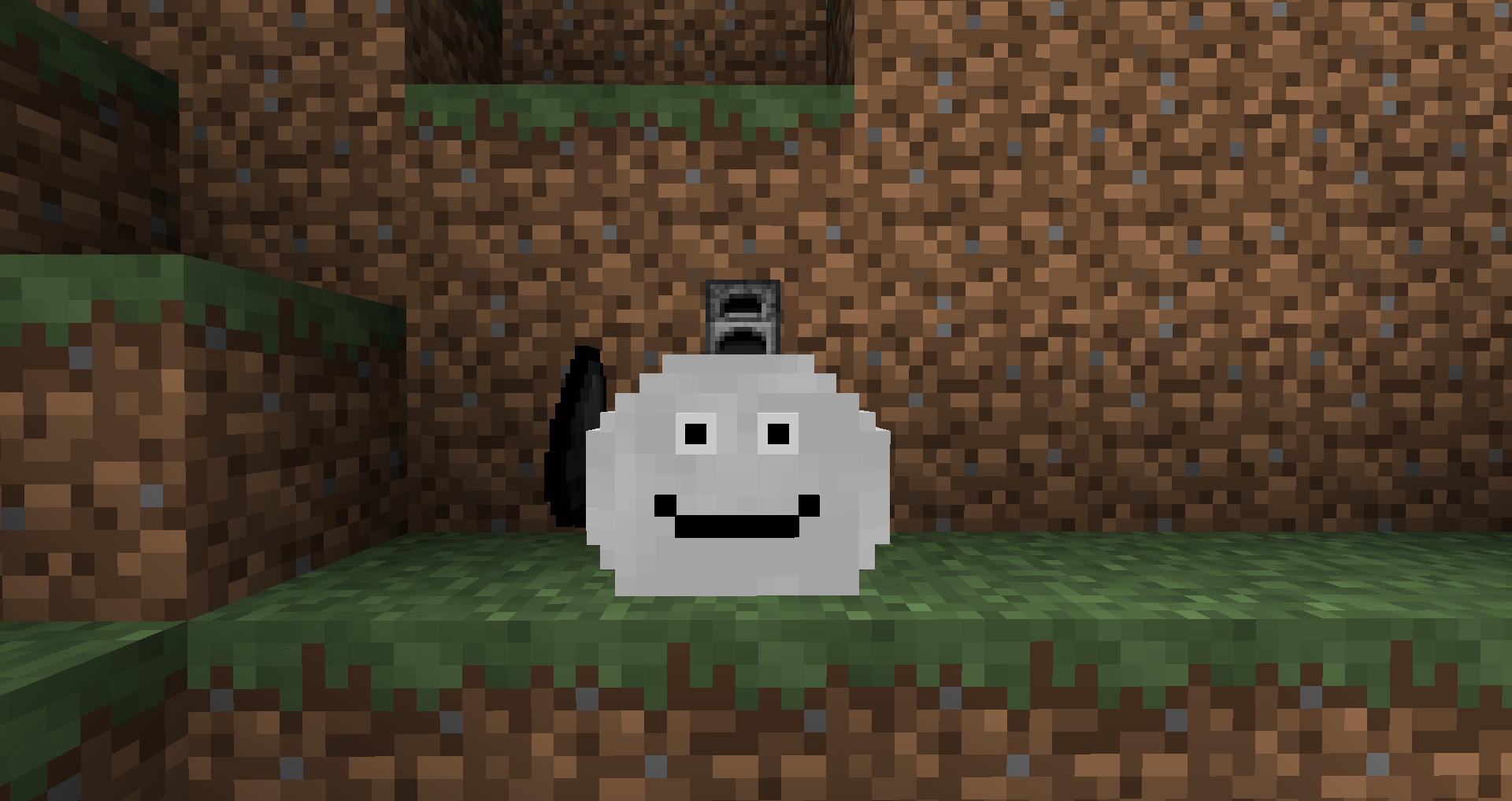
Project description from CurseForge.
Pick your setup
Choose the version and loader you play, then open the matching release.
Check the dependencies, then try the file in a copied instance before changing a world you care about.
Recent files
moresmileyclouds-1.1.jar
13 Apr 2020
moresmileyclouds-1.0.jar
12 Apr 2020
Looking for an older file? The official CurseForge project page is in Resources.
 mod
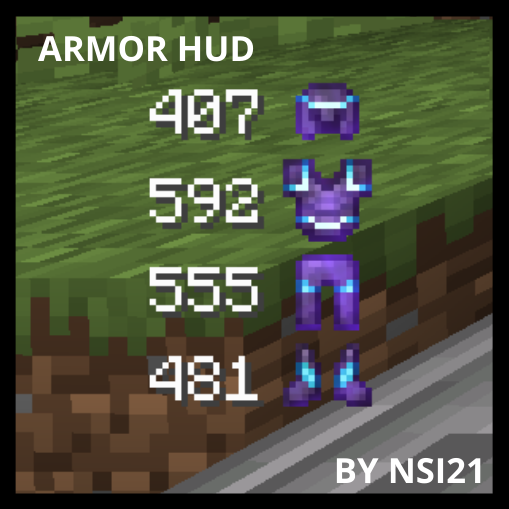
modThis mod will show you your armor durability
 mod
modenhances neoforge modlist by adding options to hide mods, libraries, adding badges to mods to define what it does and more. as well as making it look better.
 mod
modTilts player bodies and hitboxes to match the deck of a moving Create Aeronautics contraption