Minecraft version
Back to mods 
CurseForge · Minecraft mod
Trash Talk
For when you can't bother typing out your insults!
Choose a version Pick your version below, then grab the matching file.
Quick answer
Which Trash Talk release should I use?
Latest stable file Trash Talk 1.3.1 (for 1.8.9)
Game version 1.8.9
Loader Forge
Trash Talk 1.3.1 (for 1.8.9) targets 1.8.9 with Forge. The project page does not say whether this file belongs on the client, dedicated server, or both. No extra mods listed for this file.
Where it goes
Is Trash Talk required on the client, server, or both?
The project page does not say whether this file belongs on the client, dedicated server, or both.
Client Source doesn’t say
Dedicated server Source doesn’t say
Loader for this release Forge
Required install it here Optional supported, not mandatory Not supported do not install here Source doesn’t say do not assume
The source does not explicitly classify this release as client-only or server-only.
What else does Trash Talk 1.3.1 (for 1.8.9) need?
Trash Talk 1.3.1 (for 1.8.9). Change the file and its required mods may change too.
This file does not list any required mods. Do not add a library just because a different file uses it.
This file does not list any required or optional mods.
Before you install it
Add Trash Talk without breaking your instance.
Built for Trash Talk 1.3.1 (for 1.8.9). Pick another file and the loader, install side or required mods may change.
- 01
Stick to this file
Use Trash Talk 1.3.1 (for 1.8.9). It targets 1.8.9 with Forge; another release may have different loader, side or dependency requirements.
- 02
Bring the mods it needs
This file does not list any required mods. Do not add a library just because a different file uses it.
- 03
Put it on the correct side
The project page does not say whether this file belongs on the client, dedicated server, or both.
- 04
Pick the file you checked
Use the “Get this file” button beside Trash Talk 1.3.1 (for 1.8.9). It opens that exact file at the source.
About this project
What does Trash Talk add?
Trash Talk
This is a handy mod to aid your trash-talking in Minecraft 1.8.9. Basically, you press a button, and the mod automatically sends out a chat message trashing the other players! Your gameplay isn't interrupted at all, aside from pressing the hotkey.
Disclaimer: Use this at your own risk! This is intended for use on the Hypixel network, and they have rules about being nice. Use it sparingly or exclusively with friends.
Use
Keybinds
T sends a message using the currently /shout toggle and message type.
P reloads the messages from the file in mods. This is useful if you want to make live changes to the messages.
G toggles between insults and encouragment.
B toggles /shout.
All these can be changed like any other keybind (found at the bottom of the Controls menu).
Messages
These are the preset messages loaded by default.
Note: If you update the mod version, you have to delete the messages file in order to get any new messages that came with the new version.
Custom Messages
Aside from the preset messages, Trash Talk has the ability to load user-defined messages if one wishes to add more or remove certain ones. All of this is done from the TTMessages.json file found in .minecraft/mods/. Most people's .minecraft directory is in C:/Users/[Username]/AppData/Roaming/.
To add messages, simply edit that file. Be sure the JSON formatting is correct—there should be a comma after every message's last quotation mark, except for the last. You can verify the file's formatting using this website.
If you want to revert back to the old messages, simply delete the file. When the messages are reloaded (through the hotkey or through restarting the client) the file will be recreated with the preset messages.
Currently, all messages must be part of one of the preset categories. They must also be 93 characters or less, since that's Minecraft's 1.8.9 chat character limit (with room for "/shout").
Installation
To install this mod, download the .jar file. Put it in the mods folder of your Minecraft installation (the .minecraft folder on Windows). Of course, Minecraft Forge for 1.8.9 must be installed.
Changelog
Anticipated Changes:
- Having each message be part of a certain category (Ranged, Melee, Team, etc.) and having each category be bound to a different key. This will produce messages that better fit one's situation.
- Adding other types of messages, like or apologies.
1.3
- Added a new message category "Encouragement." The selected message category is now changed using a single key, which cyles between the three.
- Added a few new messages and revised existing messages.
1.2
- Added several new messages.
- Added a new message category, "Encouragement."
- Fixed message randomization.
1.1
- Added a ton of new messages.
- The message order is now randomized on load.
1.0
- Added several new messages.
- Added the ability to load messages from an external file.
- Added
README.md - Added the ability to toggle
/shoutcommand. - Added the ability to reload messages ingame.
0.1
- Added basic functionality. By default, pressing the U key sends a message. There are five preset messages.
Project description from CurseForge.
Pick your setup
Trash Talk by Minecraft version and loader
Choose the version and loader you play, then open the matching release.
Check the dependencies, then try the file in a copied instance before changing a world you care about.
Recent files
Trash Talk versions and loaders
Trash Talk 1.3.1 (for 1.8.9)
trashtalk-1.3.1.jar
29 Apr 2020
Client Source doesn’t say Server Source doesn’t say Dependencies No extras listed Listed on Release listing
Check the 1.8.9 · Forge setup Forge1.8.9 alpha
Trash Talk 1.3.1 (for 1.8.9)
trashtalk-1.3.1.jar
29 Apr 2020
Client Source doesn’t say Server Source doesn’t say Dependencies No extras listed Listed on Release listing
Check the 1.8.9 · Forge setup Forge1.8.9 release
Trash Talk 1.3 (for 1.8.9)
trashtalk-1.3.jar
24 Apr 2020
Client Source doesn’t say Server Source doesn’t say Dependencies No extras listed Listed on Release listing
Check the 1.8.9 · Forge setup Forge1.8.9 release
Trash Talk 1.2 (for 1.8.9)
trashtalk-1.2.jar
22 Apr 2020
Client Source doesn’t say Server Source doesn’t say Dependencies No extras listed Listed on Release listing
Check the 1.8.9 · Forge setup Forge1.8.9 release
Looking for an older file? The official CurseForge project page is in Resources.
 mod
CurseForge · Minecraft
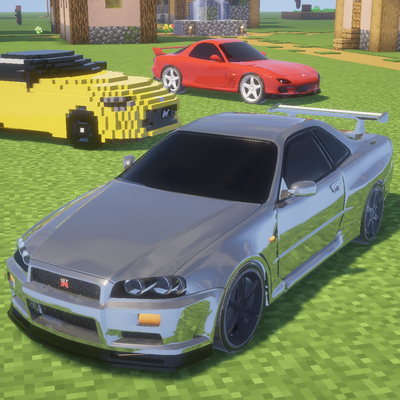
MineTurismo : Car & Vehicle Mod
A car mod that runs almost everywhere: Fabric, NeoForge and Forge, Minecraft 1.7.10 to 26.3. Drive cars, bikes, trucks, helicopters and trains with AI traffic and deep customization
 mod
CurseForge · Minecraft
Iter RPG Bug Fixes
Comprehensive bug fixes, dedicated server crash prevention, anti-dupe hardening, modular tool & map visibility support, and performance optimizations for Iter RPG.
 mod
CurseForge · Minecraft
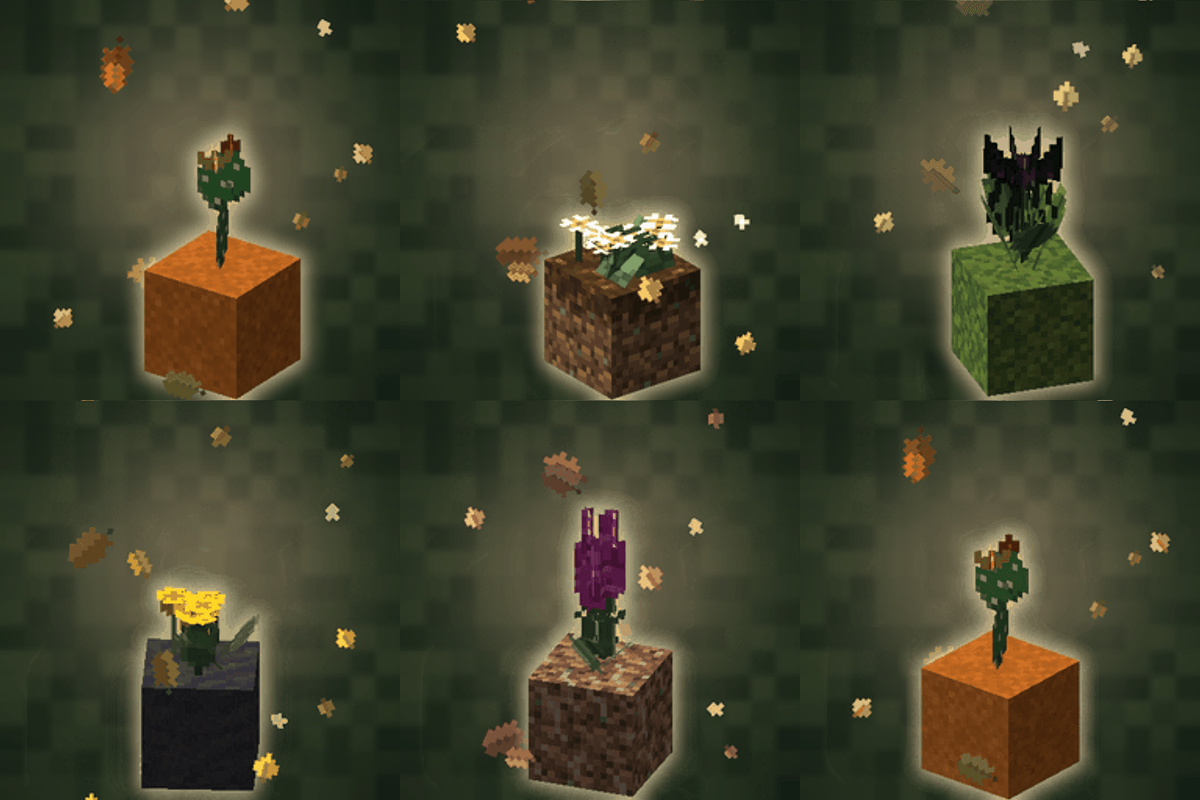
Litter & Flowers: Foliage, Flowers & Ivy Decoration
Leaf litter under every tree, 3D flowers, ivy and grapevines that grow on ruins, wild plants, bushes and water lilies. Vanilla style.