Integrated Crafting Optional for Integrated NBT integratednbt-26.1.2-neoforge-1.6.3.jar
optionalMatching file found Matched file: integratedcrafting-26.1.2-neoforge-1.4.8.jar

CurseForge · Minecraft mod
An addon for Integrated Dynamics to help extract values from complex NBT data
Quick answer
Integrated NBT integratednbt-26.1.2-neoforge-1.6.3.jar targets 26.1.2 with NeoForge. The project page does not say whether this file belongs on the client, dedicated server, or both. All 4 required mods have matching files.
Where it goes
The project page does not say whether this file belongs on the client, dedicated server, or both.
The source does not explicitly classify this release as client-only or server-only.
integratednbt-26.1.2-neoforge-1.6.3.jar. Change the file and its required mods may change too.
Install Integrated Tunnels, Integrated Dynamics, Cyclops Core, Common Capabilities first. We found matching files for this game-version and loader setup. 1 comes through another mod in the chain.
1 extra mod was pulled in by another dependency. Indented rows show who needs each one. We only count dependency files that match this setup. A file for another loader does not fill the gap.
Before you install it
Built for Integrated NBT integratednbt-26.1.2-neoforge-1.6.3.jar. Pick another file and the loader, install side or required mods may change.
Use integratednbt-26.1.2-neoforge-1.6.3.jar. It targets 26.1.2 with NeoForge; another release may have different loader, side or dependency requirements.
Install Integrated Tunnels, Integrated Dynamics, Cyclops Core, Common Capabilities first. We found matching files for this game-version and loader setup. 1 comes through another mod in the chain.
The project page does not say whether this file belongs on the client, dedicated server, or both.
Use the “Get this file” button beside integratednbt-26.1.2-neoforge-1.6.3.jar. It opens that exact file at the source.
About this project

This requires the Cyclops Core library and Integrated Dynamics!
Come talk to us in #integratedmods on the Cyclops Discord server!
Integrated NBT is an addon for Minecraft mod Integrated Dynamics. It adds a simple and fast way of extracting deeply nested values from a complex NBT variable via a graphical user interface.
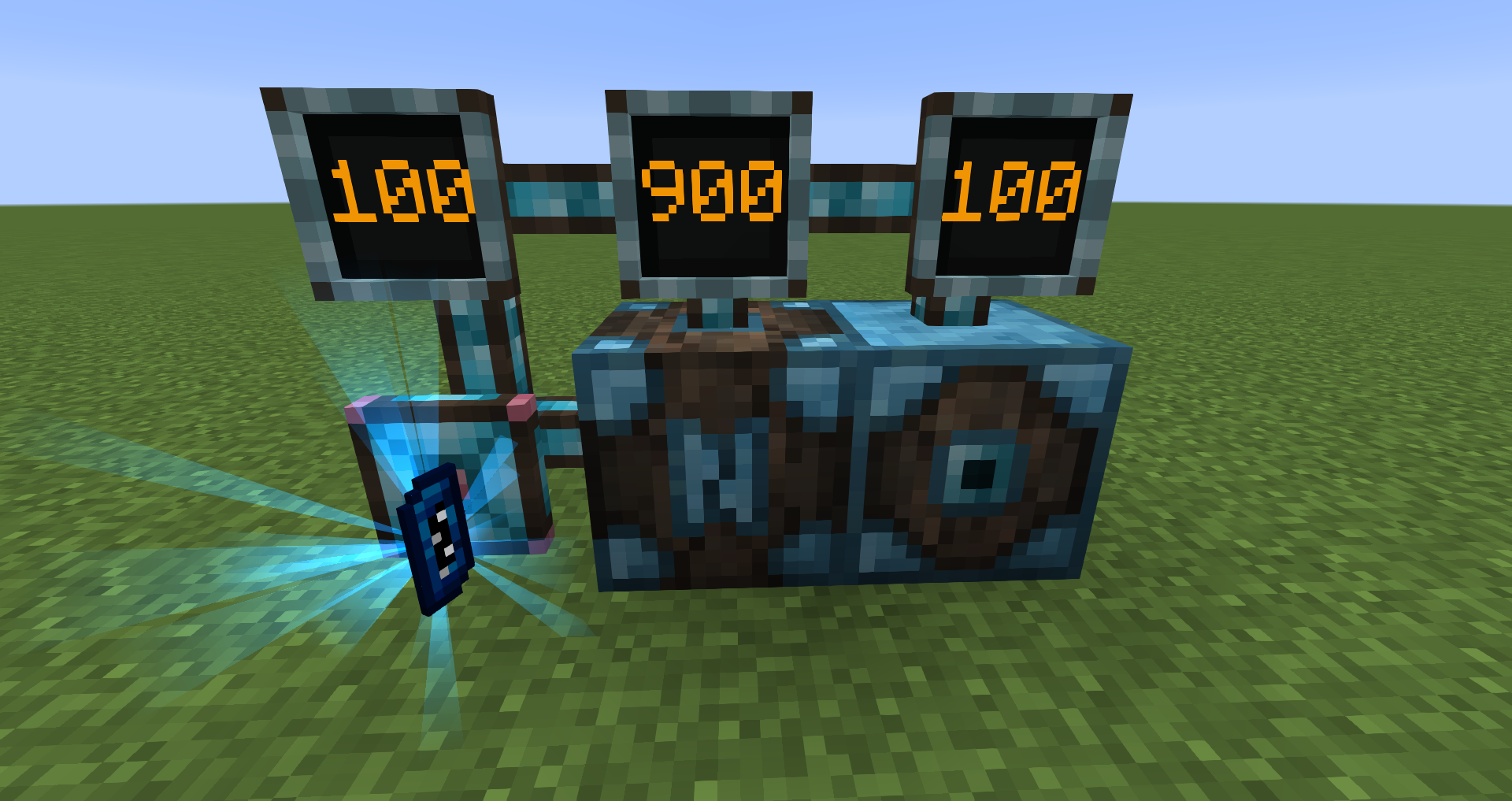
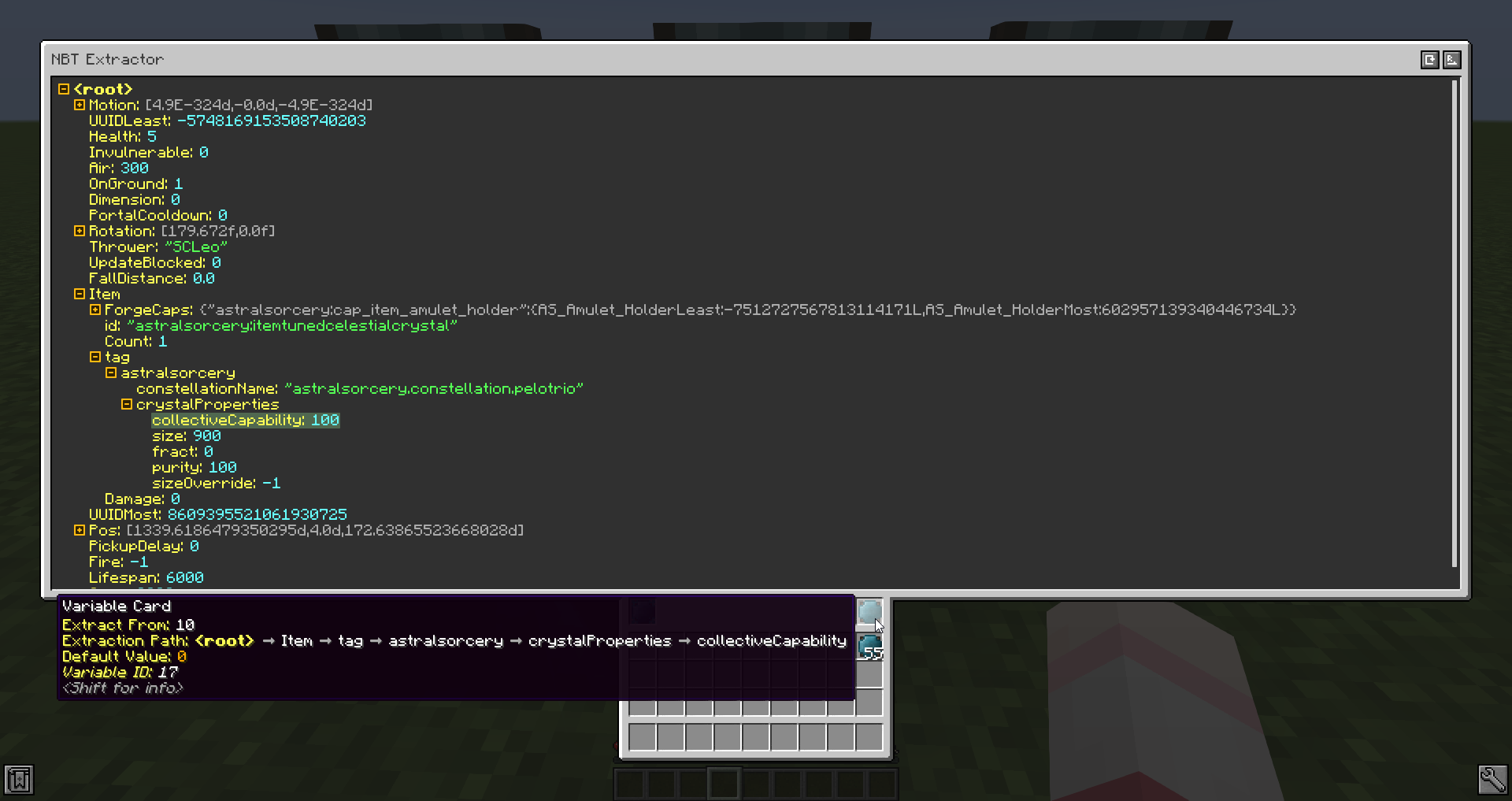
Support for different output modes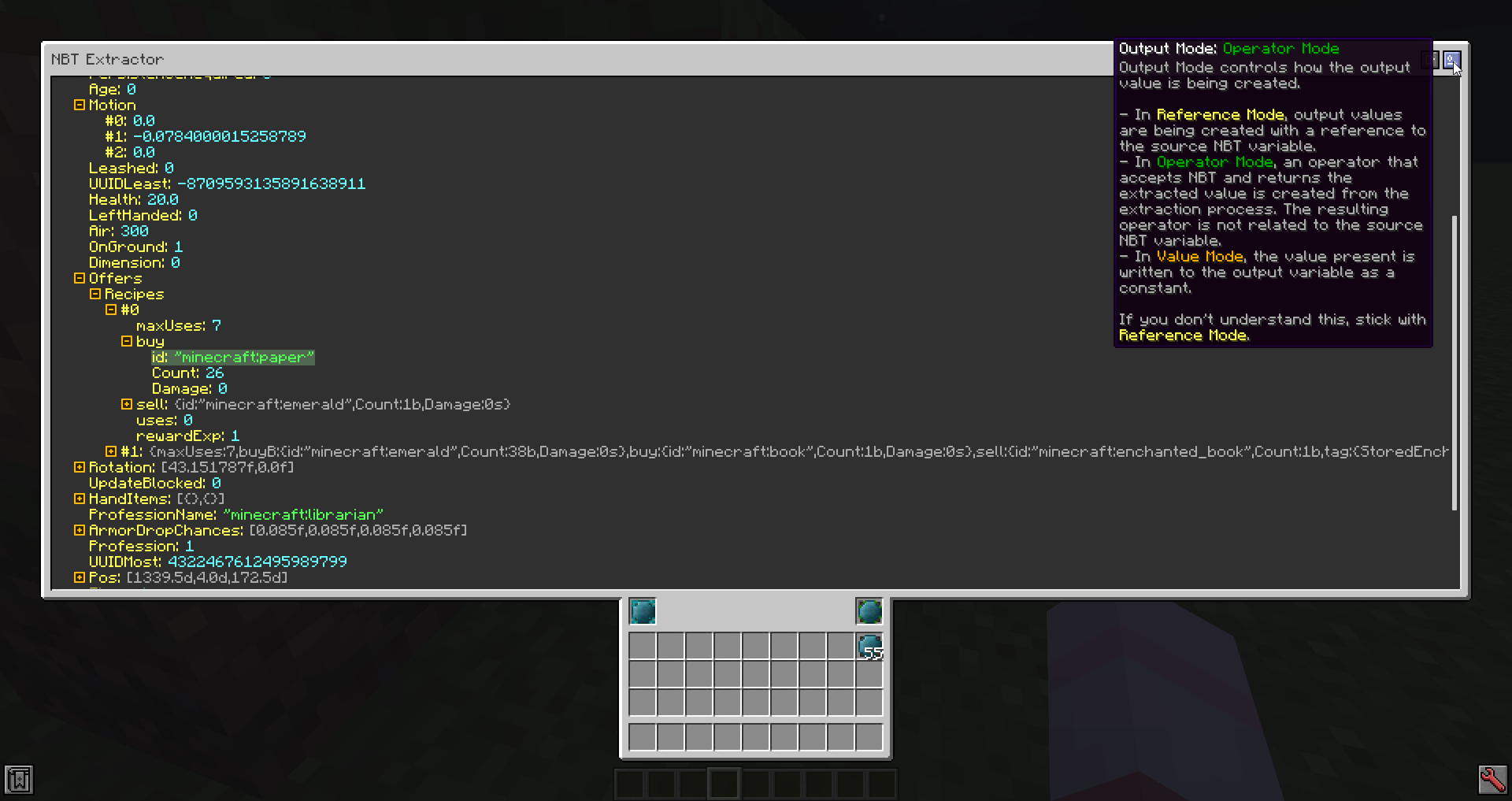
GUI is responsive and usable across all GUI scales and screen resolutions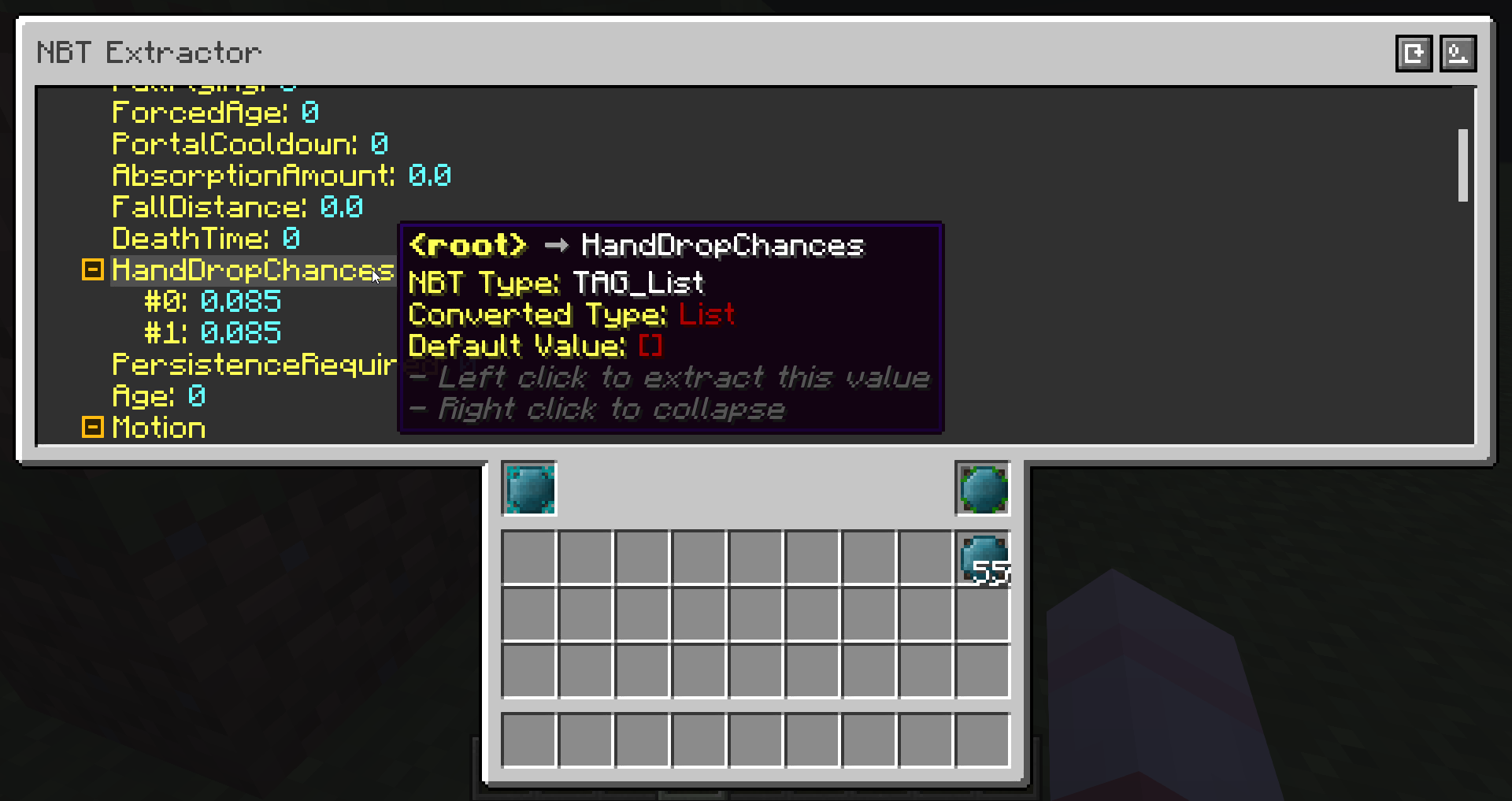
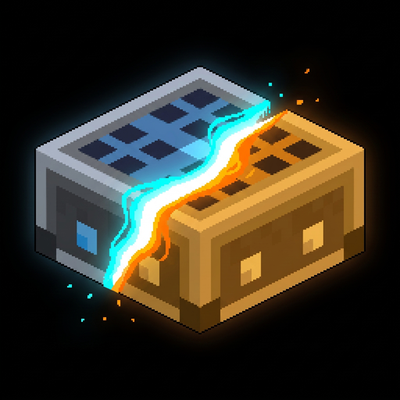
Integrated NBT adds two things: NBT Extractor and NBT Extractor Remote.
To use NBT Extractor, you should place it down and connect it to your Integrated Dynamics network. Then, right click to open its GUI. In the GUI, place a variable that stores a NBT value into the left slot. Note, this variable has to be evaluable within the connected network. Once the variable is placed, a tree should be rendered in the screen above.
Now, you may pick a value you wish to extract by left clicking the corresponding entry, which will select it immediately. Then, you should place an empty variable or a variable that is no longer needed into the right slot. This will record such extraction process into this variable. Now, you can take out the variable on the right and use it just like any other variables.
It is not necessary to move the source NBT variable to a variable store, as both slots in the NBT Extractor act like in a variable store.
If you wish to remotely access a NBT Extractor, you can craft a NBT Extractor Remote. Simply right click a NBT Extractor block with the remote will bind the remote to the NBT Extractor. Then, as long as the bound NBT Extractor block is still loaded on your client (which means, you cannot go far away or go to another dimension), you may "interact" with it via right clicking while holding the NBT Extractor Remote.
As said above, the extraction process is stored within the variable, so you may remove the NBT Extractor after finishing programming your system.
Support us via the referral code cyclops when renting a server at Bisect Hosting, and get 25% off your first month!

If you like this mod, consider supporting me on Patreon!
Project description from CurseForge.
Pick your setup
Choose the version and loader you play, then open the matching release.
Check the dependencies, then try the file in a copied instance before changing a world you care about.
Recent files
28 Jul 2026
28 Jul 2026
25 Jul 2026
24 Jul 2026
20 Jul 2026
20 Jul 2026
20 Jul 2026
20 Jul 2026
15 Jul 2026
15 Jul 2026
15 Jul 2026
15 Jul 2026
Looking for an older file? The official CurseForge project page is in Resources.
 mod
modA mod for fix all schematic problem from Create and all addon!
 mod
modCore mod for TerraFirmaGreg modpack!
 mod
modA technology mod featuring an EU energy system, machines, generators, and ore processing for Minecraft.