MaLiLib Needed by AdvancedChat-3.2.0-1.16.5.jar
requiredMatching file found Matched file: malilib-fabric-1.16.5-0.10.0-dev.21+arne.8.jar

CurseForge · Minecraft mod
A mod that allows for tons of customization for your chat!
Quick answer
AdvancedChat-3.2.0-1.16.5.jar targets 1.16.3, 1.16.5, 1.16.4 with Fabric. The project page does not say whether this file belongs on the client, dedicated server, or both. All 1 required mods have matching files.
Where it goes
The project page does not say whether this file belongs on the client, dedicated server, or both.
The source does not explicitly classify this release as client-only or server-only.
AdvancedChat-3.2.0-1.16.5.jar. Change the file and its required mods may change too.
Install MaLiLib first. We found matching files for this game-version and loader setup.
We only count dependency files that match this setup. A file for another loader does not fill the gap.
Before you install it
Built for AdvancedChat-3.2.0-1.16.5.jar. Pick another file and the loader, install side or required mods may change.
Use AdvancedChat-3.2.0-1.16.5.jar. It targets 1.16.3, 1.16.5, 1.16.4 with Fabric; another release may have different loader, side or dependency requirements.
Install MaLiLib first. We found matching files for this game-version and loader setup.
The project page does not say whether this file belongs on the client, dedicated server, or both.
Use the “Get this file” button beside AdvancedChat-3.2.0-1.16.5.jar. It opens that exact file at the source.
About this project
AdvancedChat has gone through a major change and has now been split into separate mods. All the features that are listened on this page have been added to the separate mods and in most cases been improved. To see these new mods and download them check out this link. For this repository it is eventually planned to distribute releases with all of them combined into one.
==================
AdvancedChat is a mod that allows for tons of customization for your chat! Some of it's main features are:
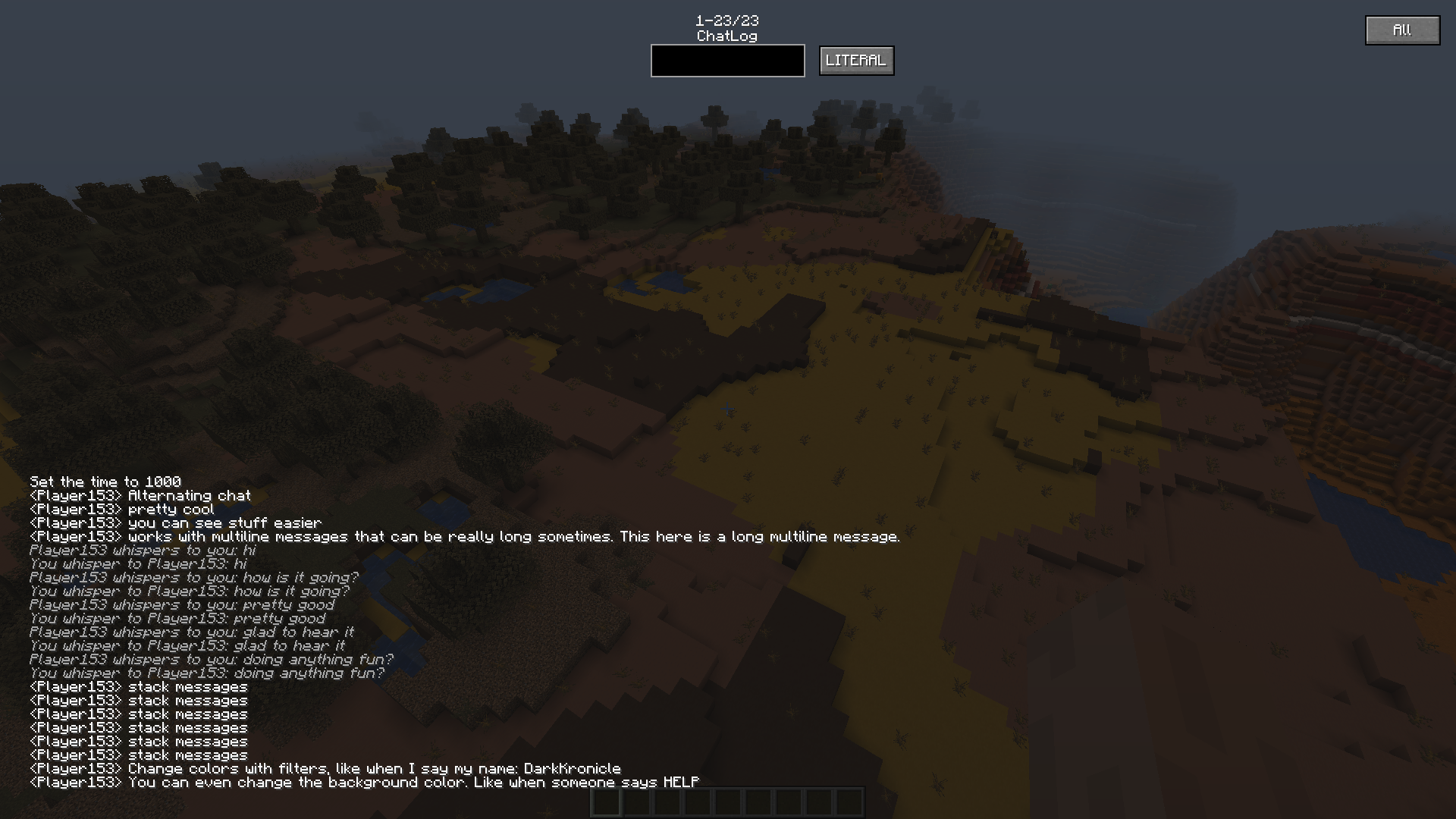
One powerful feature of AdvancedChat is its message filtering. There are two main categories of filtering for now, replacing, and notifying. Within each filter you can choose if the filter looks for certain words and then replaces them, or if it finds words and plays a sound effect for you.
With this mod you can block/replace full lines of messages, or just certain words. Some examples of this would be to color your IGN, notify if someone messages you, or block sensitive messages if you're recording.
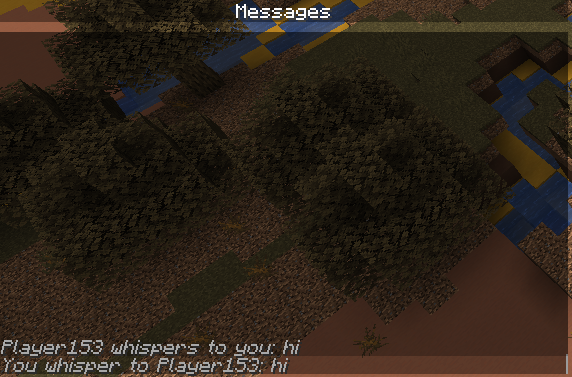
The best feature is probably the chat tabs, you can now sort your messages into different tabs.
Another feature is a full screen to show you what messages you have received. The ChatLogScreen is very useful if you want to see specific messages from a person. Each message also comes with a timestamp that is customizable.
MaLiLib and the Fabric API are required for AdvancedChat
More information on customization is available on the GitHub repository. Please submit any features or bugs to the issue tracker!


Project description from CurseForge.
Pick your setup
Choose the version and loader you play, then open the matching release.
Check the dependencies, then try the file in a copied instance before changing a world you care about.
Recent files
18 Apr 2021
13 Apr 2021
1 Apr 2021
29 Mar 2021
29 Mar 2021
28 Mar 2021
28 Mar 2021
28 Mar 2021
9 Mar 2021
19 Feb 2021
AdvancedChat-2.1.0.jar
13 Feb 2021
24 Jul 2020
Looking for an older file? The official CurseForge project page is in Resources.
 mod
ESSX Rank Manager is a rank mod who adds ranks with permission color codes and prefixes.
 mod
ESSX Jobs adds a bunch of jobs with different xp gains and coins! Level up and earn even more perks coins xp and more! now availible the shop!
 mod
Generation multithreading, but better