Minecraft version
Back to mods 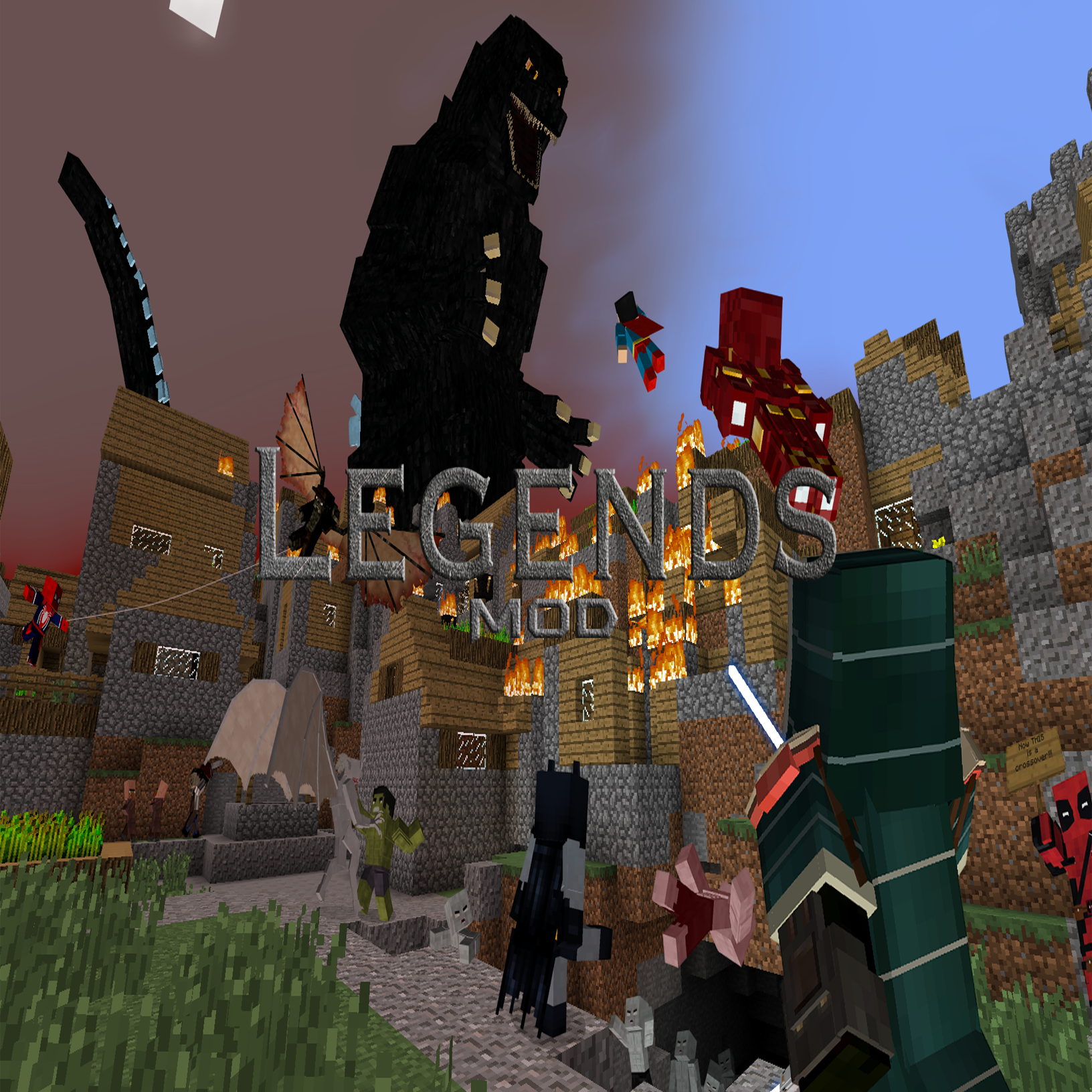
CurseForge · Minecraft mod
Legends Mod
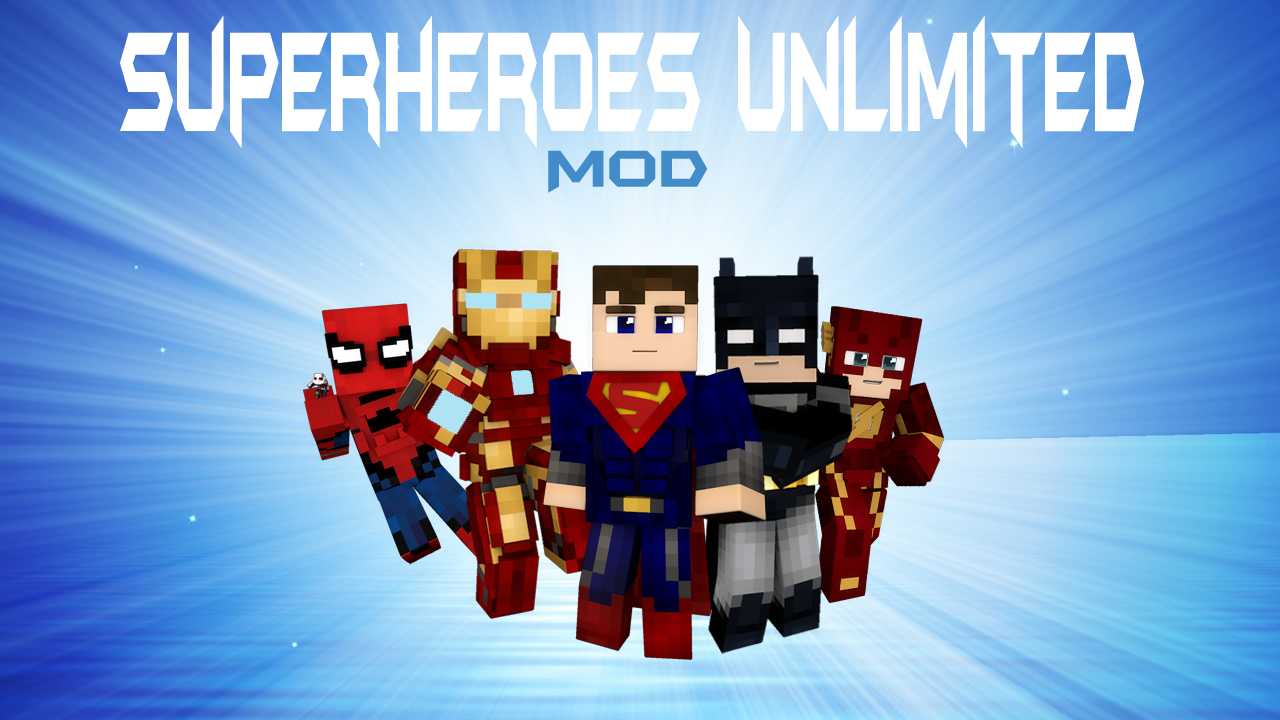
The Legends Mod is a Minecraft mod, created by the LMT, consisting of multiple packs such as Superheroes Unlimited, Star Wars, Kaiju, and Horror.
Choose a version Pick your version below, then grab the matching file.
Quick answer
Which Legends Mod release should I use?
Latest stable file Legends Mod 8.6.2
Game version 1.7.10
Loader Forge
Legends Mod 8.6.2 targets 1.7.10 with Forge. The project page does not say whether this file belongs on the client, dedicated server, or both. No extra mods listed for this file.
Where it goes
Is Legends Mod required on the client, server, or both?
The project page does not say whether this file belongs on the client, dedicated server, or both.
Client Source doesn’t say
Dedicated server Source doesn’t say
Loader for this release Forge
Required install it here Optional supported, not mandatory Not supported do not install here Source doesn’t say do not assume
The source does not explicitly classify this release as client-only or server-only.
What else does Legends Mod 8.6.2 need?
Legends Mod 8.6.2. Change the file and its required mods may change too.
This file does not list any required mods. Do not add a library just because a different file uses it.
This file does not list any required or optional mods.
Before you install it
Add Legends Mod without breaking your instance.
Built for Legends Mod 8.6.2. Pick another file and the loader, install side or required mods may change.
- 01
Stick to this file
Use Legends Mod 8.6.2. It targets 1.7.10 with Forge; another release may have different loader, side or dependency requirements.
- 02
Bring the mods it needs
This file does not list any required mods. Do not add a library just because a different file uses it.
- 03
Put it on the correct side
The project page does not say whether this file belongs on the client, dedicated server, or both.
- 04
Pick the file you checked
Use the “Get this file” button beside Legends Mod 8.6.2. It opens that exact file at the source.
About this project
What does Legends Mod add?
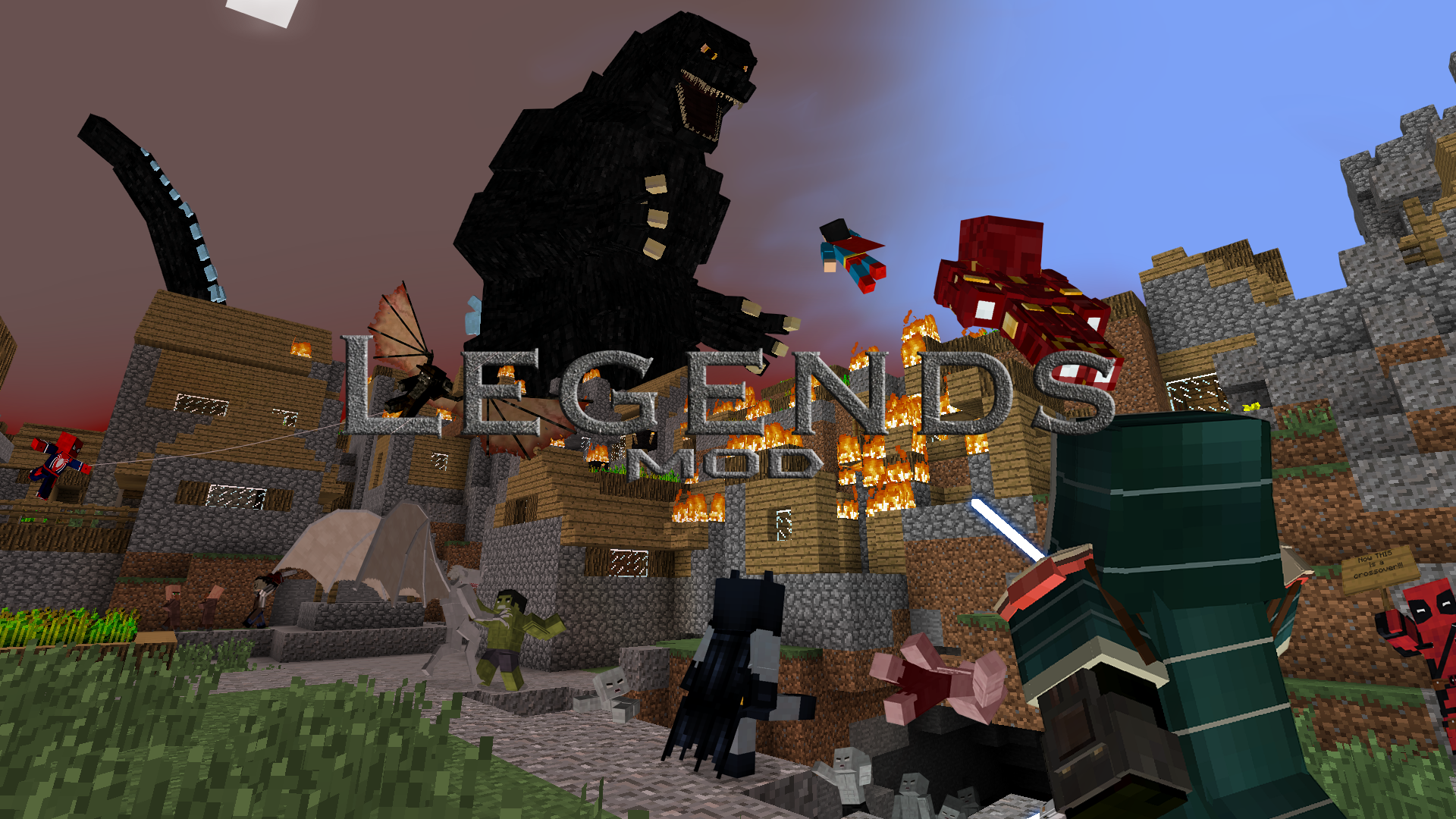
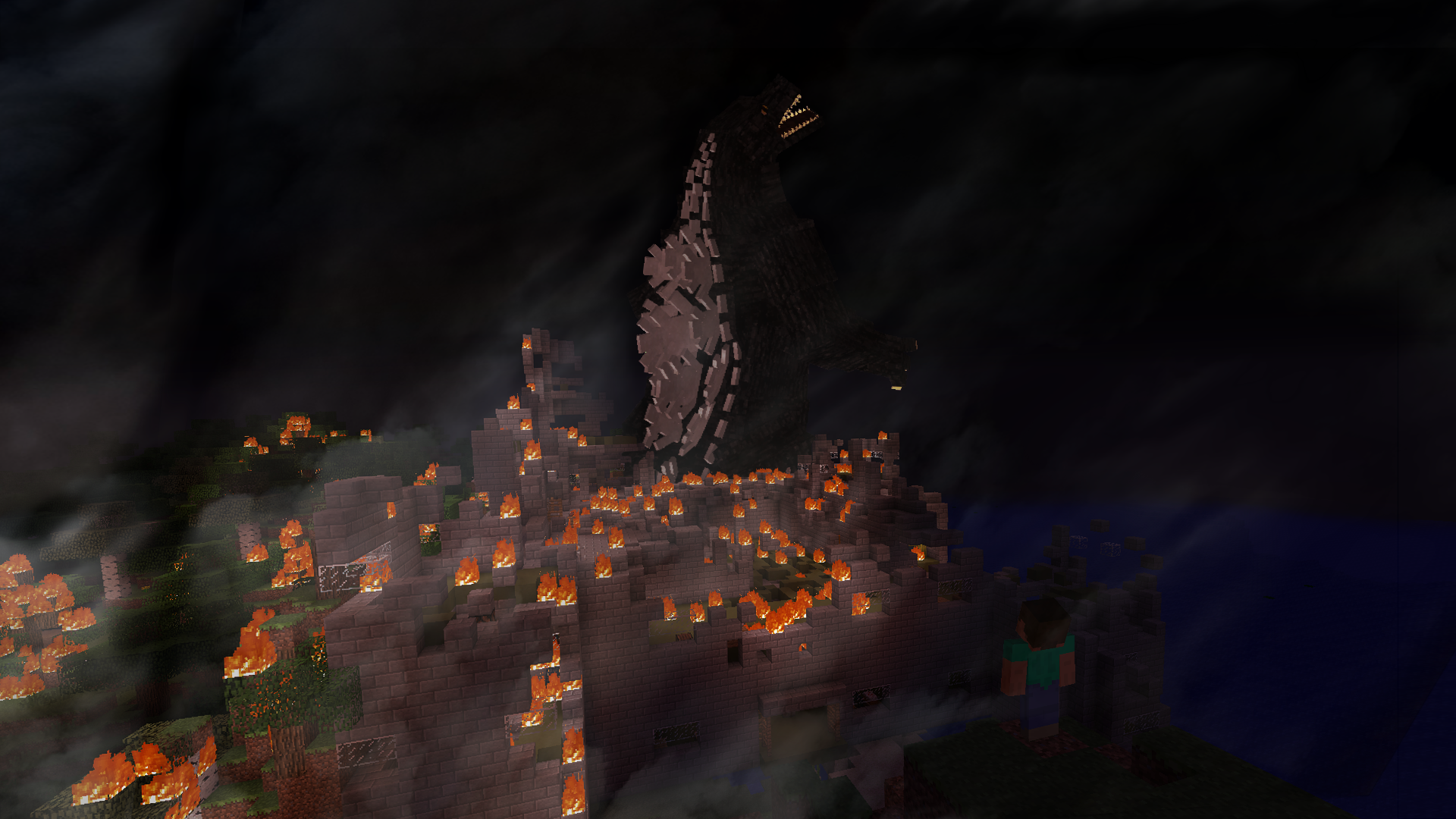
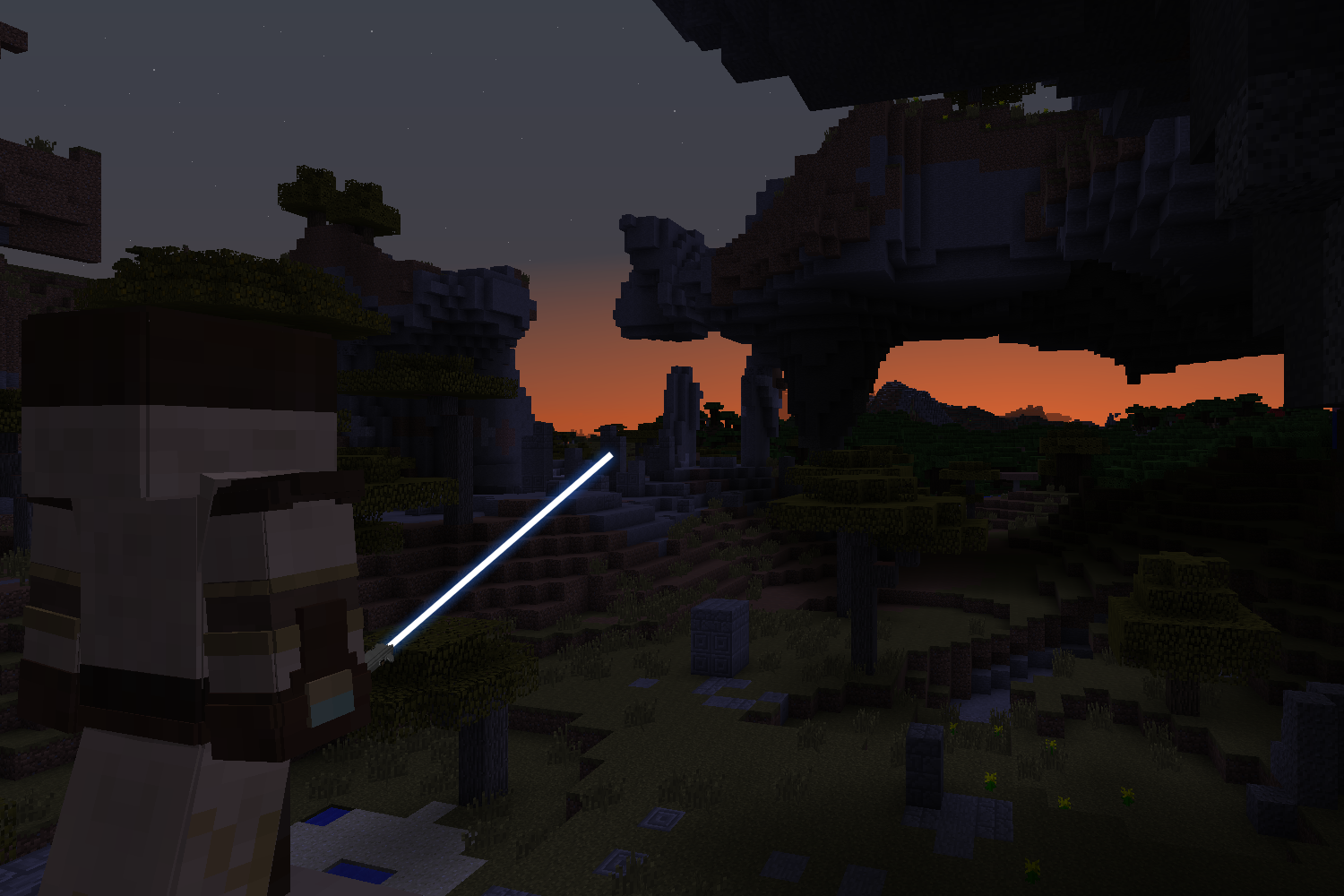
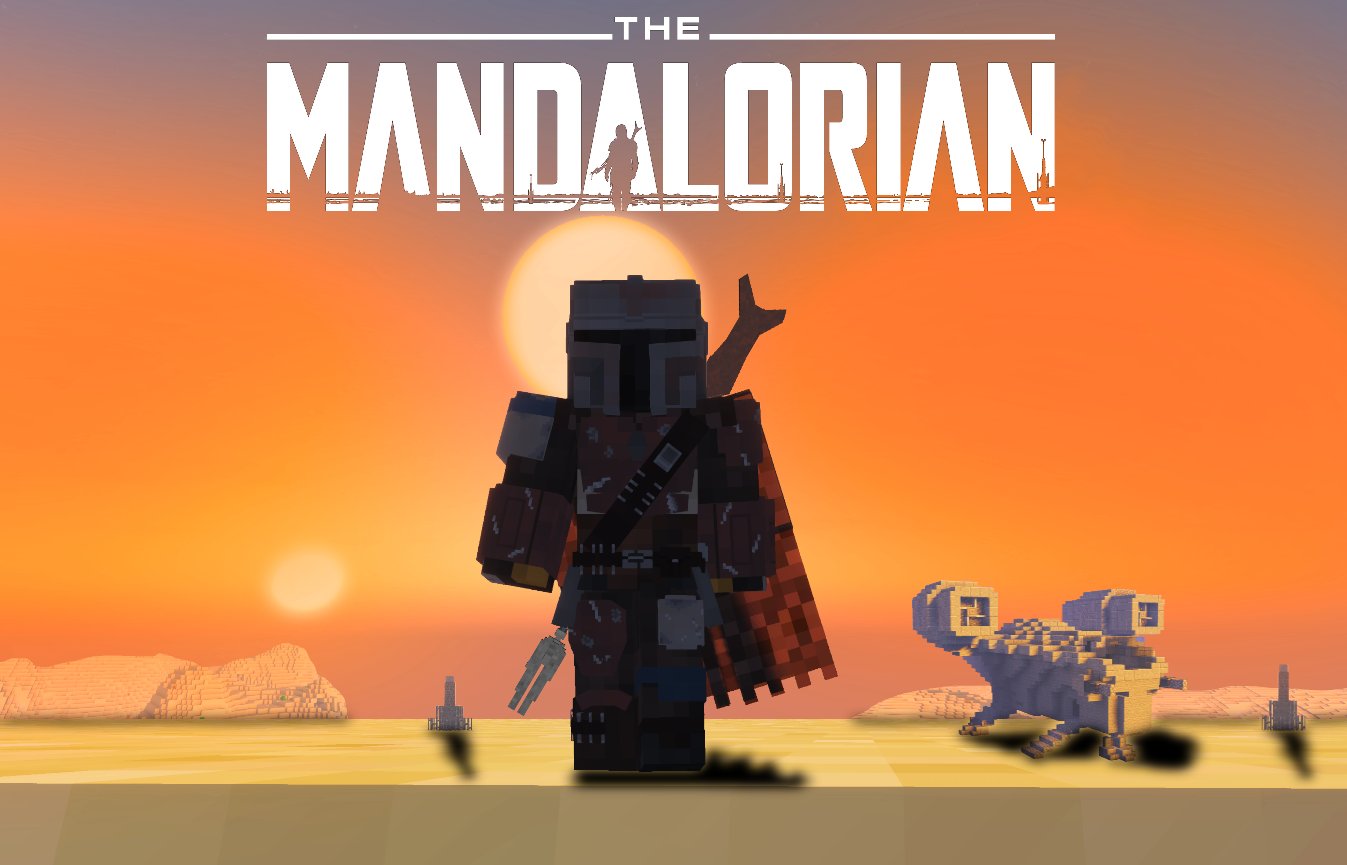
Ever wanted to build your own lightsaber while flying around in your Iron Man suit battling Godzilla in Minecraft?! Or traverse across the galaxy as a Jedi hunting down the brutal killers of society? The Legends Mod features packs such as Superheroes Unlimited, Horror, Kaiju/Godzilla, and Star Wars, allowing you to suit up as your favorite heroes and villains or become the Jedi and Sith of old to fight in the battle against good evil.
LEGENDS HAS EVOLVED!
This page is no longer receiving updates.
Development has moved to the new modular Legends project. Install Legends Core and choose from a growing collection of content packs.
➜ Click here to visit the new project!
INSTALLATION GUIDE
Due to the complexity of the Legends Mod, the installation process requires a few additional steps to ensure you have safely and successfully installed the mod.
Step 1: Make sure you are NOT using a preexisting world that had ANY mods on it, or was loaded in a version higher than 1.7.10 of Minecraft, before the Legends Mod was installed. If you load the mod on any preexisting modded worlds you are almost guaranteed world corruption. This is due to the required block ids already being taken by pre-existing blocks, since each world assigns it dynamically. Note, worlds using versions before the 2.0 Beta will also not work with anything higher due to the rewrite in the Revision Update.
Step 2: Download the 1Legends-Mod.jar and place it in your mods folder (like you would with any other mod). However, do NOT get rid of the '1' in front of the file name. The Legends Mod MUST LOAD FIRST in order to secure the proper block ids. Make sure there is nothing above the Legends Mod's placement in your mods folder.
Step 3: Download the maps.zip and unzip it. On Curseforge, this can be found as an additional link to the main file for each version. This should give you a folder called "maps". Place this folder inside the "legends" folder in your ".minecraft". If there is not one already generated (if you've not loaded up the mod before) then simply create a new folder in your .minecraft and call it "legends". This is the same folder guild information is stored in, for reference. The map installation is pretty similar to installing any other Minecraft world EXCEPT it goes into the "legends" folder in your .minecraft, NOT the "saves" folder. Always make sure you update your maps folder every time you download a new version of the mod!
SERVER INSTALLATION
Installing the mod and maps on the server is almost identical to singleplayer. The only difference is the "legends" folder will be with all your other server's folders (ie. mods, saves, etc) instead of in your .minecraft.
Project description from CurseForge.
Pick your setup
Legends Mod by Minecraft version and loader
Choose the version and loader you play, then open the matching release.
Check the dependencies, then try the file in a copied instance before changing a world you care about.
Recent files
Legends Mod versions and loaders
Legends Mod 8.6.2
1Legends-1.7.10-8.6.2.jar
24 Jan 2023
Client Source doesn’t say Server Source doesn’t say Dependencies No extras listed Listed on Release listing
Check the 1.7.10 · Forge setup Forge1.7.10 release
Legends Mod 8.6.1
1Legends-1.7.10-8.6.1.jar
28 Dec 2022
Client Source doesn’t say Server Source doesn’t say Dependencies No extras listed Listed on Release listing
Check the 1.7.10 · Forge setup Forge1.7.10 release
Legends Mod 8.6
1Legends-1.7.10-8.6.jar
6 Jul 2022
Client Source doesn’t say Server Source doesn’t say Dependencies No extras listed Listed on Release listing
Check the 1.7.10 setup 1.7.10 release
Legends Mod 8.5.1
1Legends-1.7.10-8.5.1.jar
23 Feb 2022
Client Source doesn’t say Server Source doesn’t say Dependencies No extras listed Listed on Release listing
Check the 1.7.10 · Forge setup Forge1.7.10 release
Legends Mod 8.5
1Legends-1.7.10-8.5.jar
23 Feb 2022
Client Source doesn’t say Server Source doesn’t say Dependencies No extras listed Listed on Release listing
Check the 1.7.10 · Forge setup Forge1.7.10 release
Legends Mod 8.4.3
1Legends-1.7.10-8.4.3.jar
4 Jan 2022
Client Source doesn’t say Server Source doesn’t say Dependencies No extras listed Listed on Release listing
Check the 1.7.10 · Forge setup Forge1.7.10 release
Legends Mod 8.4.2
1Legends-1.7.10-8.4.2.jar
4 Jan 2022
Client Source doesn’t say Server Source doesn’t say Dependencies No extras listed Listed on Release listing
Check the 1.7.10 · Forge setup Forge1.7.10 release
Legends Mod 8.4.1
1Legends-1.7.10-8.4.1.jar
23 Dec 2021
Client Source doesn’t say Server Source doesn’t say Dependencies No extras listed Listed on Release listing
Check the 1.7.10 · Forge setup Forge1.7.10 release
Legends Mod 8.4
1Legends-1.7.10-8.4.jar
20 Dec 2021
Client Source doesn’t say Server Source doesn’t say Dependencies No extras listed Listed on Release listing
Check the 1.7.10 · Forge setup Forge1.7.10 release
Legends Mod 8.3.1
1Legends-1.7.10-8.3.1.jar
14 Dec 2021
Client Source doesn’t say Server Source doesn’t say Dependencies No extras listed Listed on Release listing
Check the 1.7.10 · Forge setup Forge1.7.10 release
Legends Mod 8.2
1Legends-1.7.10-8.2.jar
6 Nov 2021
Client Source doesn’t say Server Source doesn’t say Dependencies No extras listed Listed on Release listing
Check the 1.7.10 setup 1.7.10 release
Legends Mod 8.0
1Legends-1.7.10-8.0.jar
26 Sept 2021
Client Source doesn’t say Server Source doesn’t say Dependencies No extras listed Listed on Release listing
Check the 1.7.10 setup 1.7.10 release
Looking for an older file? The official CurseForge project page is in Resources.