MidnightLib Needed by Blur+ 6.3.1 - Neoforge 1.21.8
requiredMatching file found Matched file: MidnightLib 1.9.3 - Neoforge 1.21.8

CurseForge · Minecraft mod
Spices up the boring vanilla blur effect – featuring animations, colors and lots of customizability!
Quick answer
Blur+ 6.3.1 - Neoforge 1.21.8 targets 1.21.8, 1.21.6, 1.21.7 with NeoForge. The project page does not say whether this file belongs on the client, dedicated server, or both. All 1 required mods have matching files.
Where it goes
The project page does not say whether this file belongs on the client, dedicated server, or both.
The source does not explicitly classify this release as client-only or server-only.
Blur+ 6.3.1 - Neoforge 1.21.8 on 1.21.7 NeoForge. Every mod below is checked against that same setup.
Install MidnightLib first. We found matching files for this game-version and loader setup.
We only count dependency files that match this setup. A file for another loader does not fill the gap.
Before you install it
Built for Blur+ 6.3.1 - Neoforge 1.21.8 on 1.21.7 NeoForge. Pick another file and the loader, install side or required mods may change.
Use Blur+ 6.3.1 - Neoforge 1.21.8. It targets 1.21.8, 1.21.6, 1.21.7 with NeoForge; another release may have different loader, side or dependency requirements.
Install MidnightLib first. We found matching files for this game-version and loader setup.
The project page does not say whether this file belongs on the client, dedicated server, or both.
Use the “Get this file” button beside Blur+ 6.3.1 - Neoforge 1.21.8. It opens that exact file at the source.
About this project
Ever thought that the world behind your inventory was just too distracting?
Or that the default Minecraft blur effect is just too boring?
Then this mod is just right for you!
Old description below:
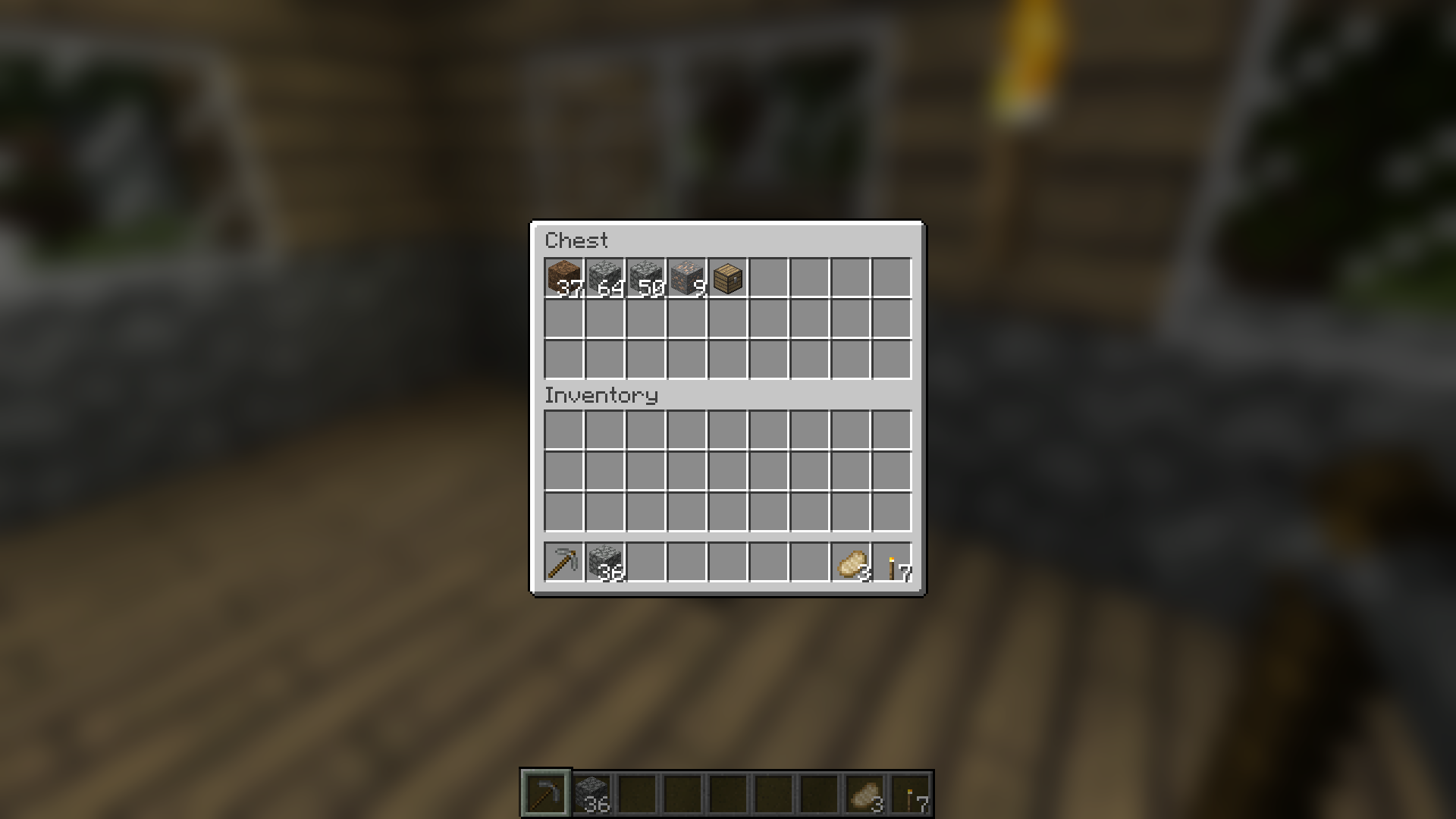
Blur adds a Gaussian blur shader to the background of all GUIs, which fades into give it a sleek look. It is also highly configurable, so you can tune the look of the mod to your liking. Click here for a massive gif demonstration!
NOTE: This is the Fabric version of Blur, for the Forge version, look here.
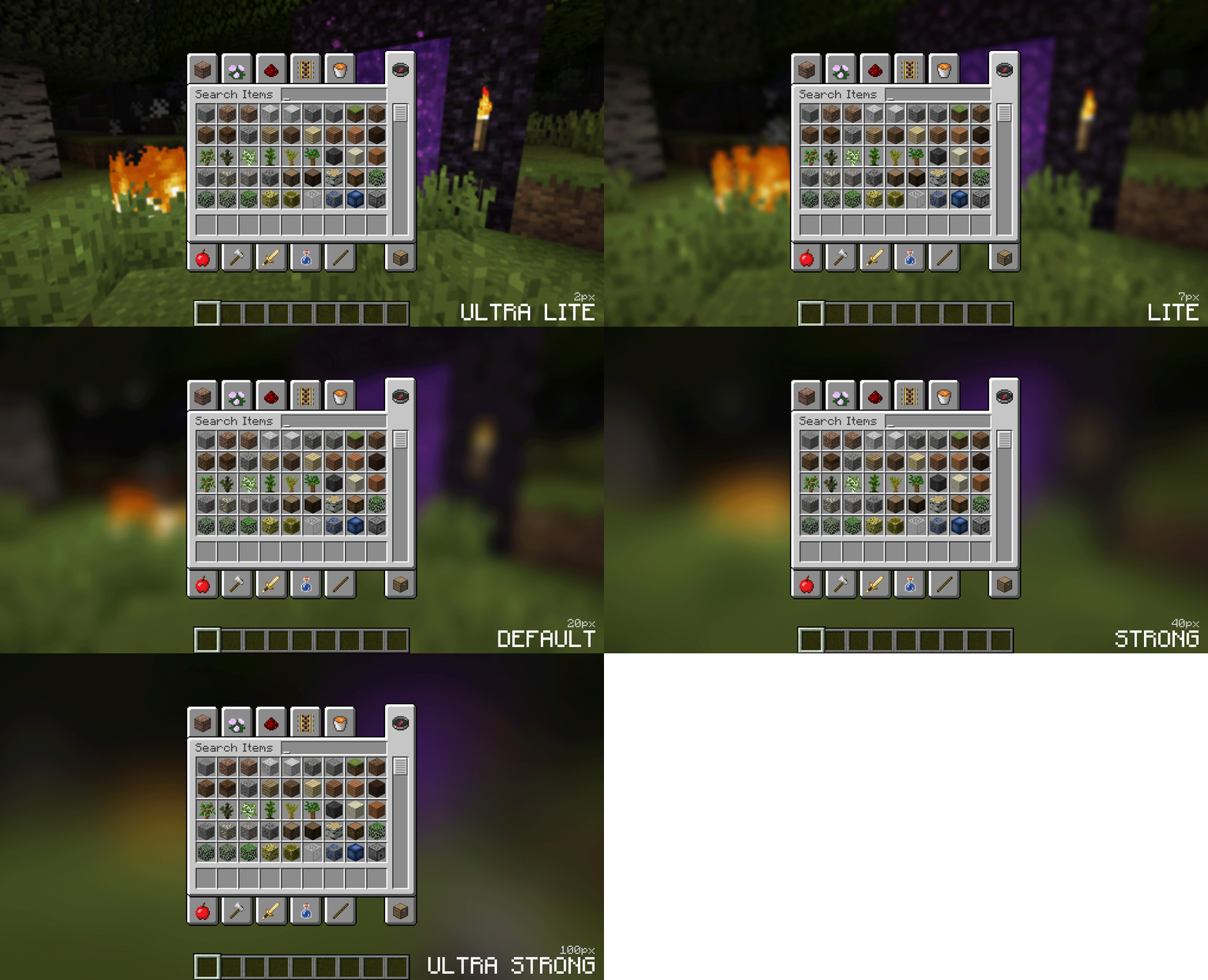
You can configure the strength of the blur in the config file with the "radius" option.
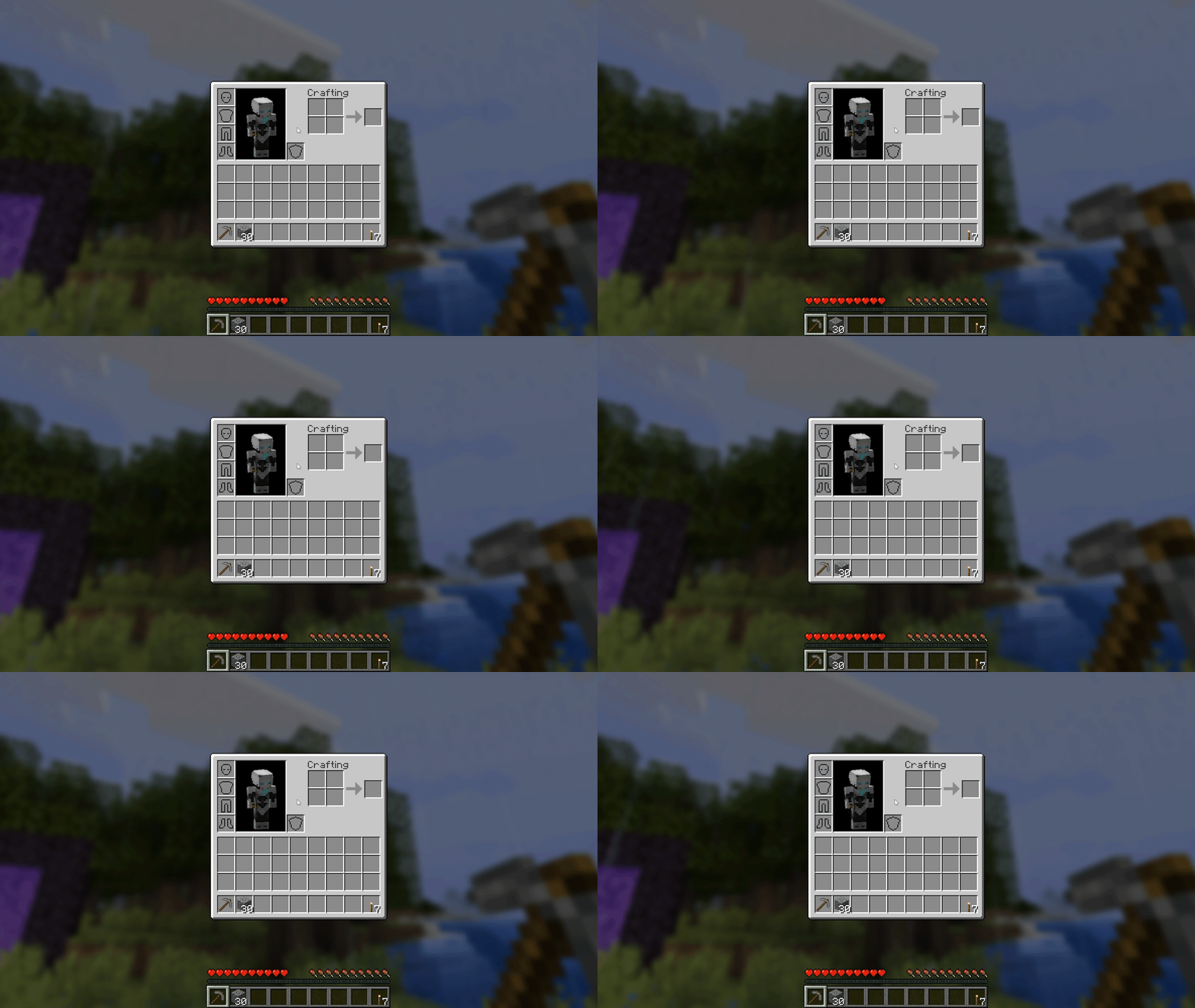
Here is a demonstration of a few different radii:
Change the background colors and gradient!
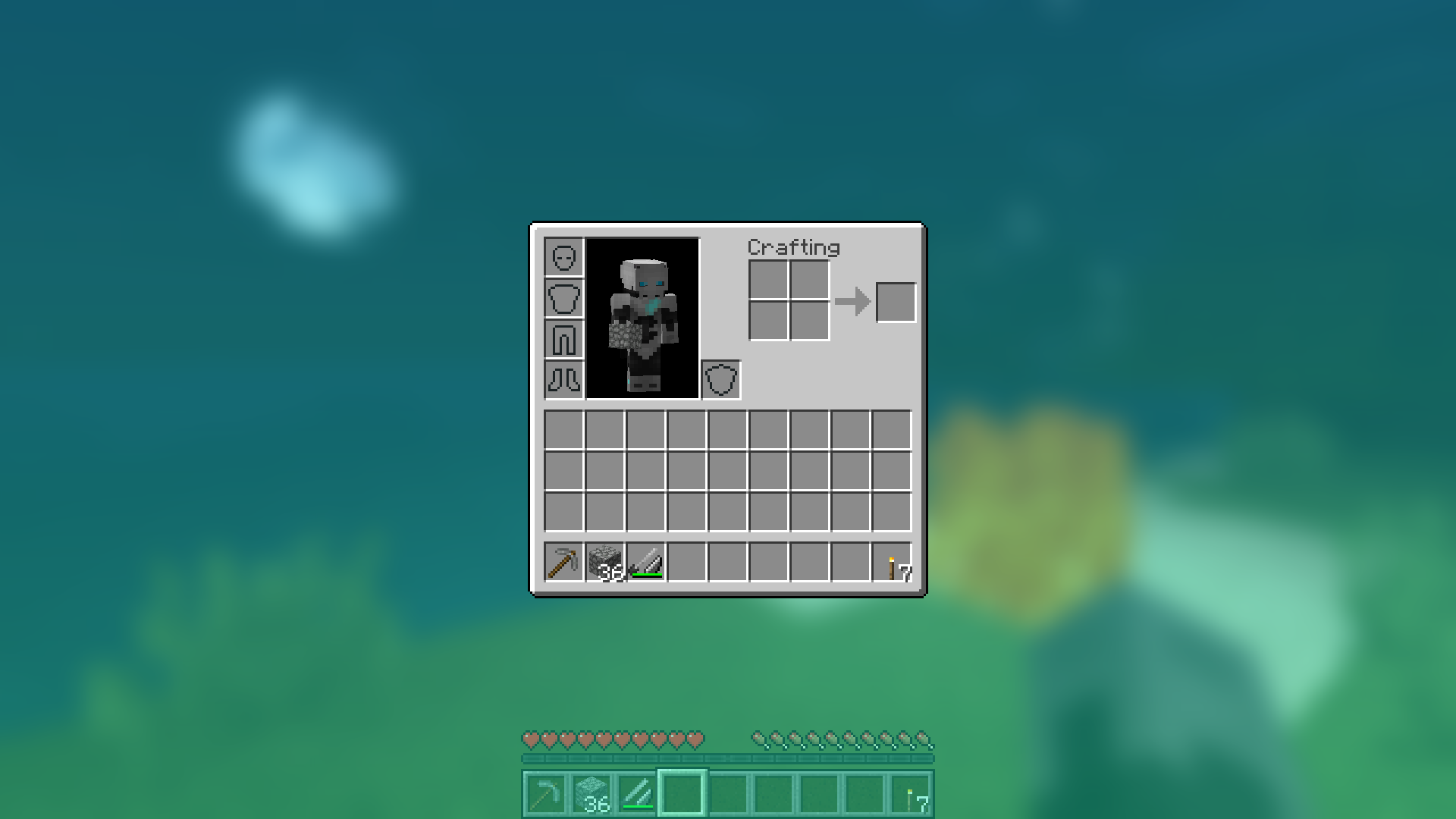
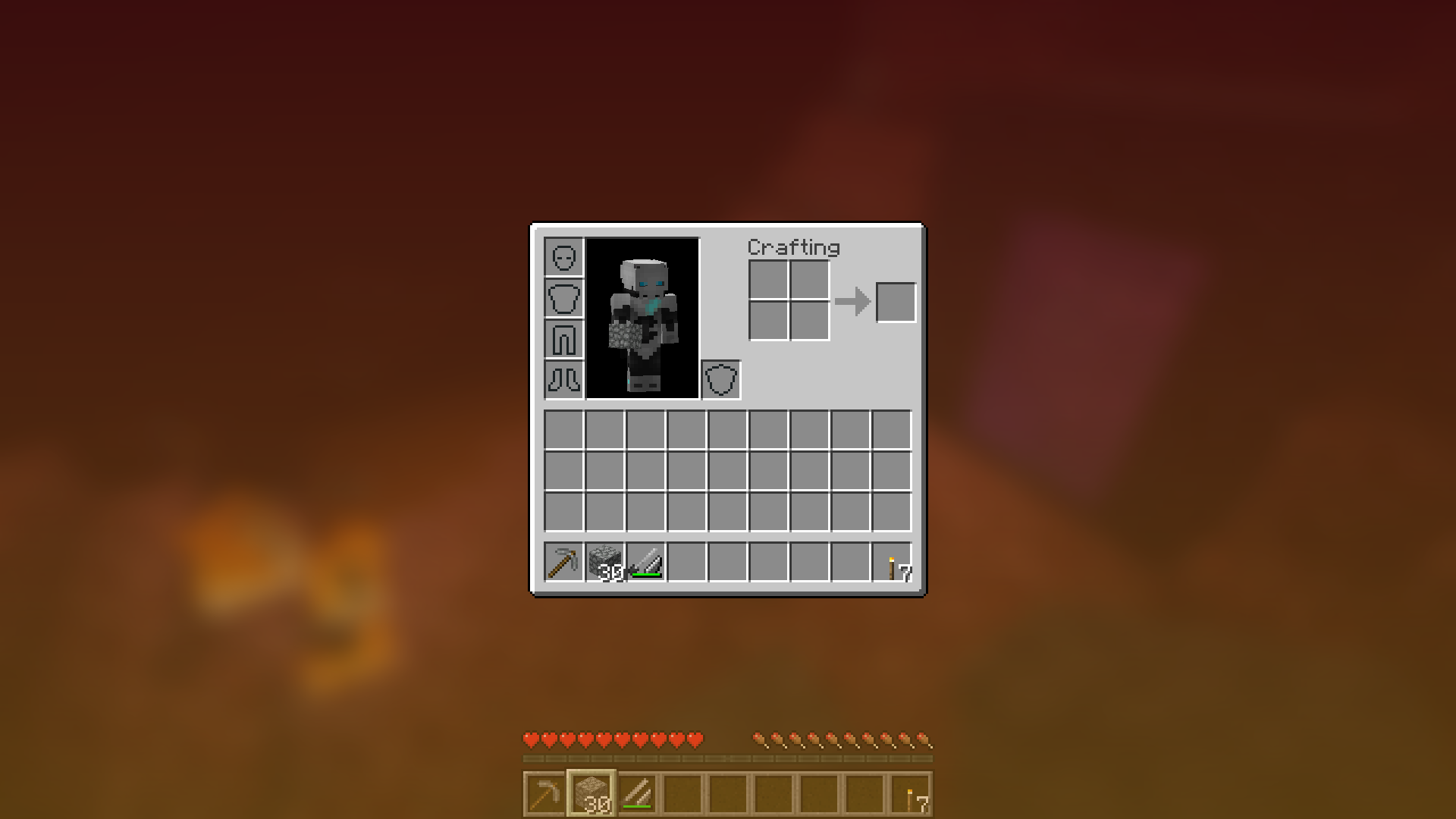
Get lost in your GUIs!
Gorgeous rainy evening with you and your blur:
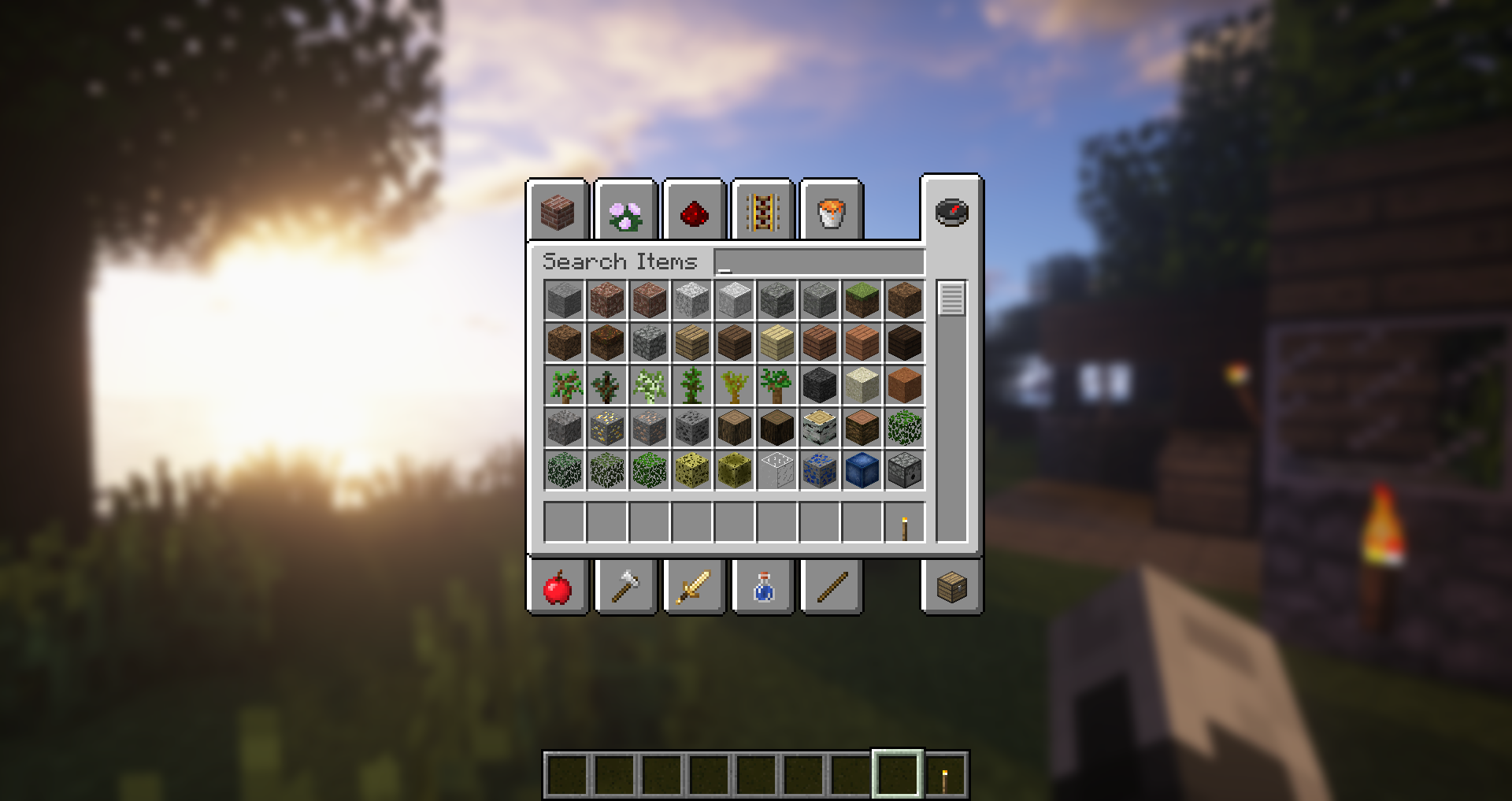
Works with shaders! Currently doesn't work with Optifine shaders due to an issue with Satin - consider using Canvas instead.
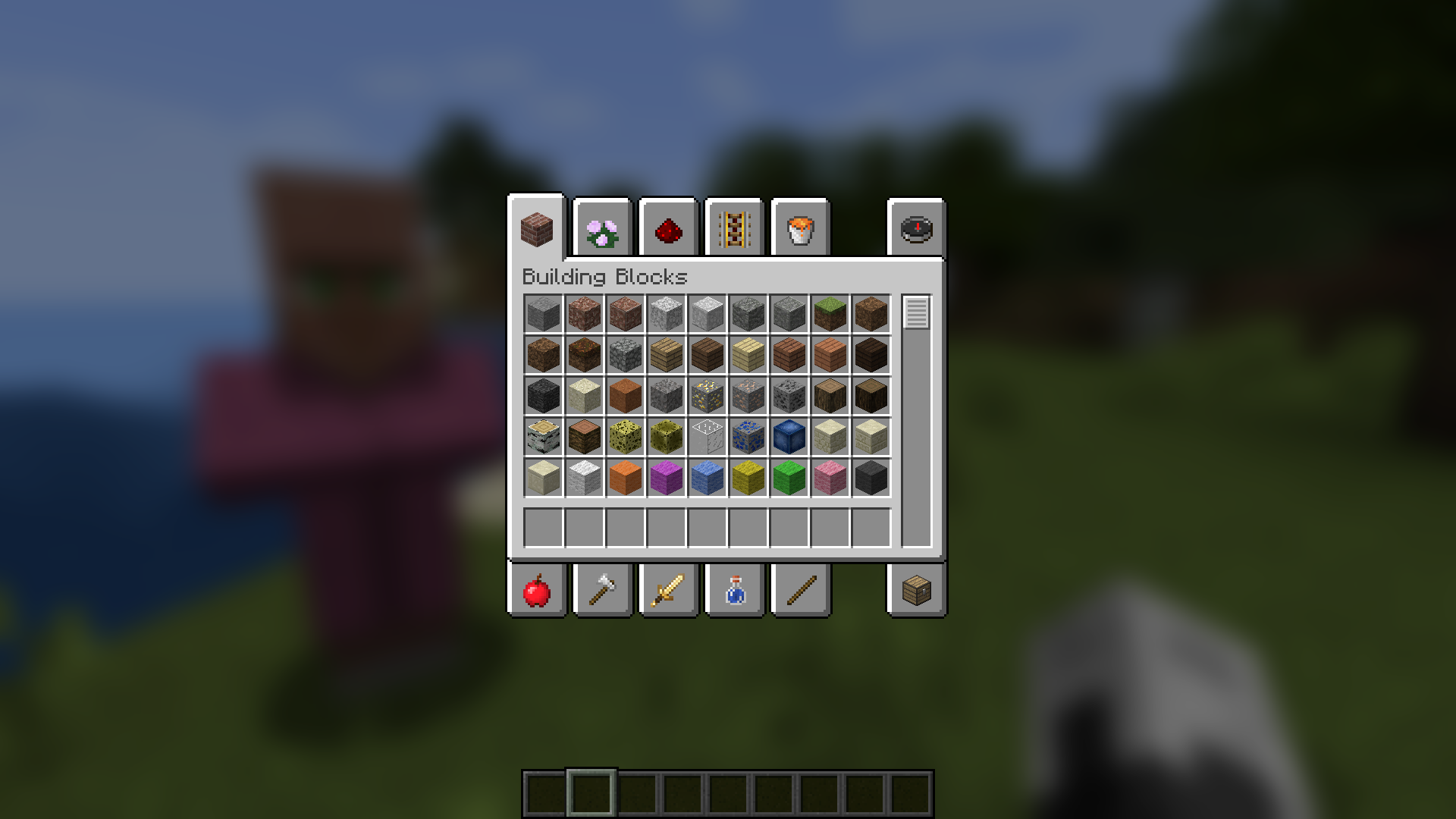
Explanation of Config Settings
A list of classes to be excluded from the blur shader. This is to be used for GUIs which do not necessarily cover the screen. It defaults to containing only one GUI, the chat.

Project description from CurseForge.
Pick your setup
Choose the version and loader you play, then open the matching release.
Showing the newest 12 of 14 game versions. Older files are in the list below.
Check the dependencies, then try the file in a copied instance before changing a world you care about.
Recent files
blur-neoforge-6.3.1+1.21.8.jar
29 Jun 2026
blur-neoforge-6.3.0+1.21.8.jar
13 Jun 2026
blur-neoforge-6.2.0+1.21.8.jar
20 Feb 2026
blur-neoforge-6.1.0+1.21.8.jar
30 Jan 2026
blur-neoforge-6.0.0+1.21.8.jar
7 Jan 2026
blur-neoforge-5.3.2+1.21.8.jar
28 Dec 2025
blur-neoforge-5.3.1+1.21.8.jar
28 Dec 2025
blur-neoforge-5.3.0+1.21.8.jar
28 Dec 2025
blur-neoforge-5.2.2+1.21.6.jar
17 Jun 2025
Looking for an older file? The official CurseForge project page is in Resources.