Fabric API Needed by Advanced NBT Tooltips AdvancedNbtTooltip 1.8.2 [1.19.1/1.19.2]
requiredMatching file found Matched file: [1.19] Fabric API 0.58.0+1.19

CurseForge · Minecraft mod
Adds custom tooltips to items based to their NBT data.
Quick answer
Advanced NBT Tooltips AdvancedNbtTooltip 1.8.2 [1.19.1/1.19.2] targets 1.19.2, 1.19.1, 1.19 with Fabric. The project page does not say whether this file belongs on the client, dedicated server, or both. All 1 required mods have matching files.
Where it goes
The project page does not say whether this file belongs on the client, dedicated server, or both.
The source does not explicitly classify this release as client-only or server-only.
AdvancedNbtTooltip 1.8.2 [1.19.1/1.19.2] on 1.19. Every mod below is checked against that same setup.
Install Fabric API first. We found matching files for this game-version and loader setup.
We only count dependency files that match this setup. A file for another loader does not fill the gap.
Before you install it
Built for Advanced NBT Tooltips AdvancedNbtTooltip 1.8.2 [1.19.1/1.19.2] on 1.19. Pick another file and the loader, install side or required mods may change.
Use AdvancedNbtTooltip 1.8.2 [1.19.1/1.19.2]. It targets 1.19.2, 1.19.1, 1.19 with Fabric; another release may have different loader, side or dependency requirements.
Install Fabric API first. We found matching files for this game-version and loader setup.
The project page does not say whether this file belongs on the client, dedicated server, or both.
Use the “Get this file” button beside AdvancedNbtTooltip 1.8.2 [1.19.1/1.19.2]. It opens that exact file at the source.
About this project

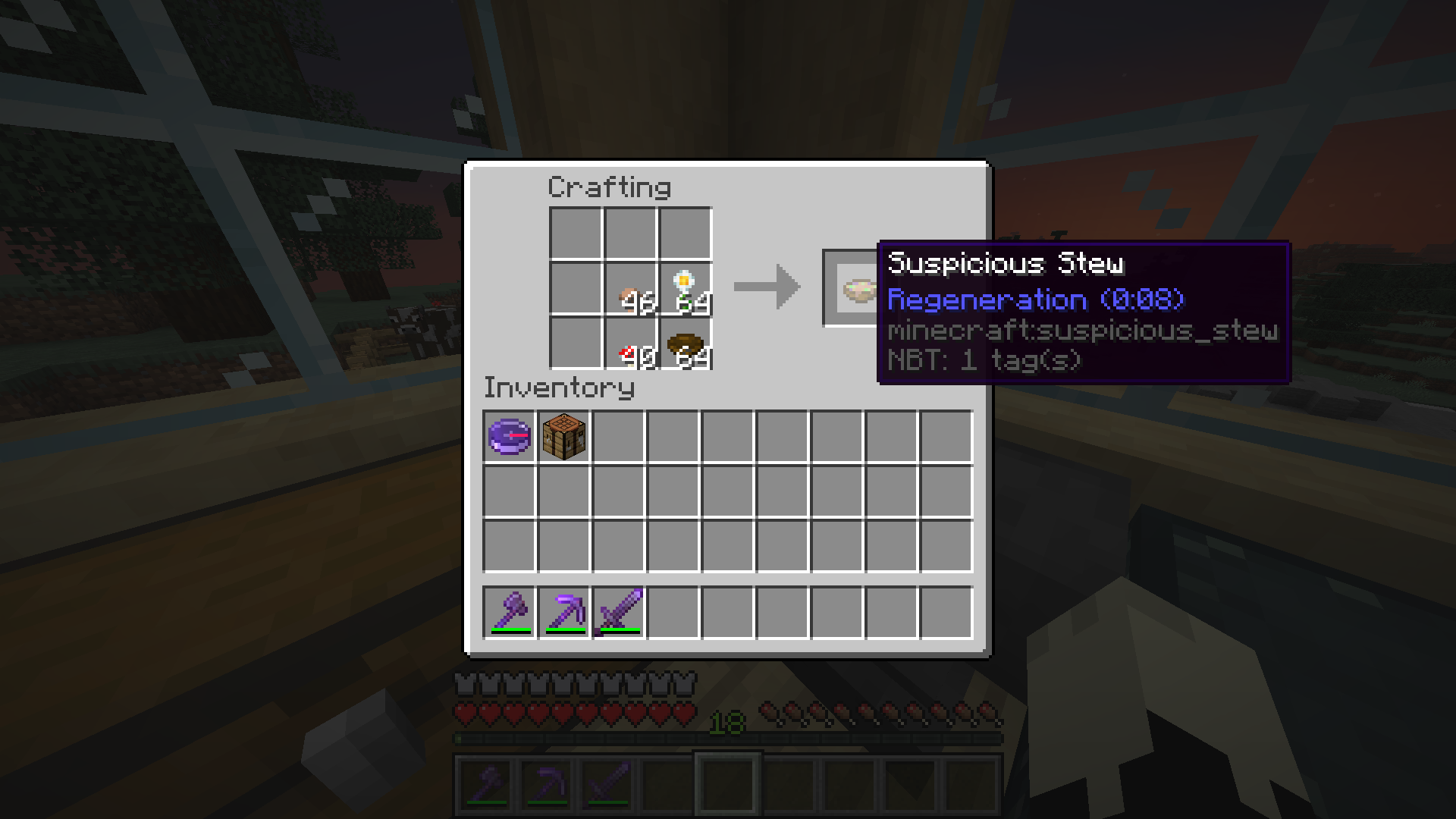
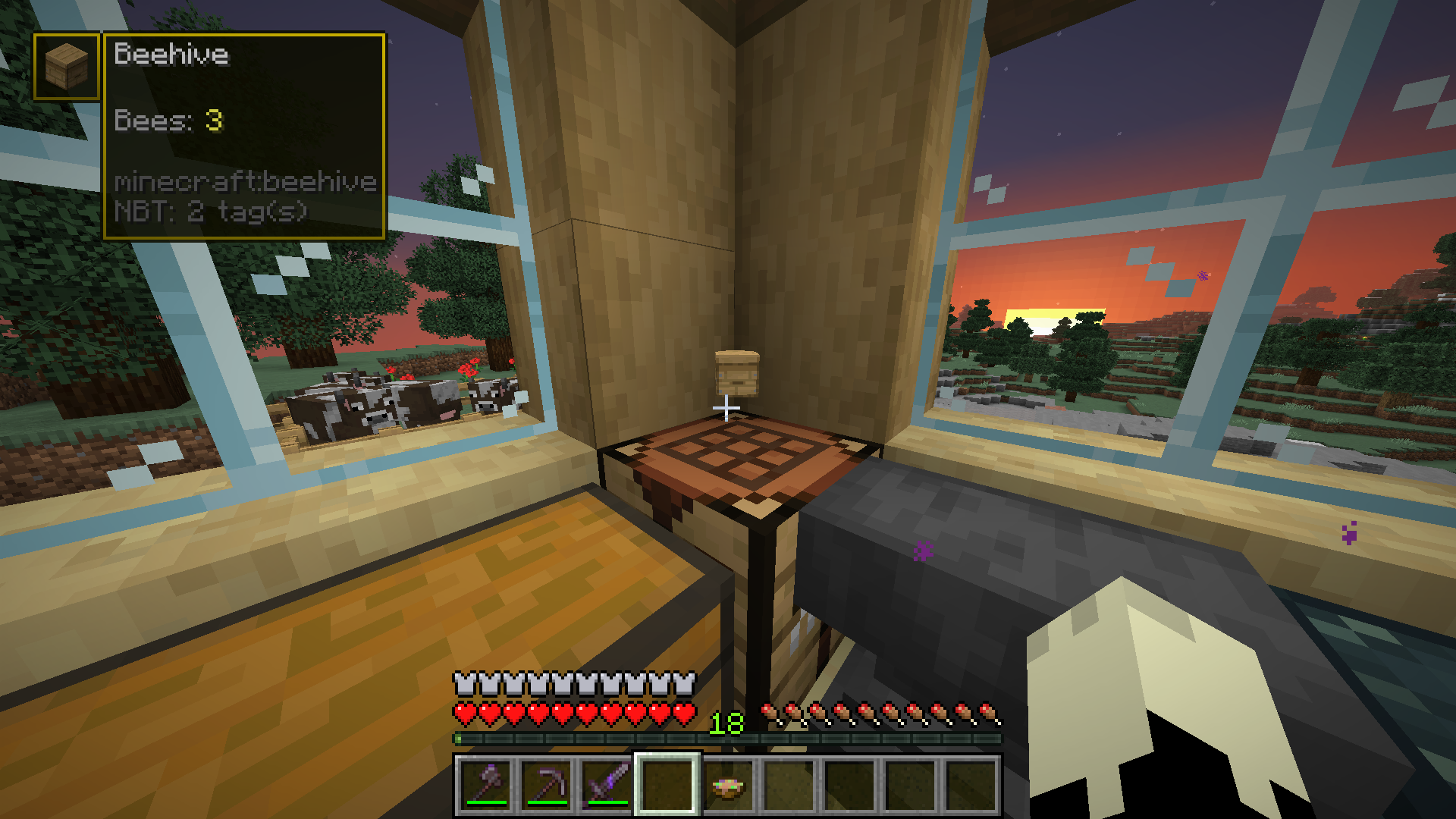
Current Features:
Changelog:
Update 1.8.0/1.8.1
I am very busy right now so documentation will not be immediately updated.
Update 1.7.0
Update 1.6.0:
Update 1.5.0:
Update 1.4.0:
Update 1.3.2:
Update 1.3.1:
Update 1.3:
Update 1.2.1:
To all people who updated to 1.2.0: PLEASE UPDATE! Some Tooltips were not updated properly and might not work
Update 1.1.0 & 1.2.0:
I reworked many things behind the scenes and reworked the custom JSON Tooltip loading, so no new Tooltips this time...
Feature requests and bugs:
For feature requests as well as bugs, please use the issue tracker over on GitHub.
Help me translate this mod:
This mod is currently available in English, Chinese (Simplified) and German. If you speak a language that is not in this list and want to help me, feel free to issue a pull request on the GitHub.
Project description from CurseForge.
Pick your setup
Choose the version and loader you play, then open the matching release.
Showing the newest 12 of 13 game versions. Older files are in the list below.
Check the dependencies, then try the file in a copied instance before changing a world you care about.
Recent files
advanced-nbt-tooltip-1.8.2.jar
16 Aug 2022
advanced-nbt-tooltip-1.8.1.jar
21 Jul 2022
Looking for an older file? The official CurseForge project page is in Resources.
 mod
Compare armor, weapons and tools with your equipped gear right in the tooltip: stat changes, damage per second, durability and enchantments.
 mod
Feel the pain!
 mod
Optimize datapack / resourcepack zip file loading times