ConnectedTexturesMod Optional for Kaleido (Discontinued) Kaleido-1.16.5-2.7.1.jar
optionalMatching file found Matched file: CTM - MC1.16.1-1.1.2.6

CurseForge · Minecraft mod
Community-oriented decorations & building blocks mod. Datapack item & block maker
Quick answer
Kaleido (Discontinued) Kaleido-1.16.5-2.7.1.jar targets 1.16.5 with Forge. The project page does not say whether this file belongs on the client, dedicated server, or both. All 1 required mods have matching files.
Where it goes
The project page does not say whether this file belongs on the client, dedicated server, or both.
The source does not explicitly classify this release as client-only or server-only.
Kaleido-1.16.5-2.7.1.jar. Change the file and its required mods may change too.
Install Kiwi 🥝 (Neo/Forge) first. We found matching files for this game-version and loader setup. 1 comes through another mod in the chain.
1 extra mod was pulled in by another dependency. Indented rows show who needs each one. We only count dependency files that match this setup. A file for another loader does not fill the gap.
Before you install it
Built for Kaleido (Discontinued) Kaleido-1.16.5-2.7.1.jar. Pick another file and the loader, install side or required mods may change.
Use Kaleido-1.16.5-2.7.1.jar. It targets 1.16.5 with Forge; another release may have different loader, side or dependency requirements.
Install Kiwi 🥝 (Neo/Forge) first. We found matching files for this game-version and loader setup. 1 comes through another mod in the chain.
The project page does not say whether this file belongs on the client, dedicated server, or both.
Use the “Get this file” button beside Kaleido-1.16.5-2.7.1.jar. It opens that exact file at the source.
About this project
Kaleido is a Forge mod that allows you to dynamically import customized blocks and items via data pack and resource pack.
For customizing blocks please check our wiki.
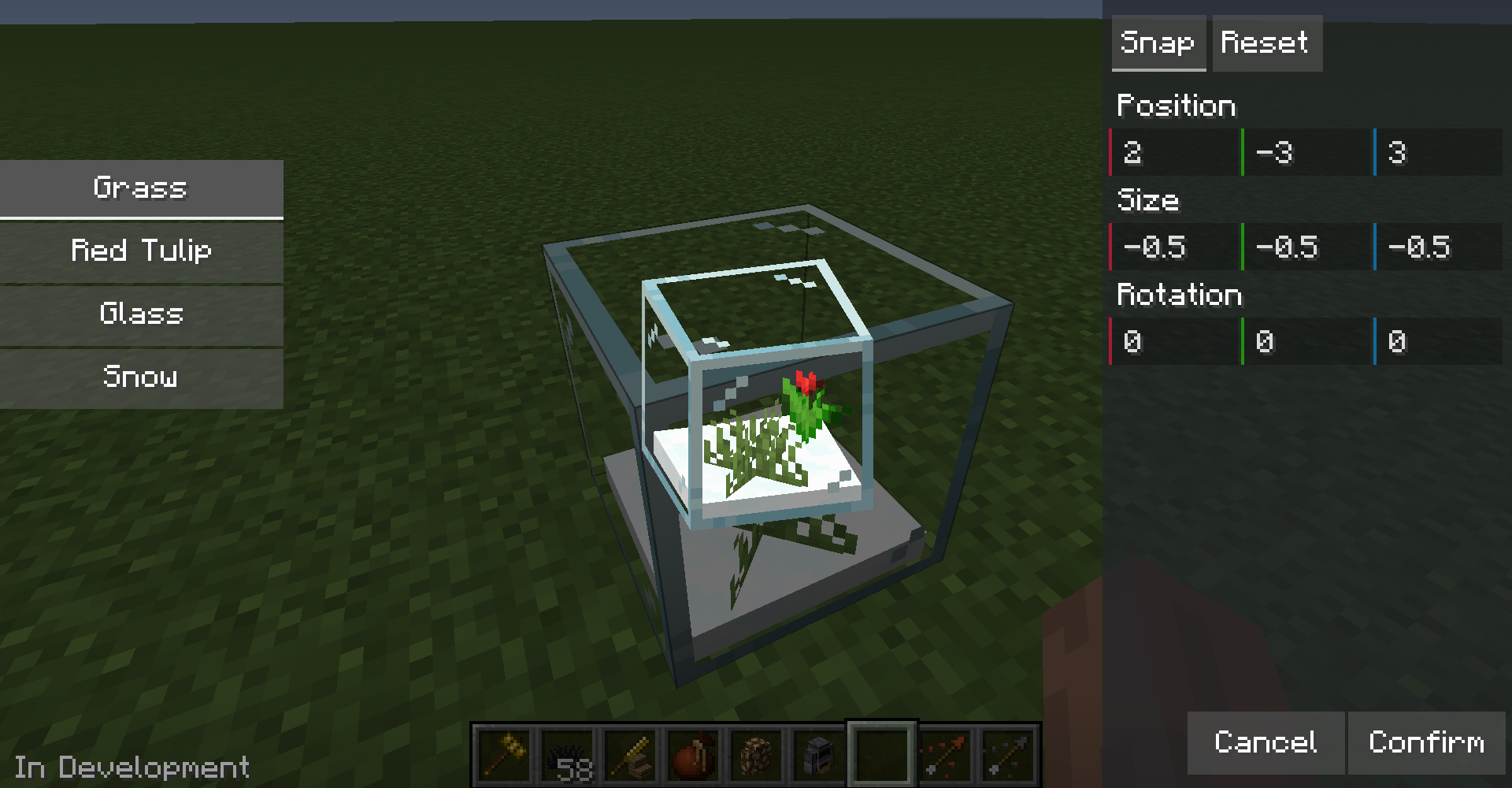
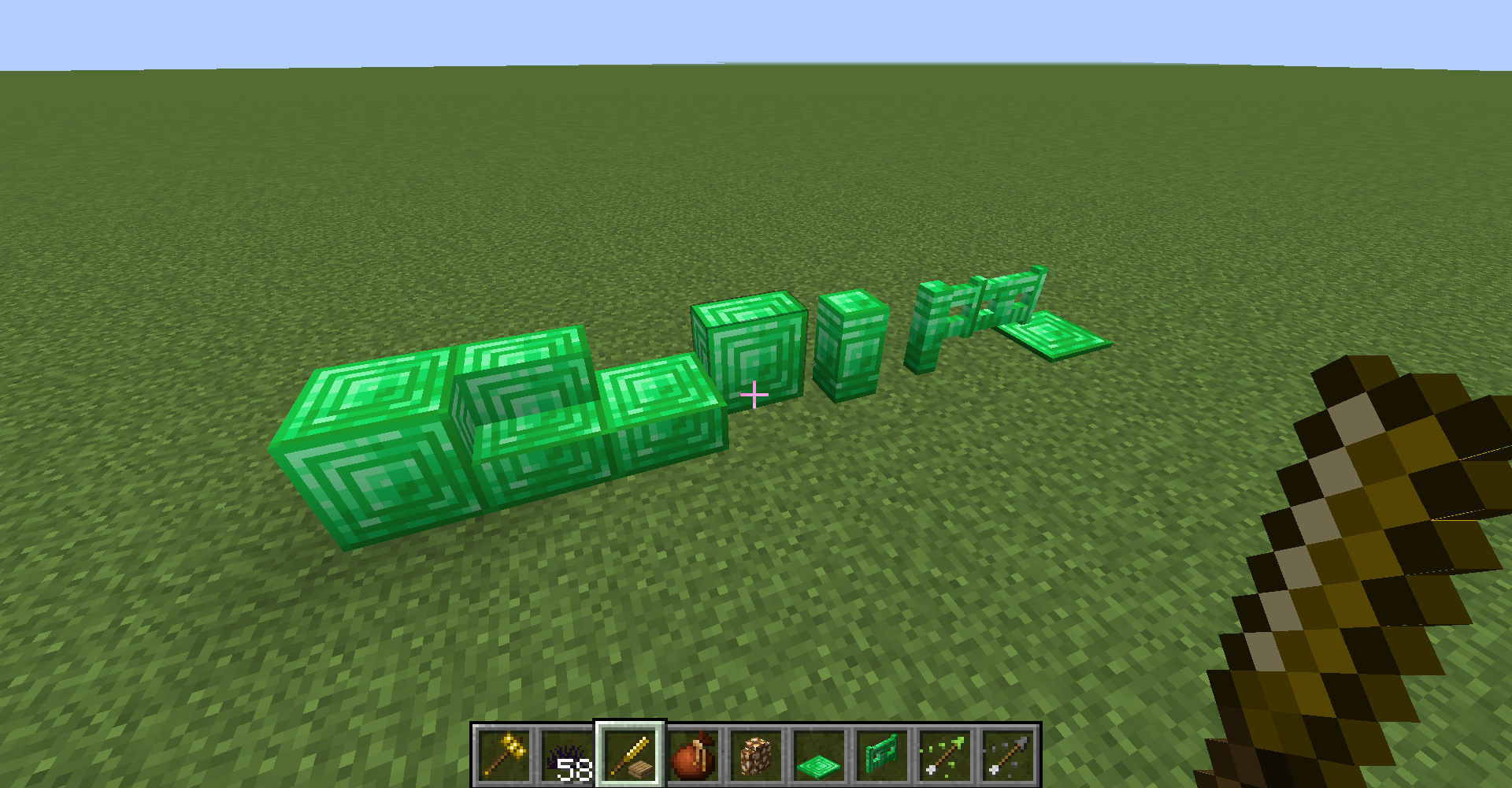
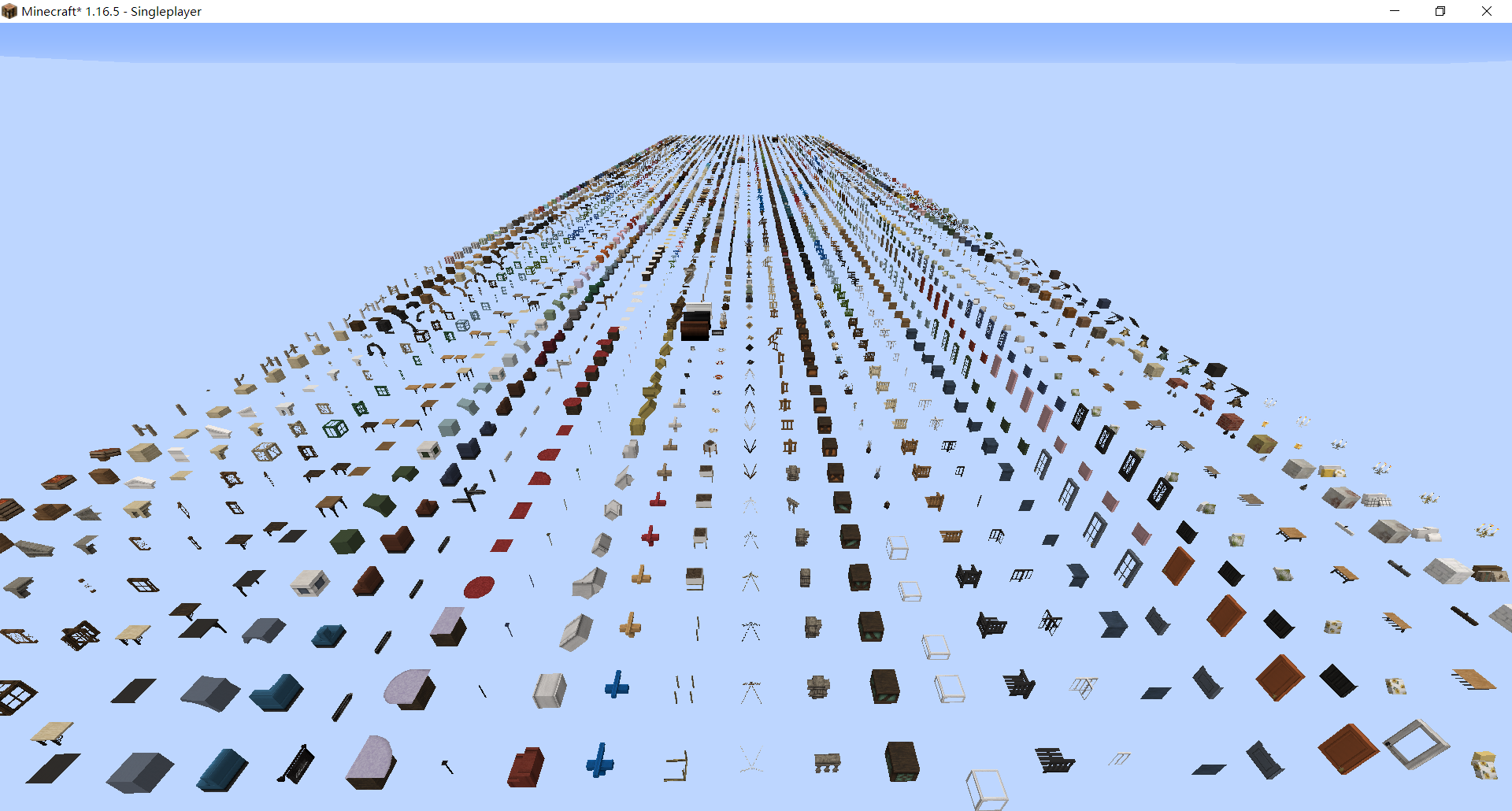
kaleido-loader folder will be generated in your game folder. Put your datapack in it, it will load packs globally.resourcepacks folder and enable it in options.Note: Kaleido is not responsible for the problems caused by the version update. Please backup before updating.


Note: There are still some problems with Cocricot and Yuushya support. Welcome to send a PR to the conversion script to fix the problems.
Project description from CurseForge.
Pick your setup
Choose the version and loader you play, then open the matching release.
Check the dependencies, then try the file in a copied instance before changing a world you care about.
Recent files
6 Jun 2022
2 Jan 2022
29 Dec 2021
9 Dec 2021
13 Nov 2021
11 Nov 2021
25 Oct 2021
25 Oct 2021
24 Oct 2021
22 Oct 2021
20 Oct 2021
20 Oct 2021
Looking for an older file? The official CurseForge project page is in Resources.
 mod
Mute music track by track: turn any song in your modpack down or off, build your own playlist, skip songs and keep favorites.
 mod
Weathering, falling leaves, water erosion, overgrowth, realistic snow and finite flowing water in one mod — the world changes and lives on its own.
 mod
Combat effects and animated Blockbench models library for Nicktale mods.