Minecraft version
Back to mods 
CurseForge · Minecraft mod
Wireless Redstone Mod
Create wireless redstone circuits. Use mutliple channels to create complex contraptions.
Choose a version Pick your version below, then grab the matching file.
Quick answer
Which Wireless Redstone Mod release should I use?
Latest stable file wireless-redstone_1.15.2-1.0.0.jar
Game version 1.15.2
Loader Not required
Wireless Redstone Mod wireless-redstone_1.15.2-1.0.0.jar targets 1.15.2. The project page does not say whether this file belongs on the client, dedicated server, or both. No extra mods listed for this file.
Where it goes
Is Wireless Redstone Mod required on the client, server, or both?
The project page does not say whether this file belongs on the client, dedicated server, or both.
Client Source doesn’t say
Dedicated server Source doesn’t say
Loader for this release No loader listed
Required install it here Optional supported, not mandatory Not supported do not install here Source doesn’t say do not assume
The source does not explicitly classify this release as client-only or server-only.
What else does Wireless Redstone Mod wireless-redstone_1.15.2-1.0.0.jar need?
wireless-redstone_1.15.2-1.0.0.jar. Change the file and its required mods may change too.
This file does not list any required mods. Do not add a library just because a different file uses it.
This file does not list any required or optional mods.
Before you install it
Add Wireless Redstone Mod without breaking your instance.
Built for Wireless Redstone Mod wireless-redstone_1.15.2-1.0.0.jar. Pick another file and the loader, install side or required mods may change.
- 01
Stick to this file
Use wireless-redstone_1.15.2-1.0.0.jar. It targets 1.15.2; another release may have different loader, side or dependency requirements.
- 02
Bring the mods it needs
This file does not list any required mods. Do not add a library just because a different file uses it.
- 03
Put it on the correct side
The project page does not say whether this file belongs on the client, dedicated server, or both.
- 04
Pick the file you checked
Use the “Get this file” button beside wireless-redstone_1.15.2-1.0.0.jar. It opens that exact file at the source.
About this project
What does Wireless Redstone Mod add?
This mod allows to create wireless redstone circuits using Transceiver item.
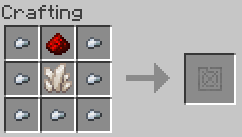
After placing a Transceiver in the world you decide if it should work as a Transmitter or Receiver of redstone signal. You also need to specify a channel on which the Transceiver will work.
You can create any numer of channels - each with a unique name.
Transmitter detects redstone signal around it and sends it to all Receivers on the same channel.
Receiver powers up all blocks around it when it receives a signal from any Tranmitter on the same channel.
How to setup example circuit:
- Place a Transceiver in the world
- Select "Transmitter" mode
- Select existing channel (you can type to search if you have multiple channels) or click "Create new..."
- The Transmitter should be now configured. If you right-click on it you should see a message with Transceiver's mode and channel's name (it's helpful when debugging multi-channel circuits)
- Now place a Redstone Lamp in some distance from the Transmitter.
- Place another Transceiver on the Lamp and select mode: Receiver and the same channel as before.
- Now power up the Transmitter block. You can use a lever, button, redstone block or any other redstone signal source.
- When powered, both Transmitter and Receiver should "blink" and the lamp should be on.
Permissions
By default you can see and use any channel crated by users on the server but you can rename or delete only your own channels. This behaviour can be changed in server config file. Other possible options are:
PUBLIC_WRITE - every user has full access to all channels on the server
PRIVATE - users have only access to their own channels and channels permitted by other users.
In PRIVATE mode you can use following commands to manage access to your channels:
/channels grant <channels> <users>
/channels revoke <channels> <users>
To manage channels (create, rename, delete) you can use following command:
/channels show
Other items
This mod adds 3 additional items just to make the circuits more compact:
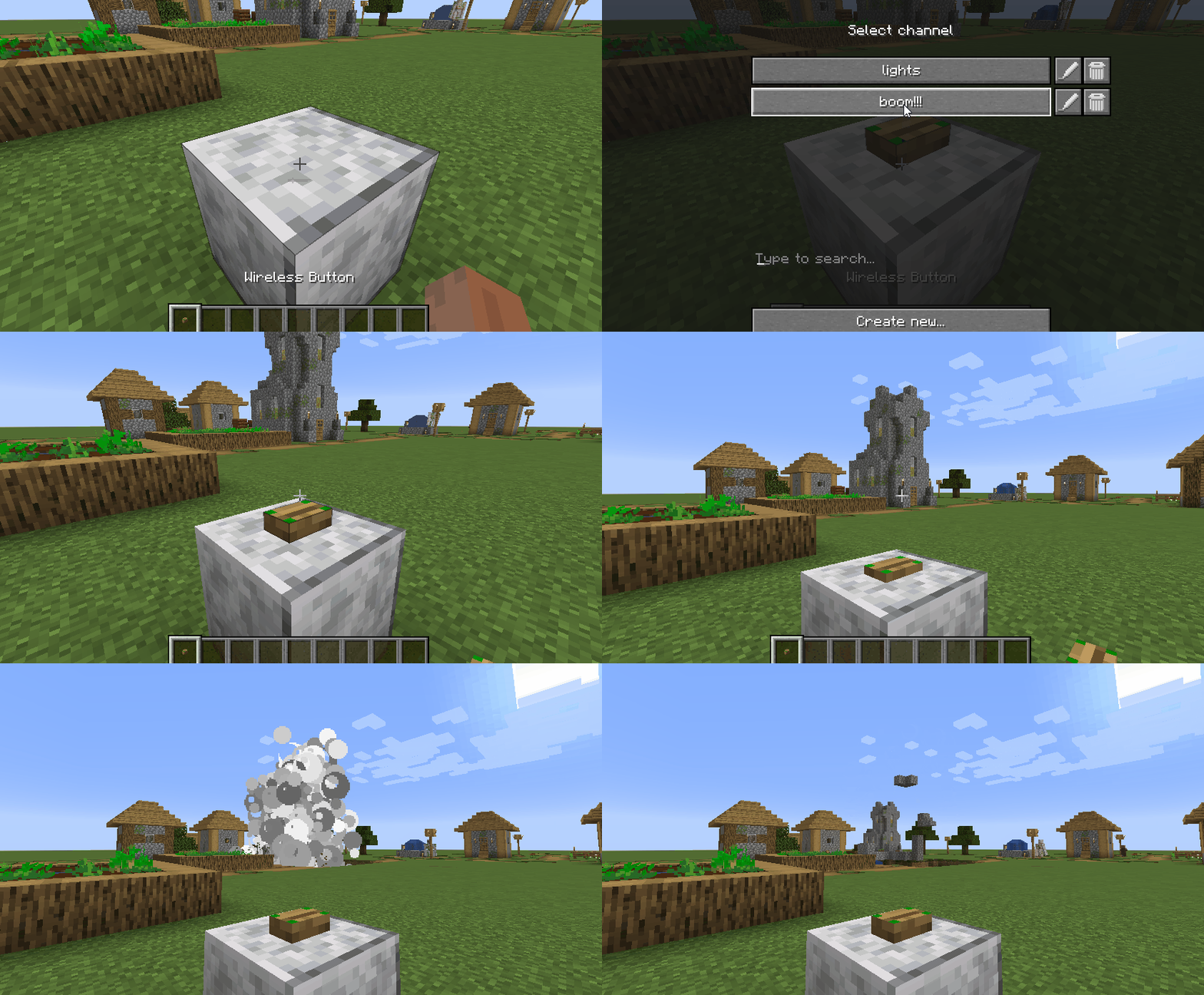
Wireless Button
Wireless Lever
Wireless Pressure Plate
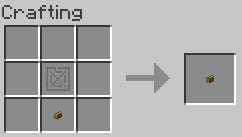
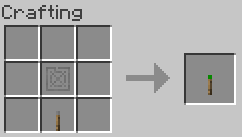
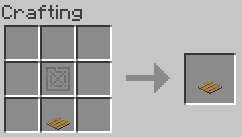
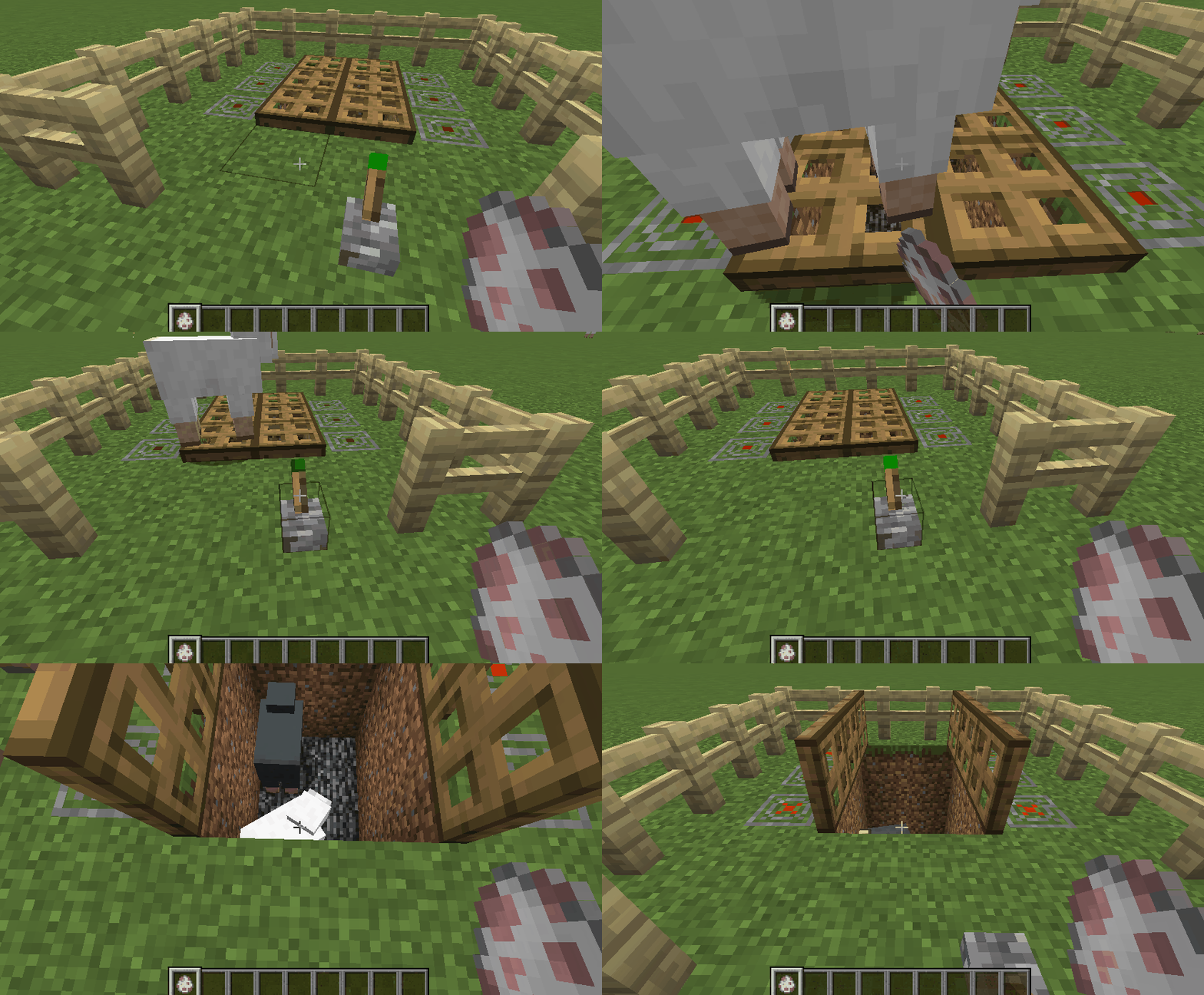
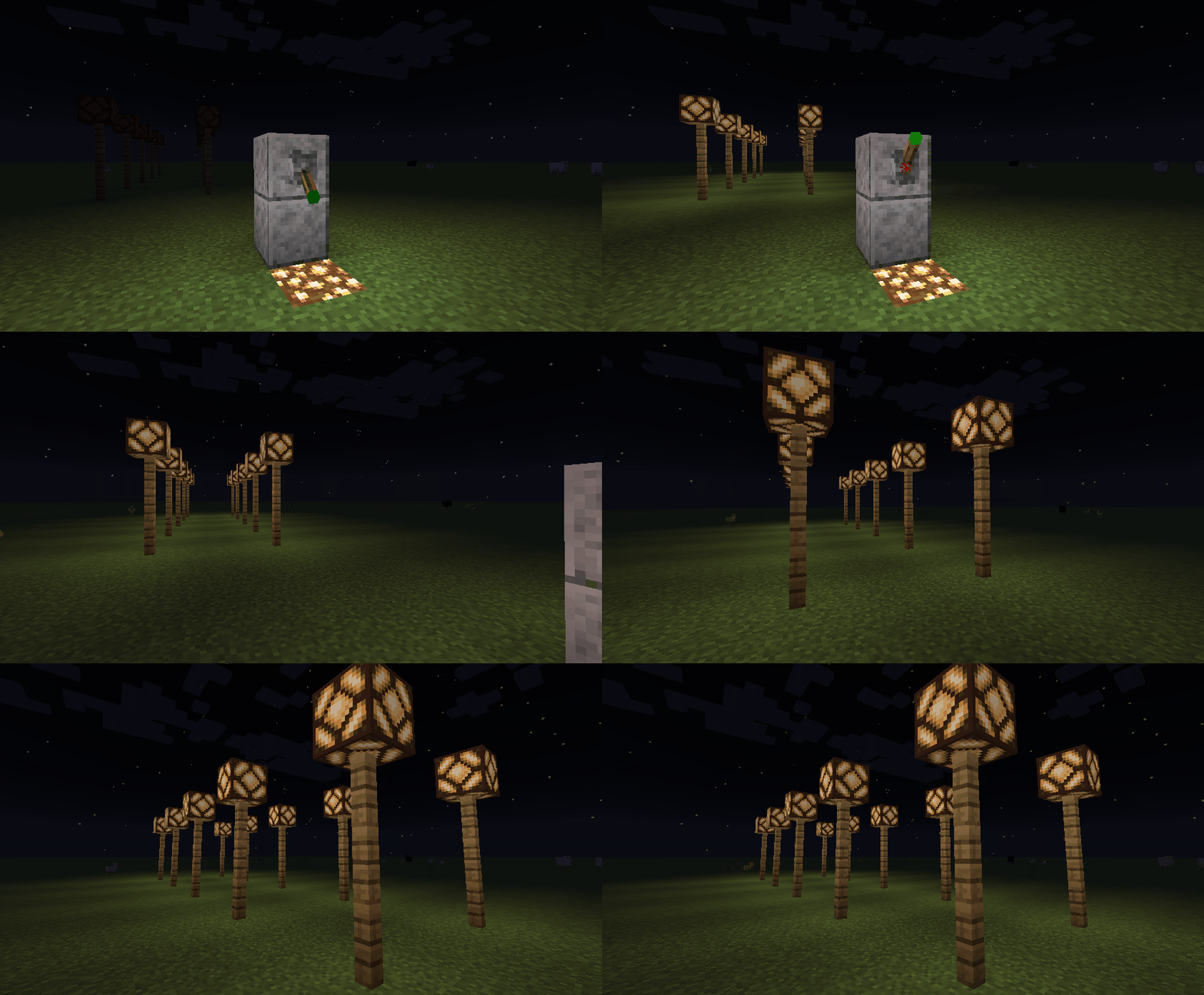
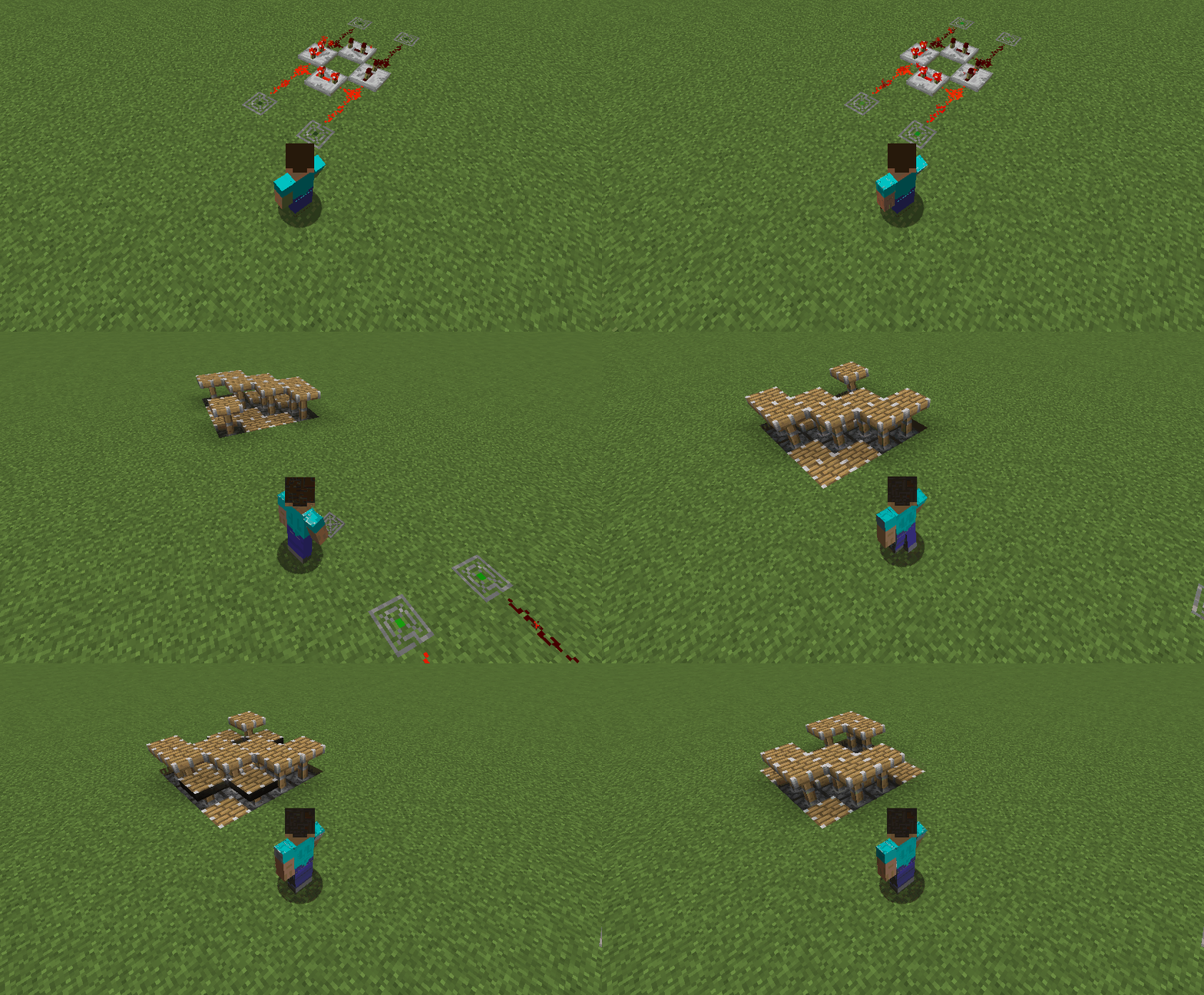
All of them work as Transmitters in addition to their normal behaviour.To see which channel they are bound to use Ctrl + Right Click.ExamplesIf you wonder what you can do with this mod see some examples below ;)
Project description from CurseForge.
Pick your setup
Wireless Redstone Mod by Minecraft version and loader
Choose the version and loader you play, then open the matching release.
Check the dependencies, then try the file in a copied instance before changing a world you care about.
Recent files
Wireless Redstone Mod versions and loaders
wireless-redstone_1.15.2-1.0.0.jar
21 Jul 2020
Client Source doesn’t say Server Source doesn’t say Dependencies No extras listed Listed on Release listing
Check the 1.15.2 setup 1.15.2 release
Looking for an older file? The official CurseForge project page is in Resources.