Just Enough Items (JEI) Optional for FTB Library (NeoForge) FTB Library Neoforge 26.1.2.11
optionalMatching file found Matched file: 29.53.0.115 for NeoForge 26.1.2
CurseForge · Minecraft mod
Common code for all GUI stuff in FTB Mods
Quick answer
FTB Library (NeoForge) FTB Library Neoforge 26.1.2.11 targets 26.1, 26.1.1, 26.1.2 with NeoForge. The project page does not say whether this file belongs on the client, dedicated server, or both. No extra mods listed for this file.
Where it goes
The project page does not say whether this file belongs on the client, dedicated server, or both.
The source does not explicitly classify this release as client-only or server-only.
FTB Library Neoforge 26.1.2.11. Change the file and its required mods may change too.
This file does not list any required mods. Do not add a library just because a different file uses it.
2 extra mods were pulled in by other dependencies. Indented rows show who needs each one. We only count dependency files that match this setup. A file for another loader does not fill the gap.
Before you install it
Built for FTB Library (NeoForge) FTB Library Neoforge 26.1.2.11. Pick another file and the loader, install side or required mods may change.
Use FTB Library Neoforge 26.1.2.11. It targets 26.1, 26.1.1, 26.1.2 with NeoForge; another release may have different loader, side or dependency requirements.
This file does not list any required mods. Do not add a library just because a different file uses it.
The project page does not say whether this file belongs on the client, dedicated server, or both.
Use the “Get this file” button beside FTB Library Neoforge 26.1.2.11. It opens that exact file at the source.
About this project
FTB Library serves as a foundational component for FTB Mods. It's designed to simplify and enhance the modding experience for our developers, streamlining the development process for mods within the Feed the Beast ecosystem. While primarily intended for use by FTB Mods such as FTB Chunks and FTB Quests, it is not explicitly prohibited for integration into non-FTB mods. However, please note that using it in such contexts may pose challenges, and the responsibility for resolving any resulting issues falls upon the mod developer.







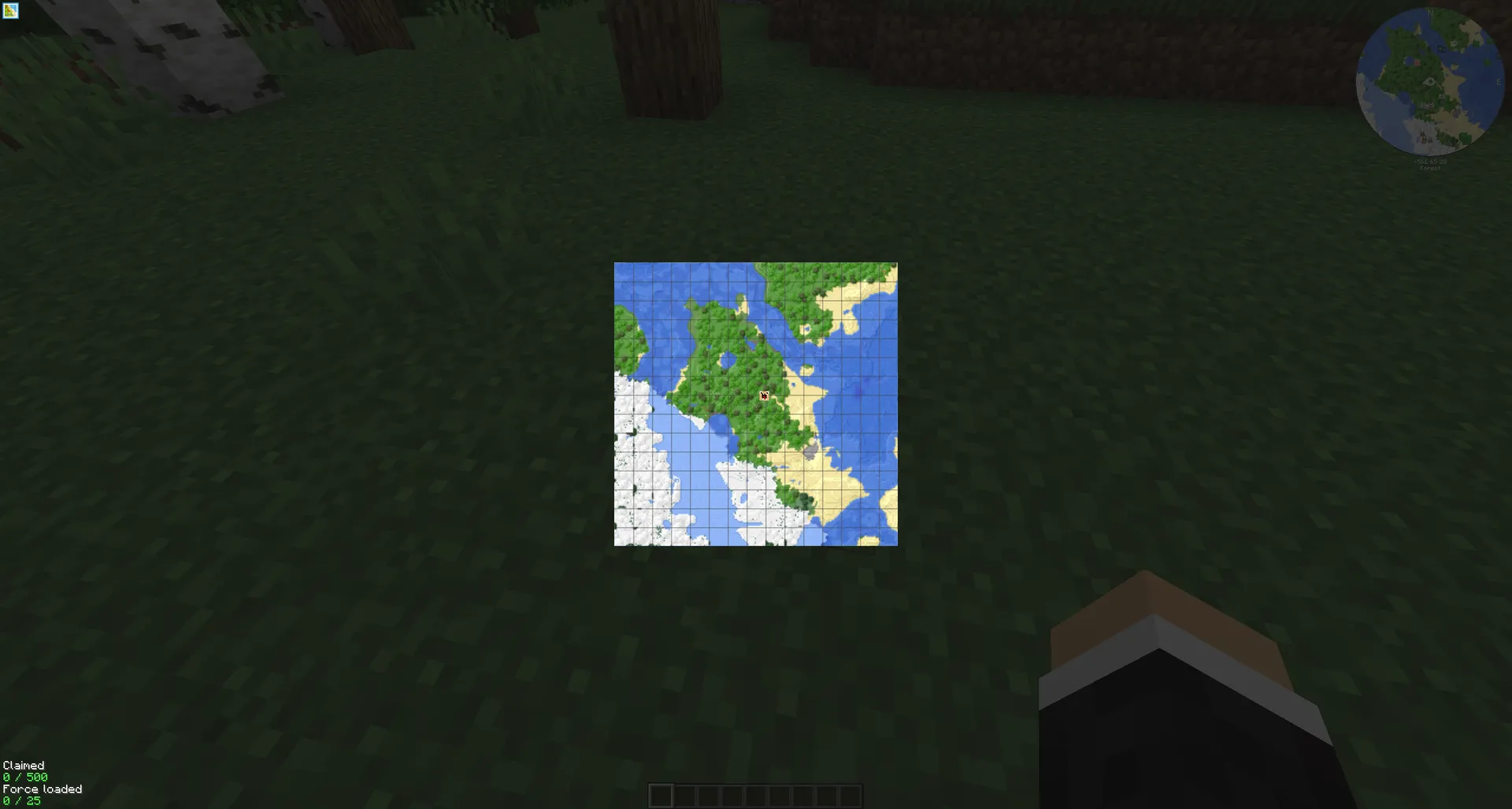
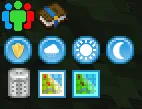
Extensible Sidebar Buttons
FTB Library introduces the capability for other mods to create sidebar buttons via JSON files, enhancing the overall functionality and versatility of FTB Mods.
Note: While FTB Library is not designed for use in non-FTB mods, it is not explicitly restricted. Developers choosing to integrate it into such projects should be prepared for potential challenges.
Please proceed with caution and take full responsibility for any compatibility or integration issues that may arise. You can report bugs or feature requests on our GitHub issues page.


Project description from CurseForge.
Pick your setup
Choose the version and loader you play, then open the matching release.
Check the dependencies, then try the file in a copied instance before changing a world you care about.
Recent files
ftb-library-neoforge-26.1.2.11.jar
29 Oct 2026
ftb-library-neoforge-2101.1.39.jar
28 Oct 2026
ftb-library-neoforge-2101.1.38.jar
27 Oct 2026
ftb-library-neoforge-26.1.2.10.jar
22 Oct 2026
ftb-library-neoforge-2101.1.37.jar
29 Sept 2026
ftb-library-neoforge-26.1.2.9.jar
29 Sept 2026
ftb-library-neoforge-2101.1.36.jar
11 Sept 2026
ftb-library-neoforge-26.1.2.8.jar
11 Sept 2026
ftb-library-neoforge-26.1.2.7.jar
4 Aug 2026
ftb-library-neoforge-2101.1.35.jar
3 Aug 2026
ftb-library-neoforge-2101.1.34.jar
27 Jul 2026
ftb-library-neoforge-2101.1.33.jar
15 Jul 2026
Looking for an older file? The official CurseForge project page is in Resources.
 mod
modA Lib about dialogue,story,state,and quest
 mod
modA continuation of NotEnoughItems for 1.7.10 by the developers of Gregtech: New Horizons modpack, with features either inspired and/or backported from JustEnoughItems
 mod
modAdd some types of tanks, which can be combined vertically. Tanks can hold Fluids and Potions.