Mod Menu Optional for Custom Void [Fabric] [1.19.4] Custom Void 0.6
optionalMatching file found Matched file: v6.3.1 for 1.19.4

CurseForge · Minecraft mod
Configurable void
Quick answer
Custom Void [Fabric] [1.19.4] Custom Void 0.6 targets 1.19.4 with Fabric. The project page does not say whether this file belongs on the client, dedicated server, or both. All 2 required mods have matching files.
Where it goes
The project page does not say whether this file belongs on the client, dedicated server, or both.
The source does not explicitly classify this release as client-only or server-only.
[1.19.4] Custom Void 0.6. Change the file and its required mods may change too.
Install Fabric API, Cloth Config API (Fabric/Forge/NeoForge) first. We found matching files for this game-version and loader setup.
We only count dependency files that match this setup. A file for another loader does not fill the gap.
Before you install it
Built for Custom Void [Fabric] [1.19.4] Custom Void 0.6. Pick another file and the loader, install side or required mods may change.
Use [1.19.4] Custom Void 0.6. It targets 1.19.4 with Fabric; another release may have different loader, side or dependency requirements.
Install Fabric API, Cloth Config API (Fabric/Forge/NeoForge) first. We found matching files for this game-version and loader setup.
The project page does not say whether this file belongs on the client, dedicated server, or both.
Use the “Get this file” button beside [1.19.4] Custom Void 0.6. It opens that exact file at the source.
About this project
This is a simple client-side Fabric mod that allows you to configure void color, starting position, and the height at which it appears. Useful for playing on Skylands or Skyblock-type maps, where you'll often go below sea level and have that ugly black void pop into existence.
Another companion mod to my old world gen mod, Modern Beta, you can also restore the blue void that was present in Alpha/Beta versions of Minecraft.
Works with Clear Skies, as of Custom Void v0.1 and Clear Skies v1.5.48!
=================================================================
Configuration
You can configure Custom Void through Mod Menu (recommended) or in the config/customvoid.json file.
The current options are:
Void Types:
For Alpha/Beta void, use the following values:
All other options should be left at default.
For early Release void, use the following values:
All other options should be left at default.
Project description from CurseForge.
Pick your setup
Choose the version and loader you play, then open the matching release.
Showing the newest 12 of 13 game versions. Older files are in the list below.
Check the dependencies, then try the file in a copied instance before changing a world you care about.
Recent files
custom-void-0.6+1.19.4.jar
15 Mar 2023
custom-void-0.6+1.19.3.jar
29 Dec 2022
custom-void-0.6+1.19.jar
21 Jun 2022
custom-void-0.6+1.18.2.jar
19 Mar 2022
custom-void-0.5+1.18.jar
16 Dec 2021
custom-void-0.5+1.17.jar
16 Dec 2021
custom-void-0.5+1.16.5.jar
16 Dec 2021
custom-void-0.4+1.18.jar
30 Nov 2021
custom-void-0.4+1.16.5.jar
23 Nov 2021
custom-void-0.4+1.17.jar
11 Oct 2021
custom-void-0.3.jar
9 Jun 2021
custom-void-0.3.jar
21 Jan 2021
Looking for an older file? The official CurseForge project page is in Resources.
 mod
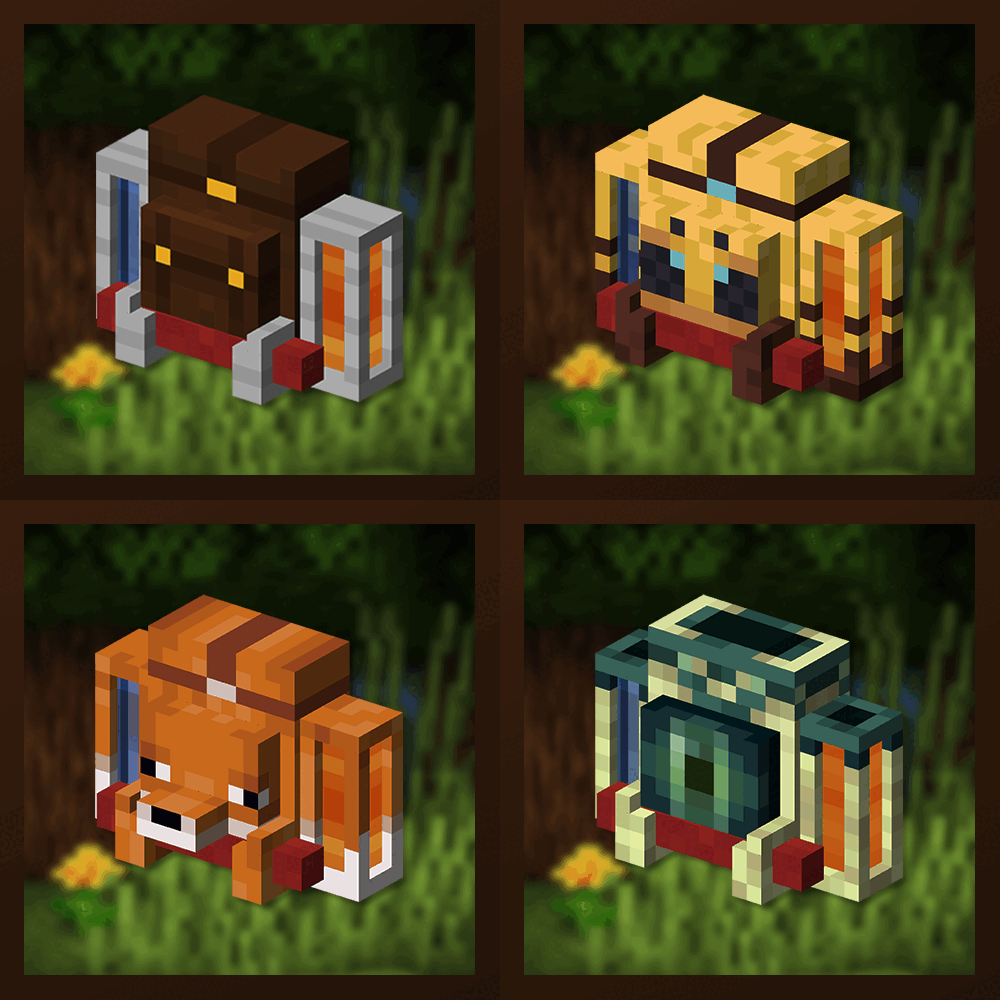
Unique and upgradeable backpacks with customisation, Curios API/Trinkets integration and more!
 mod
Build in the same visual language as the tech — hull, panels, neon, glass, holograms and sci-fi doors for the Neroland universe.