Backpacked Needed by Backpacker 1.3.1
requiredNo matching file

CurseForge · Minecraft mod
An addon for Backpacked that adds more variants of backpacks
Quick answer
Backpacker 1.3.1 targets 1.16.3, 1.16.5, 1.16.4 with Forge. The project page does not say whether this file belongs on the client, dedicated server, or both. 1 required mod needs a matching file.
Where it goes
The project page does not say whether this file belongs on the client, dedicated server, or both.
The source does not explicitly classify this release as client-only or server-only.
Backpacker 1.3.1. Change the file and its required mods may change too.
Install Backpacked first, but 1 required mod has no matching file for this setup. Do not mix loader builds to force a match.
We only count dependency files that match this setup. A file for another loader does not fill the gap.
Before you install it
Built for Backpacker 1.3.1. Pick another file and the loader, install side or required mods may change.
Use Backpacker 1.3.1. It targets 1.16.3, 1.16.5, 1.16.4 with Forge; another release may have different loader, side or dependency requirements.
Install Backpacked first, but 1 required mod has no matching file for this setup. Do not mix loader builds to force a match.
The project page does not say whether this file belongs on the client, dedicated server, or both.
Use the “Get this file” button beside Backpacker 1.3.1. It opens that exact file at the source.
About this project
Note: Backpacker is not compatible with Backpacked 2.0.0 and above. Please be patient while this mod gets an update soon.
Requires Backpacked 1.6.1 (or above) to be installed!
📖 About:
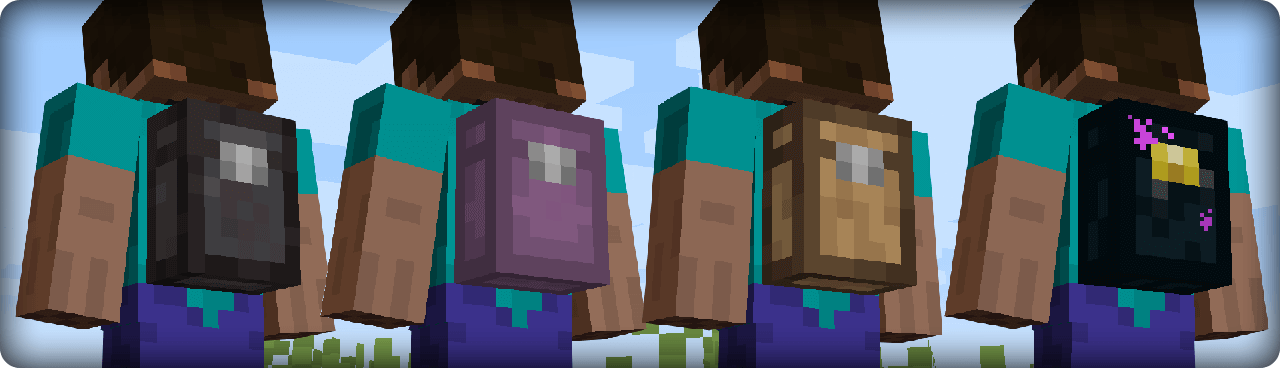
Backpacker is an addon for Backpacked and it adds new variants of backpacks. The original intention of Backpacked was to be a simple vanilla style mod, however the community wanted more and there was no better way than to create an addon. This allows the original mod to keep it's simplicity and this mod adds more backpacks for players that want it.
🎒 New Backpacks:
🔨 Crafting:
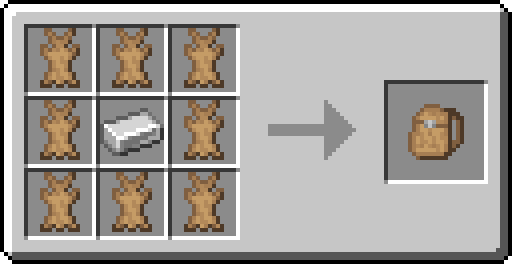
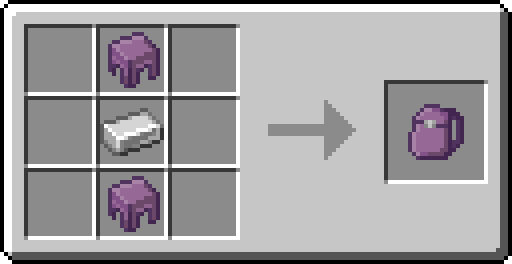
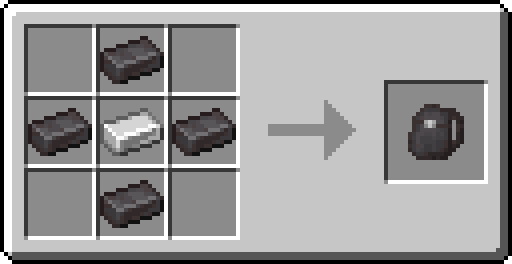
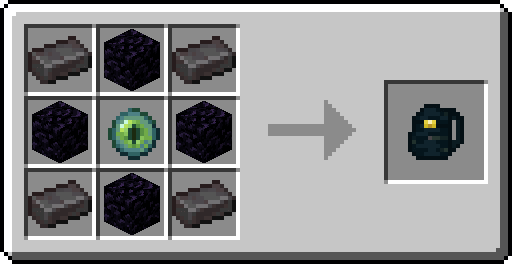
📷 Screenshots:
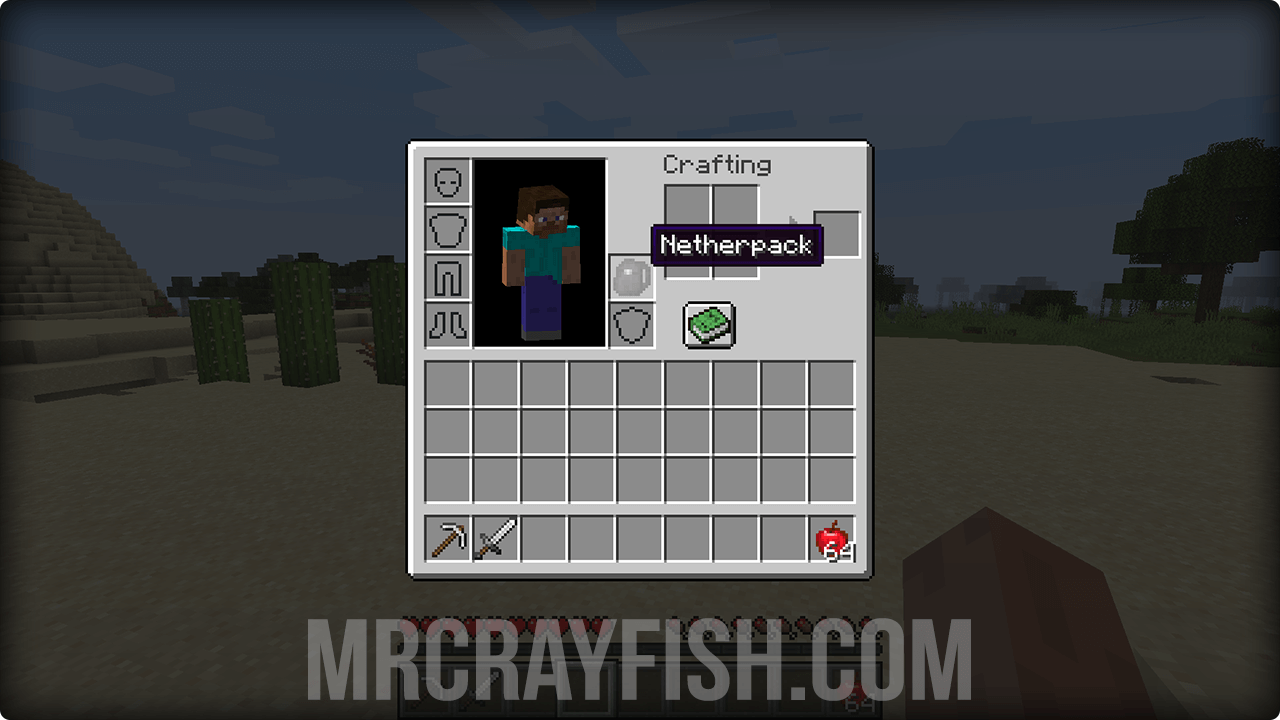
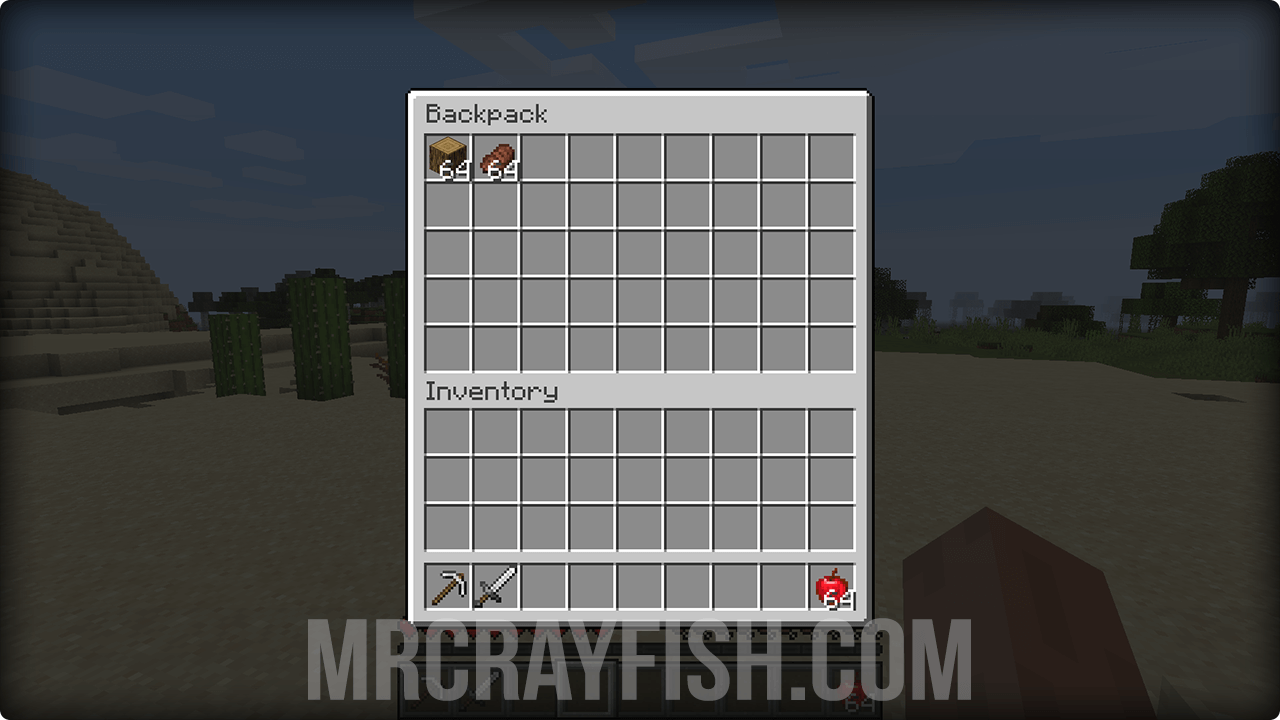

Project description from CurseForge.
Pick your setup
Choose the version and loader you play, then open the matching release.
Check the dependencies, then try the file in a copied instance before changing a world you care about.
Recent files
backpacker-1.3.1-1.16.3.jar
3 Jun 2021
backpacker-1.3.0-1.16.3.jar
2 May 2021
backpacker-1.2.3-1.16.3.jar
27 Mar 2021
backpacker-1.2.2-1.16.3.jar
26 Feb 2021
backpacker-1.2.1-1.16.3.jar
23 Feb 2021
backpacker-1.2.0-1.16.3.jar
18 Feb 2021
backpacker-1.1.0-1.16.3.jar
13 Nov 2020
backpacker-1.0.0-1.16.3.jar
20 Oct 2020
Looking for an older file? The official CurseForge project page is in Resources.
 mod
modA Jojo's Bizarre Adventure mod that interprets the world and power system of the anime into the world of Minecraft. ( JJBA )
 mod
modAdds a soulslike HUD featuring equipment slots, boss bar, status gauges and team display.
 mod
modAn AE2 addon that introduces a lightning energy system, advanced machines, and overloaded network components.