Cloth Config API (Fabric/Forge/NeoForge) Optional for Simple Voice Chat [FORGE][1.21.1] Simple Voice Chat 1.21.1-2.6.21
optionalMatching file found Matched file: [MinecraftForge 1.21] v15.0.140

CurseForge · Minecraft mod
A working voice chat in Minecraft!
Quick answer
Simple Voice Chat [FORGE][1.21.1] Simple Voice Chat 1.21.1-2.6.21 targets 1.21.1 with Forge. The project page does not say whether it belongs on the client. The project page does not say whether it belongs on the dedicated server. No extra mods listed for this file.
Where it goes
The project page does not say whether it belongs on the client. The project page does not say whether it belongs on the dedicated server.
The source does not explicitly classify this release as client-only or server-only.
[FORGE][1.21.1] Simple Voice Chat 1.21.1-2.6.21 on 1.21.1 Forge. Every mod below is checked against that same setup.
This file does not list any required mods. Do not add a library just because a different file uses it.
1 extra mod was pulled in by another dependency. Indented rows show who needs each one. We only count dependency files that match this setup. A file for another loader does not fill the gap.
Before you install it
Built for Simple Voice Chat [FORGE][1.21.1] Simple Voice Chat 1.21.1-2.6.21 on 1.21.1 Forge. Pick another file and the loader, install side or required mods may change.
Use [FORGE][1.21.1] Simple Voice Chat 1.21.1-2.6.21. It targets 1.21.1 with Forge; another release may have different loader, side or dependency requirements.
This file does not list any required mods. Do not add a library just because a different file uses it.
The project page does not say whether it belongs on the client. The project page does not say whether it belongs on the dedicated server.
Use the “Get this file” button beside [FORGE][1.21.1] Simple Voice Chat 1.21.1-2.6.21. It opens that exact file at the source.
About this project
Modrinth
|
CurseForge
|
Discord
|
Wiki
|
FAQ
|
Credits
|
API
A proximity voice chat for Minecraft with a variety of addons that offer additional features and functionalities.
⚠️ NOTE This mod requires special setup on the server in order to work.
Please read the wiki for more information.

Please join the Discord if you have questions!
| Icon | Description |
|---|---|
 |
You are talking |
 |
You are whispering |
 |
Player is talking |
 |
Player is whispering |
 |
Microphone muted |
 |
Voice chat disabled |
 |
Voice chat not connected Voice chat not installed |
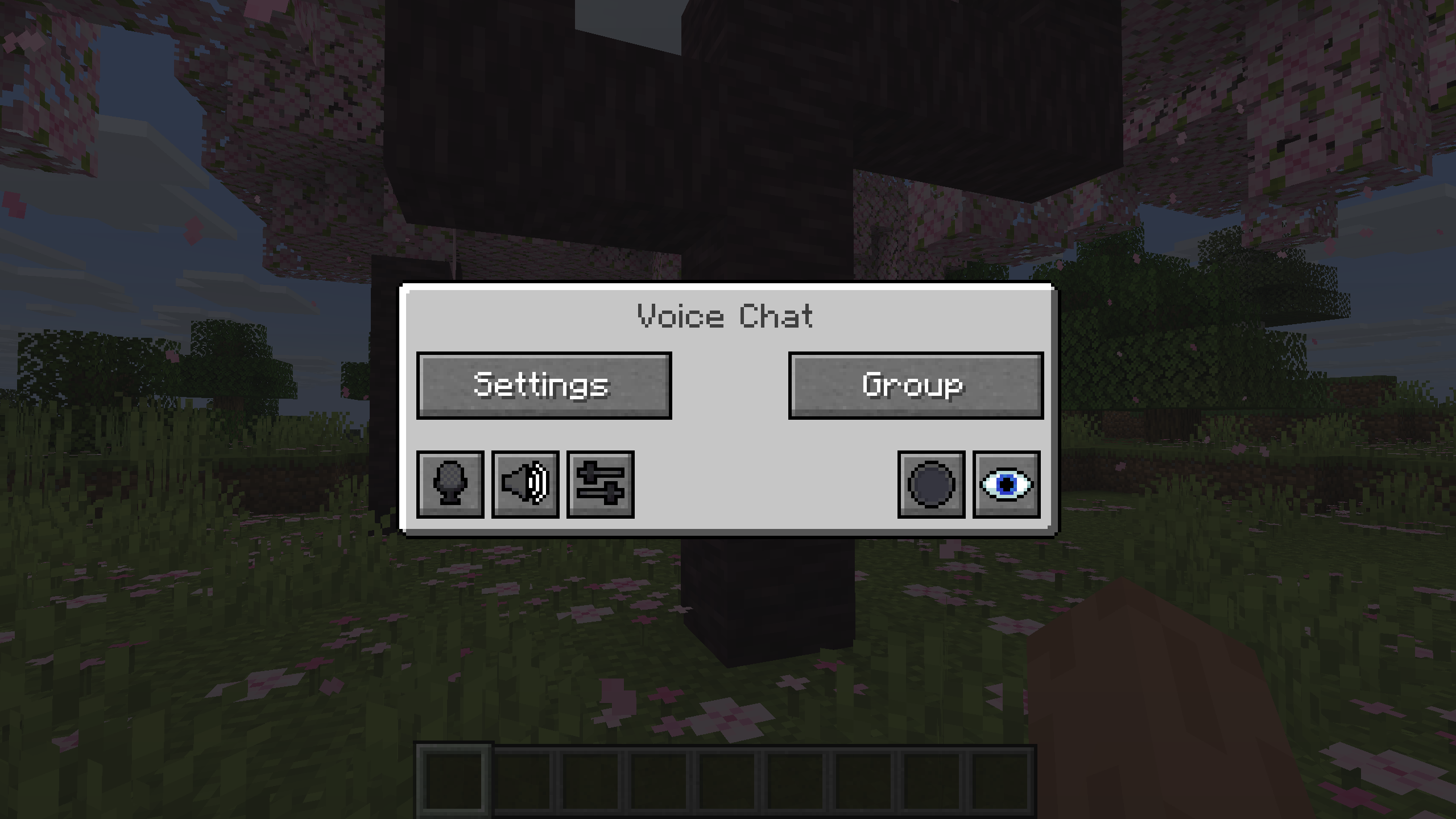
You can open the voice chat GUI by pressing the V key.
This allows you to open the settings, group chats, mute yourself, disable the voice chat, start/stop a recording and hide all icons.
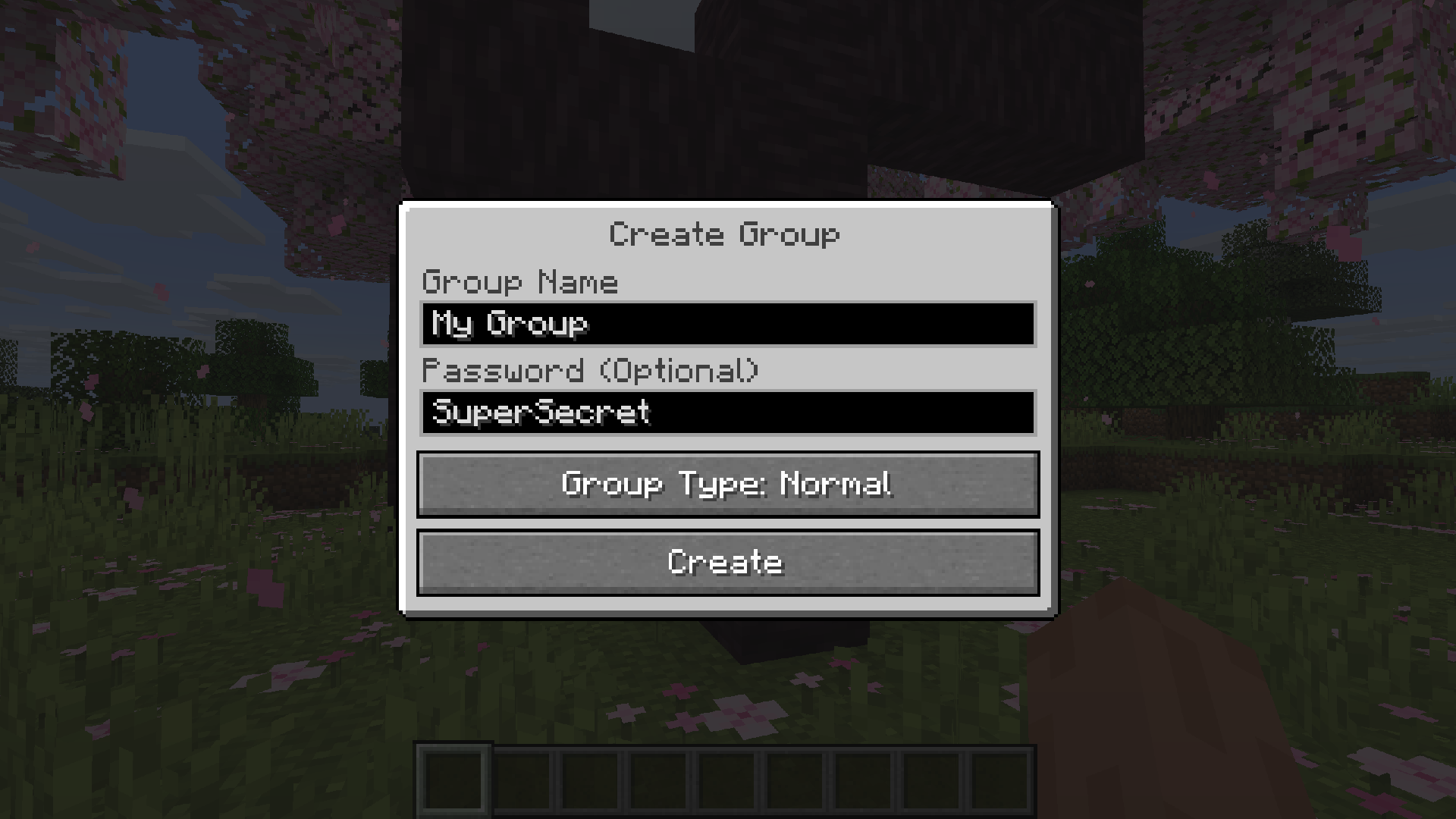
Group chats allow you to talk to players that are not in your vicinity.
To open the group chat interface, either press the group button in the voice chat GUI or just press the group key.
To create a new group, just type a name in the text field and press the button at the bottom.
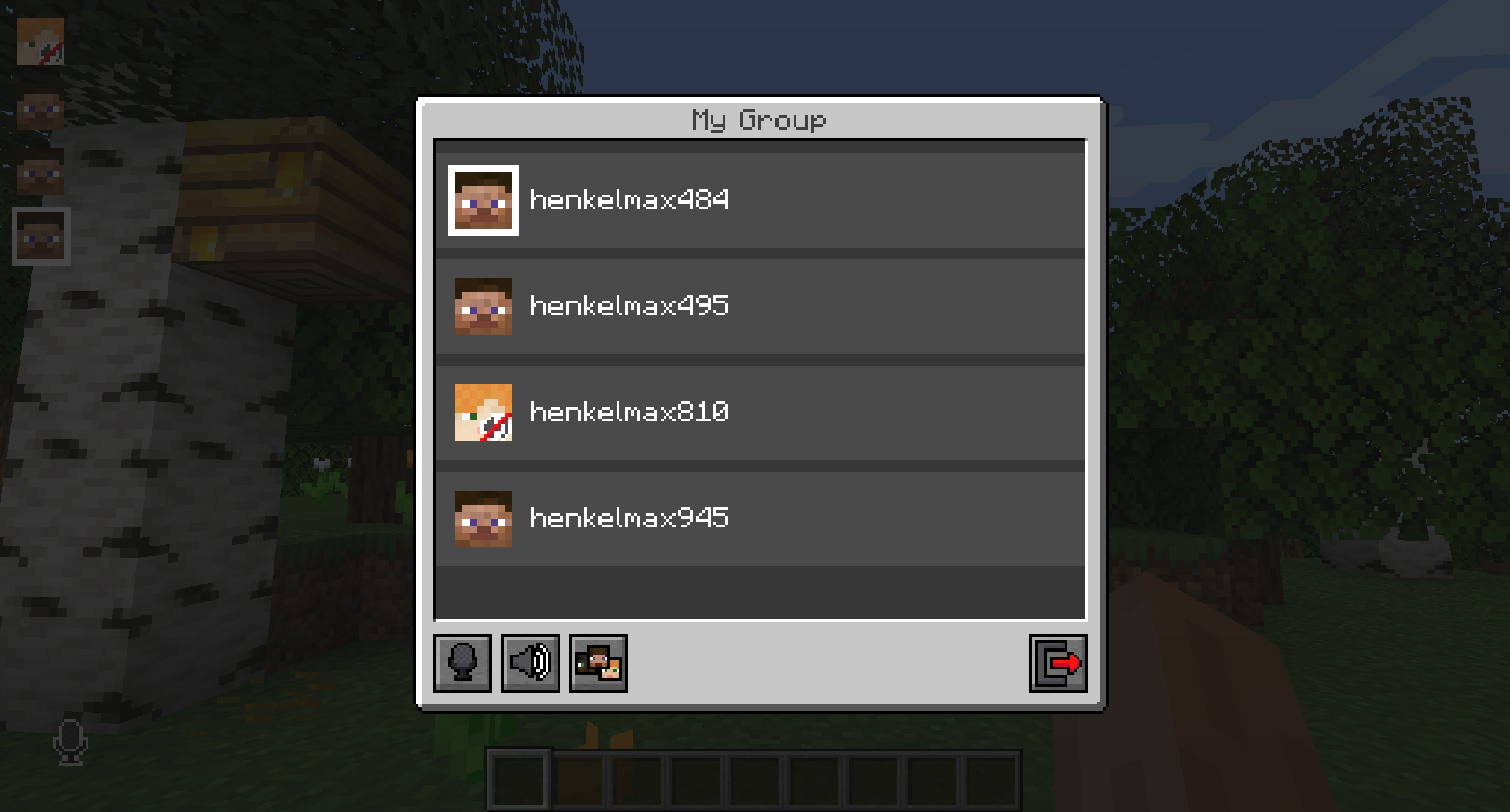
Creating or joining a group will bring you into the group chat interface.
You will also see the heads of the group members in the top left corner of your screen.
Talking players will be outlined.
You can disable these icons by pressing the third button from the left.
Players that are not in a group will see a group icon next to your head, indicating that you are in a group.
You can invite players to your group chat by entering the command /voicechat invite <playername> or from the social interactions screen.
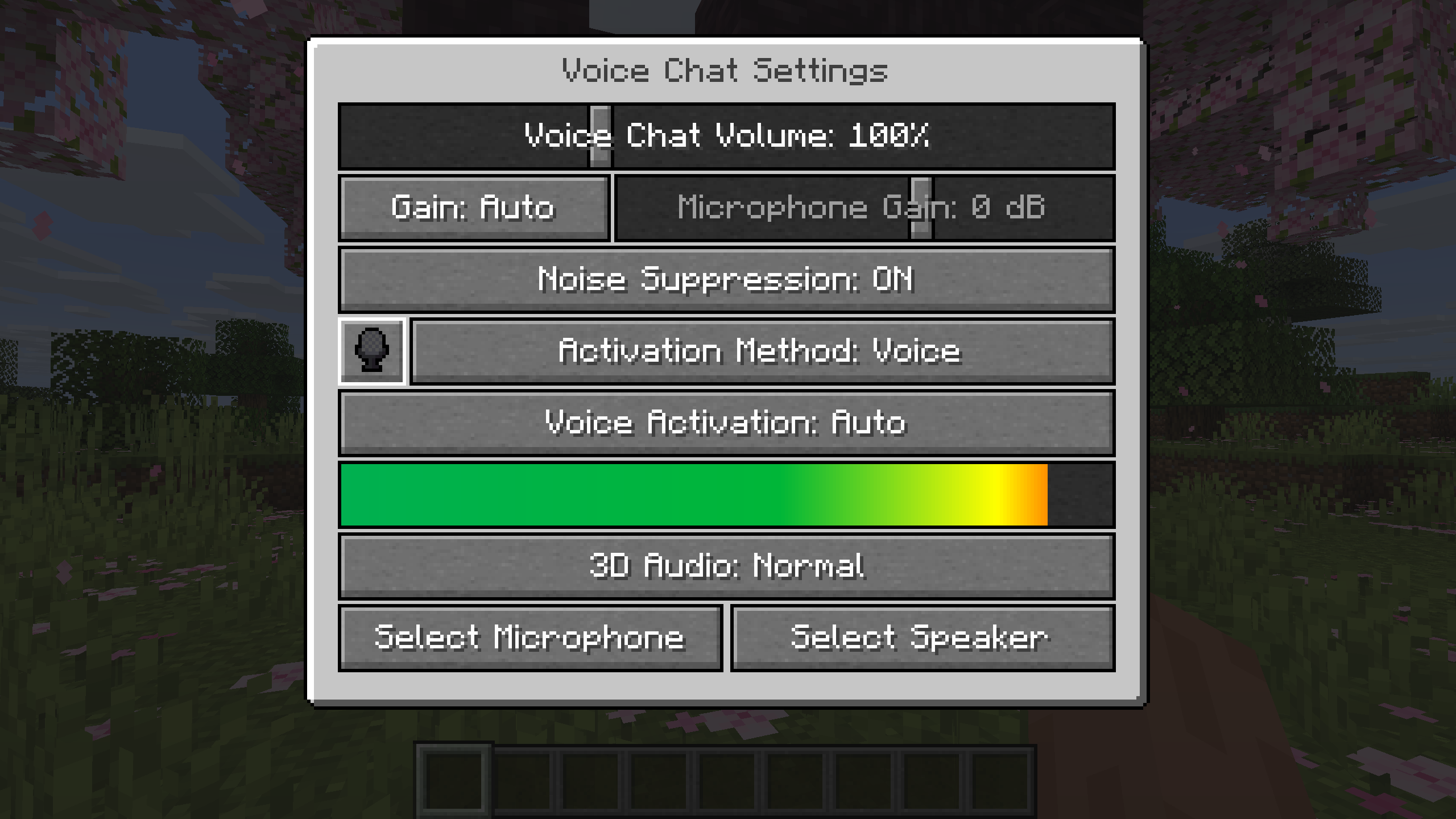
You can access the voice chat settings by pressing the V key and pressing the settings button.
This menu offers the ability to set up your voice chat audio settings.
By clicking the microphone button, you can test your microphone activation.
You need to open a port on the server. This is port 24454 UDP by default.
Without opening this port, the voice chat will not work.
This port can be changed in the server config.
More information here.
The voice chat is encrypted, but we don't guarantee the security of it. Use at your own risk!
Project description from CurseForge.
Pick your setup
Choose the version and loader you play, then open the matching release.
Showing the newest 12 of 47 game versions. Older files are in the list below.
Check the dependencies, then try the file in a copied instance before changing a world you care about.
Recent files
voicechat-forge-1.21.1-2.6.21.jar
19 Jul 2026
Looking for an older file? The official CurseForge project page is in Resources.
 mod
modDon’t mess with the server Play Minecraft with your friends in 2 clicks
 mod
modThis is just a simple lib for config, 1st join message and live message
 mod
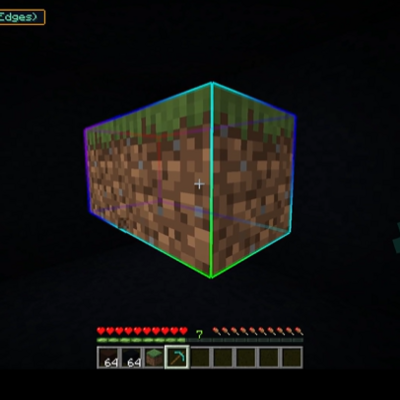
modAn advanced vein mining mod with radial menu, RGB-customizable block outline highlighter, custom mining shapes, and a skill system for harvesting, tree-felling, and liquid handling.