CCore Needed by Playing Cards playingcards-1.0.0.jar
requiredMatching file found Matched file: calemicore-1.0.12.jar
CurseForge · Minecraft mod
Adds card decks, poker chips & casino decor!
Quick answer
Playing Cards playingcards-1.0.0.jar targets 1.18.1 with Forge. The project page does not say whether this file belongs on the client, dedicated server, or both. All 1 required mods have matching files.
Where it goes
The project page does not say whether this file belongs on the client, dedicated server, or both.
The source does not explicitly classify this release as client-only or server-only.
playingcards-1.0.0.jar. Change the file and its required mods may change too.
Install CCore first. We found matching files for this game-version and loader setup.
We only count dependency files that match this setup. A file for another loader does not fill the gap.
Before you install it
Built for Playing Cards playingcards-1.0.0.jar. Pick another file and the loader, install side or required mods may change.
Use playingcards-1.0.0.jar. It targets 1.18.1 with Forge; another release may have different loader, side or dependency requirements.
Install CCore first. We found matching files for this game-version and loader setup.
The project page does not say whether this file belongs on the client, dedicated server, or both.
Use the “Get this file” button beside playingcards-1.0.0.jar. It opens that exact file at the source.
About this project
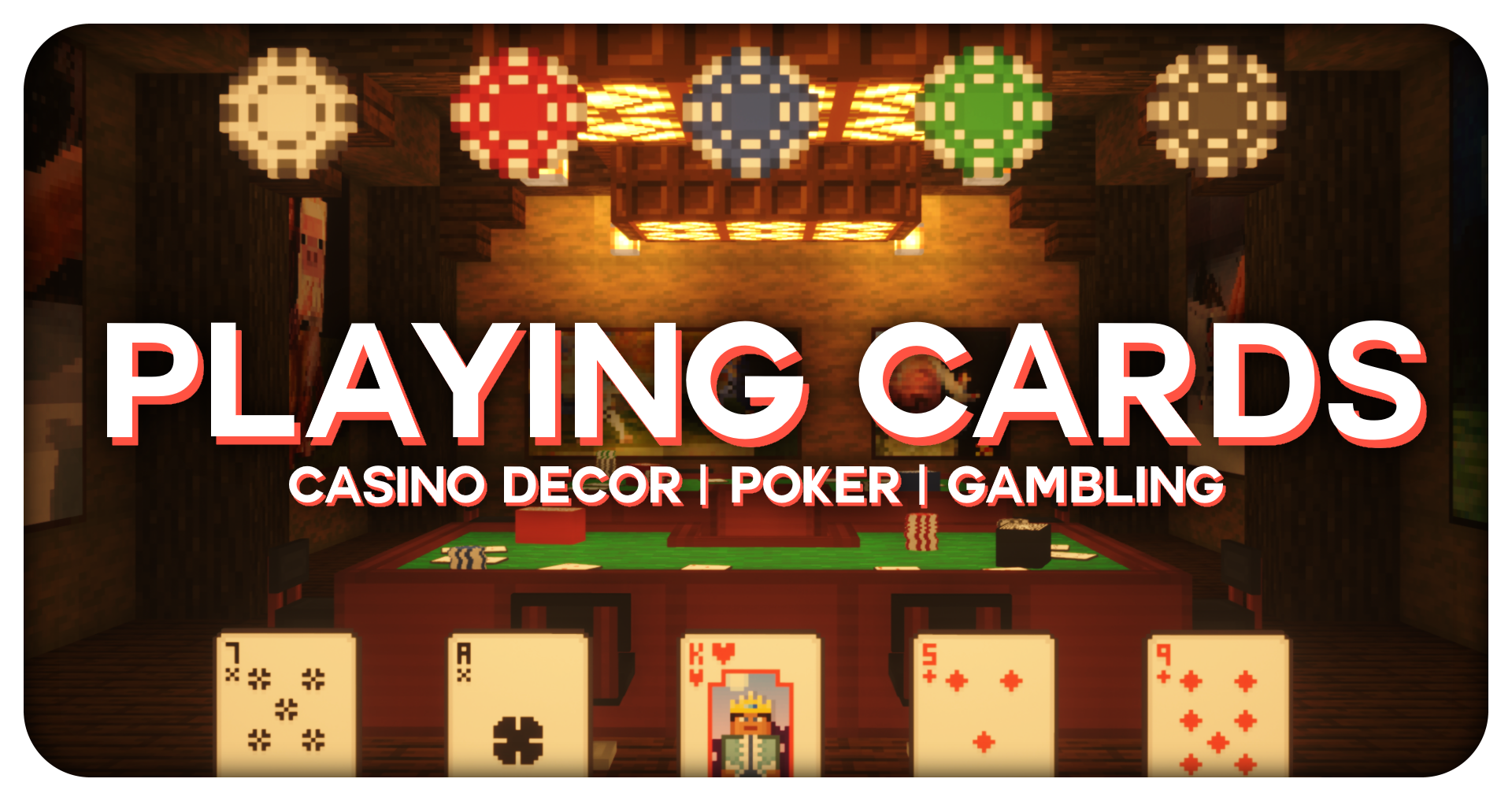
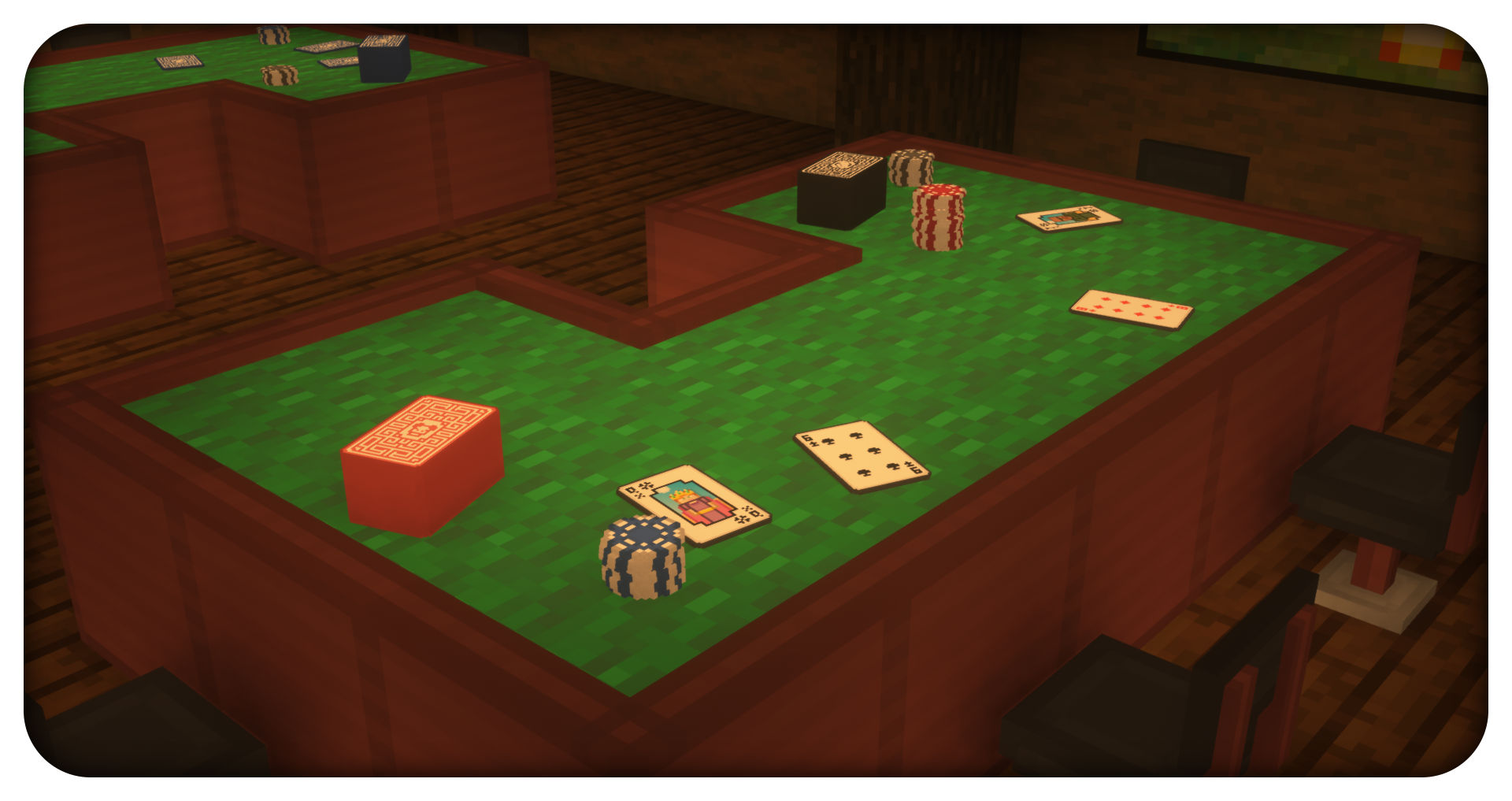
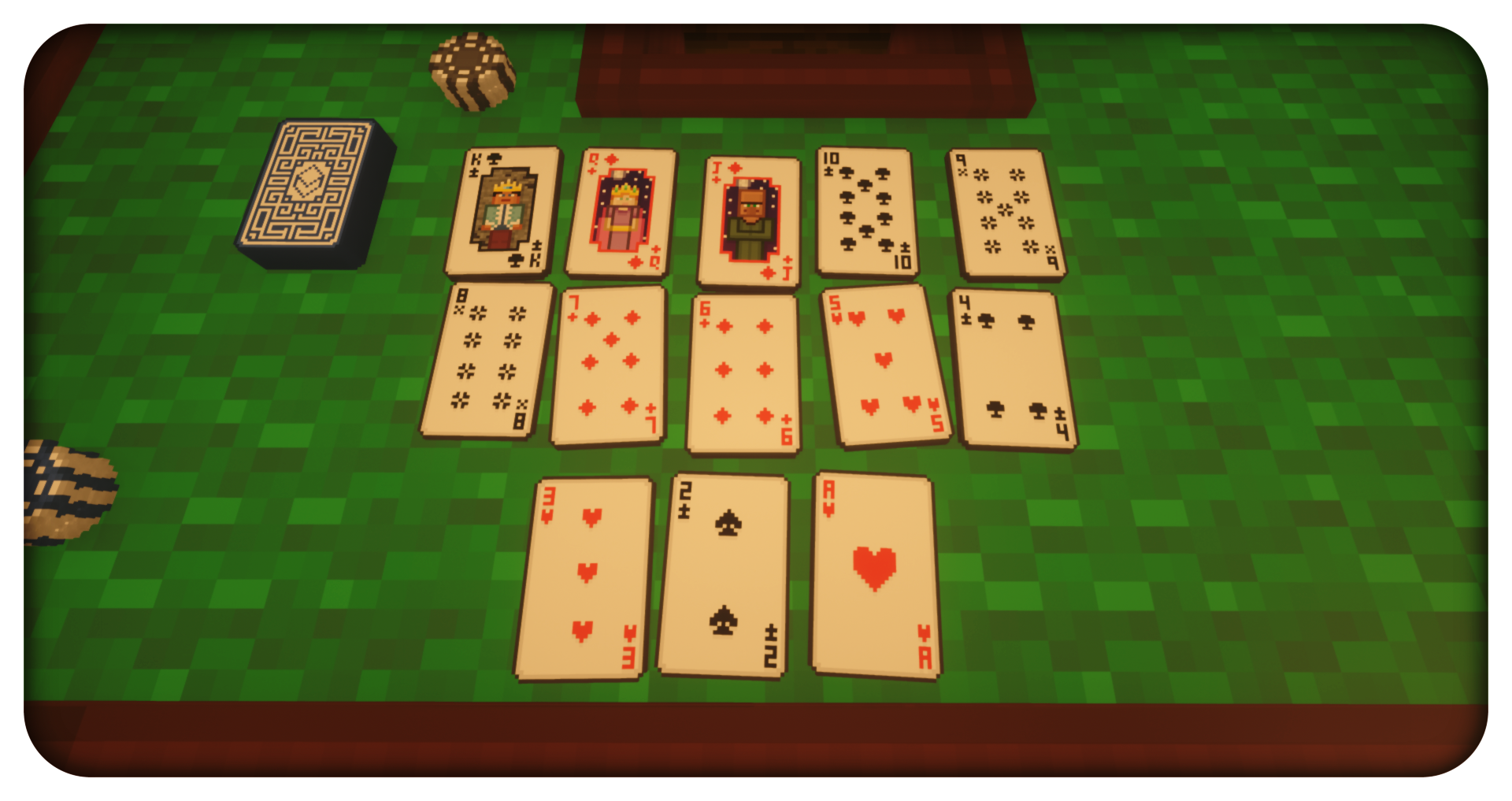
Ever wanted to play cards in Minecraft? Host your very own casino? Gamble your life savings away? Me too...I mean...now you can! This mod includes 4 different 52-card decks (blue, red, black, pig variant), 5 different poker chips (white, red, blue, green, black), poker table blocks, and bar stools! The cards can be stacked & flipped, and the deck can be shuffled. The poker chips can be stacked, and marked by a casino owner (so nobody brings their own!) The poker table is free-form; meaning you can make your own table shapes to suit all of your decoration needs. Lastly, the bar stools can be rotated and sat on!
Unfortunately, I do not have time for modding anymore, so development for this mod has stopped. However, I give anyone full permission to port this mod to future versions of the game as long as credit is pointed back to me for the art and code. I will no longer reply to private messages asking me to update this mod to x version.
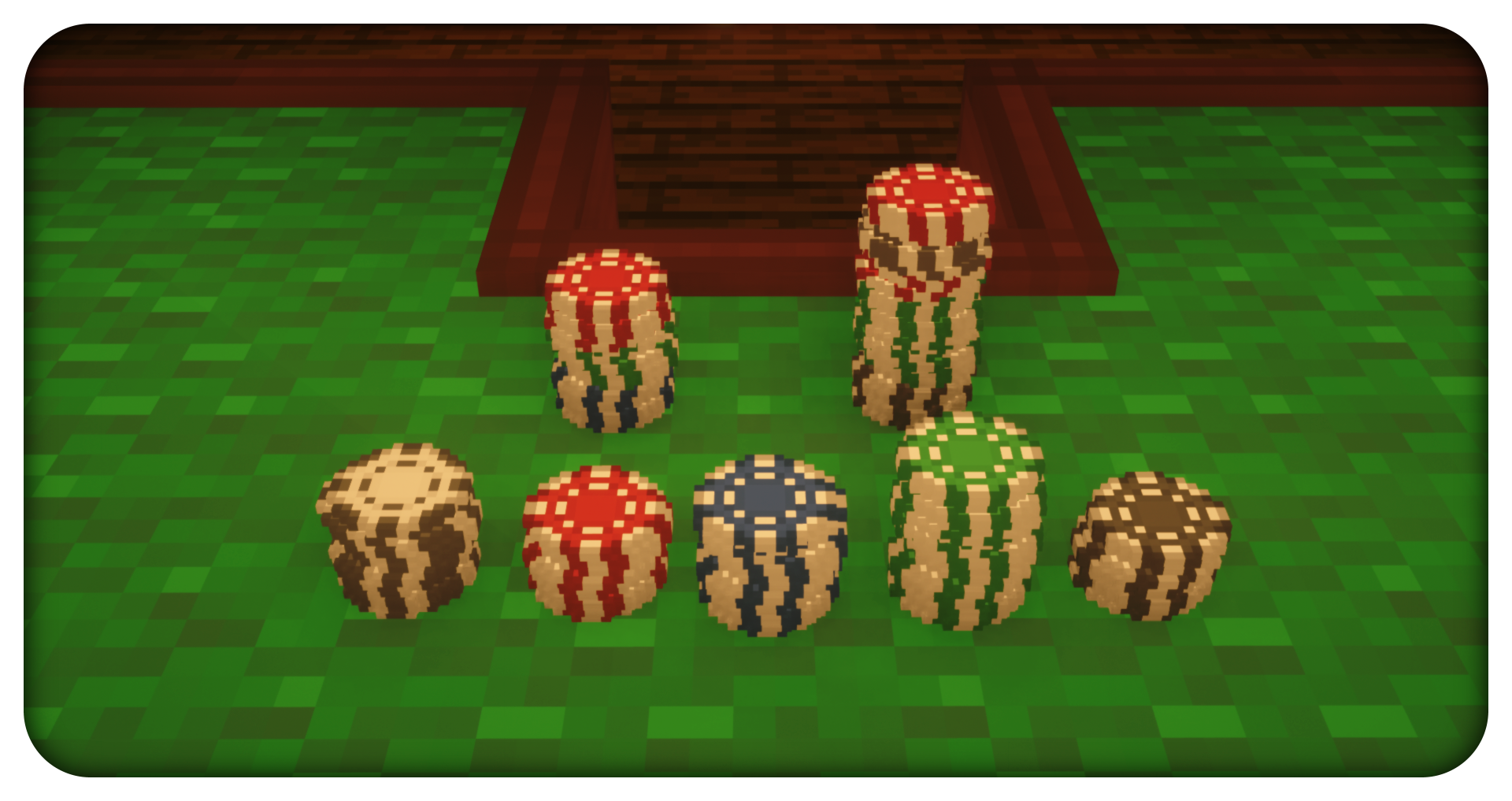
Controls
Card Deck
Shuffle: Attack
Pick Up: Sneak-Attack
Card
Flip: Left-Click
Place & Stack: Right-Click (With Card)
Pick Up: Right-Click
Poker Chip
Place & Stack: Right-Click (With Poker Chip)
Pick Up: Right-Click
You can use this mod in any modpack whether it's public or private. Just do not claim this mod as your own!
Project description from CurseForge.
Pick your setup
Choose the version and loader you play, then open the matching release.
Check the dependencies, then try the file in a copied instance before changing a world you care about.
Recent files
17 Jun 2022
17 Jun 2022
12 Jun 2022
PlayingCards-1.16.4-1.0.1.jar
22 Dec 2020
PlayingCards-1.16.4-1.0.0.jar
22 Dec 2020
PlayingCards-1.0.3-MC1.15.2.jar
6 Nov 2020
PlayingCards-1.0.2-MC1.15.2.jar
4 Nov 2020
PlayingCards-1.0.0-MC1.15.2.jar
2 Nov 2020
Looking for an older file? The official CurseForge project page is in Resources.
 mod
modThis mod is a remake of Old Mod TofuCraft made by tsuteto. add soybean As a new all-purpose food!
 mod
modA cute Sniffer plushie you can craft, carry and squeak in Minecraft.
 mod
modA simple mod that adds over 100 real isopods! Collect and breed them all!