Fabric API Needed by Visual Overhaul VisualOverhaul 4.1.1 - 1.19
requiredMatching file found Matched file: [1.19] Fabric API 0.58.0+1.19
CurseForge · Minecraft mod
Enhance the visual representation of interactable blocks.
Quick answer
Visual Overhaul VisualOverhaul 4.1.1 - 1.19 targets 1.19-Snapshot, 1.19.2, 1.19.1 with Fabric, Quilt. The project page does not say whether this file belongs on the client, dedicated server, or both. 1 required mod needs a matching file.
Where it goes
The project page does not say whether this file belongs on the client, dedicated server, or both.
The source does not explicitly classify this release as client-only or server-only.
VisualOverhaul 4.1.1 - 1.19 on 1.19. Every mod below is checked against that same setup.
Install Fabric API, MidnightLib first, but 1 required mod has no matching file for this setup. Do not mix loader builds to force a match.
We only count dependency files that match this setup. A file for another loader does not fill the gap.
Before you install it
Built for Visual Overhaul VisualOverhaul 4.1.1 - 1.19 on 1.19. Pick another file and the loader, install side or required mods may change.
Use VisualOverhaul 4.1.1 - 1.19. It targets 1.19-Snapshot, 1.19.2, 1.19.1 with Fabric, Quilt; another release may have different loader, side or dependency requirements.
Install Fabric API, MidnightLib first, but 1 required mod has no matching file for this setup. Do not mix loader builds to force a match.
The project page does not say whether this file belongs on the client, dedicated server, or both.
Use the “Get this file” button beside VisualOverhaul 4.1.1 - 1.19. It opens that exact file at the source.
About this project
This minecraft fabric mod overhauls the visuals of certain vanilla blocks.
Currently, it overhauls the Jukebox, the Brewing Stand, the Furnace, the Smoker and the Blast Furnace.
If enabled, it will also color items based on the current biome, which looks super dope.
Also, icons are now shown on menu buttons, so don't look as bland anymore.
If you want to use this mod, make sure you've enabled the included resourcepacks in the resourcepack selection screen!
The latest version adds a client-only way of getting the record in the jukebox. The biome-colored items, particles and button icons are also completely clientside.
For the other overhauls however, there is no way of making them work clientside only.

Project description from CurseForge.
Pick your setup
Choose the version and loader you play, then open the matching release.
Showing the newest 12 of 25 game versions. Older files are in the list below.
Check the dependencies, then try the file in a copied instance before changing a world you care about.
Recent files
visualoverhaul-4.1.1.jar
18 Jun 2022
Looking for an older file? The official CurseForge project page is in Resources.
 mod
Teleport from waystone to waystone or craft magical scrolls to warp.
 mod
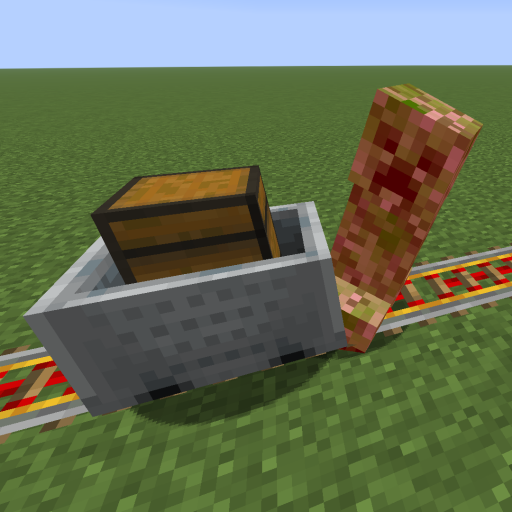
This mod increases damage to moving minecarts; the faster they move, the higher the damage, with virtually no damage limit!
 mod
Don’t mess with the server Play Minecraft with your friends in 2 clicks via P2P