Minecraft version
Back to mods 
CurseForge · Minecraft mod
BuildPaste - Instant Structures
Build your dream world in seconds with 10,000+ instant structures.
Choose a version Pick your version below, then grab the matching file.
Quick answer
Which BuildPaste - Instant Structures release matches 1.19.4 Forge?
Best match for your filters BuildPasteMod-1.19.4v1.9.11.1.jar
Game version 1.19.4
Loader Forge
BuildPaste - Instant Structures BuildPasteMod-1.19.4v1.9.11.1.jar targets 1.19.4 with Forge. The project page does not say whether it belongs on the client. The project page does not say whether it belongs on the dedicated server. No extra mods listed for this file.
Where it goes
Is BuildPaste - Instant Structures required on the client, server, or both?
The project page does not say whether it belongs on the client. The project page does not say whether it belongs on the dedicated server.
Client Source doesn’t say
Dedicated server Source doesn’t say
Loader for this release Forge
Required install it here Optional supported, not mandatory Not supported do not install here Source doesn’t say do not assume
The source does not explicitly classify this release as client-only or server-only.
What else does BuildPaste - Instant Structures BuildPasteMod-1.19.4v1.9.11.1.jar need?
BuildPasteMod-1.19.4v1.9.11.1.jar on 1.19.4 Forge. Every mod below is checked against that same setup.
This file does not list any required mods. Do not add a library just because a different file uses it.
This file does not list any required or optional mods.
Before you install it
Add BuildPaste - Instant Structures without breaking your instance.
Built for BuildPaste - Instant Structures BuildPasteMod-1.19.4v1.9.11.1.jar on 1.19.4 Forge. Pick another file and the loader, install side or required mods may change.
- 01
Stick to this file
Use BuildPasteMod-1.19.4v1.9.11.1.jar. It targets 1.19.4 with Forge; another release may have different loader, side or dependency requirements.
- 02
Bring the mods it needs
This file does not list any required mods. Do not add a library just because a different file uses it.
- 03
Put it on the correct side
The project page does not say whether it belongs on the client. The project page does not say whether it belongs on the dedicated server.
- 04
Pick the file you checked
Use the “Get this file” button beside BuildPasteMod-1.19.4v1.9.11.1.jar. It opens that exact file at the source.
About this project
What does BuildPaste - Instant Structures add?

10,000+ instant structures ready to be placed in your world
Houses, Castles, Towers, Statues, Mansions, Redstone Constructions and many more categories are all available to explore on buildpaste.net. All builds can be easily placed in your world, either by using the Build Placer item or by using the simple /paste command. The builds load instantly and can be undone if necessary.
A new era of schematics
This mod introduces a new way of using schematics, or in this case 'builds'. The hassle of downloading a schematic, putting it into the correct schematics folder and finally figuring out how to paste it properly is now history. Simply select a build on the website and paste it instantly using the /paste command, or use the Build Placer to preview where to place it. All builds are stored in a database and load instantly, and you can even upload your own structures for anyone to use!
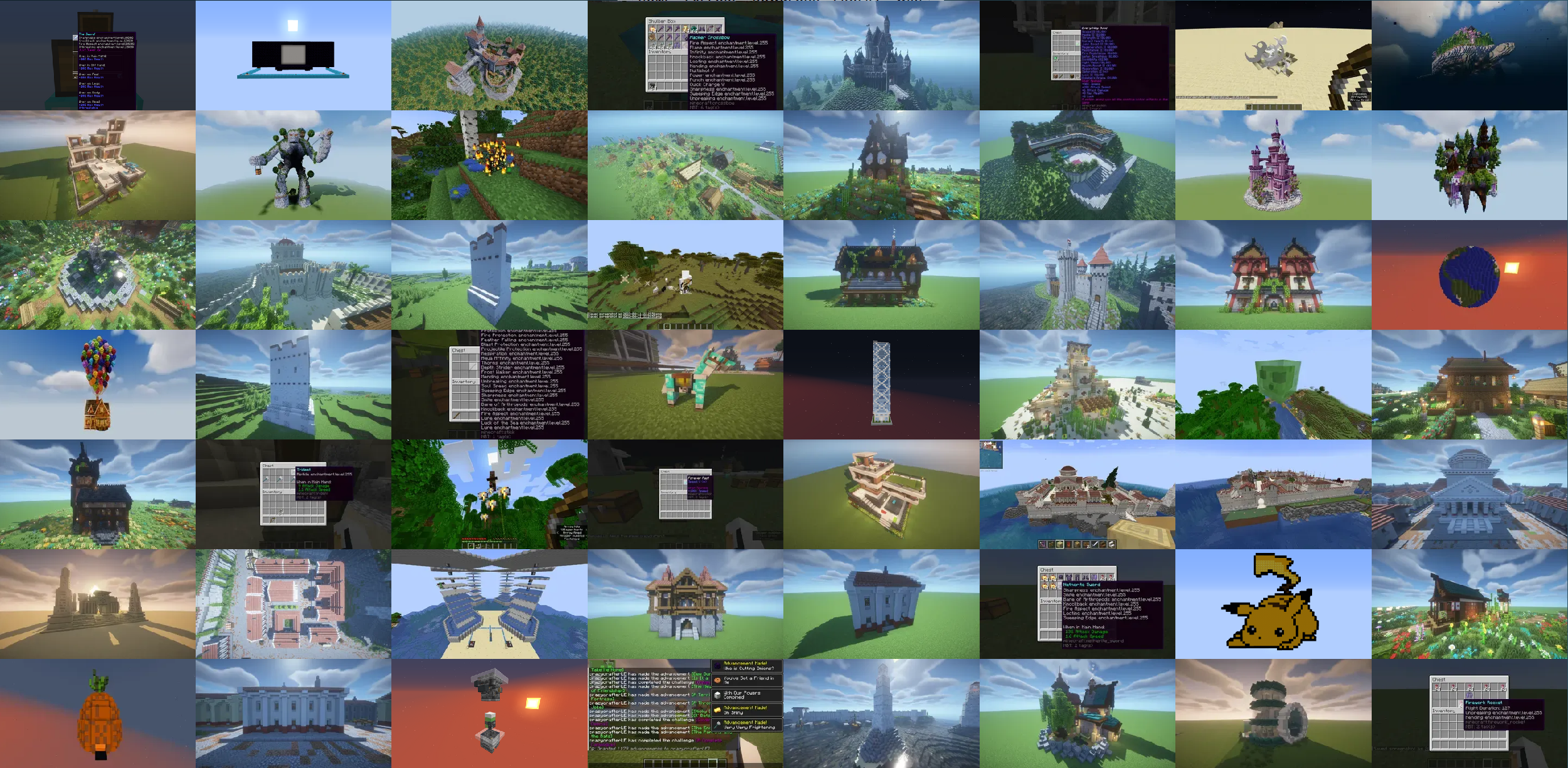
Upload your own structures
If you want to you can also participate in the community and upload your own structures. Or, if you don't want to share it with everyone, you can share it with your friend by sending them the unique id or the link of one of your creations. When you publish a build, others can also give you feedback through comments.
How To Get Started
Getting started with BuildPaste is easy. You can use BuildPaste with or without an account, but it’s more convenient with an account because copying and pasting builds is much easier and you can also upload your own structures. To start, sign in to buildpaste.net and then add your Minecraft Name to your profile. After that, you can copy a build and type /paste and it will paste the build right in front of you. You can also watch this short YouTube tutorial: How To Get Started with Buildpaste
NOTE: This mod is only available for singleplayer
If you want to use it on a server, download the plugin. This works for Spigot, if you want to use it on a Forge server, use something like MohistMC in combination with the plugin
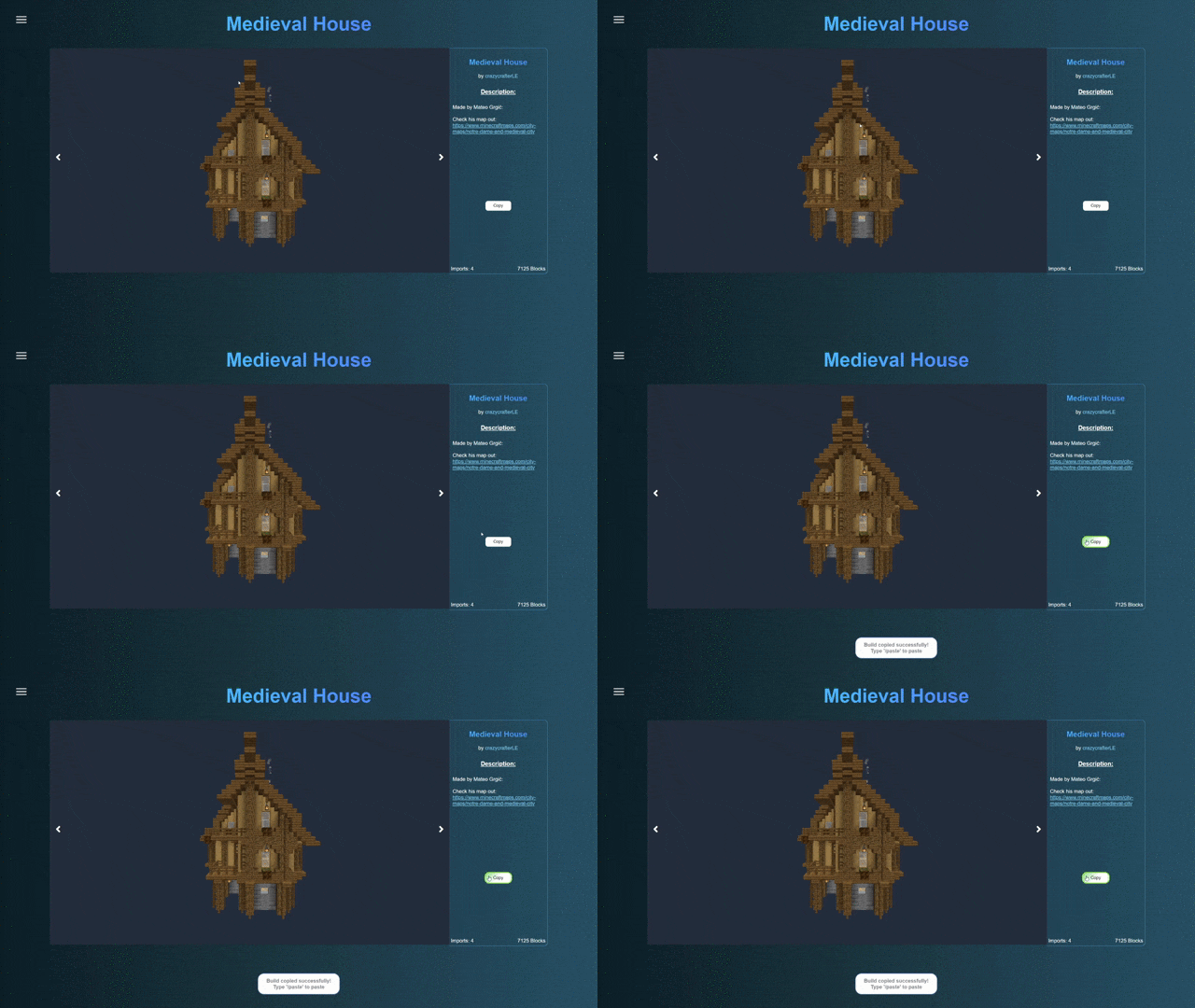
Copy Minecraft Buildings from buildpaste.net:
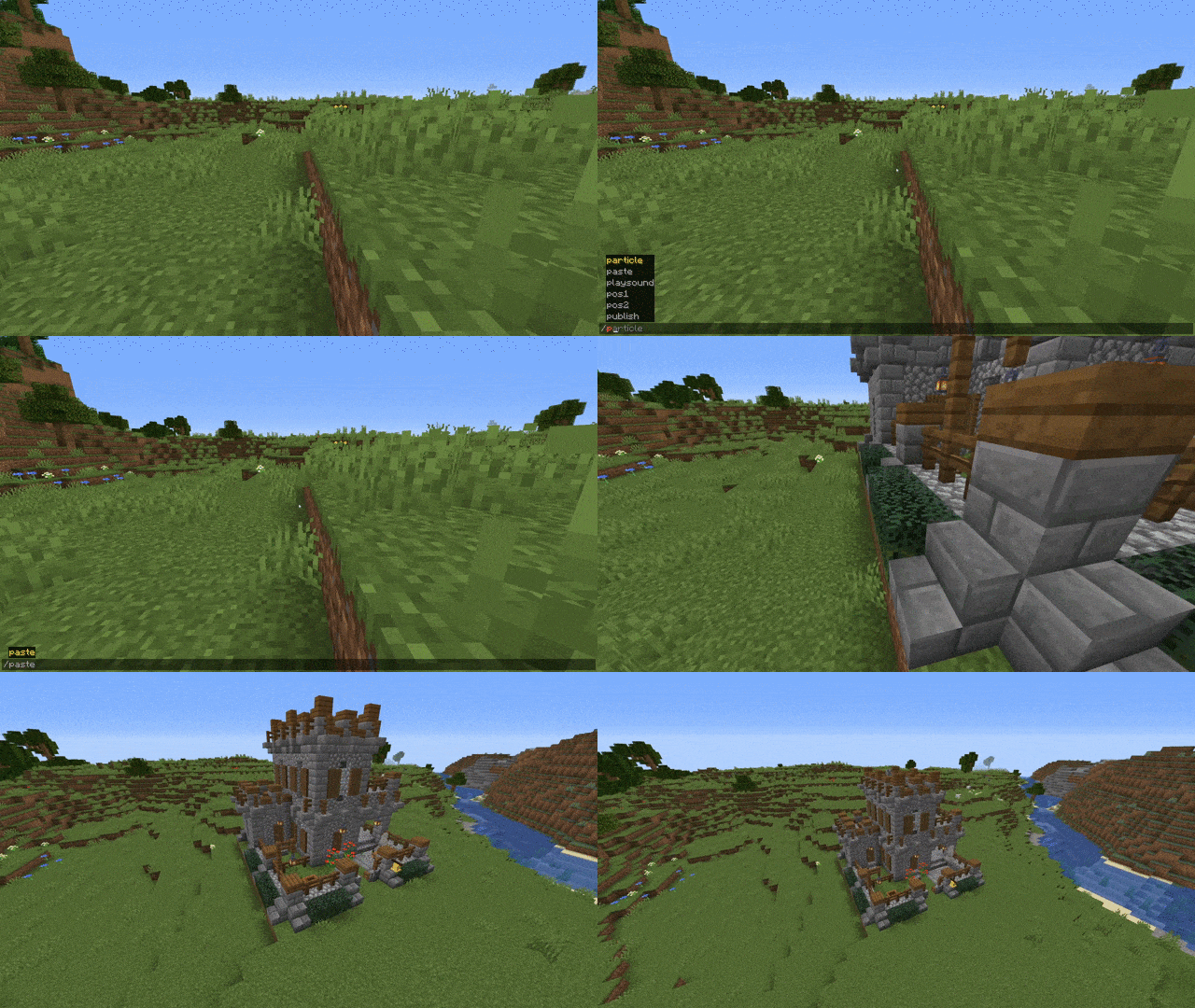
Paste Minecraft Buildings into your world:
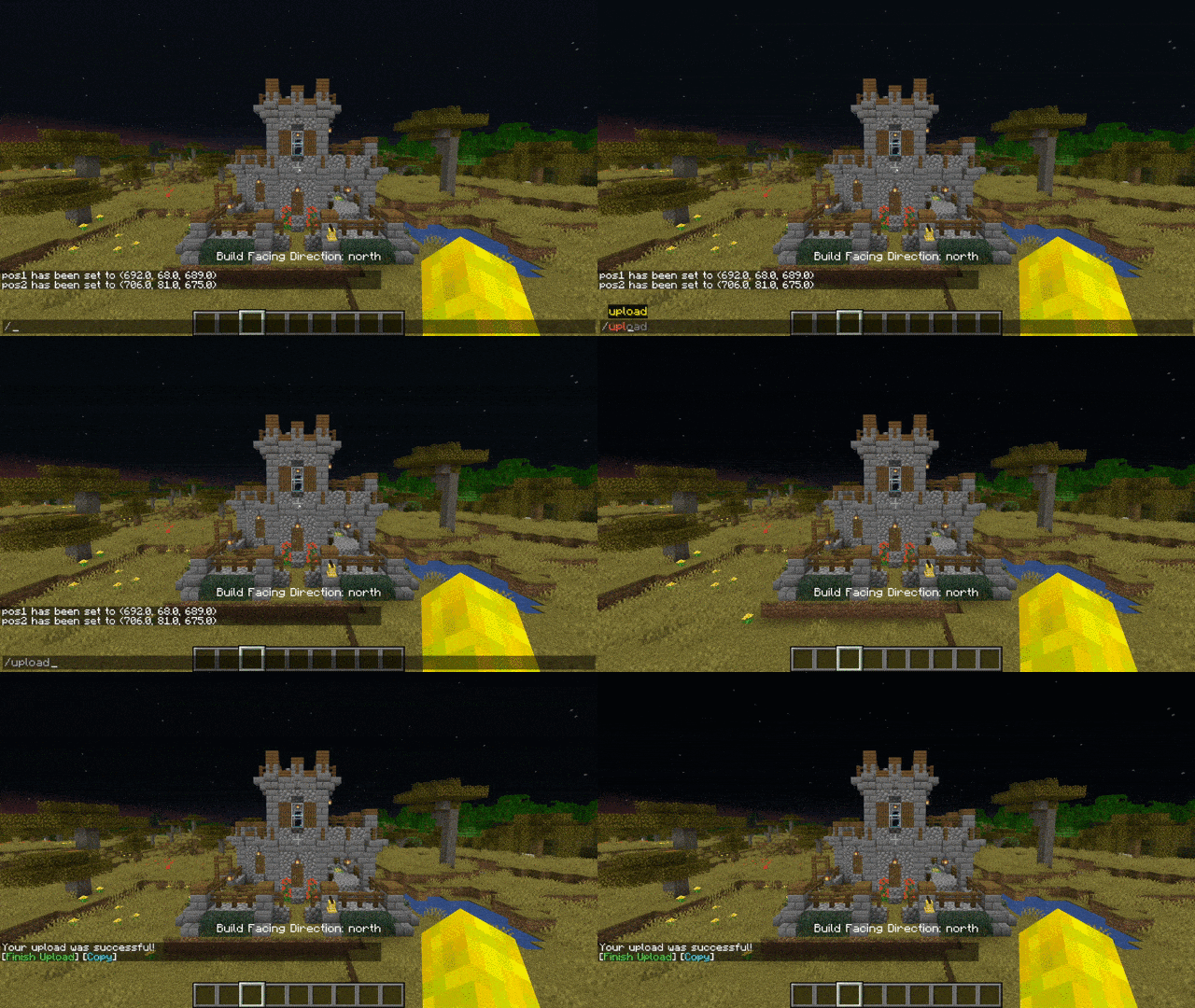
Upload Buildings:
Download as plugin: BuildPaste - Bukkit Plugins - CurseForge
Download as plugin on spigotmc.org: BuildPaste | SpigotMC - High Performance Minecraft
Installation:
Make sure that you are using the Java version of Minecraft.
- Install Minecraft Forge
- Download the BuildPaste Mod from this page
- Put the BuildPaste Mod file into your mods folder
Project description from CurseForge.
Pick your setup
BuildPaste - Instant Structures by Minecraft version and loader
Choose the version and loader you play, then open the matching release.
Minecraft version
26.1.2
1 loader buildMinecraft version
1.21.11
1 loader buildMinecraft version
1.21.10
1 loader buildMinecraft version
1.21.8
1 loader buildMinecraft version
1.21.5
1 loader buildMinecraft version
1.21.4
1 loader buildMinecraft version
1.21.1
2 loader buildsMinecraft version
1.21
1 loader buildMinecraft version
1.20.4
1 loader buildMinecraft version
1.20.2
1 loader buildMinecraft version
1.20.1
1 loader buildShowing the newest 12 of 24 game versions. Older files are in the list below.
Check the dependencies, then try the file in a copied instance before changing a world you care about.
Recent files
BuildPaste - Instant Structures versions and loaders
BuildPasteMod-1.19.4v1.9.11.1.jar
21 May 2024
Client Source doesn’t say Server Source doesn’t say Dependencies No extras listed Listed on Release listing
Check the 1.19.4 · Forge setup 1.19.4Forge release
BuildPasteMod-1.19.4-1.9.11.jar
27 Apr 2023
Client Source doesn’t say Server Source doesn’t say Dependencies No extras listed Listed on Release listing
Check the 1.19.4 · Forge setup 1.19.4Forge release
BuildPasteMod-1.19.4-1.9.10.jar
28 Mar 2023
Client Source doesn’t say Server Source doesn’t say Dependencies No extras listed Listed on Release listing
Check the 1.19.4 · Forge setup 1.19.4Forge release
Looking for an older file? The official CurseForge project page is in Resources.
 mod
mod CurseForge · Minecraft
TESTIFICATE (TBS) HORROR
something with villagers seems a bit off...
 mod
mod CurseForge · Minecraft
Barista - Window Title Editor
Appends useful game information to the window title bar using modular json objects and sets custom icon
 mod
mod CurseForge · Minecraft
The Bible
Adds the entire CPDV translation of the Bible as an item.