Cloth API (Fabric) Needed by IngameIME-fabric-1.19.2-1.6.6.jar
requiredMatching file found Matched file: [Fabric 1.19] v4.0.65
CurseForge · Minecraft mod
Use input method in full screen Minecraft
Quick answer
IngameIME-fabric-1.19.2-1.6.6.jar targets 1.19 with Fabric. The project page does not say whether this file belongs on the client, dedicated server, or both. All 4 required mods have matching files.
Where it goes
The project page does not say whether this file belongs on the client, dedicated server, or both.
The source does not explicitly classify this release as client-only or server-only.
IngameIME-fabric-1.19.2-1.6.6.jar on Fabric. Every mod below is checked against that same setup.
Install Cloth API (Fabric), Fabric API, Fabric Language Kotlin, Cloth Config API (Fabric/Forge/NeoForge) first. We found matching files for this game-version and loader setup.
We only count dependency files that match this setup. A file for another loader does not fill the gap.
Before you install it
Built for IngameIME-fabric-1.19.2-1.6.6.jar on Fabric. Pick another file and the loader, install side or required mods may change.
Use IngameIME-fabric-1.19.2-1.6.6.jar. It targets 1.19 with Fabric; another release may have different loader, side or dependency requirements.
Install Cloth API (Fabric), Fabric API, Fabric Language Kotlin, Cloth Config API (Fabric/Forge/NeoForge) first. We found matching files for this game-version and loader setup.
The project page does not say whether this file belongs on the client, dedicated server, or both.
Use the “Get this file” button beside IngameIME-fabric-1.19.2-1.6.6.jar. It opens that exact file at the source.
About this project

Use input method in full screen Minecraft
本Mod有 Fabric 和 Forge两个版本,但右侧Recent Files处只能显示其中一个,你需要到 Files 里面找你需要的版本!
There are two versions of this Mod, Fabric and Forge, but only one is shown in the Recent Files on the right. You will need to go to the Files to find the version you want


https://www.curseforge.com/minecraft/mc-mods/mixinbootstrap
Project description from CurseForge.
Pick your setup
Choose the version and loader you play, then open the matching release.
Showing the newest 12 of 21 game versions. Older files are in the list below.
Check the dependencies, then try the file in a copied instance before changing a world you care about.
Recent files
11 Sept 2022
26 Mar 2022
28 Jun 2021
28 Jun 2021
28 Jun 2021
28 Jun 2021
28 Jun 2021
28 Jun 2021
28 Jun 2021
28 Jun 2021
13 Jun 2021
12 Jun 2021
Looking for an older file? The official CurseForge project page is in Resources.
 mod
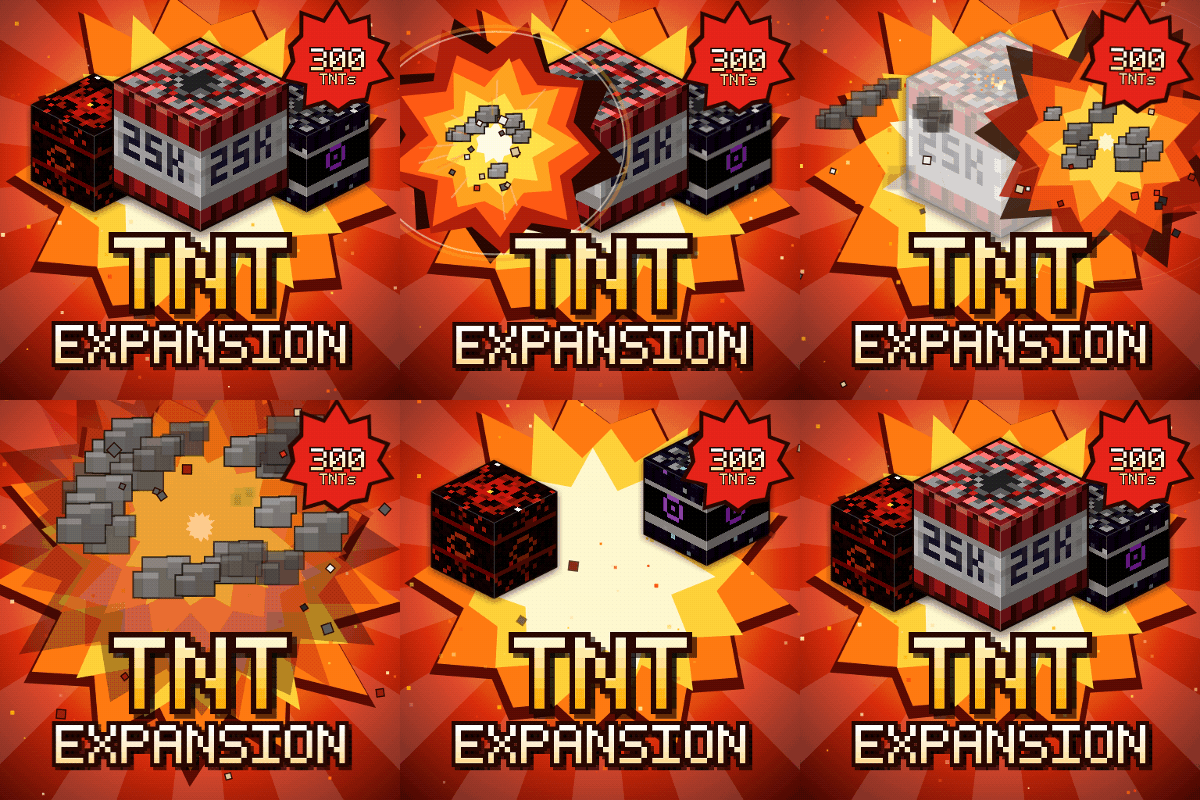
300 craftable TNTs, from harmless mini TNTs to nukes, black holes, a TNT x100,000 and THE ABSOLUTE CORRUPTION OF ALL EXISTENCE (power -∞). Build your own at the Workbench and see every TNT in 3D in the guide book.
 mod
See every player's real PvP tier above their head – live from MCTiers, PvPTiers & SubTiers – and unlock capes, wings, auras and pets.
 mod
Music expansion pack for Aki's Radio - Classics