Fabric API Needed by Creative Keybind creative-keybind-1.0.5+1.19.4.jar
requiredNo matching file
CurseForge · Minecraft mod
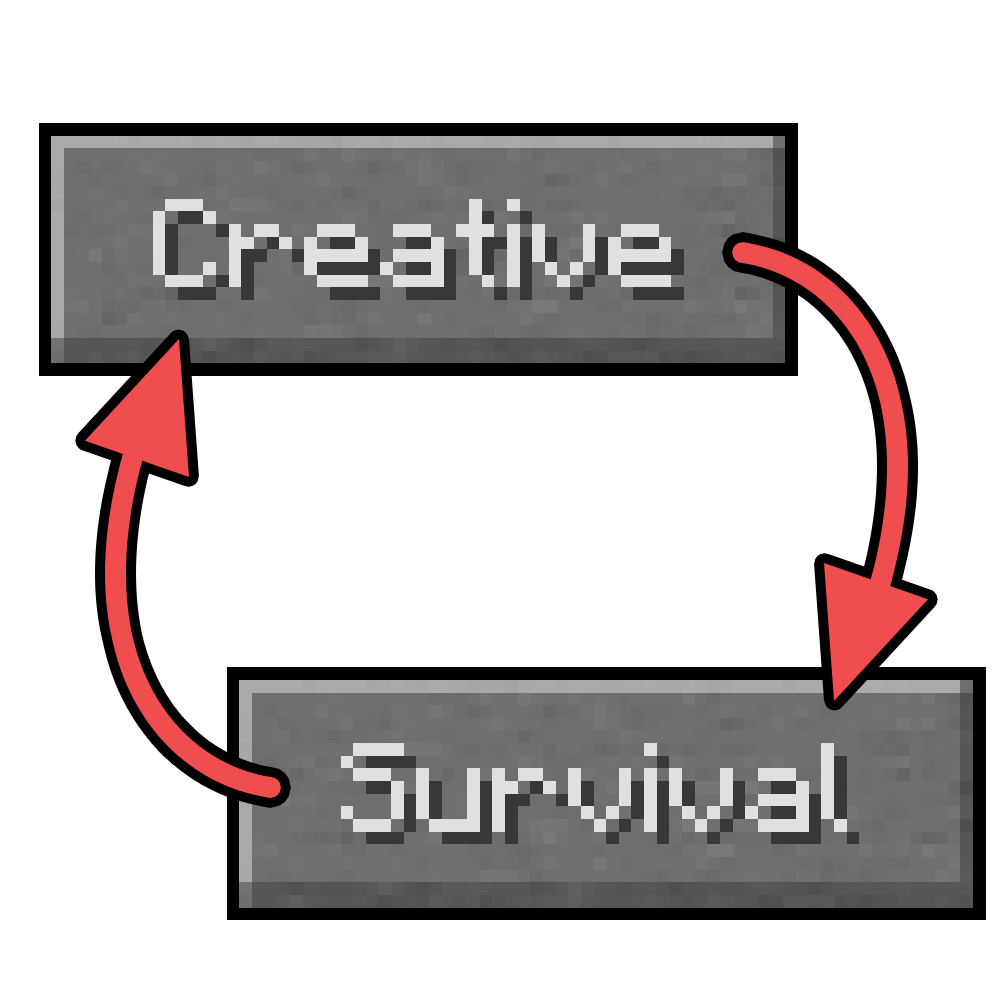
Quickly change between Creative and Survival.
Quick answer
Creative Keybind creative-keybind-1.0.5+1.19.4.jar targets 1.19.4-Snapshot, 1.19.4 with Fabric, Quilt. The project page does not say whether this file belongs on the client, dedicated server, or both. 1 required mod needs a matching file.
Where it goes
The project page does not say whether this file belongs on the client, dedicated server, or both.
The source does not explicitly classify this release as client-only or server-only.
creative-keybind-1.0.5+1.19.4.jar. Change the file and its required mods may change too.
Install Fabric API first, but 1 required mod has no matching file for this setup. Do not mix loader builds to force a match.
We only count dependency files that match this setup. A file for another loader does not fill the gap.
Before you install it
Built for Creative Keybind creative-keybind-1.0.5+1.19.4.jar. Pick another file and the loader, install side or required mods may change.
Use creative-keybind-1.0.5+1.19.4.jar. It targets 1.19.4-Snapshot, 1.19.4 with Fabric, Quilt; another release may have different loader, side or dependency requirements.
Install Fabric API first, but 1 required mod has no matching file for this setup. Do not mix loader builds to force a match.
The project page does not say whether this file belongs on the client, dedicated server, or both.
Use the “Get this file” button beside creative-keybind-1.0.5+1.19.4.jar. It opens that exact file at the source.
About this project
Join our Discord Server:
For information, help, bug reports and anything else related to the project, join the Discord Server!
About:
Creative Keybind allows you to quickly change between Creative and Survival.
This is bound to the g key by default and can be changed in settings.

Interested in hosting a server for any of my mods?
Be sure to go with Bloom Host at:

Project description from CurseForge.
Pick your setup
Choose the version and loader you play, then open the matching release.
Check the dependencies, then try the file in a copied instance before changing a world you care about.
Recent files
15 Sept 2023
16 Oct 2022
20 Sept 2022
1 Jan 2022
11 Mar 2021
5 Mar 2021
Looking for an older file? The official CurseForge project page is in Resources.
 mod
Banners on Horses, Boats, Happy Ghasts, as Capes, Hats, more layers and more!
 mod
Turn /msg and /tpa into a modern messaging experience. Chat with players, manage conversations, send TPA requests, receive notifications, and customize your private chats.
 mod
Post material contracts on medieval noticeboards, reserve rewards, and pay players with emeralds or the optional Chronicles RP economy.