GeckoLib Needed by Majo's Broom majobroom-neoforge-1.21.1-2.0.2.jar
requiredMatching file found Matched file: NeoForge 1.21.1 4.9.2
CurseForge · Minecraft mod
a Flying Broom mod
Quick answer
Majo's Broom majobroom-neoforge-1.21.1-2.0.2.jar targets 1.21.1 with NeoForge. The project page does not say whether this file belongs on the client, dedicated server, or both. All 1 required mods have matching files.
Where it goes
The project page does not say whether this file belongs on the client, dedicated server, or both.
The source does not explicitly classify this release as client-only or server-only.
majobroom-neoforge-1.21.1-2.0.2.jar. Change the file and its required mods may change too.
Install GeckoLib first. We found matching files for this game-version and loader setup.
We only count dependency files that match this setup. A file for another loader does not fill the gap.
Before you install it
Built for Majo's Broom majobroom-neoforge-1.21.1-2.0.2.jar. Pick another file and the loader, install side or required mods may change.
Use majobroom-neoforge-1.21.1-2.0.2.jar. It targets 1.21.1 with NeoForge; another release may have different loader, side or dependency requirements.
Install GeckoLib first. We found matching files for this game-version and loader setup.
The project page does not say whether this file belongs on the client, dedicated server, or both.
Use the “Get this file” button beside majobroom-neoforge-1.21.1-2.0.2.jar. It opens that exact file at the source.
About this project
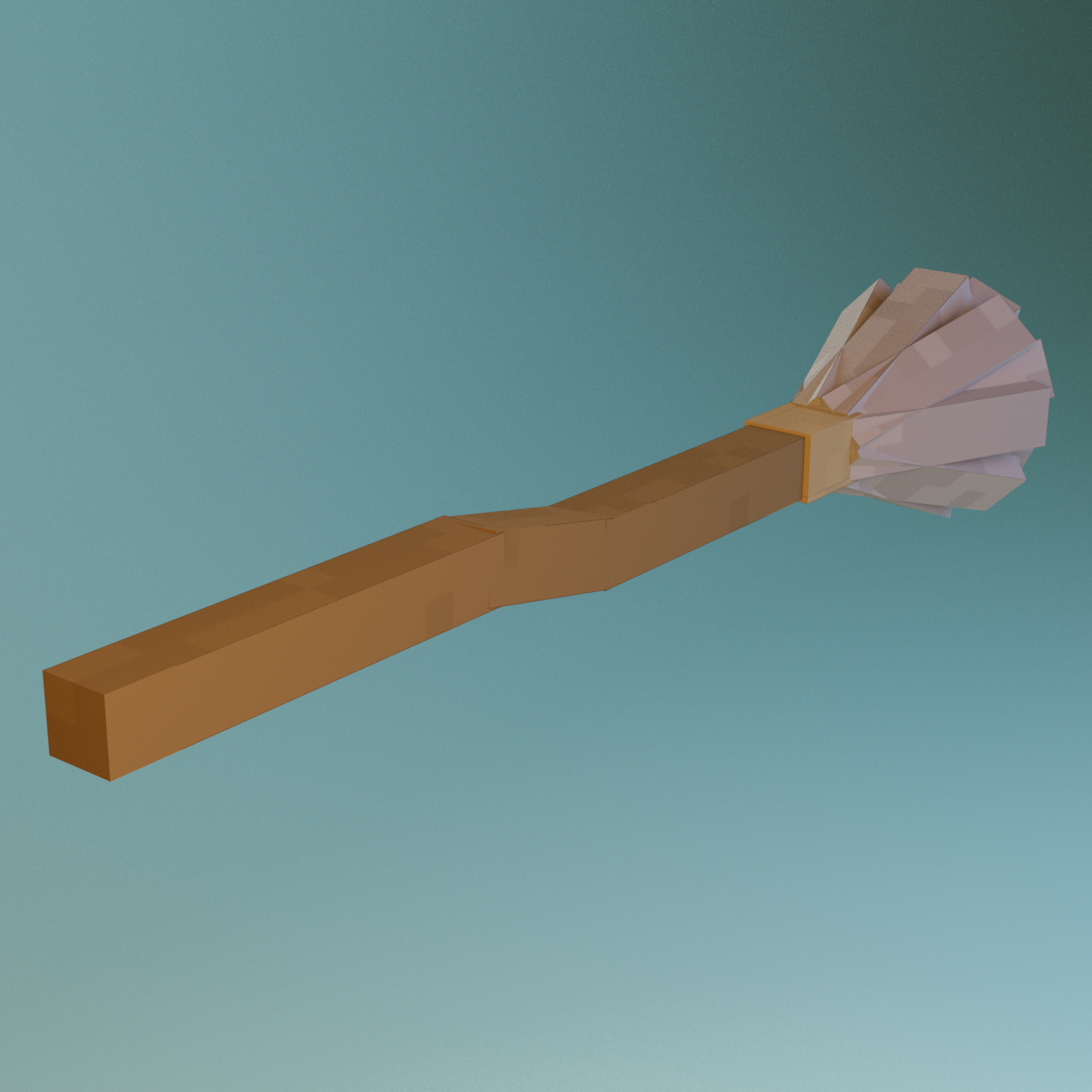
A Mod made with elaina's broom in the anime The Journey of Elaina as prototype.The mod mainly adds a broom item, right click to summon the broom entity, sneak and left click the broom to take it back. Press wasd to move, press spacebar to go up, ctrl to go down, and hold shift to leave.With this mod, you will be able to fly freely in the sky.
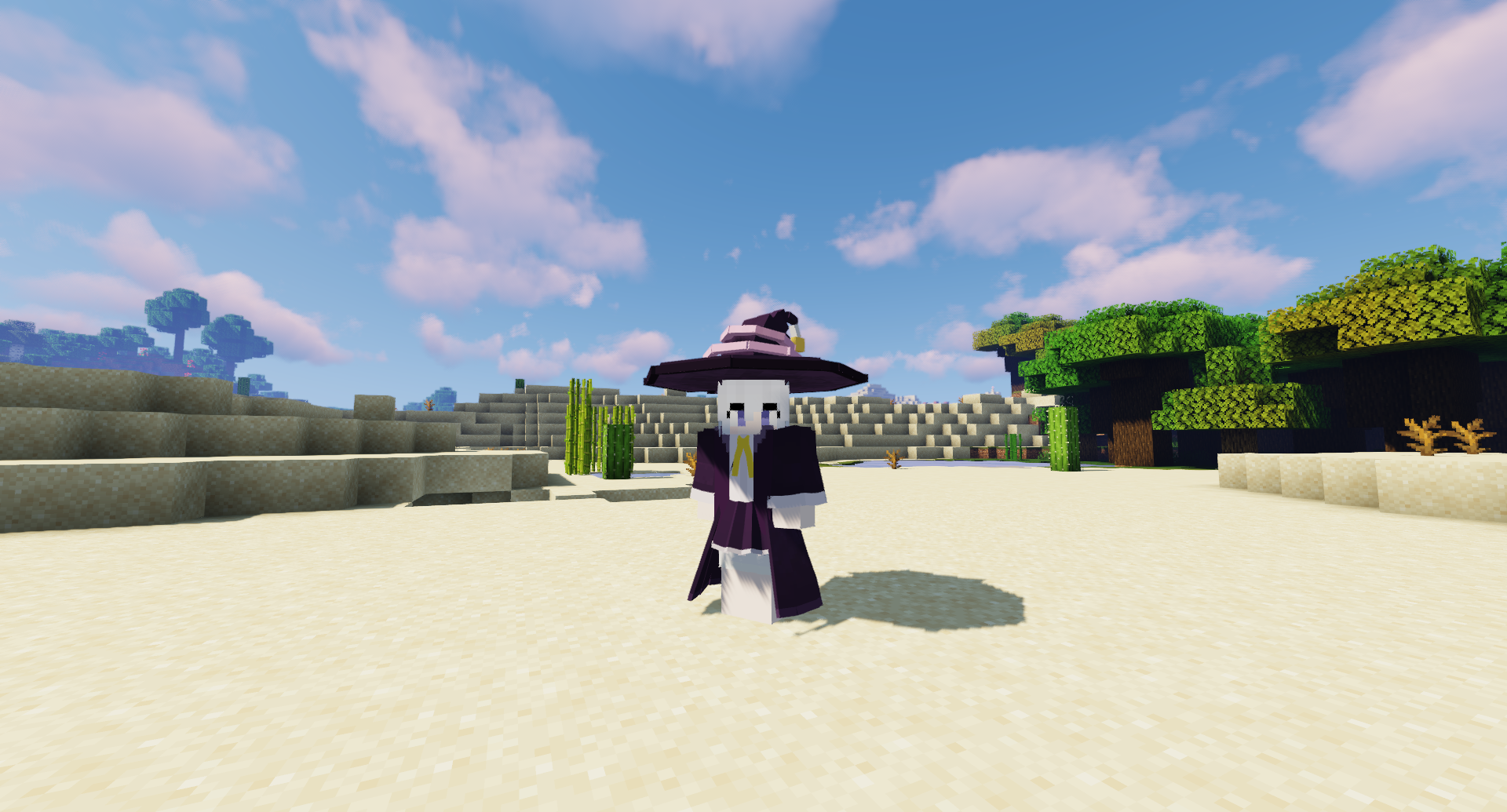
when you wear majo's hat or cloth ,you can fly faster.
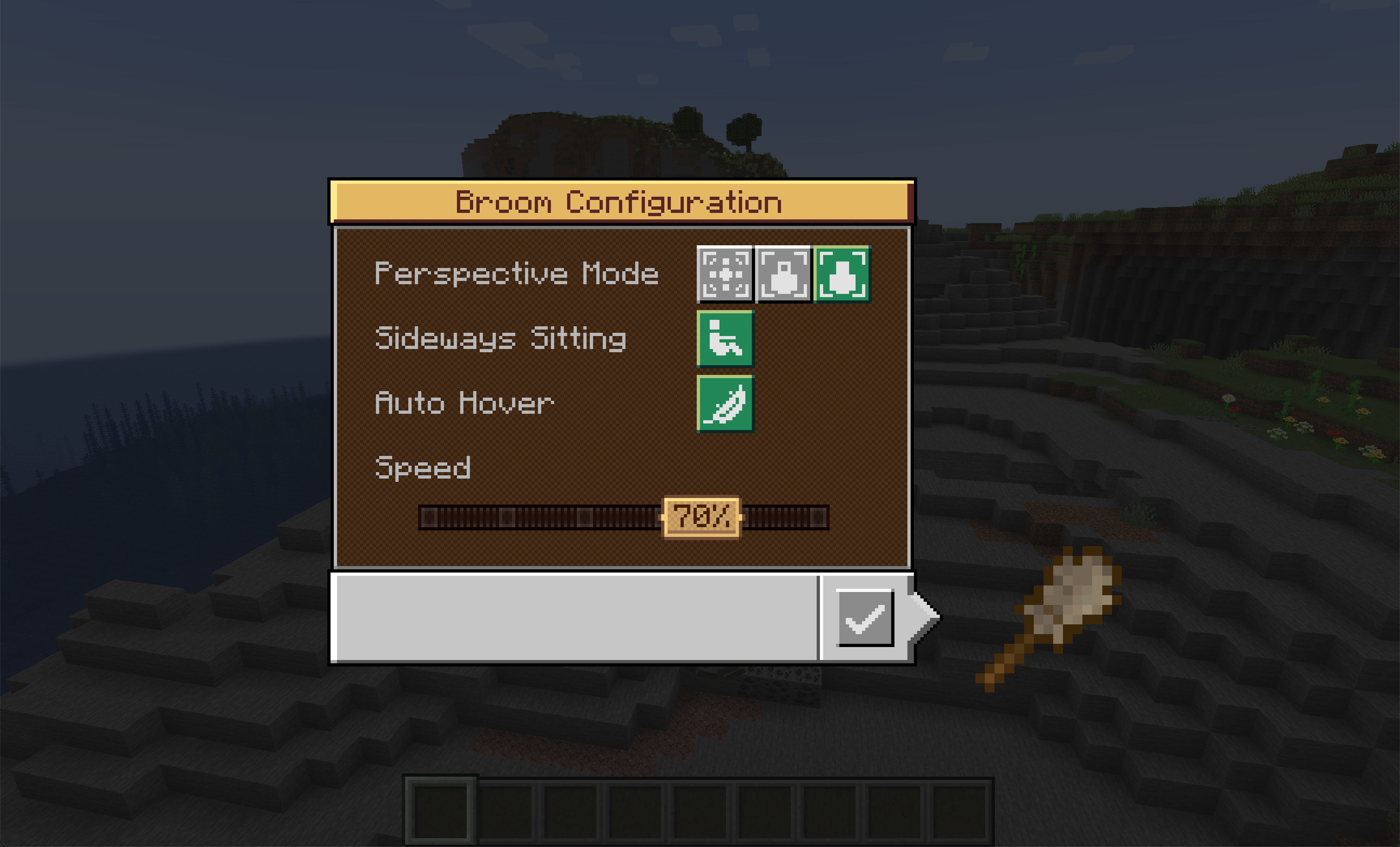
you can customize the maximum speed of the broom through
serverconfig/majobroom-server.toml
version 2.0.0 requires GeckoLib - Mods - Minecraft - CurseForge for armor and brooms rendering.
The detailed usage of mod is here (outdated)
https://www.bilibili.com/video/BV1fZ4y1w7ry
Brazilian Portuguese translation was provided by Mikeliro
Russian translation was provided by ZettaSword
screenshots


Majo's broom 2.0.0 Changelog
Tested dependency mod versions:
Optional compatible mods:
Project description from CurseForge.
Pick your setup
Choose the version and loader you play, then open the matching release.
Check the dependencies, then try the file in a copied instance before changing a world you care about.
Recent files
2 Aug 2026
2 Aug 2026
19 Oct 2025
19 Oct 2025
19 Oct 2025
18 Oct 2025
21 Nov 2022
18 Nov 2022
21 Oct 2022
11 Sept 2022
8 Jun 2022
8 Jun 2022
Looking for an older file? The official CurseForge project page is in Resources.
 mod
modMekanism Magic is a Minecraft addon that connects magic mods with the Mekanism machine ecosystem, providing Mekanism-style machines, factories, upgrades, and automation for magical recipes.
 mod
modSpeed up Hoppers and add classification function to it!
 mod
modFully customizeable fantasy roller parkour. Fly forth, Spirit Vector!