Mod Menu Optional for vectorientation-1.1-1.21.jar
optionalMatching file found Matched file: 11.0.4
CurseForge · Minecraft mod
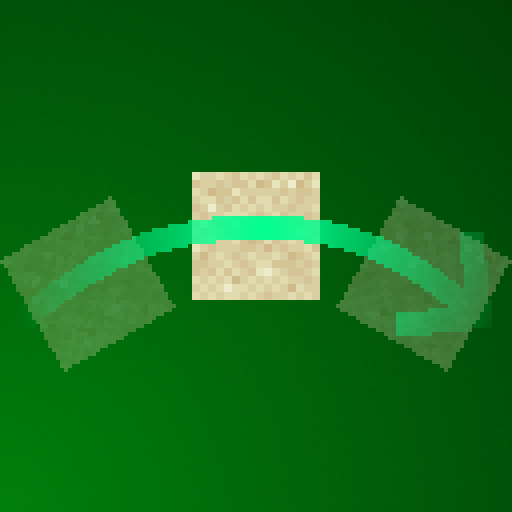
Rotates falling blocks in towards where they're heading, with configurable squash & stretch
Quick answer
vectorientation-1.1-1.21.jar targets 1.21, 1.21.1 with Fabric, Quilt. The project page does not say whether this file belongs on the client, dedicated server, or both. 1 required mod needs a matching file.
Where it goes
The project page does not say whether this file belongs on the client, dedicated server, or both.
The source does not explicitly classify this release as client-only or server-only.
vectorientation-1.1-1.21.jar on 1.21 Quilt. Every mod below is checked against that same setup.
Install Fabric API first, but 1 required mod has no matching file for this setup. Do not mix loader builds to force a match. 1 comes through another mod in the chain.
1 extra mod was pulled in by another dependency. Indented rows show who needs each one. We only count dependency files that match this setup. A file for another loader does not fill the gap.
Before you install it
Built for vectorientation-1.1-1.21.jar on 1.21 Quilt. Pick another file and the loader, install side or required mods may change.
Use vectorientation-1.1-1.21.jar. It targets 1.21, 1.21.1 with Fabric, Quilt; another release may have different loader, side or dependency requirements.
Install Fabric API first, but 1 required mod has no matching file for this setup. Do not mix loader builds to force a match. 1 comes through another mod in the chain.
The project page does not say whether this file belongs on the client, dedicated server, or both.
Use the “Get this file” button beside vectorientation-1.1-1.21.jar. It opens that exact file at the source.
About this project
This tiny clientside mod will rotate any falling blocks like sand or anvils towards the direction they're moving, with the additional option of squashing and stretching them based on their speed, for maximum application of animation principles.
This mod requires the Fabric API to run, click here to get it!
As the mod is entirely clientside, you can play on any server with this, and it should be compatible with practically every other fabric mod.
I will not be adding a feature that keeps upside down / rotated blocks in that orientation on landing. Implementing that without synchronization issues would mean making this a serverside mod aswell, which is outside the scope of this project.
Project description from CurseForge.
Pick your setup
Choose the version and loader you play, then open the matching release.
Showing the newest 12 of 34 game versions. Older files are in the list below.
Check the dependencies, then try the file in a copied instance before changing a world you care about.
Recent files
23 Jun 2024
Looking for an older file? The official CurseForge project page is in Resources.