Minecraft version
Back to mods 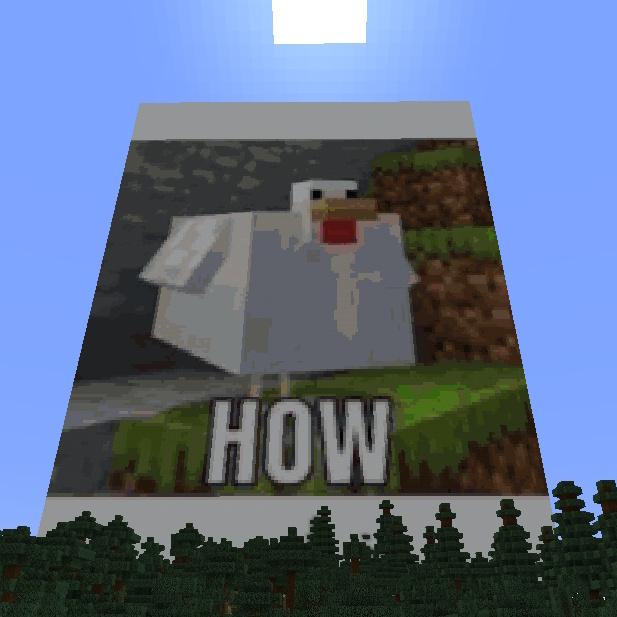
CurseForge · Minecraft mod
Image Mod
Automatically Generate Pixel-Art In Minecraft Using Every Loaded Block
Choose a version Pick your version below, then grab the matching file.
Quick answer
Which Image Mod release matches 1.16.5 Forge?
alpha file ImageMod-1.4.4.jar
Game version 1.16-Snapshot, 1.16.3, 1.16.1
Loader Forge
Image Mod ImageMod-1.4.4.jar targets 1.16-Snapshot, 1.16.3, 1.16.1 with Forge. The project page does not say whether this file belongs on the client, dedicated server, or both. No extra mods listed for this file.
Where it goes
Is Image Mod required on the client, server, or both?
The project page does not say whether this file belongs on the client, dedicated server, or both.
Client Source doesn’t say
Dedicated server Source doesn’t say
Loader for this release Forge
Required install it here Optional supported, not mandatory Not supported do not install here Source doesn’t say do not assume
The source does not explicitly classify this release as client-only or server-only.
What else does Image Mod ImageMod-1.4.4.jar need?
ImageMod-1.4.4.jar on 1.16.5 Forge. Every mod below is checked against that same setup.
This file does not list any required mods. Do not add a library just because a different file uses it.
This file does not list any required or optional mods.
Before you install it
Add Image Mod without breaking your instance.
Built for Image Mod ImageMod-1.4.4.jar on 1.16.5 Forge. Pick another file and the loader, install side or required mods may change.
- 01
Stick to this file
Use ImageMod-1.4.4.jar. It targets 1.16-Snapshot, 1.16.3, 1.16.1 with Forge; another release may have different loader, side or dependency requirements.
- 02
Bring the mods it needs
This file does not list any required mods. Do not add a library just because a different file uses it.
- 03
Put it on the correct side
The project page does not say whether this file belongs on the client, dedicated server, or both.
- 04
Pick the file you checked
Use the “Get this file” button beside ImageMod-1.4.4.jar. It opens that exact file at the source.
About this project
What does Image Mod add?
Generate Minecraft Pixel-Art Automatically With A Single Command. Any Image File Is Turned Into Blocks In Less Than A Second!
The command: /image
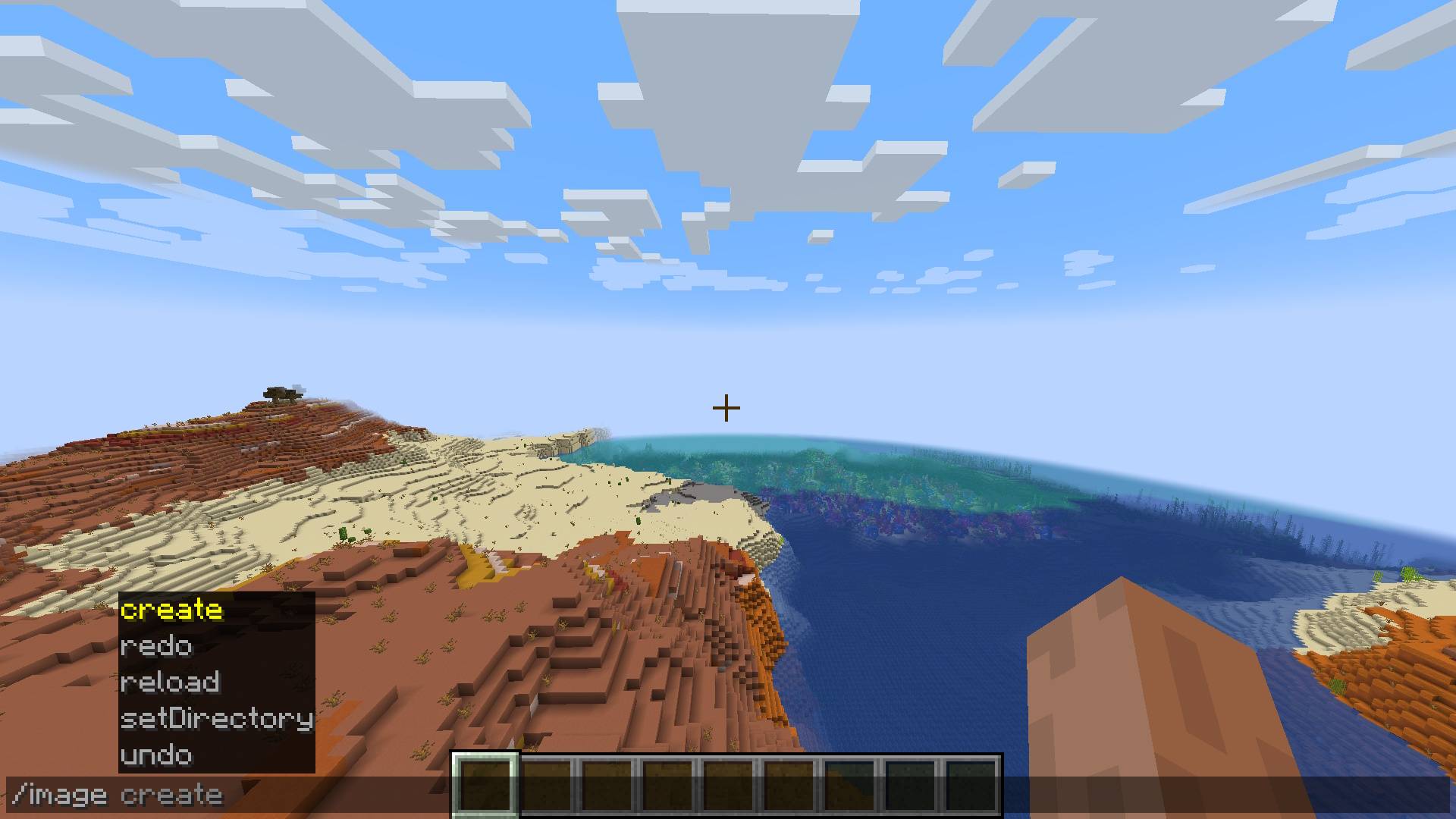
Usage
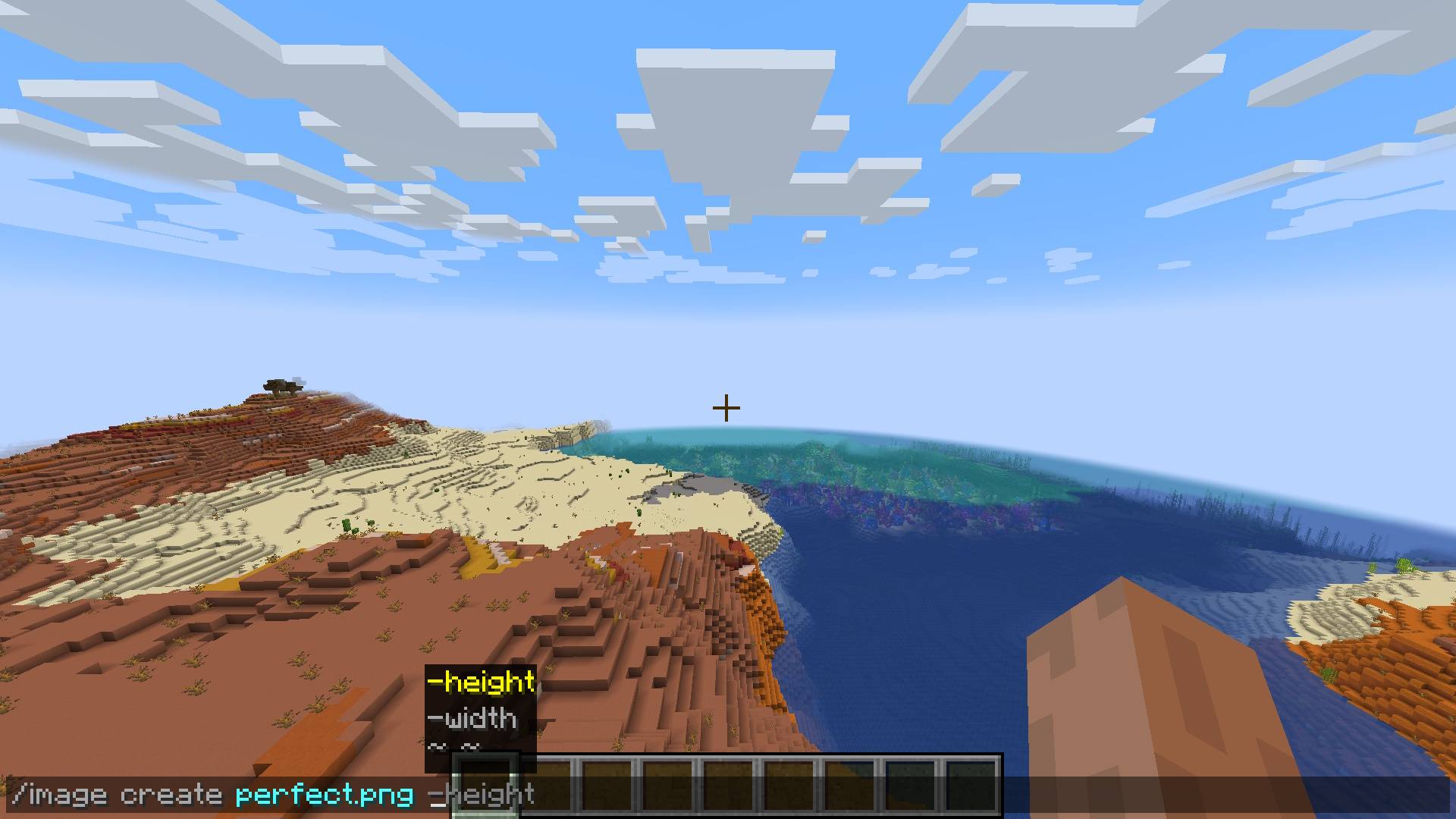
You are given a few dimension options for creating your pixel-art:
/image create <ImagePath> -width <width>
/image create <ImagePath> -height <height>
/image create <ImagePath> <width> <height>
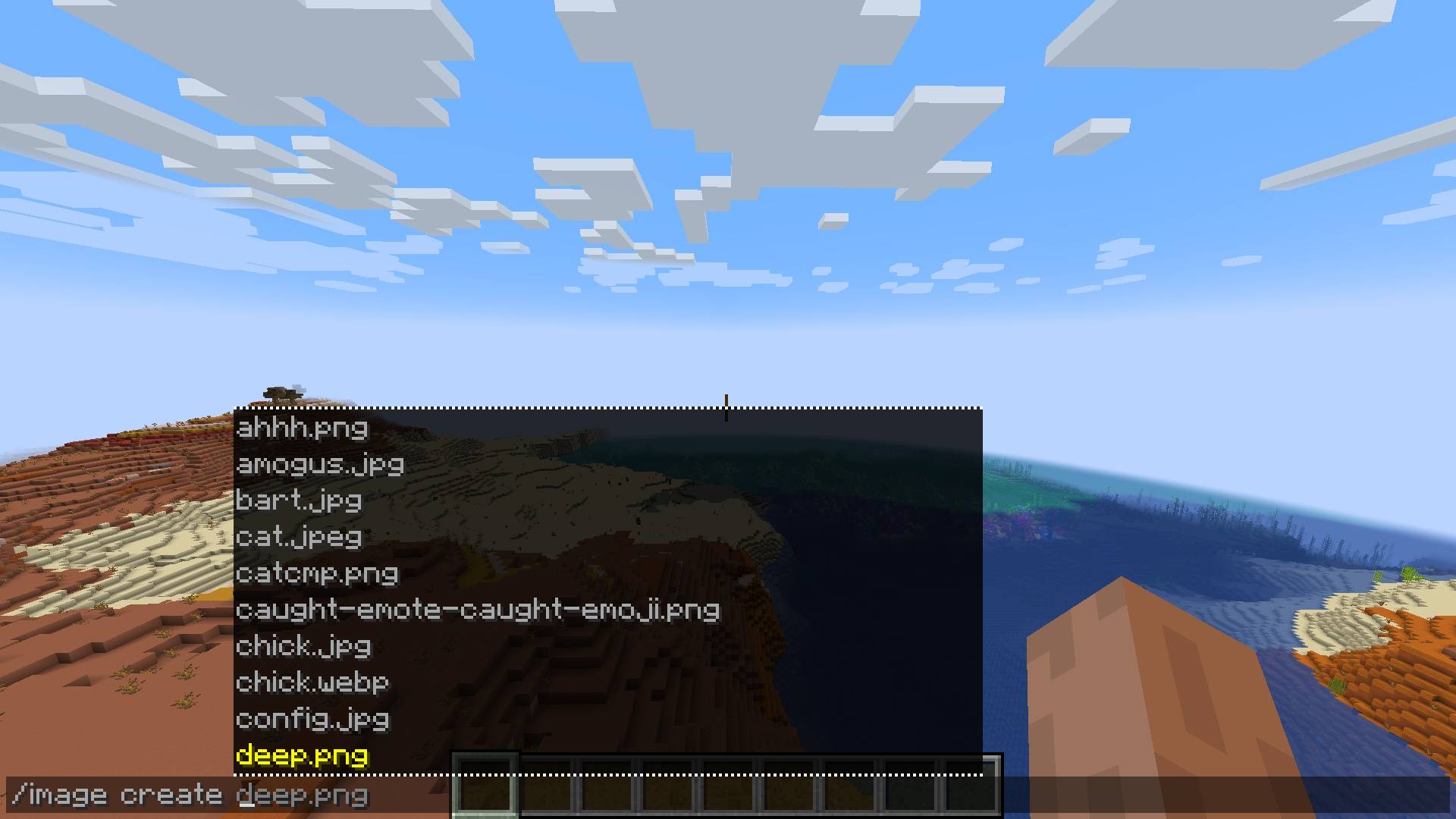
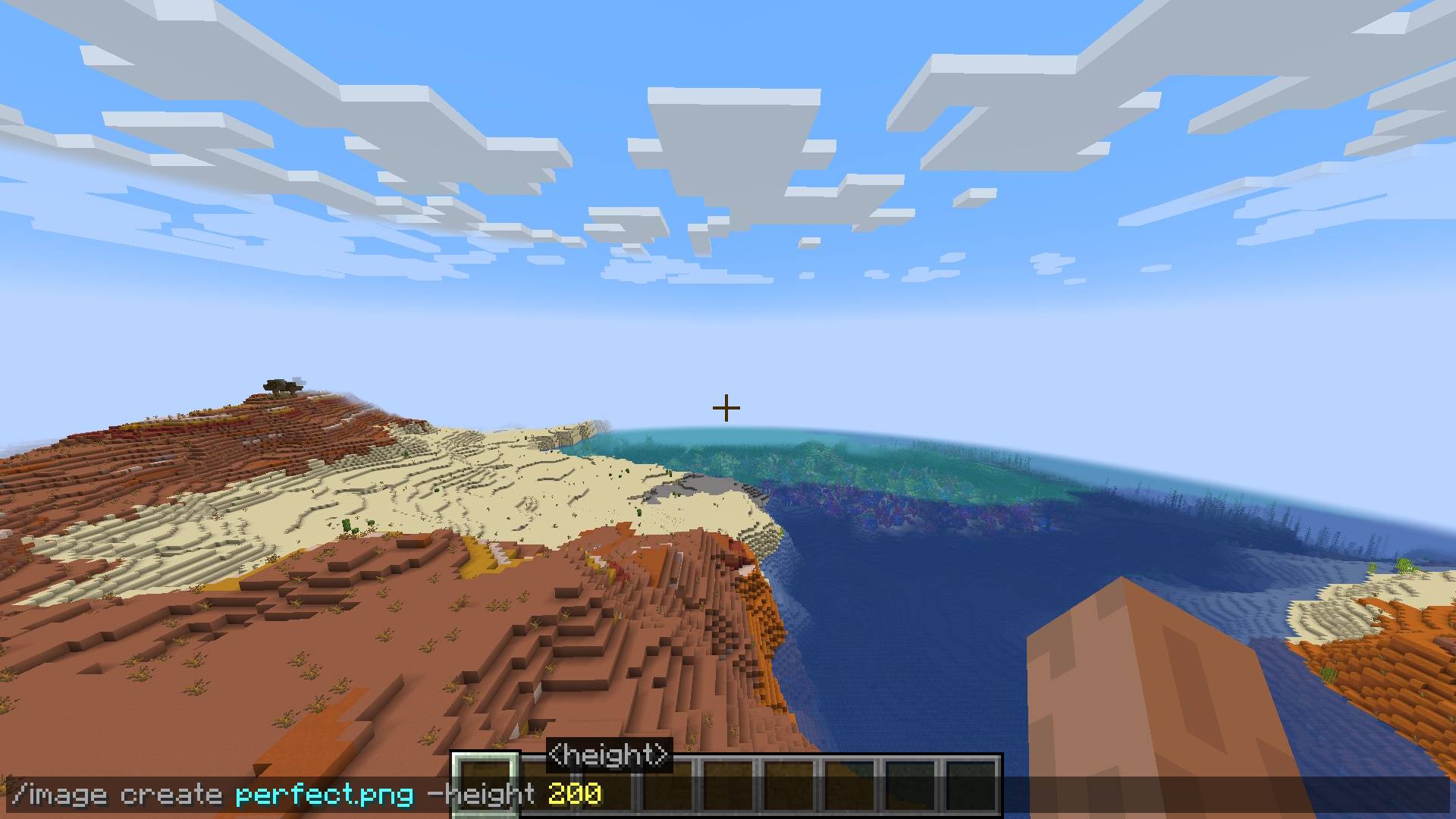
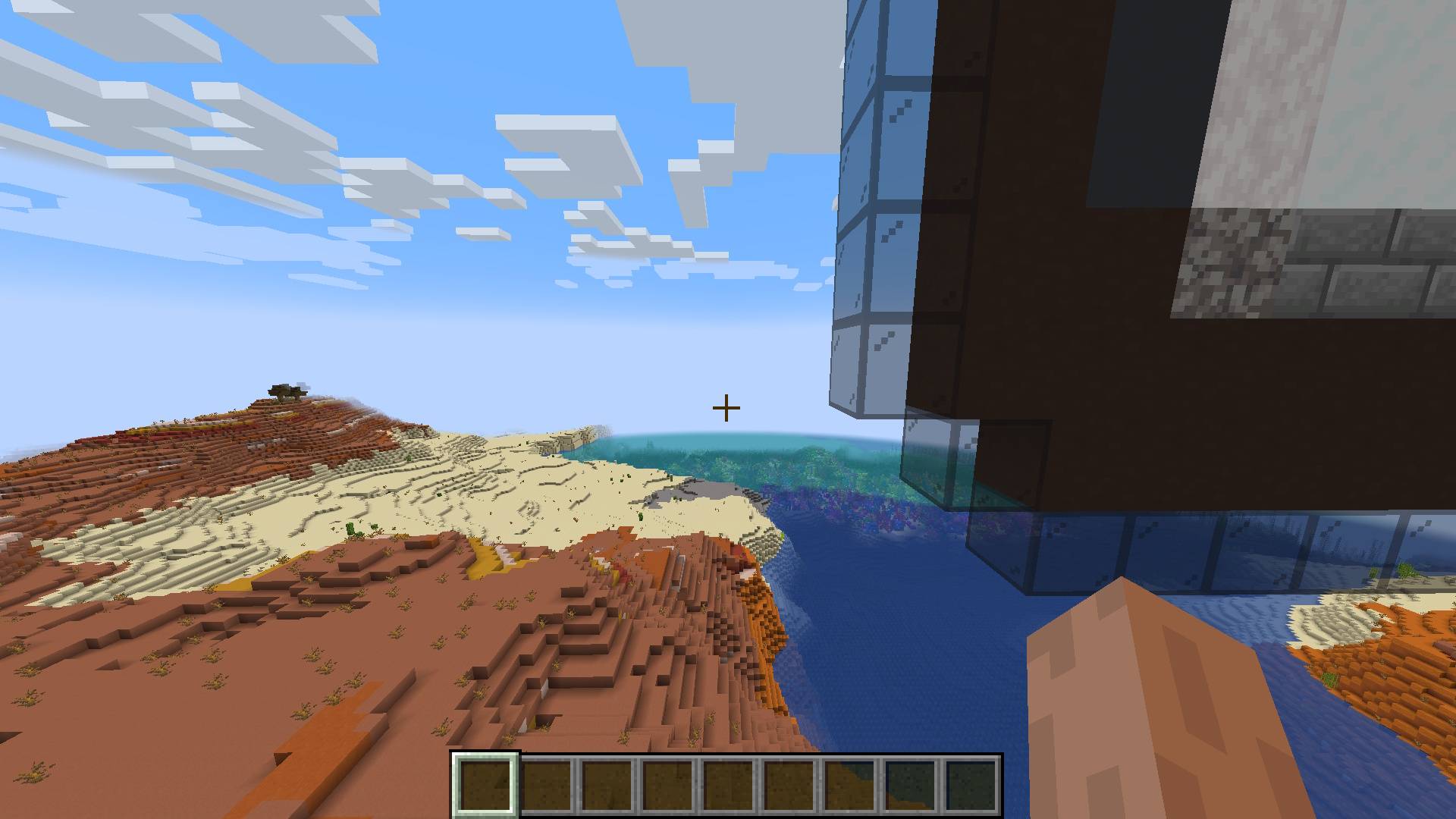
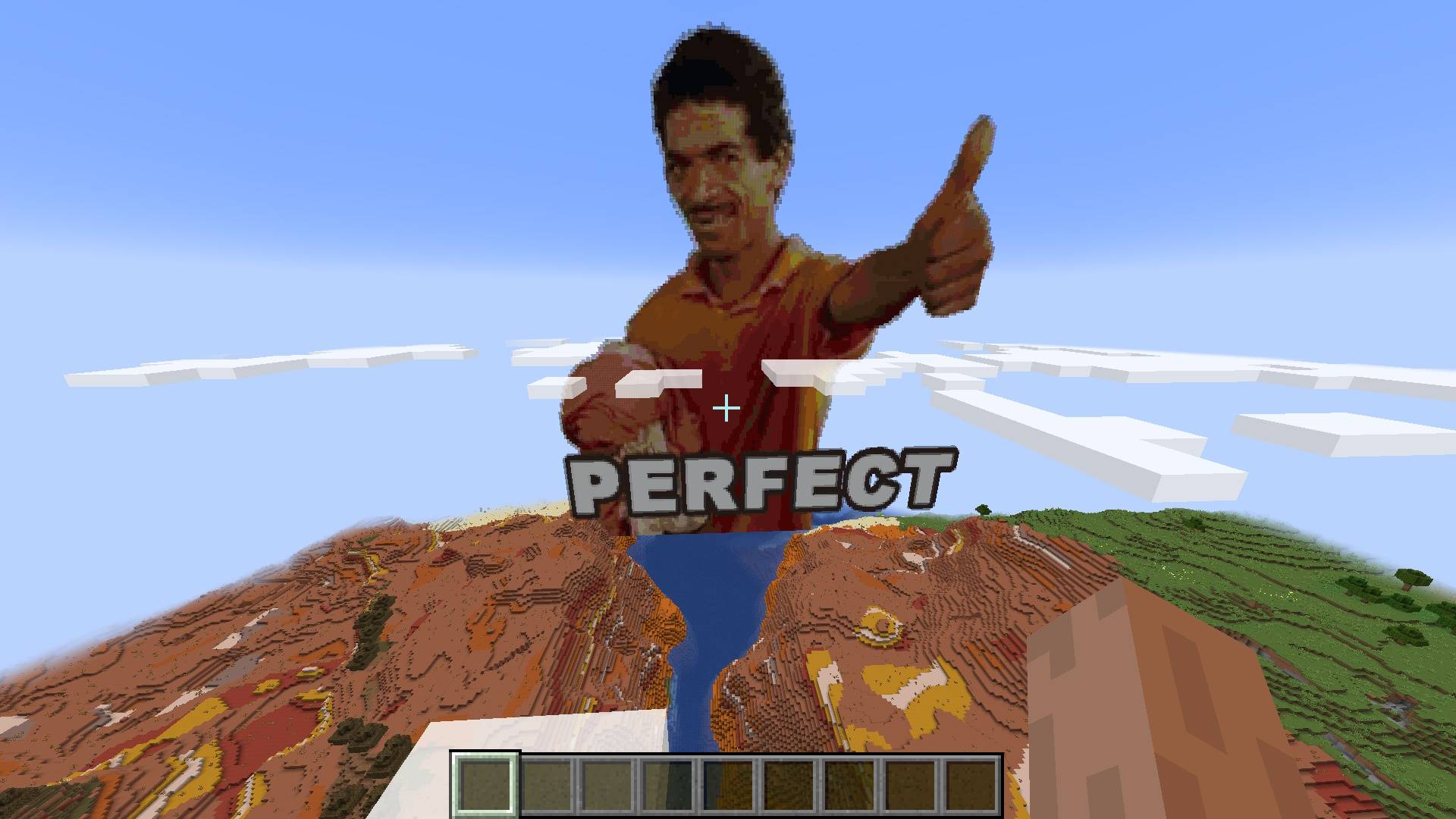
Configuration
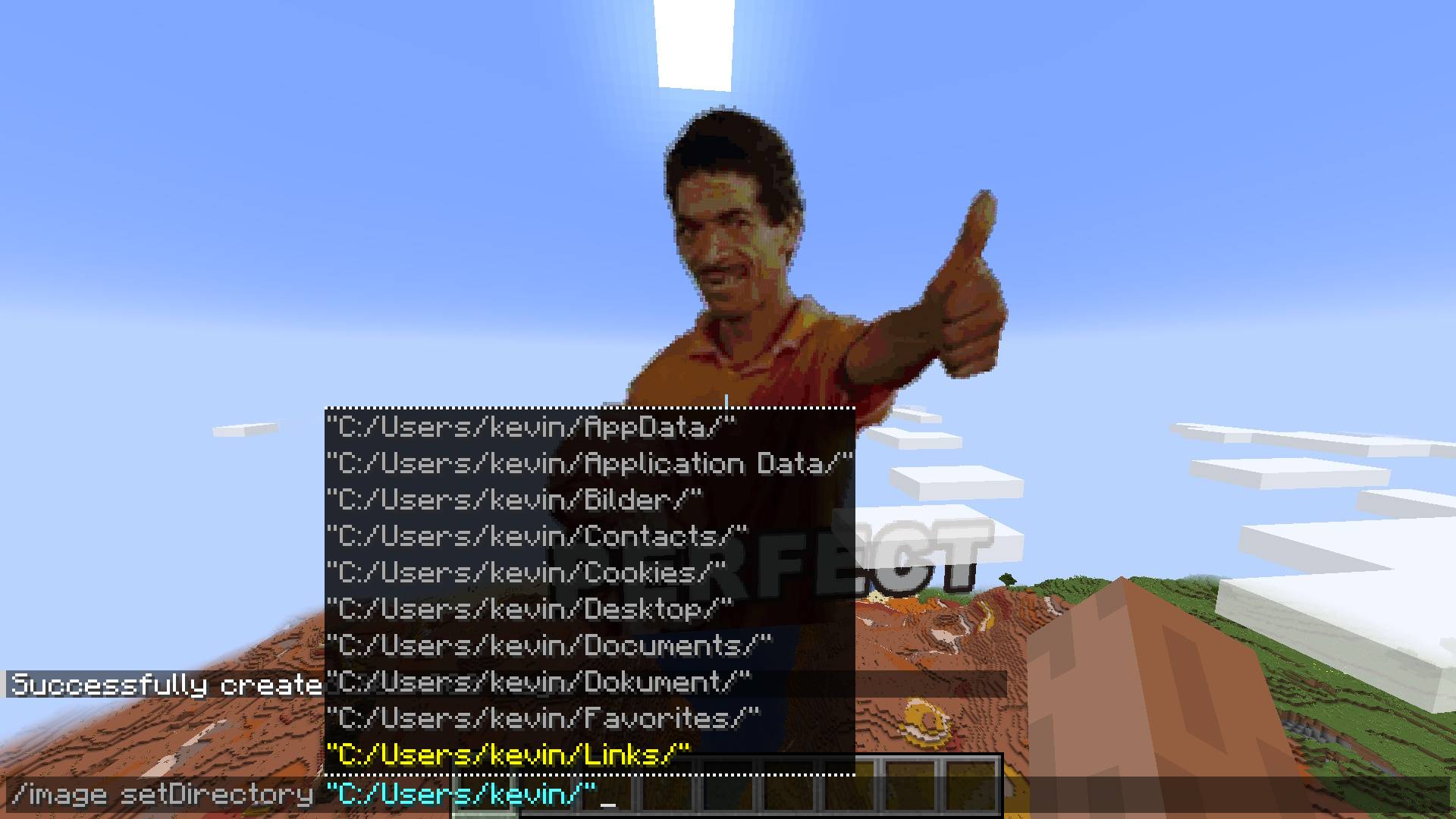
You can configure the directory where the image files you want to use are located:
/image setDirectory <DirectoryPath>
Future
Make setDirectory persistent
Fix falling blocks on surface
Multiplayer/Server/Plugin support
Fix update on resource pack reload
Improve block filter further
Project description from CurseForge.
Pick your setup
Image Mod by Minecraft version and loader
Choose the version and loader you play, then open the matching release.
Minecraft version
1.21.11
2 loader buildsMinecraft version
1.21.10
2 loader buildsMinecraft version
1.21.9-snapshot
2 loader buildsMinecraft version
1.21.9
2 loader buildsMinecraft version
1.21.8
2 loader buildsMinecraft version
1.21.7
2 loader buildsMinecraft version
1.21.6-snapshot
2 loader buildsMinecraft version
1.21.6
2 loader buildsMinecraft version
1.21.5-Snapshot
2 loader buildsMinecraft version
1.21.5
2 loader buildsMinecraft version
1.21.4-Snapshot
2 loader buildsShowing the newest 12 of 35 game versions. Older files are in the list below.
Check the dependencies, then try the file in a copied instance before changing a world you care about.
Recent files
Image Mod versions and loaders
ImageMod-1.4.4.jar
16 Apr 2021
Client Source doesn’t say Server Source doesn’t say Dependencies No extras listed Listed on Release listing
Check the 1.16.5 · Forge setup 1.16-Snapshot1.16.31.16.11.16 alpha
ImageMod-1.4.3
ImageMod-1.4.3.jar
9 Apr 2021
Client Source doesn’t say Server Source doesn’t say Dependencies No extras listed Listed on Release listing
Check the 1.16.5 · Forge setup 1.16.5Forge alpha
Looking for an older file? The official CurseForge project page is in Resources.
 mod
Modrinth · Minecraft
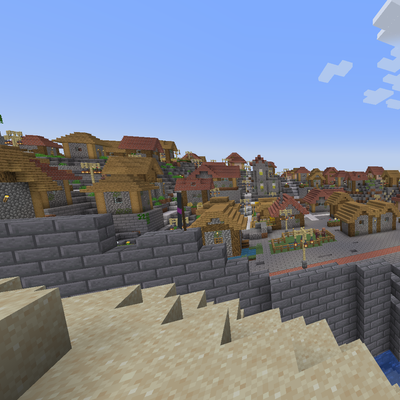
Fortress Village
Transforms vanilla villages into fortified cities.
 mod
CurseForge · Minecraft
Fortress Village
Transforms vanilla villages into fortified cities.
 mod
CurseForge · Minecraft
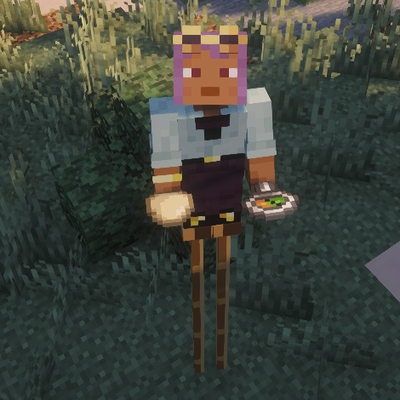
Peg Stilts
double jump while wearing these boots adds 1-2-3 height to your player. Crouch to decrease height.