Minecraft version
Back to mods 
CurseForge · Minecraft mod
Minis
Adds mini player mobs
Choose a version Pick your version below, then grab the matching file.
Quick answer
Which Minis release matches 26.1.2 Forge?
Best match for your filters 2.0.0 for Forge 26.1.2
Game version 26.1.2
Loader Forge
Minis 2.0.0 for Forge 26.1.2 targets 26.1.2 with Forge. The project page does not say whether this file belongs on the client, dedicated server, or both. No extra mods listed for this file.
Where it goes
Is Minis required on the client, server, or both?
The project page does not say whether this file belongs on the client, dedicated server, or both.
Client Source doesn’t say
Dedicated server Source doesn’t say
Loader for this release Forge
Required install it here Optional supported, not mandatory Not supported do not install here Source doesn’t say do not assume
The source does not explicitly classify this release as client-only or server-only.
What else does Minis 2.0.0 for Forge 26.1.2 need?
2.0.0 for Forge 26.1.2 on 26.1.2 Forge. Every mod below is checked against that same setup.
This file does not list any required mods. Do not add a library just because a different file uses it.
This file does not list any required or optional mods.
Before you install it
Add Minis without breaking your instance.
Built for Minis 2.0.0 for Forge 26.1.2 on 26.1.2 Forge. Pick another file and the loader, install side or required mods may change.
- 01
Stick to this file
Use 2.0.0 for Forge 26.1.2. It targets 26.1.2 with Forge; another release may have different loader, side or dependency requirements.
- 02
Bring the mods it needs
This file does not list any required mods. Do not add a library just because a different file uses it.
- 03
Put it on the correct side
The project page does not say whether this file belongs on the client, dedicated server, or both.
- 04
Pick the file you checked
Use the “Get this file” button beside 2.0.0 for Forge 26.1.2. It opens that exact file at the source.
About this project
What does Minis add?
Minis
Adds Minis: tiny copies of players that follow you around, wear your skin and cape, carry your stuff and fight for you.
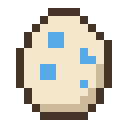
Getting a Mini
Craft a Mini Egg from an egg surrounded by gold nuggets, or find one in dungeon, mineshaft, desert temple and jungle temple chests. Use it on a block to hatch a Mini, then give it a name. A Mini named after a player wears that player's skin and cape.
Operators can also spawn one with /minis spawn [player].
Looking after it
- Right click your Mini to open its screen. It has slots for armour, a sword and a shield, a 9 slot inventory and 4 upgrade slots. You can rename it and switch it between Wander, Follow and Sit from there.
- Right click with food to heal it. The screen shows its hearts.
- Sneak and right click to pick it up. It keeps its gear, inventory and name, and shows as a little 3D figure in your hand.
If a Mini dies, everything you gave it drops.
Upgrades
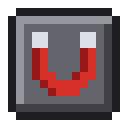
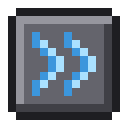

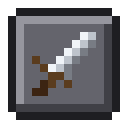
| Upgrade | What it does |
|---|---|
| Magnet | Pulls dropped items within 6 blocks into the Mini's inventory |
| Speed | Makes the Mini half as fast again |
| Health | Gives the Mini five more hearts |
| Combat | The Mini fights whatever hurts you, or whatever you attack |
Supported versions
| Minecraft | Loader |
|---|---|
| 1.20.1 | Forge, Fabric |
| 1.20.4, 1.20.6, 1.21.1, 1.21.4, 1.21.8, 1.21.11, 26.1.2, 26.2, 26.3 | NeoForge, Forge, Fabric |
Bugs and suggestions go on GitHub.
Project description from CurseForge.
Pick your setup
Minis by Minecraft version and loader
Choose the version and loader you play, then open the matching release.
Minecraft version
26.2
3 loader buildsMinecraft version
26.1.2
3 loader buildsMinecraft version
1.21.11
3 loader buildsMinecraft version
1.21.8
3 loader buildsMinecraft version
1.21.4
3 loader buildsMinecraft version
1.21.1
3 loader buildsMinecraft version
1.21
1 loader buildMinecraft version
1.20.6
3 loader buildsMinecraft version
1.20.4
3 loader buildsMinecraft version
1.20.1
2 loader buildsMinecraft version
1.19.2
1 loader buildShowing the newest 12 of 19 game versions. Older files are in the list below.
Check the dependencies, then try the file in a copied instance before changing a world you care about.
Recent files
Minis versions and loaders
2.0.0 for Forge 26.1.2
minis-forge-2.0.0+mc26.1.2.jar
23 Oct 2026
Client Source doesn’t say Server Source doesn’t say Dependencies No extras listed Listed on Release listing
Check the 26.1.2 · Forge setup Forge26.1.2 release
Looking for an older file? The official CurseForge project page is in Resources.
 mod
Modrinth · Minecraft
Survival Instinct Skills
Open the skill tree tab by pressing the K key to unlock skills that empower the player.
 mod
Modrinth · Minecraft
Vanilla Materials Expanded
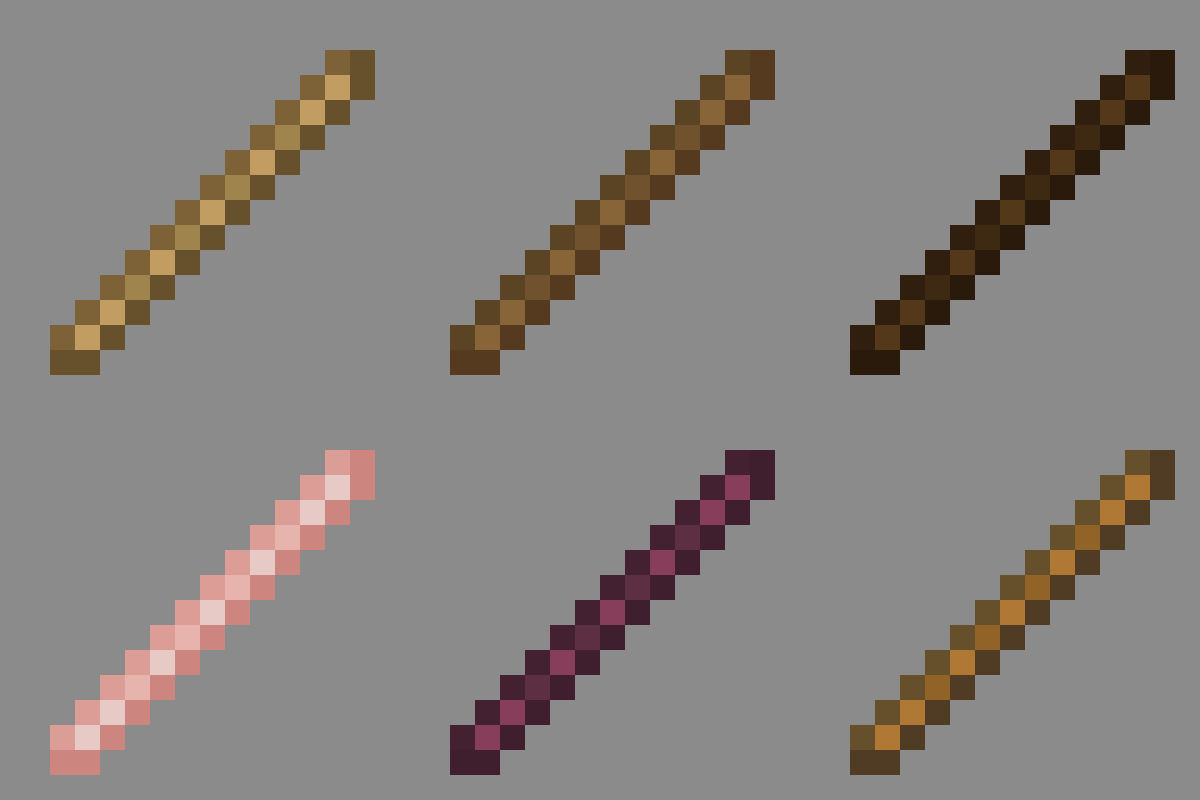
Matches every stick to its source wood texture. Lightweight and vanilla friendly. Make your world feel more consistent!
 mod
Modrinth · Minecraft
Biolith
A biome placement mod focusing on configurability and consistent distribution of modded biomes