
Minecraft version
Back to mods 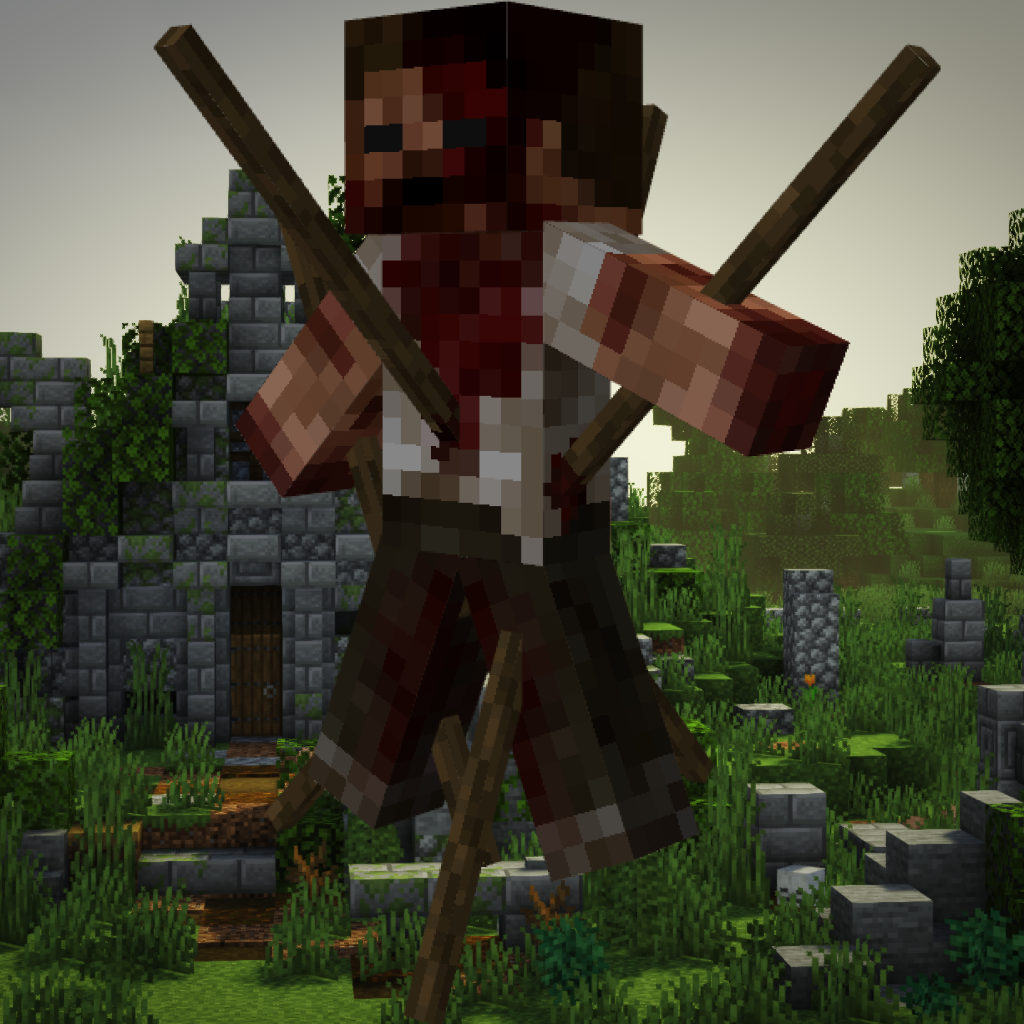
CurseForge · Minecraft mod
Horror Elements mod
A mod that adds decorative blocks for your horror maps and spooky structures for your survival world
Choose a version Pick your version below, then grab the matching file.
Quick answer
Which Horror Elements mod release should I use?
Latest stable file horror_element_mod-1.6.2-neoforge-26.1.2-private-port.jar
Game version 26.1.2
Loader NeoForge
Horror Elements mod horror_element_mod-1.6.2-neoforge-26.1.2-private-port.jar targets 26.1.2 with NeoForge. The project page does not say whether this file belongs on the client, dedicated server, or both. No extra mods listed for this file.
Where it goes
Is Horror Elements mod required on the client, server, or both?
The project page does not say whether this file belongs on the client, dedicated server, or both.
Client Source doesn’t say
Dedicated server Source doesn’t say
Loader for this release NeoForge
Required install it here Optional supported, not mandatory Not supported do not install here Source doesn’t say do not assume
The source does not explicitly classify this release as client-only or server-only.
What else does Horror Elements mod horror_element_mod-1.6.2-neoforge-26.1.2-private-port.jar need?
horror_element_mod-1.6.2-neoforge-26.1.2-private-port.jar. Change the file and its required mods may change too.
This file does not list any required mods. Do not add a library just because a different file uses it.
This file does not list any required or optional mods.
Before you install it
Add Horror Elements mod without breaking your instance.
Built for Horror Elements mod horror_element_mod-1.6.2-neoforge-26.1.2-private-port.jar. Pick another file and the loader, install side or required mods may change.
- 01
Stick to this file
Use horror_element_mod-1.6.2-neoforge-26.1.2-private-port.jar. It targets 26.1.2 with NeoForge; another release may have different loader, side or dependency requirements.
- 02
Bring the mods it needs
This file does not list any required mods. Do not add a library just because a different file uses it.
- 03
Put it on the correct side
The project page does not say whether this file belongs on the client, dedicated server, or both.
- 04
Pick the file you checked
Use the “Get this file” button beside horror_element_mod-1.6.2-neoforge-26.1.2-private-port.jar. It opens that exact file at the source.
About this project
What does Horror Elements mod add?
THIS MOD WAS MADE BY AND FOR PLAYERS WHO ARE FED UP WITH HAVING TO USE REDSTONE AS A REPLACEMENT FOR BLOOD ! FIGHT AGAINST THIS NONSENSE BY DOWNLOADING NOW !
You can include this mod in your modpacks or other projets, no need to ask. Please just insert a link to this page in your project, and mention that it's not yours. Any review on this mod would be greatly appreciated and could even be showcased on this page. Enjoy !
The recents 26.2 and 26.1.2 neoforge ports are unnoficial ports made by OliverWalter, a community member, not by me. Big thanks to him for providing those ports !
support my work by becoming a patron :
Or Join my discord server to keep up with the news !

Ever wanted a true horror mod ? Then horror element is made for you !
You can use this mod in both creative and survival mode. If you want to add more detail to some of your maps, this mod can do it. If you want to be wandering in your survival world just to encounter terrifying elements and structures, horror elments can also do it !
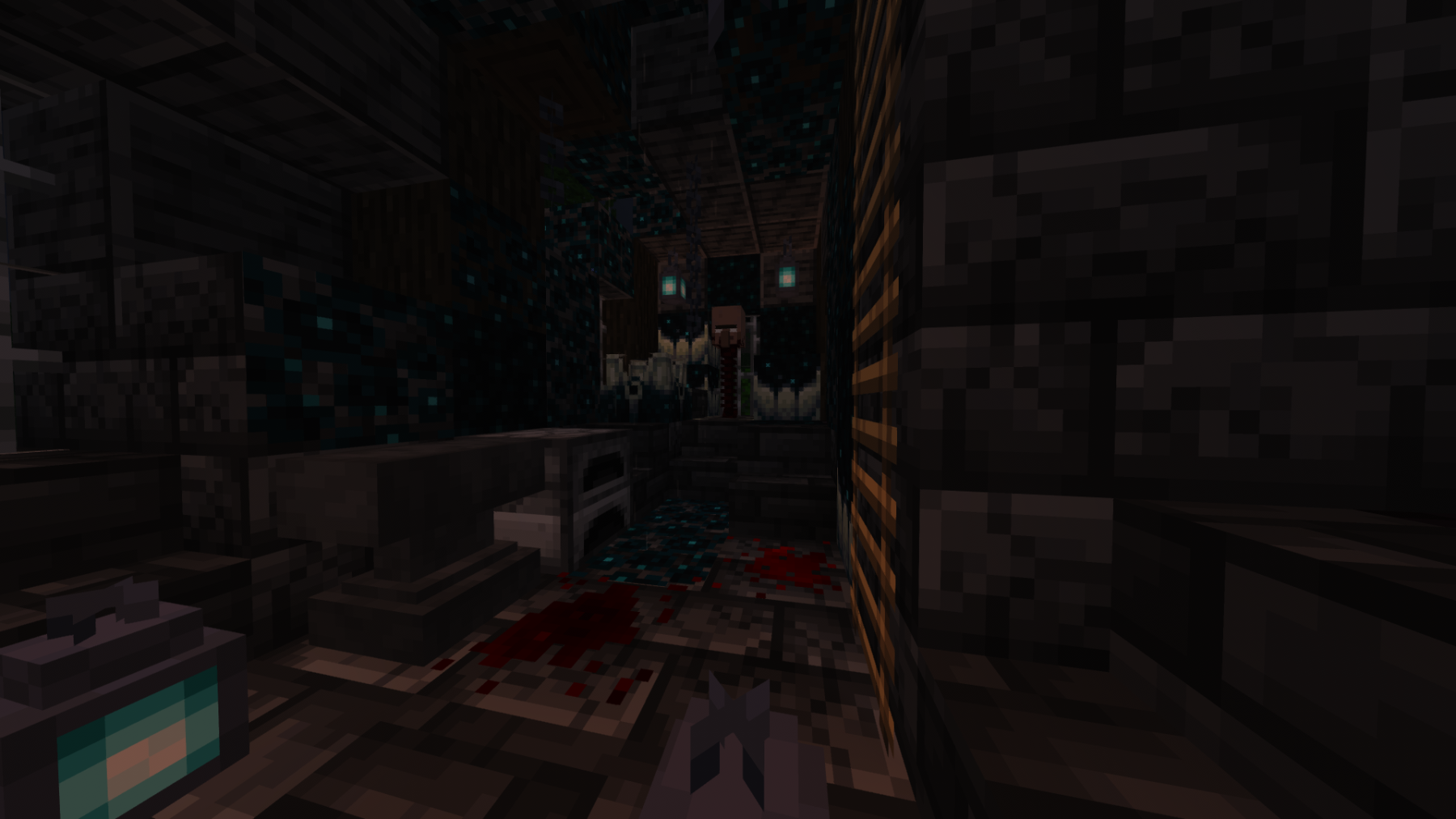
 command for those who'd want to deactivate the atmosphere block : /HMdayreset true/false
This mod currently add :
-60+ custom horror themed elements that will be spawning in you survival world
-10+ unique blocks to add a unique atmosphere to your projects (flashing lights, red lanterns, sound blocks...)
-7 unique structures that will randomly spawn in your world
Horror elements will frequently be updated with new features...
Installation:
1 : Download the forge version corresponding to the mod version
2 : press win+R and search %appdata%
3 : Click on ''roaming'' and then on the ".minecraft" folder
4 : Place the mod you just downloaded in the folder called ''mods''
5 : Select the Forge version on your minecraft launcher and launch the game
6 : Enjoy fear
Project description from CurseForge.
Pick your setup
Horror Elements mod by Minecraft version and loader
Choose the version and loader you play, then open the matching release.
Minecraft version
26.1.2
1 loader buildMinecraft version
1.21.1
1 loader buildMinecraft version
1.20.1
1 loader buildMinecraft version
1.19.4
1 loader buildMinecraft version
1.19.2
1 loader buildMinecraft version
1.18.2
2 loader buildsMinecraft version
1.16.5
2 loader buildsMinecraft version
1.14.4
1 loader buildMinecraft version
1.12.2
2 loader buildsCheck the dependencies, then try the file in a copied instance before changing a world you care about.
Recent files
Horror Elements mod versions and loaders
horror_element_mod-1.6.2-neoforge-26.1.2-private-port.jar
28 Aug 2026
Client Source doesn’t say Server Source doesn’t say Dependencies No extras listed Listed on Release listing
Check the 26.1.2 · NeoForge setup NeoForge26.1.2 release
horror_element_mod-1.6.2-neoforge-26.2.jar
14 Jul 2026
Client Source doesn’t say Server Source doesn’t say Dependencies No extras listed Listed on Release listing
Check the 26.2 · NeoForge setup NeoForge26.2 release
horror_element_mod-1.6.3-forge-1.20.1.jar
18 Jan 2026
Client Source doesn’t say Server Source doesn’t say Dependencies No extras listed Listed on Release listing
Check the 1.20.1 · Forge setup 1.20.1Forge release
horror_element_mod-1.6.2-neoforge-1.21.1.jar
15 Aug 2025
Client Source doesn’t say Server Source doesn’t say Dependencies No extras listed Listed on Release listing
Check the 1.21.1 · NeoForge setup NeoForge1.21.1 release
horror_element_mod-1.6.2-forge-1.20.1.jar
15 Aug 2025
Client Source doesn’t say Server Source doesn’t say Dependencies No extras listed Listed on Release listing
Check the 1.20.1 · Forge setup 1.20.1Forge release
horror_element_mod-1.6.1-neoforge-1.21.1.jar
6 Mar 2025
Client Source doesn’t say Server Source doesn’t say Dependencies No extras listed Listed on Release listing
Check the 1.21.1 · NeoForge setup NeoForge1.21.1 release
horror_element_mod-1.6.1-forge-1.20.1.jar
6 Mar 2025
Client Source doesn’t say Server Source doesn’t say Dependencies No extras listed Listed on Release listing
Check the 1.20.1 · Forge setup 1.20.1Forge release
horror_element_mod-1.6.0-forge-1.20.1.jar
19 Aug 2024
Client Source doesn’t say Server Source doesn’t say Dependencies No extras listed Listed on Release listing
Check the 1.20.1 · Forge setup 1.20.1Forge release
horror_element_mod-1.5.9_1.20.1.jar
9 May 2024
Client Source doesn’t say Server Source doesn’t say Dependencies No extras listed Listed on Release listing
Check the 1.20.1 · Forge setup 1.20.1Forge release
horror_element_mod-1.5.9_1.19.4.jar
9 May 2024
Client Source doesn’t say Server Source doesn’t say Dependencies No extras listed Listed on Release listing
Check the 1.19.4 · Forge setup 1.19.4Forge release
Horror_elements_mod_1.5.8_1.20.1.jar
15 Mar 2024
Client Source doesn’t say Server Source doesn’t say Dependencies No extras listed Listed on Release listing
Check the 1.20.1 · Forge setup 1.20.1Forge release
Horror_elements_mod_1.5.8_1.19.4.jar
15 Mar 2024
Client Source doesn’t say Server Source doesn’t say Dependencies No extras listed Listed on Release listing
Check the 1.19.4 · Forge setup 1.19.4Forge release
Looking for an older file? The official CurseForge project page is in Resources.
 mod
mod CurseForge · Minecraft
Traffic Engine
Traffic lights, traffic signs, road markings more & more...
 mod
mod CurseForge · Minecraft
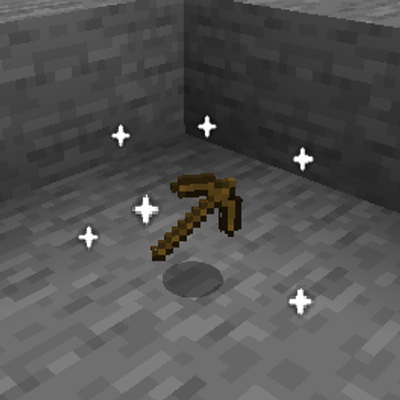
Loot Particles
**Loot Particles** is a lightweight Minecraft mod that makes it easier to locate items dropped on the ground by adding a subtle glowing particle effect around them.
 mod
mod CurseForge · Minecraft
PerfixTitleSystem
A Simple Perfix and Suffix Title System.