Minecraft version
Back to mods 
Modrinth · Minecraft mod
RefinedCreativeInventory
Overhauls the creative inventory with better searching, fresh GUI, and powerful saved hotbars.
Choose a version Pick your version below, then grab the matching file.
Quick answer
Which RefinedCreativeInventory release matches 1.19.2?
Best match for your filters 1.19.2-0.1.3
Game version 1.19.2
Loader Fabric, Quilt
RefinedCreativeInventory 1.19.2-0.1.3 targets 1.19.2 with Fabric, Quilt. It must be installed on the client. Do not install it on the dedicated server. No extra mods listed for this file.
Where it goes
Is RefinedCreativeInventory required on the client, server, or both?
It must be installed on the client. Do not install it on the dedicated server.
Client Required
Dedicated server Not supported
Loader for this release Fabric, Quilt
Required install it here Optional supported, not mandatory Not supported do not install here Source doesn’t say do not assume
This file is marked client-only.
What else does RefinedCreativeInventory 1.19.2-0.1.3 need?
1.19.2-0.1.3 on 1.19.2. Every mod below is checked against that same setup.
This file does not list any required mods. Do not add a library just because a different file uses it.
This file does not list any required or optional mods.
Before you install it
Add RefinedCreativeInventory without breaking your instance.
Built for RefinedCreativeInventory 1.19.2-0.1.3 on 1.19.2. Pick another file and the loader, install side or required mods may change.
- 01
Stick to this file
Use 1.19.2-0.1.3. It targets 1.19.2 with Fabric, Quilt; another release may have different loader, side or dependency requirements.
- 02
Bring the mods it needs
This file does not list any required mods. Do not add a library just because a different file uses it.
- 03
Put it on the correct side
It must be installed on the client. Do not install it on the dedicated server.
- 04
Pick the file you checked
Use the “Get this file” button beside 1.19.2-0.1.3. It opens that exact file at the source.
About this project
What does RefinedCreativeInventory add?
RefinedCreativeInventory
RefinedCreativeInventory (RCI) is an advanced creative inventory mod for minecraft. It aims to completely replace the creative inventory screen as well as add many new features to it.
This mod requires DarkKore.
Features
*When in doubt, right click on something to see if you can configure it more!
Hotbars
RCI completely overhauls the vanilla saved hotbars. You can add as many saved hotbars, and you can add profiles to store those hotbars.
In a profile you can shift right click and shift left click to choose two main hotbars. (They will appear green and red when this happens). Hitting X will switch between them whenever. You can also you use the UP/DOWN arrow keys to switch between hotbars in the profile.
To configure the hotbars you can simply drag and drop items into the GUI and use the plus icons to add hotbars. To delete one right click on it.
Custom Items
On top of every item in vanilla minecraft (including command blocks!), you can store any item you want to in the creative inventory. By default, there are a couple utility items as well as a shulker box with preset armor stands. Simply just right click on any item and a configuration screen will pop up. If the item is custom you will see an option in the top right corner to save the item. This will then cause the item to appear in the Other section of the GUI.
Item Flags
To help improve item discoverability you can set custom flags on items. Right-click on an item, and you will see a Custom Flags option. You can set multiple flags if you separate them with comma's. (i.e. fav,util,redstone). These work on vanilla and custom items.
Pro-tip: If you don't like an item, put the flag hidden on it and it will not be shown in tabs.
Better search
You can easily search flags, tags, groups, and names with the search bar. Just simply start typing and the search bar will automatically focus. You can search for a custom flag (you can configure these in RCI) with flag:<flag>, group (vanilla inventory tab) group:<group>, tag tag:<tag>, and name name:<name> or just start typing the name.
Color configuration
Most elements that are colored have an option to change them. Configure the background color, slot outline, and more.
Custom Tabs
RCI provides support for custom tabs. Right-click an existing tab (that is not inventory, hotbars, or all) and it will open a screen. If basic search is off it uses a Konstruct script that can look confusing. Basic search follows the search described in Better Search above. If you're interested in using Konstruct, it provides quite a few benefits, but is a lot more complicated. (Don't worry about using it, and join the discord if you have questions!).
Konstruct allows for boolean gates and more advanced searching. The default template is item.group('<tab>') and not(item.flag('hidden')) (with <tab> replaced with the tab name). More information can be found on the Konstruct wiki.
Advanced Item Hover
View item tags (from servers), item group (vanilla tab), and custom tags set.
Images
Look at GitHub for some.
Project description from Modrinth.
Pick your setup
RefinedCreativeInventory by Minecraft version and loader
Choose the version and loader you play, then open the matching release.
Minecraft version
1.18.2
2 loader buildsCheck the dependencies, then try the file in a copied instance before changing a world you care about.
Recent files
RefinedCreativeInventory versions and loaders
1.19.2-0.1.3
RefinedCreativeInventory-0.1.2.jar
14 Oct 2022
Client Required Server Not supported Dependencies No extras listed Listed on Release listing
Check the 1.19.2 · Fabric setup 1.19.2FabricQuilt release
1.19.2-0.1.2
RefinedCreativeInventory-0.1.2.jar
26 Sept 2022
Client Required Server Not supported Dependencies No extras listed Listed on Release listing
Check the 1.19.2 · Fabric setup 1.19.2FabricQuilt release
Looking for an older file? The official Modrinth project page is in Resources.
 mod
CurseForge + Modrinth · Minecraft
ColoredWater
Colored water to decorate colorfully. And cauldrons!
 mod
CurseForge + Modrinth · Minecraft
quick pack
Optimize datapack / resourcepack zip file loading times
 mod
CurseForge + Modrinth · Minecraft
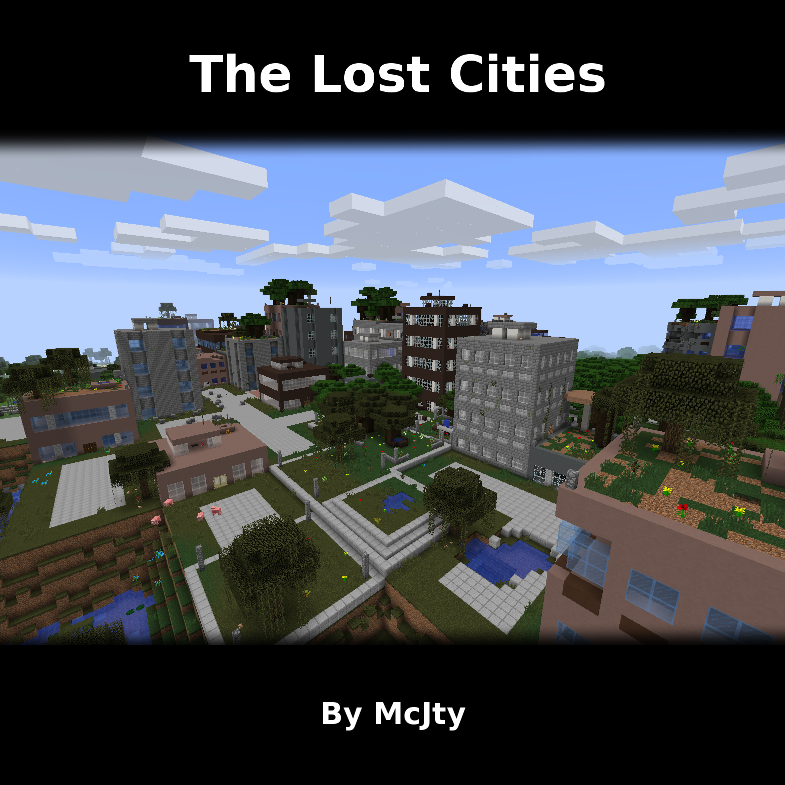
The Lost Cities
Allows the player to play in an old abandoned city instead of the normal overworld