Minecraft version
Back to mods 
CurseForge · Minecraft mod
EMERALD_LIFE
Adds *NEW* Emerald Armor and Tools, WHICH IS BETTER THAN NETHERITE IN DURABILITY AS WELL AS ATTACK DAMAGE / SPEED!
Choose a version Pick your version below, then grab the matching file.
Quick answer
Which EMERALD_LIFE release should I use?
Latest stable file [1.16.5] EMERALD_LIFE
Game version 1.16.5
Loader Not required
EMERALD_LIFE [1.16.5] EMERALD_LIFE targets 1.16.5. The project page does not say whether this file belongs on the client, dedicated server, or both. No extra mods listed for this file.
Where it goes
Is EMERALD_LIFE required on the client, server, or both?
The project page does not say whether this file belongs on the client, dedicated server, or both.
Client Source doesn’t say
Dedicated server Source doesn’t say
Loader for this release No loader listed
Required install it here Optional supported, not mandatory Not supported do not install here Source doesn’t say do not assume
The source does not explicitly classify this release as client-only or server-only.
What else does EMERALD_LIFE [1.16.5] EMERALD_LIFE need?
[1.16.5] EMERALD_LIFE. Change the file and its required mods may change too.
This file does not list any required mods. Do not add a library just because a different file uses it.
This file does not list any required or optional mods.
Before you install it
Add EMERALD_LIFE without breaking your instance.
Built for EMERALD_LIFE [1.16.5] EMERALD_LIFE. Pick another file and the loader, install side or required mods may change.
- 01
Stick to this file
Use [1.16.5] EMERALD_LIFE. It targets 1.16.5; another release may have different loader, side or dependency requirements.
- 02
Bring the mods it needs
This file does not list any required mods. Do not add a library just because a different file uses it.
- 03
Put it on the correct side
The project page does not say whether this file belongs on the client, dedicated server, or both.
- 04
Pick the file you checked
Use the “Get this file” button beside [1.16.5] EMERALD_LIFE. It opens that exact file at the source.
About this project
What does EMERALD_LIFE add?
About the mod:
This is a new mod made for Forge Minecraft 1.16.5.
This mod adds new emerald armor and tools,
WHICH IS BETTER THAN NETHERITE IN DURABILITY AS WELL AS ATTACK DAMAGE / SPEED!
Please do check the image gallery for additional details...
Also, please, comment if there are any issues/bugs.
Thanks For Using the mod,
TAMOA_GAMING
Planet Minecraft: www.planetminecraft.com/member/tamoa_gaming/
Curseforge: www.curseforge.com/members/tamoa_gaming/projects
Youtube: www.youtube.com/channel/UCNDwZozKg-rW0r-sjMFJ8sQ
======================================================================
===============================
HOW TO INSTALL MINECRAFT FORGE
You can install Minecraft Forge in these three easy steps:
*Download Minecraft Forge at the files.minecraftforge.net/net/minecraftforge/forge/ (official website).
Make sure you double-check your version, so you download the correct one. The list of versions can be found along the left-hand side.
*Open the downloaded installer, which will bring up the installation process. Be sure to confirm with ‘Install Client’ still selected and click ‘OK.
*Open the Minecraft Launcher and change the profile to ‘forge’. When the game loads, you’ll see a new ‘Mods’ menu available at the start.
Now, you’ll be able to access the ‘Mods’ folder and install all your favorite addons to the game using Minecraft Forge.
HOW TO INSTALL MINECRAFT FORGE MODS:
Downloading mods
You need to get the mods from the mod author’s official site. Doing this ensures that you won’t get corrupted files or viruses.
Once you decide on a mod you want, click the name to open the mod page.
Open the Files tab to view the versions. To the right of the version you want, press download. It’s best to download the latest recommended update for your version of Minecraft.
Head back to the mods page and open the Relations tab. This is very important as these are the mods you need for it to work correctly. If you don’t download the dependencies, the mod will not function properly or can cause the game to crash.
Windows
Make sure your Minecraft client is closed.
Press the Windows Key (Start)
Type in %appdata% and press enter.
Open the .minecraft folder and then enter the mods folder.
From here, just drag in the mods that you wish to add.
Open Minecraft again and click Play, and the mods should now be loaded. You can check this by clicking the Mods tab on the Minecraft homepage.
Mac
Make sure your Minecraft client is closed.
At the top of your Mac, click the Go tab and then “Go to Folder…”.
Type in ~/Library/Application Support/minecraft and click Go.
Enter the mods folder and then drag in the mods.
Open Minecraft and click Play, and the mods should now be loaded.
Project description from CurseForge.
Pick your setup
EMERALD_LIFE by Minecraft version and loader
Choose the version and loader you play, then open the matching release.
Check the dependencies, then try the file in a copied instance before changing a world you care about.
Recent files
EMERALD_LIFE versions and loaders
[1.16.5] EMERALD_LIFE
EMERALD_LIFE[1.16.5]_by_TAMOA_GAMING.jar
21 Jul 2021
Client Source doesn’t say Server Source doesn’t say Dependencies No extras listed Listed on Release listing
Check the 1.16.5 setup 1.16.5 release
Looking for an older file? The official CurseForge project page is in Resources.
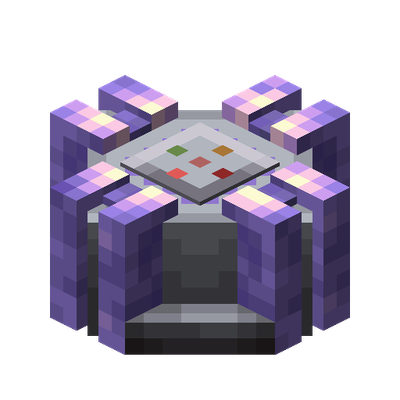 mod
CurseForge · Minecraft
MLog
Mindustry's logic system, rebuilt for Minecraft — a graphical statement canvas, a graphical statement editor, and the instruction set that goes with them.
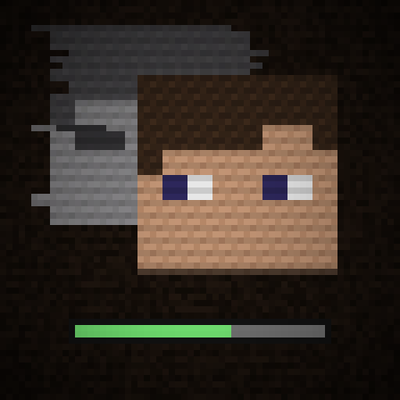 mod
CurseForge · Minecraft
Saving Chunks
A psychological horror story about losing your identity and slowly being replaced. Across ten levels, you gradually lose the things that make you who you are, until nothing about you remains distinguishable.
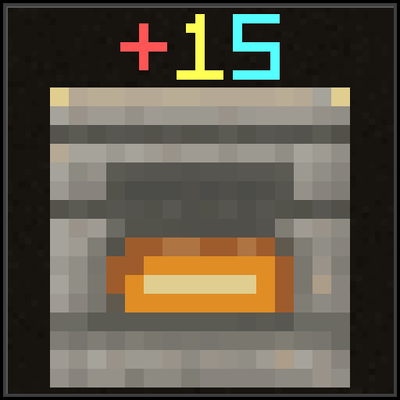 mod
CurseForge · Minecraft
dnfenhance
A DNF-style gear enhancement mod for Minecraft — push your equipment from +1 to +15 through rising success risks, failure penalties and protection charms, all the way to a redstone-powered auto-enhancement factory.