Artan'sProjectCoreMod (Forge&Fabric) Needed by ColorBricks16 (Forge&Fabric) ColorBricks16-fabric-mc1.20.1-4.0.2.jar
requiredMatching file found Matched file: Artan'sProjectCoreMOD-fabric-mc1.20.1-4.0.1.jar

CurseForge · Minecraft mod
Add 16 different types of stained bricks.
Quick answer
ColorBricks16 (Forge&Fabric) ColorBricks16-fabric-mc1.20.1-4.0.2.jar targets 1.20.1 with Fabric. The project page does not say whether this file belongs on the client, dedicated server, or both. All 3 required mods have matching files.
Where it goes
The project page does not say whether this file belongs on the client, dedicated server, or both.
The source does not explicitly classify this release as client-only or server-only.
ColorBricks16-fabric-mc1.20.1-4.0.2.jar. Change the file and its required mods may change too.
Install Artan'sProjectCoreMod (Forge&Fabric), Fabric API, Architectury API first. We found matching files for this game-version and loader setup.
We only count dependency files that match this setup. A file for another loader does not fill the gap.
Before you install it
Built for ColorBricks16 (Forge&Fabric) ColorBricks16-fabric-mc1.20.1-4.0.2.jar. Pick another file and the loader, install side or required mods may change.
Use ColorBricks16-fabric-mc1.20.1-4.0.2.jar. It targets 1.20.1 with Fabric; another release may have different loader, side or dependency requirements.
Install Artan'sProjectCoreMod (Forge&Fabric), Fabric API, Architectury API first. We found matching files for this game-version and loader setup.
The project page does not say whether this file belongs on the client, dedicated server, or both.
Use the “Get this file” button beside ColorBricks16-fabric-mc1.20.1-4.0.2.jar. It opens that exact file at the source.
About this project
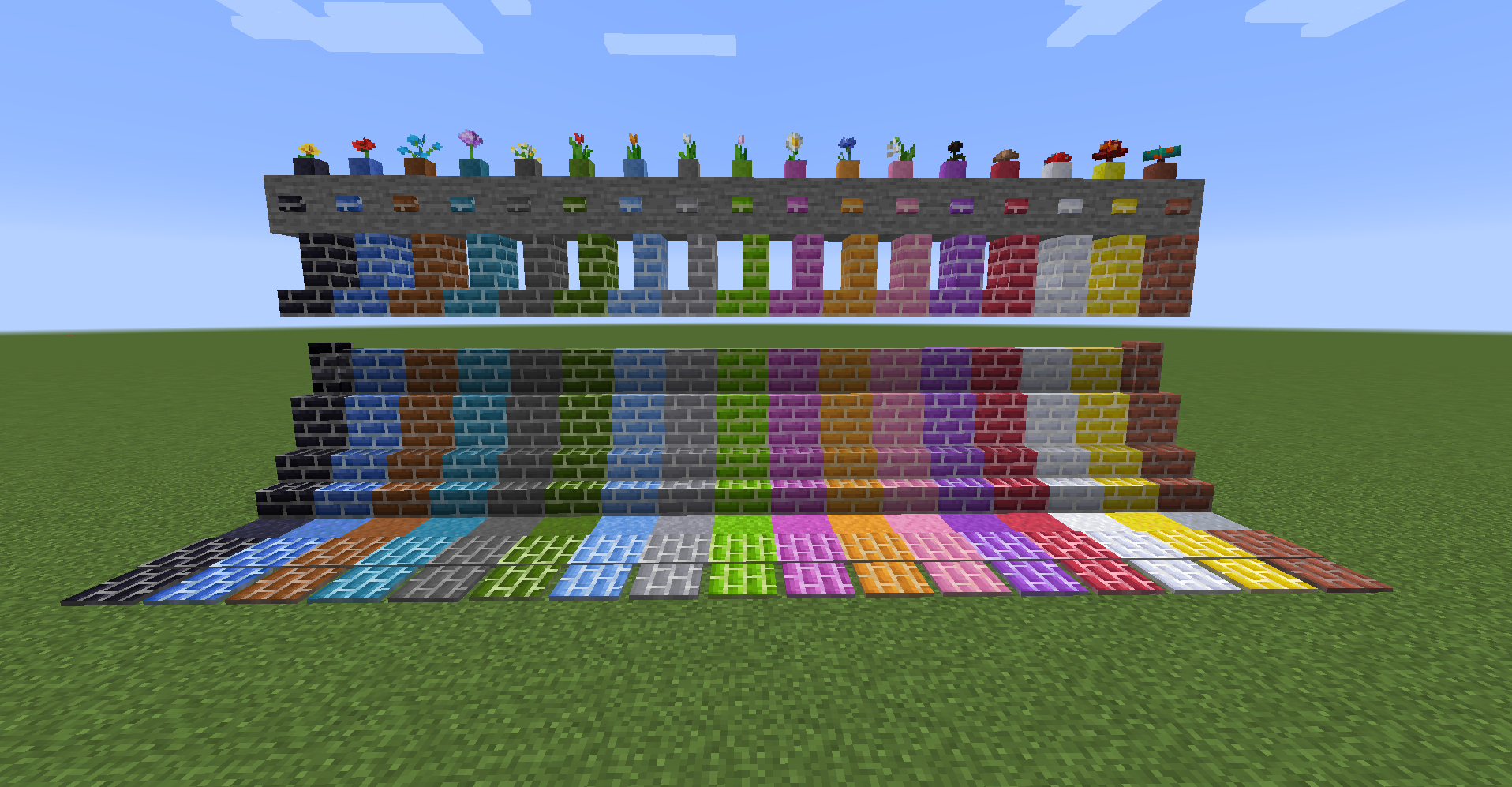
The mod allows you to create clay, brick blocks, concrete brick blocks, terracotta brick blocks, and glass brick blocks for the default 16 dyes. You can also create slabs, vertical slabs, flowerpots, stairs, walls, buttons, pressure plates, and tiles. (Flowerpots are only available for brick blocks.) The design is the same as the default one.
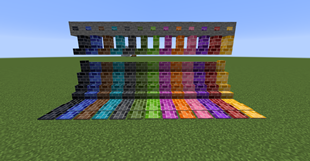
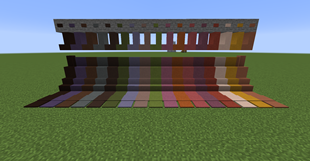
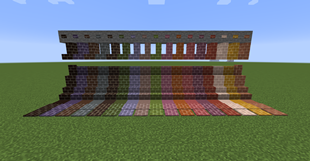
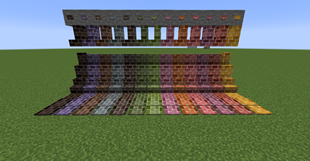
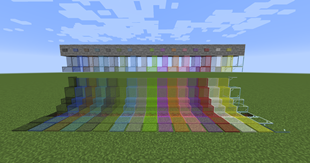
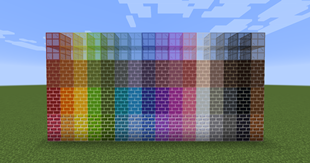
From bottom to top: color bricks, color concrete bricks, color terracotta bricks, color glass bricks
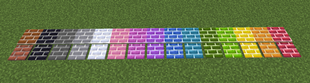
The tiles have similar properties to snow, and they cannot be retrieved with bare hands and require a pickaxe.
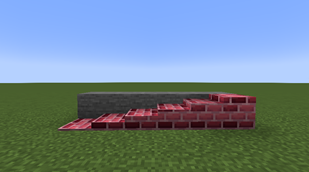
Tiles can now be freely stacked 16 high. It can be stacked vertically as well as horizontally.
example1: color clay
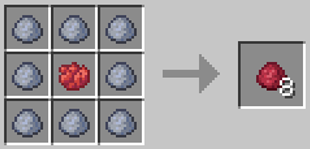
example2: color brick
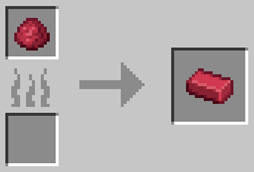
example3: color brick block
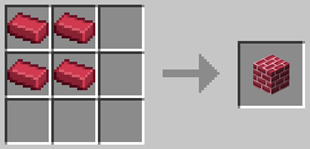
example4: Stone cutting recipe that can be created with color brick blocks
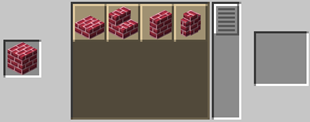
example5: color concrete brick block
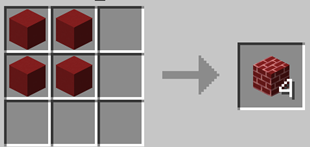
example6: color terracotta brick block
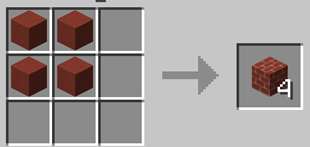
example7: gradation brick block
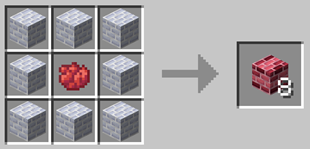
example8: tile
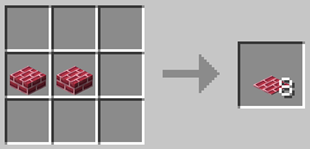
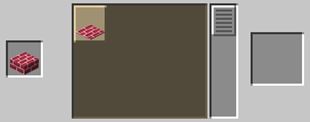
example9: vertical slab
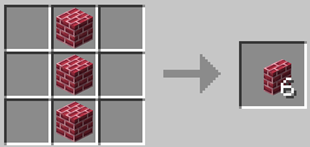
Project description from CurseForge.
Pick your setup
Choose the version and loader you play, then open the matching release.
Check the dependencies, then try the file in a copied instance before changing a world you care about.
Recent files
13 Aug 2024
13 Aug 2024
14 Jul 2024
14 Jul 2024
14 Jul 2024
14 Jul 2024
12 Jun 2024
12 Jun 2024
12 Jun 2024
12 Jun 2024
19 Oct 2023
19 Oct 2023
Looking for an older file? The official CurseForge project page is in Resources.
 mod
This mod lets you edit custom set effects through a visual GUI with intuitive operations.
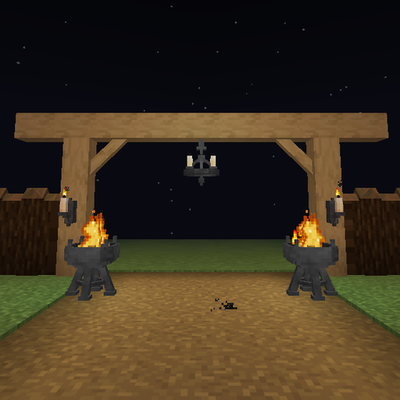 mod
Timber beams, palisades, braces, timber frames and log piles for all 12 wood types, plus braziers, chandeliers, wall sconces and candelabras. Vanilla textures.
 mod
Backpack mod on all versions