Minecraft version
Back to mods 
CurseForge · Minecraft mod
Large Paintings
Create large paintings to display on your wall
Choose a version Pick your version below, then grab the matching file.
Quick answer
Which Large Paintings release matches 1.19.2 Forge?
Best match for your filters LargePaintings-1.19-1.1.0.jar
Game version 1.19.2
Loader Forge
Large Paintings LargePaintings-1.19-1.1.0.jar targets 1.19.2 with Forge. The project page does not say whether this file belongs on the client, dedicated server, or both. No extra mods listed for this file.
Where it goes
Is Large Paintings required on the client, server, or both?
The project page does not say whether this file belongs on the client, dedicated server, or both.
Client Source doesn’t say
Dedicated server Source doesn’t say
Loader for this release Forge
Required install it here Optional supported, not mandatory Not supported do not install here Source doesn’t say do not assume
The source does not explicitly classify this release as client-only or server-only.
What else does Large Paintings LargePaintings-1.19-1.1.0.jar need?
LargePaintings-1.19-1.1.0.jar on 1.19.2 Forge. Every mod below is checked against that same setup.
This file does not list any required mods. Do not add a library just because a different file uses it.
This file does not list any required or optional mods.
Before you install it
Add Large Paintings without breaking your instance.
Built for Large Paintings LargePaintings-1.19-1.1.0.jar on 1.19.2 Forge. Pick another file and the loader, install side or required mods may change.
- 01
Stick to this file
Use LargePaintings-1.19-1.1.0.jar. It targets 1.19.2 with Forge; another release may have different loader, side or dependency requirements.
- 02
Bring the mods it needs
This file does not list any required mods. Do not add a library just because a different file uses it.
- 03
Put it on the correct side
The project page does not say whether this file belongs on the client, dedicated server, or both.
- 04
Pick the file you checked
Use the “Get this file” button beside LargePaintings-1.19-1.1.0.jar. It opens that exact file at the source.
About this project
What does Large Paintings add?
Large Paintings adds new blocks that let you display up to 8 paintings in-game.

How to use
- Craft the painting block, paintbrush, and canvas blocks.
- Assemble the canvases any rectangular size you want, up to 8x8, with a painting block at the lower-left.
- Right-click the painting block with the paintbrush to cycle through the paintings.
- Breaking the painting block resets all the canvas blocks within its 8x8 frame
Recipes
Canvas block
Painting block
Paintbrush
Using your own images
The image is easily overwritten with a resource pack. You can download the template here.
Issues
Project description from CurseForge.
Pick your setup
Large Paintings by Minecraft version and loader
Choose the version and loader you play, then open the matching release.
Minecraft version
1.16.5
1 loader buildCheck the dependencies, then try the file in a copied instance before changing a world you care about.
Recent files
Large Paintings versions and loaders
LargePaintings-1.19-1.1.0.jar
16 Jan 2023
Client Source doesn’t say Server Source doesn’t say Dependencies No extras listed Listed on Release listing
Check the 1.19.2 · Forge setup 1.19.2Forge release
Looking for an older file? The official CurseForge project page is in Resources.
 mod
CurseForge · Minecraft
ArchitectureCraft Reforged
ArchitectureCraft Reforged is a modern reimagining of the Minecraft mod ArchitectureCraft, which allows you to transform ordinary building materials into roofs, arches, columns, railings, and numerous other architectural structures.
 mod
CurseForge · Minecraft
TNT Expansion (+300 new craftable TNT)
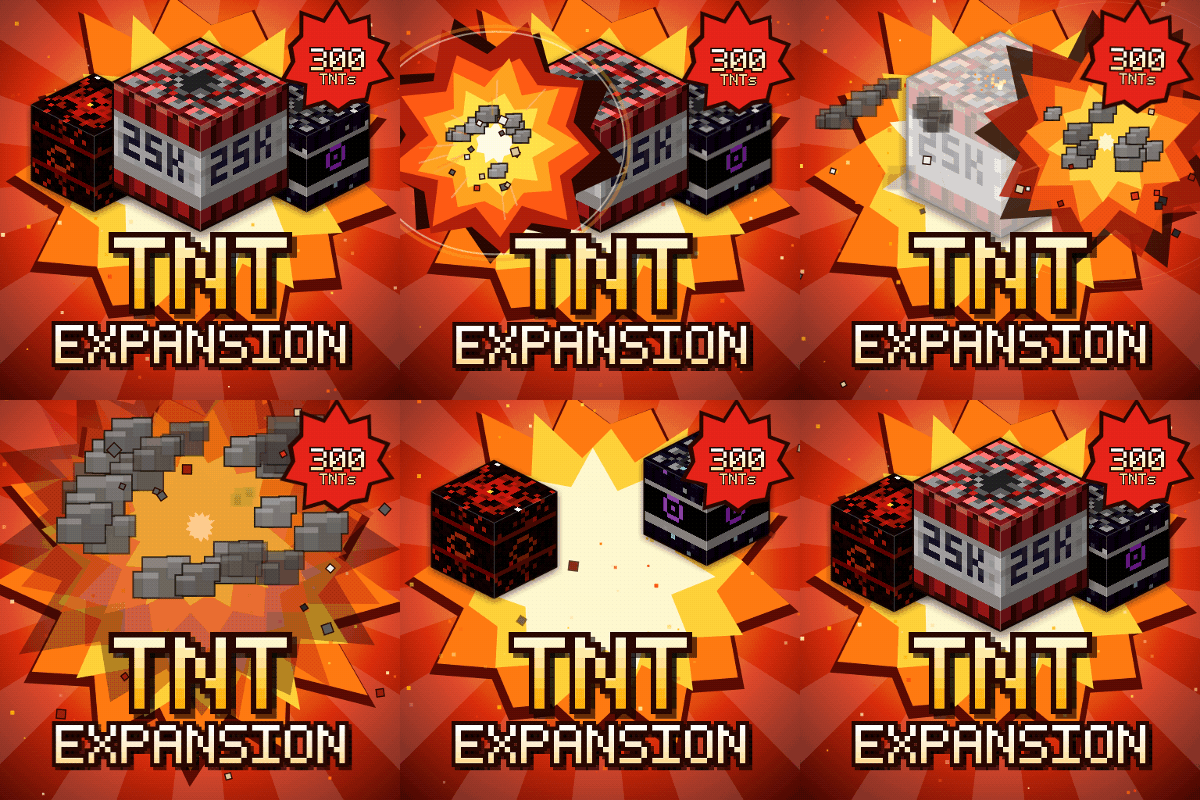
300 craftable TNTs, from harmless mini TNTs to nukes, black holes, a TNT x100,000 and THE ABSOLUTE CORRUPTION OF ALL EXISTENCE (power -∞). Build your own at the Workbench and see every TNT in 3D in the guide book.
 mod
CurseForge · Minecraft
Colored Light
This mod turns the light from light sources the color they really are and adds adjustable custom light colors for any block. Works with colored dynamic lights.