Hud Texts Needed by Day Counter ags_day_counter-6.1-neoforge-26.1.2.jar
requiredMatching file found Matched file: hud_texts-4.0-neoforge-26.1.2.jar

CurseForge · Minecraft mod
Day Counter is a fully customizable Minecraft mod that tracks the passage of time in your world and brings it to life. It adds a whole new layer of progression and atmosphere to your gameplay.
Quick answer
Day Counter ags_day_counter-6.1-neoforge-26.1.2.jar targets 26.1.2 with NeoForge. The project page does not say whether this file belongs on the client, dedicated server, or both. All 1 required mods have matching files.
Where it goes
The project page does not say whether this file belongs on the client, dedicated server, or both.
The source does not explicitly classify this release as client-only or server-only.
ags_day_counter-6.1-neoforge-26.1.2.jar on 26.1.2. Every mod below is checked against that same setup.
Install Hud Texts first. We found matching files for this game-version and loader setup. 3 come through another mod in the chain.
3 extra mods were pulled in by other dependencies. Indented rows show who needs each one. We only count dependency files that match this setup. A file for another loader does not fill the gap.
Before you install it
Built for Day Counter ags_day_counter-6.1-neoforge-26.1.2.jar on 26.1.2. Pick another file and the loader, install side or required mods may change.
Use ags_day_counter-6.1-neoforge-26.1.2.jar. It targets 26.1.2 with NeoForge; another release may have different loader, side or dependency requirements.
Install Hud Texts first. We found matching files for this game-version and loader setup. 3 come through another mod in the chain.
The project page does not say whether this file belongs on the client, dedicated server, or both.
Use the “Get this file” button beside ags_day_counter-6.1-neoforge-26.1.2.jar. It opens that exact file at the source.
About this project

/daycounter add <type> <player> <amount>
/daycounter set <type> <player>
/daycounter reset <type> <player>
/daycounter help
/daycounter reload


Project description from CurseForge.
Pick your setup
Choose the version and loader you play, then open the matching release.
Check the dependencies, then try the file in a copied instance before changing a world you care about.
Recent files
13 Sept 2026
Looking for an older file? The official CurseForge project page is in Resources.
 mod
Minimap + world map, custom HUD, trajectories, chunk borders, zoom, chest finder, dynamic lights and a schematic printer. One mod, one menu.
 mod
Multiple blocks that are already in game can now be formed into a portal and transfer players via that portal Network
 mod
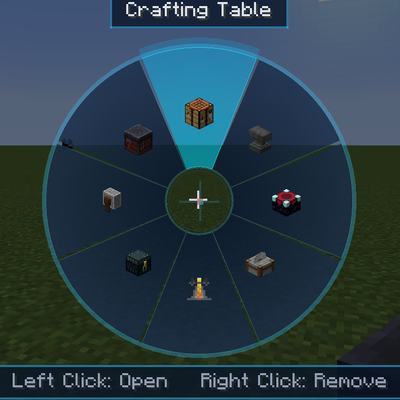
Access vanilla workstations from a portable skill wheel without placing them in the world.