Minecraft version
Back to mods 
CurseForge · Minecraft mod
Puzzle
Adds resourcepack features and a GUI to more conveniently configure OptiFine alternatives.
Choose a version Pick your version below, then grab the matching file.
Quick answer
Which Puzzle release matches 1.19?
Best match for your filters 1.4.2-1.19.2
Game version 1.19, 1.19.1, 1.19.2
Loader Fabric, Quilt
Puzzle 1.4.2-1.19.2 targets 1.19, 1.19.1, 1.19.2 with Fabric, Quilt. It must be installed on the client. Do not install it on the dedicated server. No extra mods listed for this file.
Where it goes
Is Puzzle required on the client, server, or both?
It must be installed on the client. Do not install it on the dedicated server.
Client Required
Dedicated server Not supported
Loader for this release Fabric, Quilt
Required install it here Optional supported, not mandatory Not supported do not install here Source doesn’t say do not assume
This file is marked client-only.
What else does Puzzle 1.4.2-1.19.2 need?
1.4.2-1.19.2 on 1.19. Every mod below is checked against that same setup.
This file does not list any required mods. Do not add a library just because a different file uses it.
This file does not list any required or optional mods.
Before you install it
Add Puzzle without breaking your instance.
Built for Puzzle 1.4.2-1.19.2 on 1.19. Pick another file and the loader, install side or required mods may change.
- 01
Stick to this file
Use 1.4.2-1.19.2. It targets 1.19, 1.19.1, 1.19.2 with Fabric, Quilt; another release may have different loader, side or dependency requirements.
- 02
Bring the mods it needs
This file does not list any required mods. Do not add a library just because a different file uses it.
- 03
Put it on the correct side
It must be installed on the client. Do not install it on the dedicated server.
- 04
Pick the file you checked
Use the “Get this file” button beside 1.4.2-1.19.2. It opens that exact file at the source.
About this project
What does Puzzle add?
Context: OptiFine was a big part of Minecraft modding for a long time and has been causing errors with mods this entire time, it's closed source nature making it especially hard to work with as a mod developer.
For that reason, a lot of alternatives have been created.
But usually they only replicate one specific feature of OptiFine, meaning the user has to install a lot of mods and configure them by searching for the specific mod in ModMenu.
- The first problem is relatively easy to solve, by either downloading a modpack such as Fabulously Optimized or using Lambda's fantastic list of alternative mods
- Puzzle was created to solve the latter by providing a united config for OptiFine replacement mods with built-in support for the most relevant alternatives and an API for other mods to take advantage of.
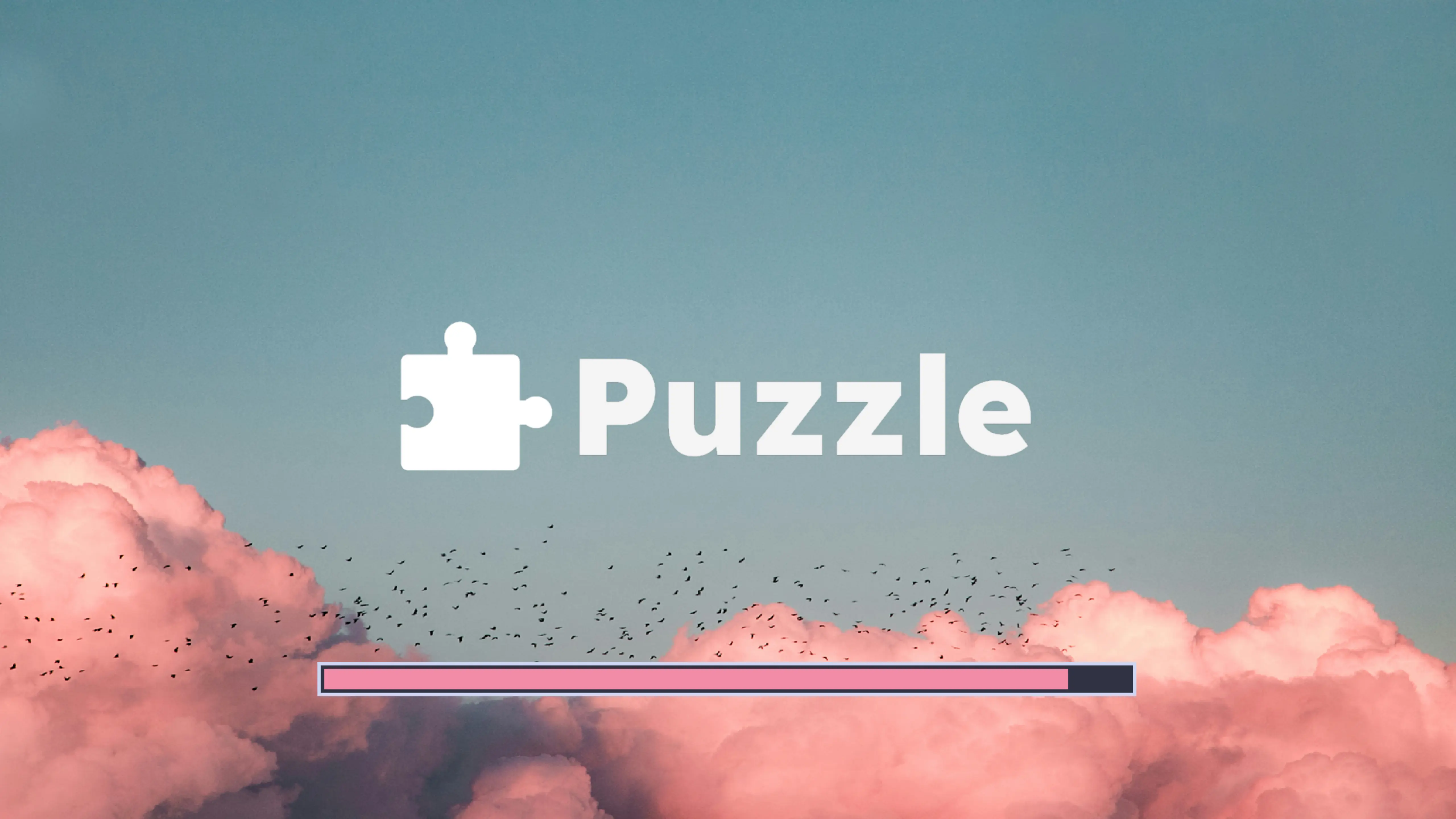
- Due to many OptiFine features still having no replacement mod, Puzzle also adds certain OptiFine features on it's own, like resourcepack-provided splash screens
- We also offer some new, innovative features to resourcepack developers, such as unlocked rotation values and bigger size for JSON-models.
The configuration screen can be found in the vanilla options screen, as well as ModMenu.
 Currently, there is included support for the following mods:
- Cull Leaves
- Iris
- Continuity
- LambDynamicLights
- LambdaBetterGrass
- CITResewn
- Custom Entity Models
- Entity Texture Features
Visit the new wiki to get started with using Puzzle for your own resourcepack!
Project description from CurseForge.
Pick your setup
Puzzle by Minecraft version and loader
Choose the version and loader you play, then open the matching release.
Minecraft version
26.1.2
3 loader buildsMinecraft version
26.1.1
3 loader buildsMinecraft version
26.1
3 loader buildsMinecraft version
1.21.11
3 loader buildsMinecraft version
1.21.10
3 loader buildsMinecraft version
1.21.9
3 loader buildsMinecraft version
1.21.8
3 loader buildsMinecraft version
1.21.7
3 loader buildsMinecraft version
1.21.6
3 loader buildsMinecraft version
1.21.5
3 loader buildsMinecraft version
1.21.4
3 loader buildsShowing the newest 12 of 30 game versions. Older files are in the list below.
Check the dependencies, then try the file in a copied instance before changing a world you care about.
Recent files
Puzzle versions and loaders
1.4.2-1.19.2
puzzle-1.4.2-1.19.jar
5 Jan 2023
Client Required Server Not supported Dependencies No extras listed Listed on Release listing
Check the 1.19 · Fabric setup 1.191.19.11.19.2Fabric release
1.4.0-1.19
puzzle-1.4.0-1.19.jar
2 Aug 2022
Client Required Server Not supported Dependencies No extras listed Listed on Release listing
Check the 1.19 · Fabric setup 1.191.19.11.19.2Fabric release
1.3.4
puzzle-1.3.4-1.19.jar
6 Jul 2022
Client Required Server Not supported Dependencies No extras listed Listed on Release listing
Check the 1.19 · Fabric setup 1.19FabricQuilt release
1.3.3
puzzle-1.3.3.jar
12 Jun 2022
Client Required Server Not supported Dependencies 1 required · 1 unchecked Listed on Release listing
Check the 1.19 · Fabric setup 1.19FabricQuilt release
1.3.2
puzzle-1.3.2.jar
12 Jun 2022
Client Required Server Not supported Dependencies 1 required · 1 unchecked Listed on Release listing
Check the 1.19 · Fabric setup 1.19FabricQuilt release
1.3.1
puzzle-1.3.1.jar
11 Jun 2022
Client Required Server Not supported Dependencies No extras listed Listed on Release listing
Check the 1.19 · Fabric setup 1.19FabricQuilt release
Looking for an older file? The official CurseForge project page is in Resources.