MixinBooter Needed by Opticubes-1.12.2-1.0.1.jar
requiredMatching file found Matched file: MixinBooter 12.5
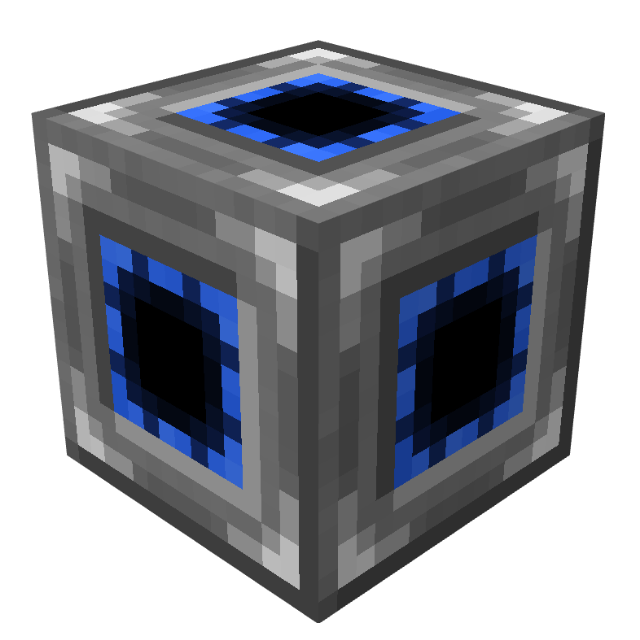
CurseForge · Minecraft mod
Optimize your factory!
Quick answer
Opticubes-1.12.2-1.0.1.jar targets 1.12.2 with Forge. The project page does not say whether this file belongs on the client, dedicated server, or both. All 1 required mods have matching files.
Where it goes
The project page does not say whether this file belongs on the client, dedicated server, or both.
The source does not explicitly classify this release as client-only or server-only.
Opticubes-1.12.2-1.0.1.jar. Change the file and its required mods may change too.
Install MixinBooter first. We found matching files for this game-version and loader setup.
We only count dependency files that match this setup. A file for another loader does not fill the gap.
Before you install it
Built for Opticubes-1.12.2-1.0.1.jar. Pick another file and the loader, install side or required mods may change.
Use Opticubes-1.12.2-1.0.1.jar. It targets 1.12.2 with Forge; another release may have different loader, side or dependency requirements.
Install MixinBooter first. We found matching files for this game-version and loader setup.
The project page does not say whether this file belongs on the client, dedicated server, or both.
Use the “Get this file” button beside Opticubes-1.12.2-1.0.1.jar. It opens that exact file at the source.
About this project
Do you have a huge base with enormous amount of machines, which look beautiful and drop your FPS at the same time? Even if you stay on another floor and CAN'T see them? Or this is some kind of laggy block, which has heavy impact on FPS, it is still very useful but you do NOT want to see it at all? Well, now you can fix these issues!
Opti-Cube hides all tiles and special blocks in certain region if you are further than a certain distance from the region. Such hiding is only visual, all hidden blocks still exist and work.
3 Initial steps on how to play with Opti-Cubes:
<Sneak + Right-Click> on it with Opti-Wrench to start region editing.
<Sneak + Right-Click> again to cancel the editing.

Click with Opti-Wrench on the block which will be the second corner.


Extra:
By default Opti-Cube activation distance is 16.
If the distance is set to 0, the player will see nothing in the region, until he enters it.
If the distance is set to X, the player will never see the content of the region.
Project description from CurseForge.
Pick your setup
Choose the version and loader you play, then open the matching release.
Check the dependencies, then try the file in a copied instance before changing a world you care about.
Recent files
24 Mar 2026
opticubes-1.0.0.jar
17 Feb 2026
5 Feb 2022
Looking for an older file? The official CurseForge project page is in Resources.
 mod
Display synchronized song lyrics in Minecraft and add or edit your own lyrics with the optional KING Music Lyrics add-on.
 mod
Cushions are a tad clunky, shall we make them a bit more convenient?
 mod
Stop rerolling villagers. Press Pick trade and select any 2 trades its profession can offer (max-level enchanted books included). Fast trade and saves time.