Fabric API Needed by myloot-4.0.3-1.20.1
requiredMatching file found Matched file: [1.20.1] Fabric API 0.92.12+1.20.1
CurseForge · Minecraft mod
Instanced loot per player for a better looting experience on Multiplayer servers
Quick answer
myloot-4.0.3-1.20.1 targets 1.20.1, 1.20, 1.20-Snapshot with Fabric, Quilt. The project page does not say whether this file belongs on the client, dedicated server, or both. 1 required mod needs a matching file.
Where it goes
The project page does not say whether this file belongs on the client, dedicated server, or both.
The source does not explicitly classify this release as client-only or server-only.
myloot-4.0.3-1.20.1. Change the file and its required mods may change too.
Install Fabric API, SpoornPacks, Fabric API, SpoornPacks first, but 1 required mod has no matching file for this setup. Do not mix loader builds to force a match.
We only count dependency files that match this setup. A file for another loader does not fill the gap.
Before you install it
Built for myloot-4.0.3-1.20.1. Pick another file and the loader, install side or required mods may change.
Use myloot-4.0.3-1.20.1. It targets 1.20.1, 1.20, 1.20-Snapshot with Fabric, Quilt; another release may have different loader, side or dependency requirements.
Install Fabric API, SpoornPacks, Fabric API, SpoornPacks first, but 1 required mod has no matching file for this setup. Do not mix loader builds to force a match.
The project page does not say whether this file belongs on the client, dedicated server, or both.
Use the “Get this file” button beside myloot-4.0.3-1.20.1. It opens that exact file at the source.
About this project
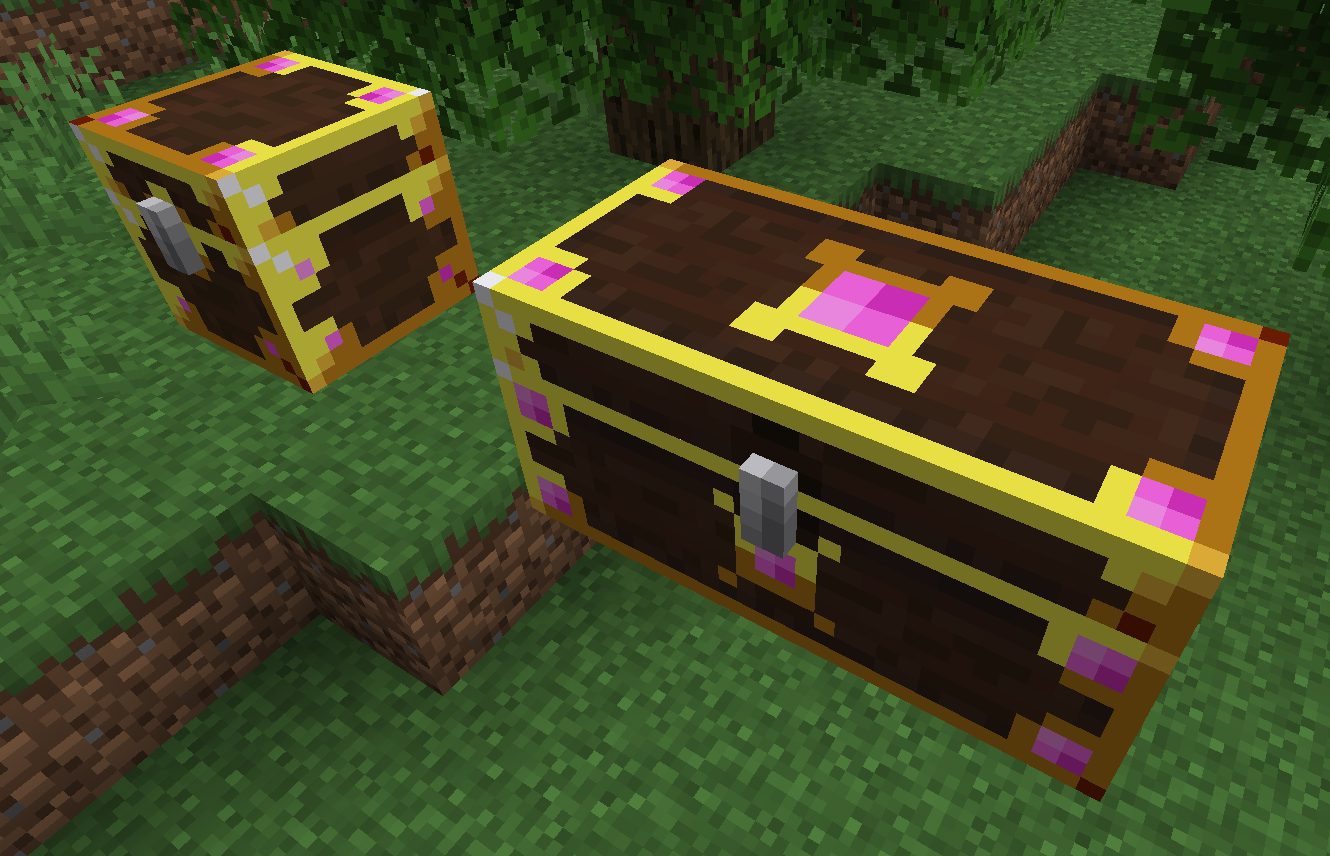
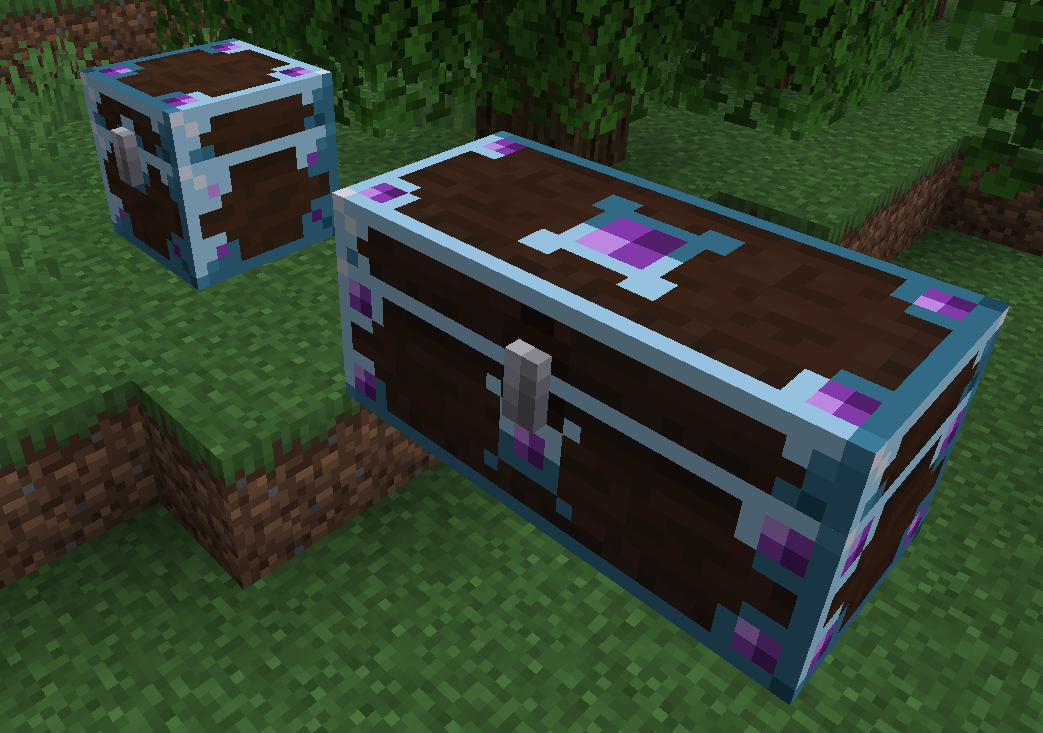
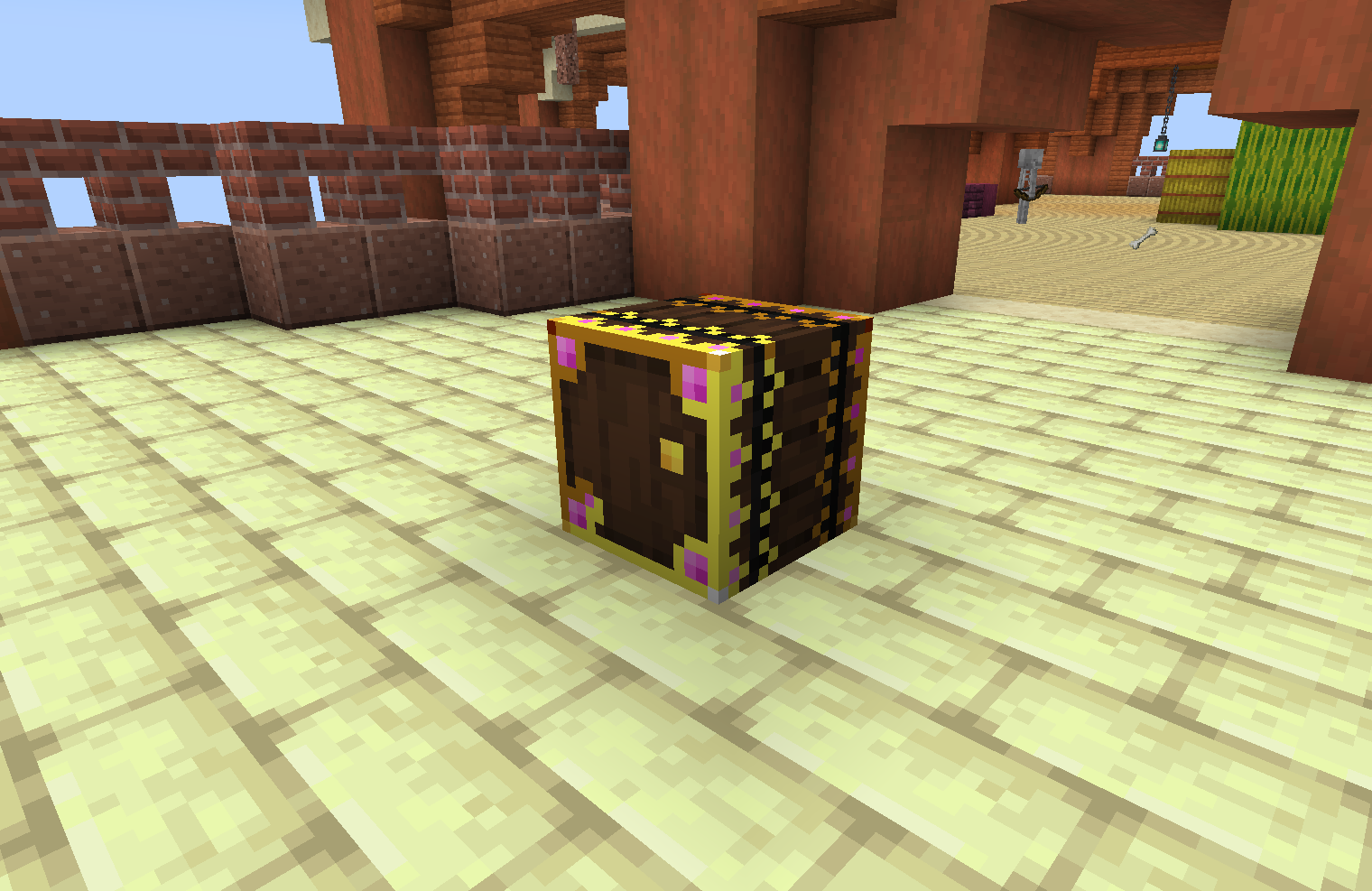
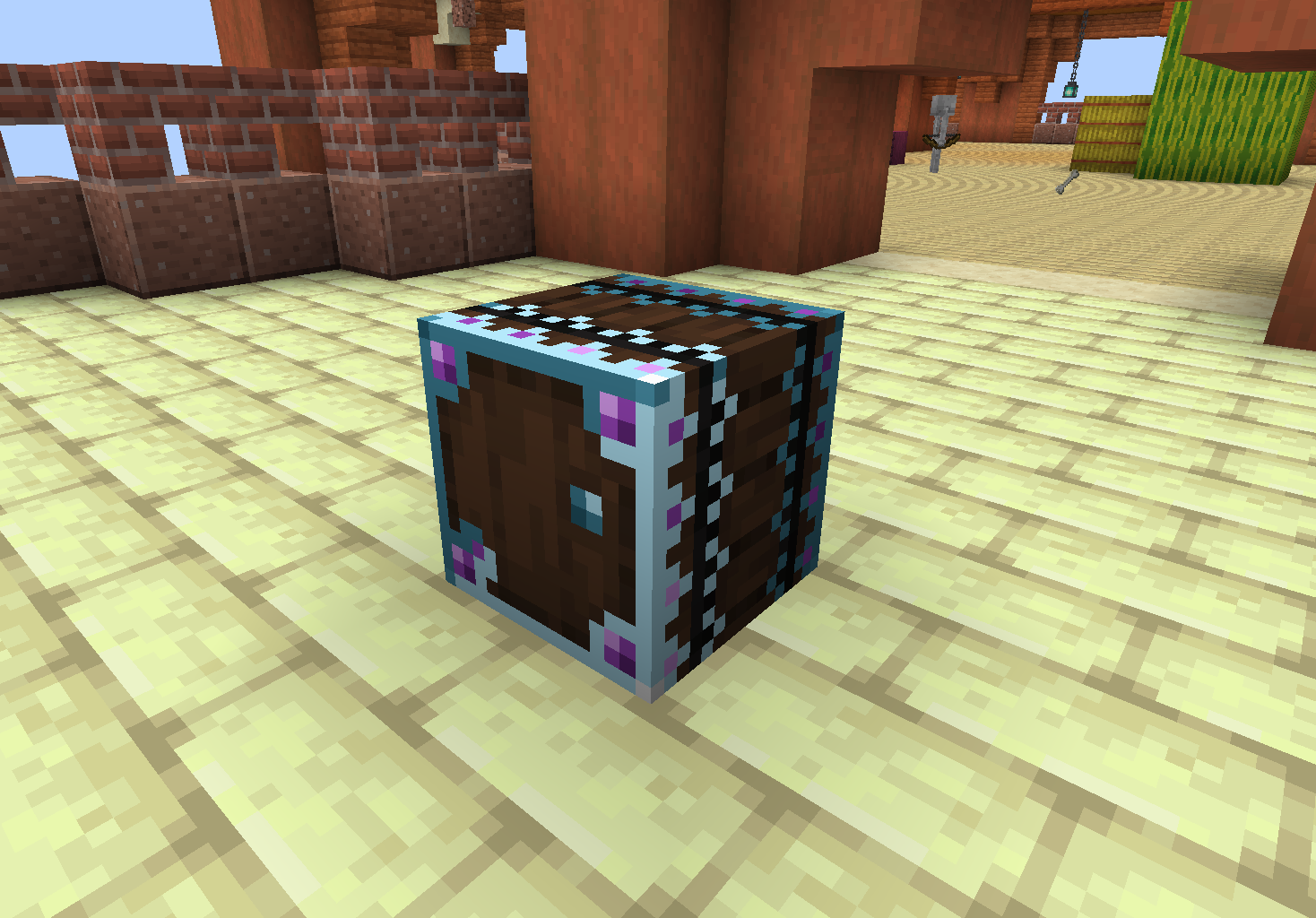
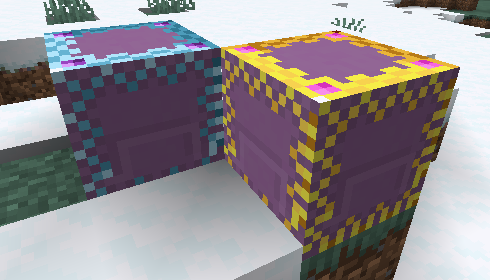
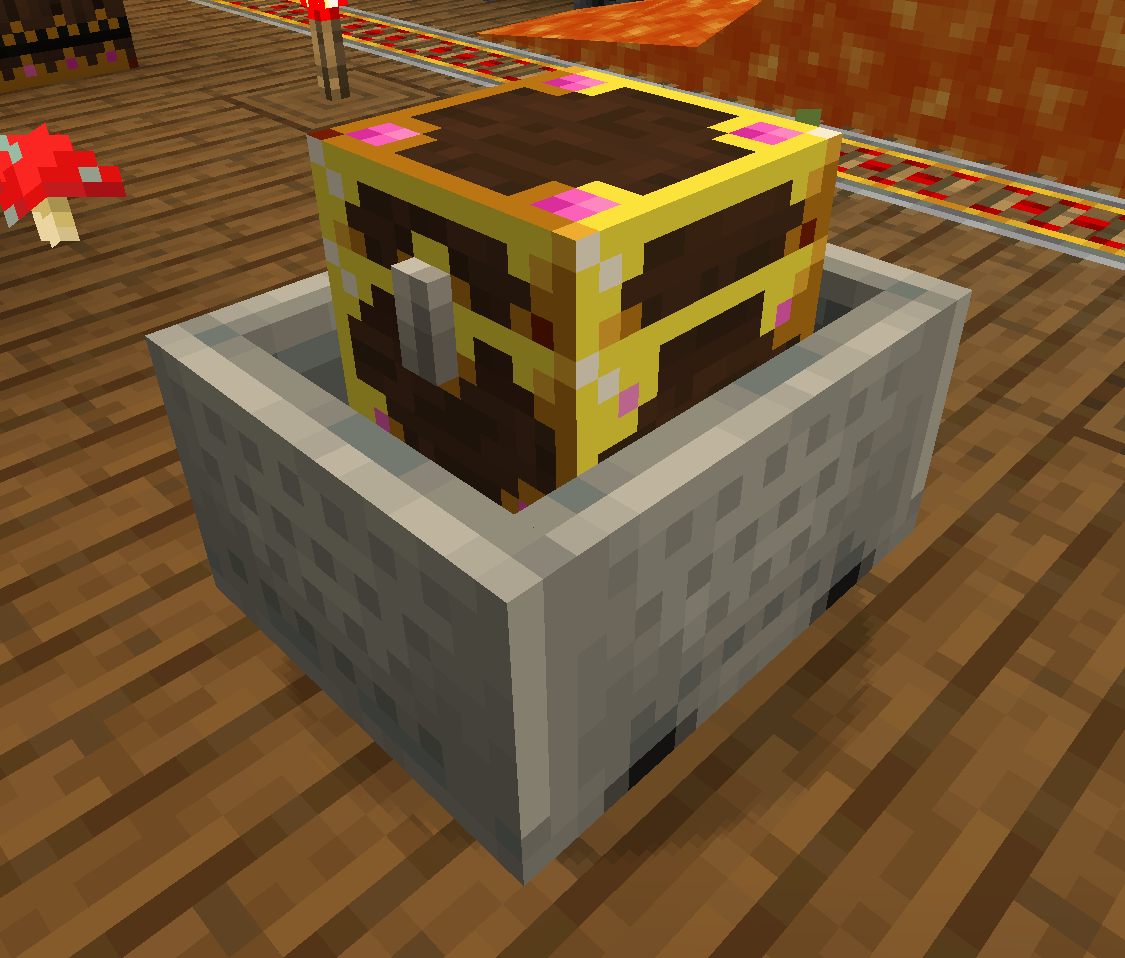
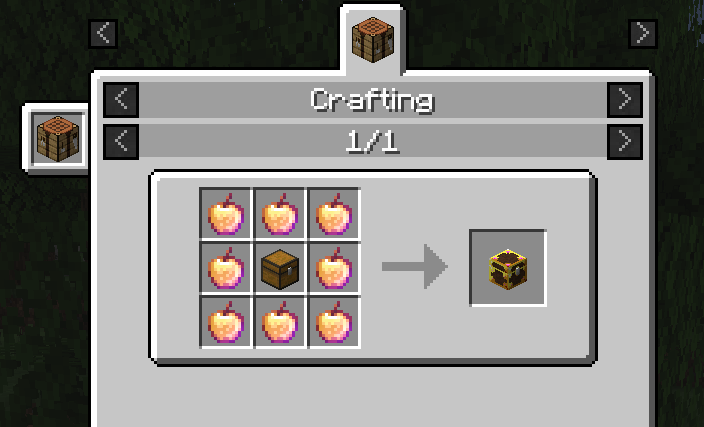




myLoot replaces world-generated loot containers such as loot chests and barrels with a special myLoot container variant that has instanced loot per player. This means each player can loot whatever they want out of any loot chest and other players will still have access to the original loot - providing a better looting experience!
No more logging onto a multiplayer server to find chunks within a 5000 block radius have already been looted by your friends. Loot for all
myLoot is useful in singleplayer servers as well - you can visually see which loot chests you have already opened so you don't end up getting lost and re-looting areas
All replacement works in modded structures as well as vanilla (dungeons, villages, strongholds, dimensions, etc.)
This mod requires:
1. How does inserters/extractors such as hoppers/pipes affect the myLoot containers?
Modifying a myLoot container's inventory before player opening - such as using hoppers to add/remove items - should not affect the player's instanced inventory. The original rolled loot will persist so any player opening a myLoot container for the first time will still get the original loot.
Also, myLoot containers essentially have an invisible inventory that contains the original non-player instanced inventory. Modifying that inventory via inserters/extractors such as hoppers/pipes will work, but when a player breaks the myLoot container, only additions to the original rolled loot will drop (plus the player's instanced inventory who broke the myLoot container if applicable). This is to prevent mass duplication of loot (however duplication of the original loot one time is still possible... I haven't yet found a way to prevent this without being invasive i.e. I don't want to break any code, vanilla or modded, that has logic around a loot container's inventory so I can't just delete the original invisible inventory).
The mechanics of myLoot containers changing appearance when opened by a player, and the stylish glowing texture design are heavily inspired by the Forge Lootr mod - but everything else was originally made from scratch. myLoot is not a direct port of Lootr, and features will be different. An official port of Lootr to Fabric is in the works. Please see https://github.com/spoorn/myLoot/issues/1

Project description from CurseForge.
Pick your setup
Choose the version and loader you play, then open the matching release.
Showing the newest 12 of 31 game versions. Older files are in the list below.
Check the dependencies, then try the file in a copied instance before changing a world you care about.
Recent files
myloot-4.0.3-1.20.1.jar
24 Jul 2023
myloot-4.0.2-1.20.1.jar
20 Jul 2023
myloot-4.0.1-1.20.1.jar
18 Jul 2023
myloot-4.0-1.20.1.jar
17 Jul 2023
myloot-3.2-1.19.3.jar
6 Feb 2023
myloot-3.1-1.19.2.jar
19 Nov 2022
myloot-3.0.4-1.19.2.jar
1 Nov 2022
myloot-3.0.3-1.19.2.jar
31 Oct 2022
myloot-2.1.4-1.18.jar
7 Aug 2022
myloot-3.0.2-1.19.1.jar
7 Aug 2022
myloot-3.0.1-1.19.1.jar
31 Jul 2022
myloot-3.0-1.19.jar
27 Jun 2022
Looking for an older file? The official CurseForge project page is in Resources.
 mod
modThis mod adds a claims and raids mechanics
 mod
modForge your destiny through collectible classes, powerful evolutions, dangerous mobs, and endless RPG progression.
 mod
modA superhero flight mod and an API for my work-in-progress Viltrumite mod
