Patchouli Needed by urushi-1.20.1-6.7.0.jar
requiredMatching file found Matched file: Patchouli-1.20.1-85-FORGE.jar

CurseForge · Minecraft mod
a lot of japanese blocks and magical items
Quick answer
urushi-1.20.1-6.7.0.jar targets 1.20.1 with Forge. The project page does not say whether this file belongs on the client, dedicated server, or both. All 1 required mods have matching files.
Where it goes
The project page does not say whether this file belongs on the client, dedicated server, or both.
The source does not explicitly classify this release as client-only or server-only.
urushi-1.20.1-6.7.0.jar. Change the file and its required mods may change too.
Install Patchouli first. We found matching files for this game-version and loader setup.
We only count dependency files that match this setup. A file for another loader does not fill the gap.
Before you install it
Built for urushi-1.20.1-6.7.0.jar. Pick another file and the loader, install side or required mods may change.
Use urushi-1.20.1-6.7.0.jar. It targets 1.20.1 with Forge; another release may have different loader, side or dependency requirements.
Install Patchouli first. We found matching files for this game-version and loader setup.
The project page does not say whether this file belongs on the client, dedicated server, or both.
Use the “Get this file” button beside urushi-1.20.1-6.7.0.jar. It opens that exact file at the source.
About this project
Minecraft Forge is required.
Using with Patchouli is recommended since 1.19.2-5.2.0.
This mod adds a lot of japanese blocks, items, entities, and so on.
To get more information about this mod, read Minecraft Japan Wiki (日本語/Japanese).
If you want to report a bug or a question, please tell me on discord server for contact iwaliner.
和風の建材や食べ物などを多数追加します。
魔術要素は現在開発中のため、あまり充実してないです。
1.19.2-5.2.0以降は Patchouli と同時に導入することを推奨します。解説本が手に入るようになります。
レシピやチュートリアルなど、漆MODについて詳しいことが知りたい方は**漆MODのWIki**をご覧ください。
**漆MOD公式ディスコードサーバーもあります。
バグ報告や質問やその他の連絡はイワライナーへの連絡専用Discordサーバー**でお願いします。
Boothにて漆MOD公式グッズを販売中!
Other Links about Urushi MOD ↓ ↓
Minecraft Japan Forum (日本語/Japanese)
Minecraft Japan Wiki (日本語/Japanese)
Author's Twitter (日本語/Japanese)
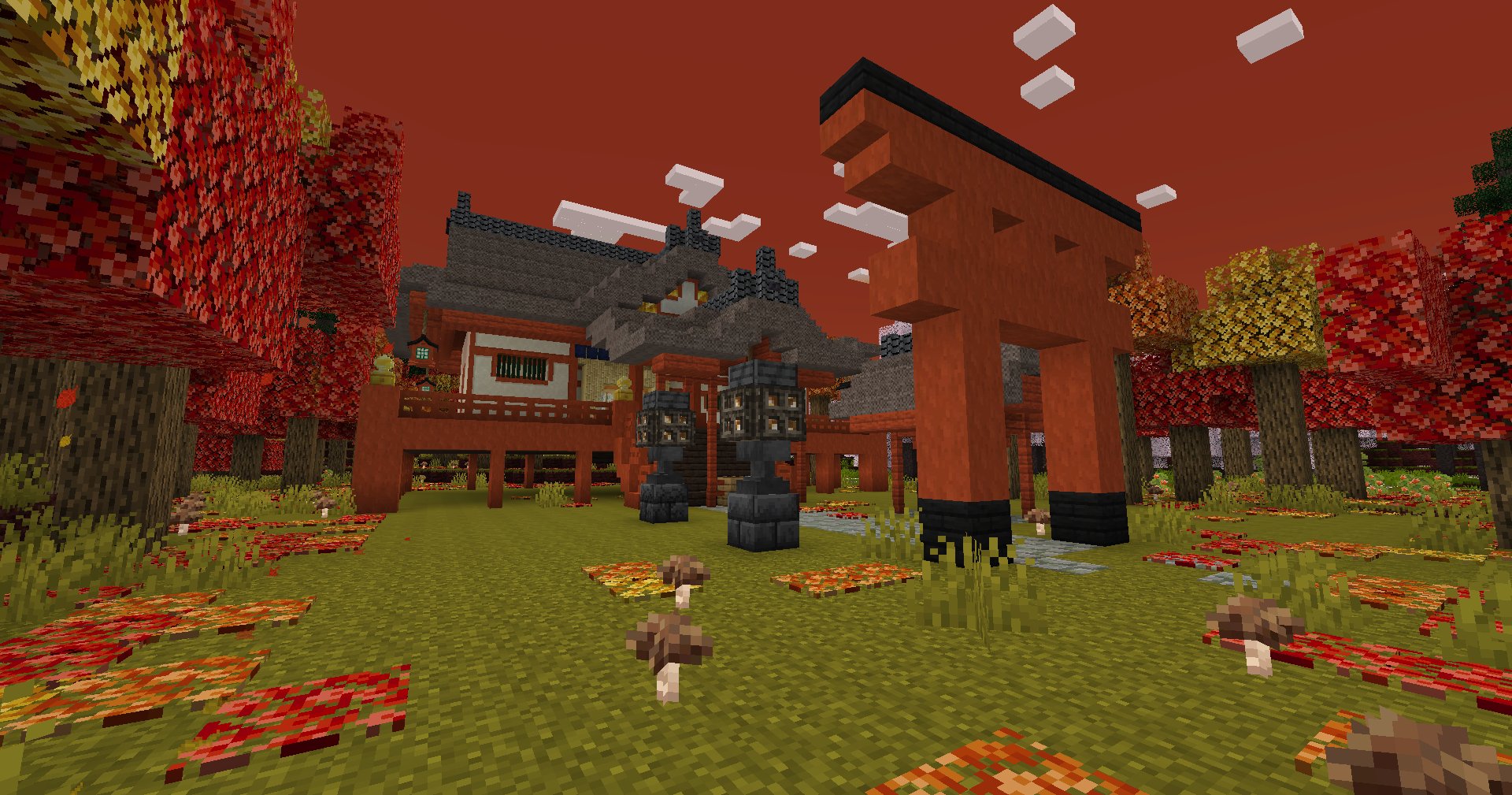
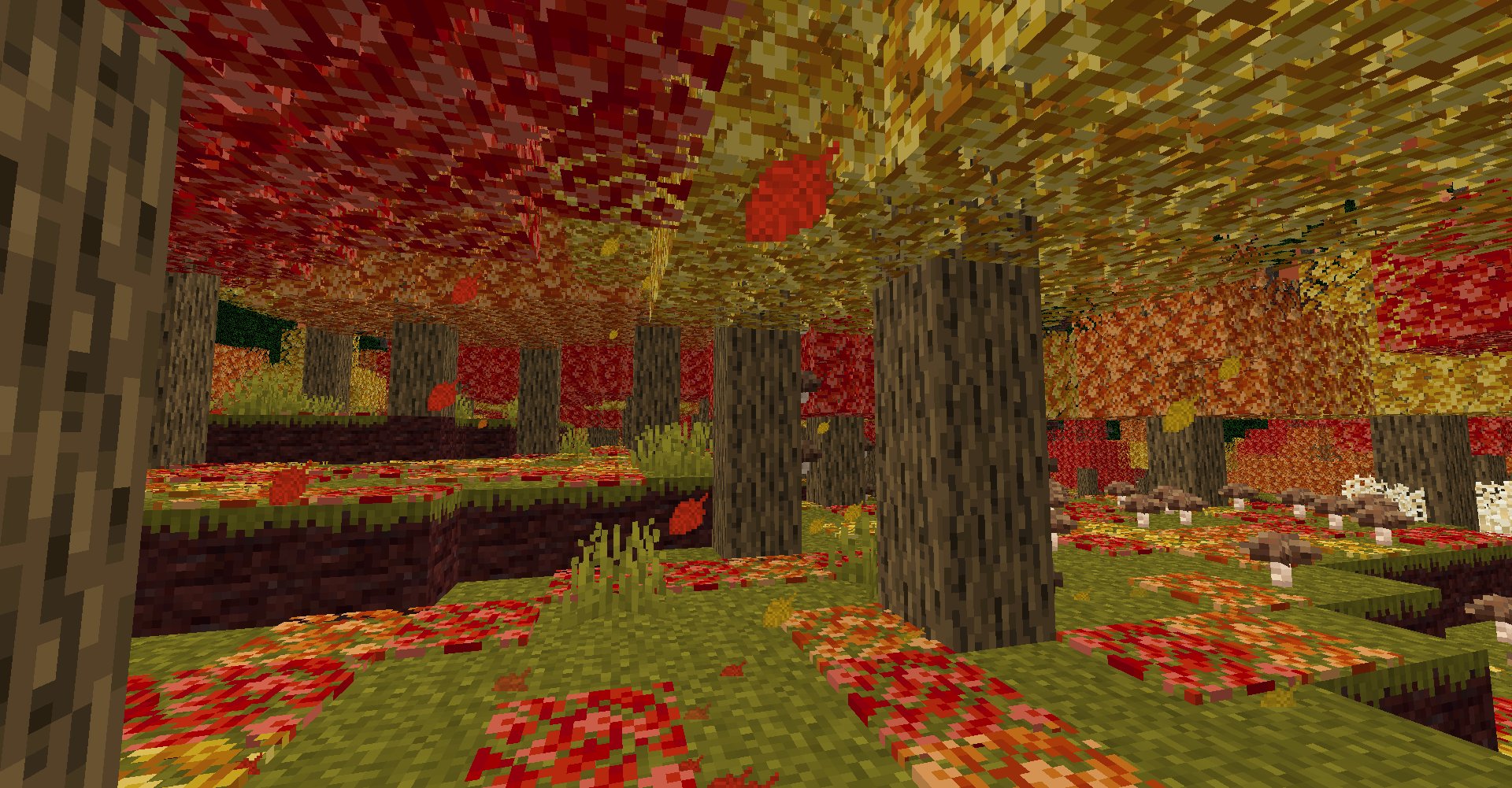
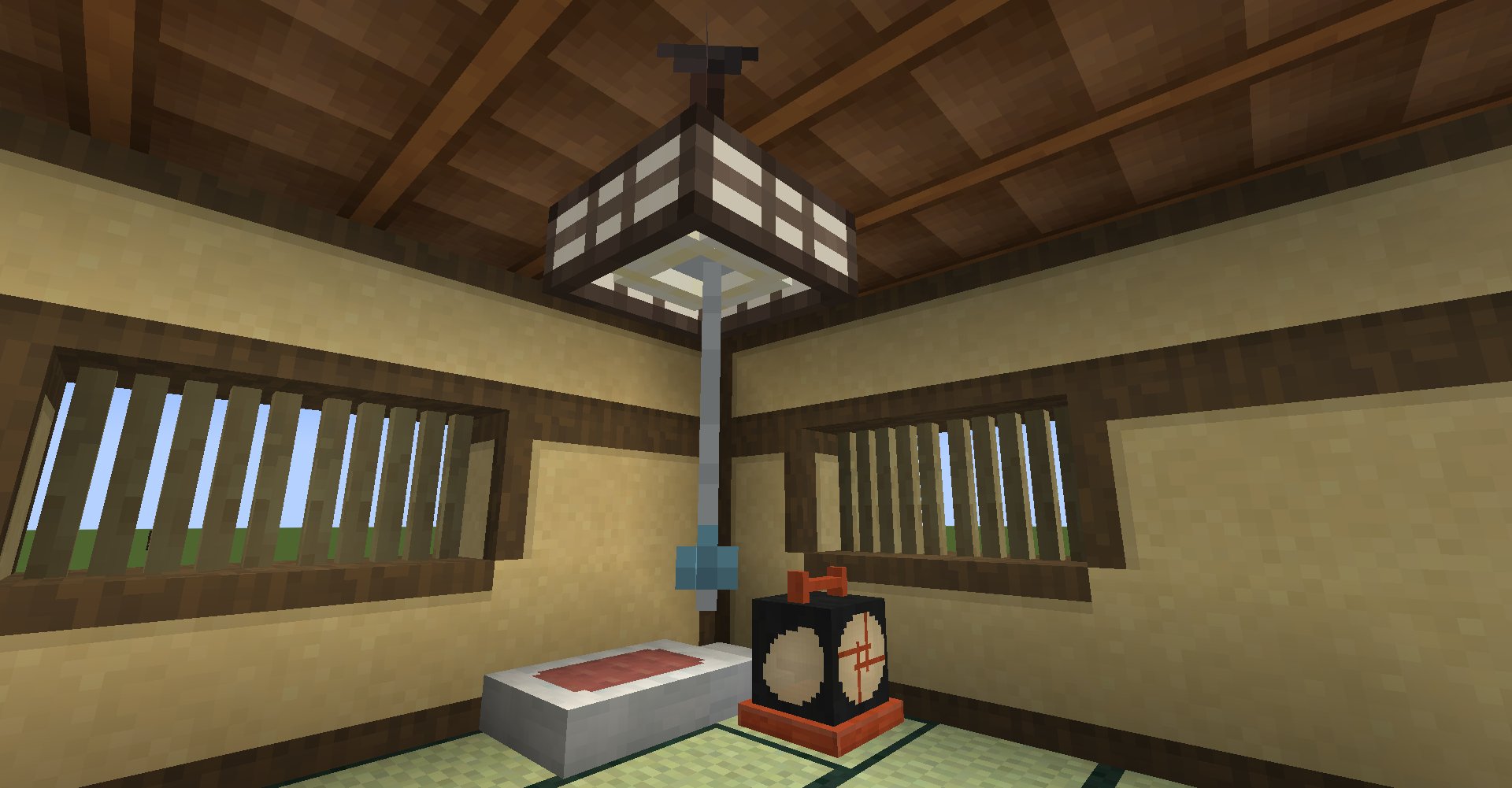
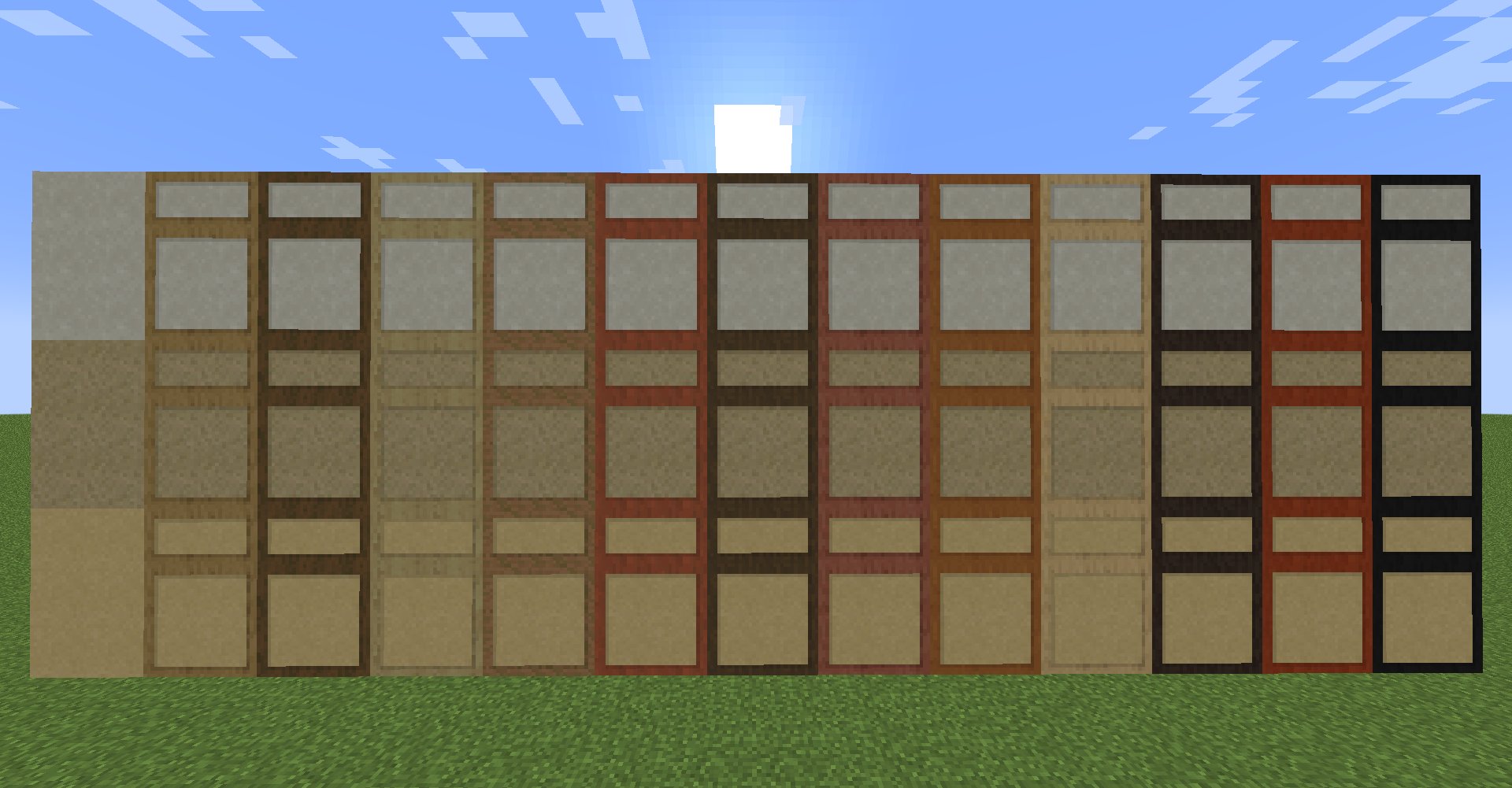

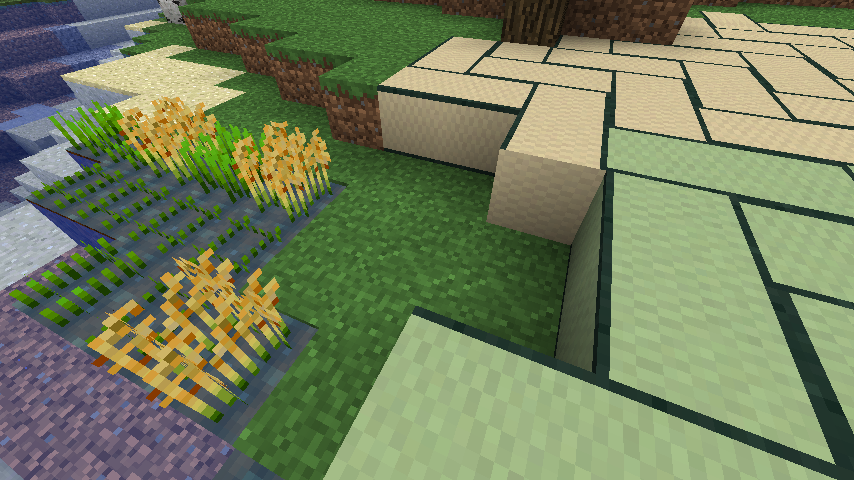
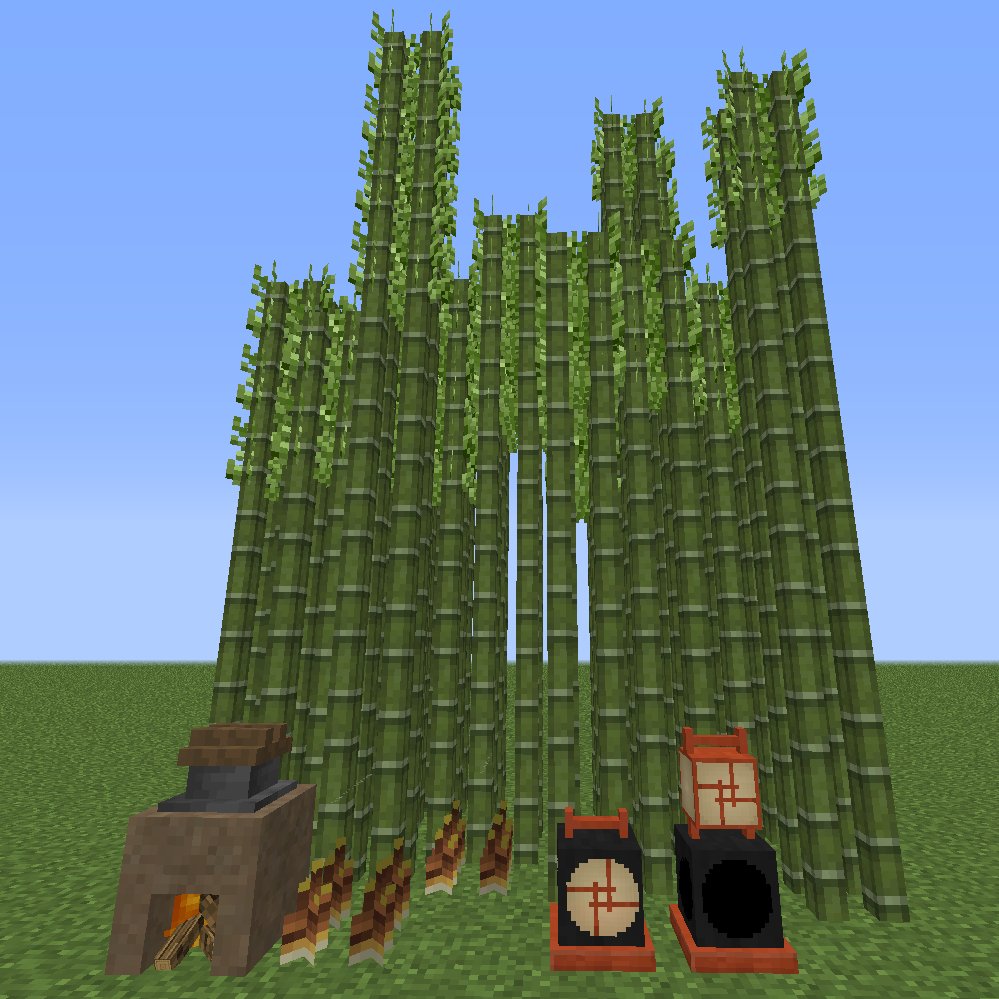
Cook rice on a Dirt Furnace!
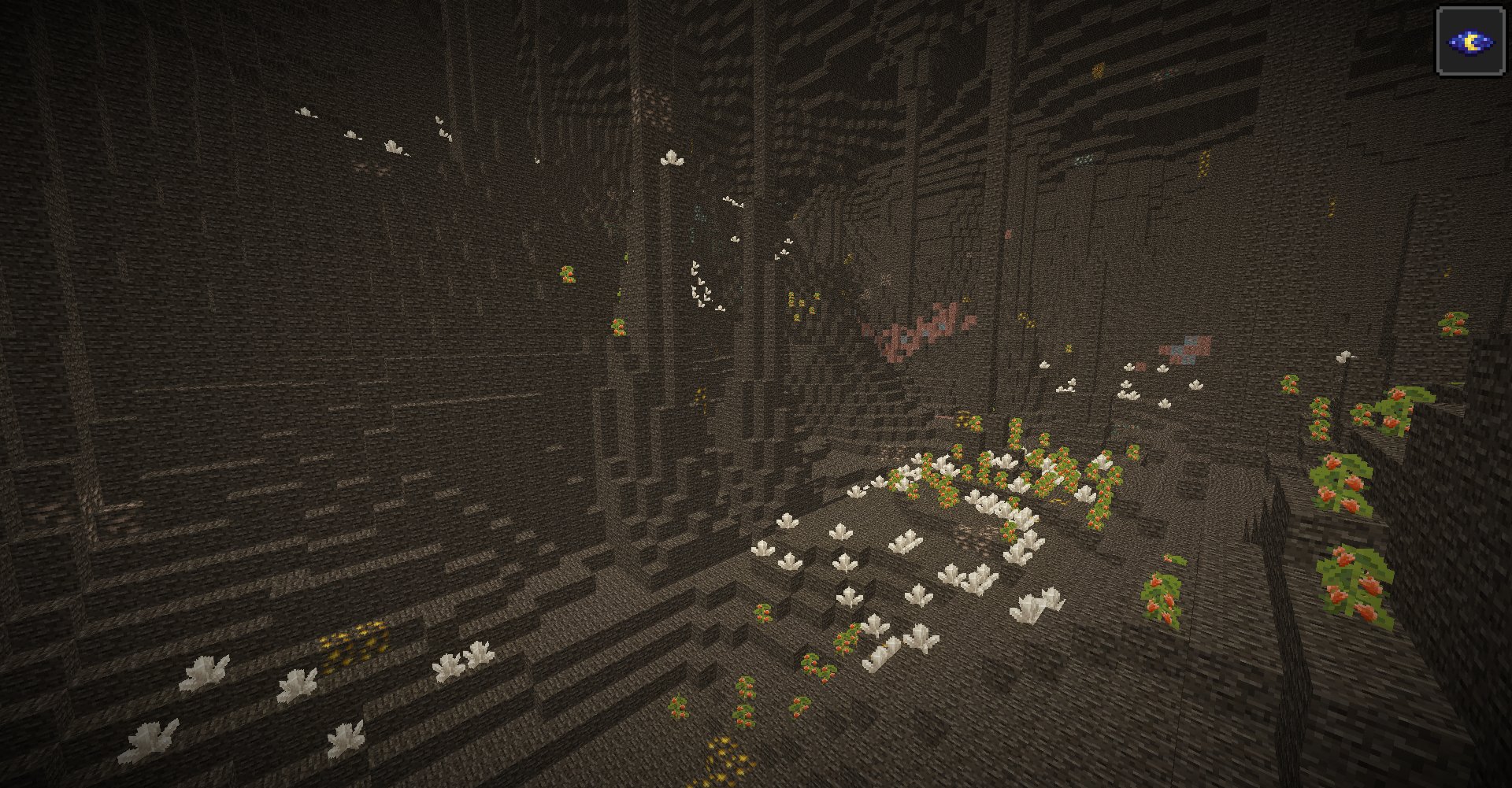
Project description from CurseForge.
Pick your setup
Choose the version and loader you play, then open the matching release.
Check the dependencies, then try the file in a copied instance before changing a world you care about.
Recent files
18 Oct 2026
30 Mar 2026
5 Jan 2026
8 Oct 2025
4 Oct 2025
7 Jul 2025
19 May 2025
12 May 2025
26 Mar 2025
15 Mar 2025
13 Jan 2025
1 Jan 2025
Looking for an older file? The official CurseForge project page is in Resources.
 mod
modAnime-inspired spells, cinematic VFX, Shogun armor and a powerful 18-slot grimoire for Iron’s Spells ’n Spellbooks. Forge 1.20.1.
 mod
modA Minecraft mod that improves the statistics screen and makes it more useful.
 mod
modAdapted from Mitsuki and Caerula Arbor from Arknights, which adds varieties of water mobs invading the Land.