Minecraft version
Back to mods 
Modrinth · Minecraft mod
MC Paint
Datapack that lets you create and place custom paintings in-game
Choose a version Pick your version below, then grab the matching file.
Quick answer
Which MC Paint release should I use?
Latest stable file 1.9.0+mod
Game version 26.2
Loader Fabric, Forge, NeoForge
MC Paint 1.9.0+mod targets 26.2 with Fabric, Forge, NeoForge. Installation on the client is optional. Installation on the dedicated server is optional. No extra mods listed for this file.
Where it goes
Is MC Paint required on the client, server, or both?
Installation on the client is optional. Installation on the dedicated server is optional.
Client Optional
Dedicated server Optional
Loader for this release Fabric, Forge, NeoForge
Required install it here Optional supported, not mandatory Not supported do not install here Source doesn’t say do not assume
The source marks this as usable on both the client and server.
What else does MC Paint 1.9.0+mod need?
1.9.0+mod. Change the file and its required mods may change too.
This file does not list any required mods. Do not add a library just because a different file uses it.
This file does not list any required or optional mods.
Before you install it
Add MC Paint without breaking your instance.
Built for MC Paint 1.9.0+mod. Pick another file and the loader, install side or required mods may change.
- 01
Stick to this file
Use 1.9.0+mod. It targets 26.2 with Fabric, Forge, NeoForge; another release may have different loader, side or dependency requirements.
- 02
Bring the mods it needs
This file does not list any required mods. Do not add a library just because a different file uses it.
- 03
Put it on the correct side
Installation on the client is optional. Installation on the dedicated server is optional.
- 04
Pick the file you checked
Use the “Get this file” button beside 1.9.0+mod. It opens that exact file at the source.
About this project
What does MC Paint add?

MC Paint
Welcome to MC Paint! For a full explanation of all content, check out the official wiki.
MC Paint is a datapack that lets you create custom paintings in-game. It does this by making use of text displays with a custom font to render coloured text as the pixels of a custom drawing. The datapack is designed to be simple to use, and fully survival-friendly.
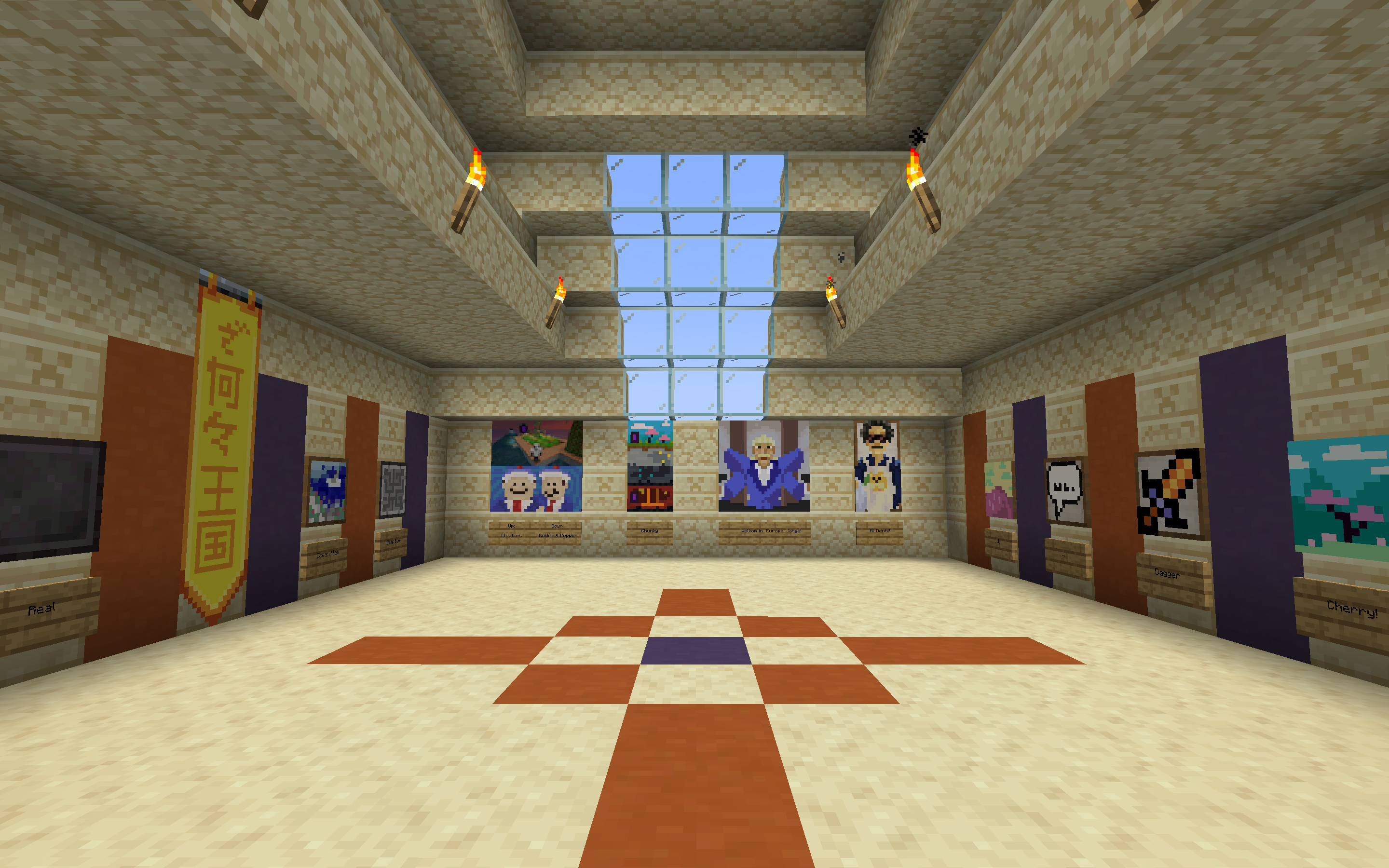
Create your own art gallery!
The pack adds a Studio block, which lets you create paintings. You can also export these as Custom Paintings which you can place anywhere, even on floors and ceilings! There are also many customisation options which lets you decorate in just the right way for you.
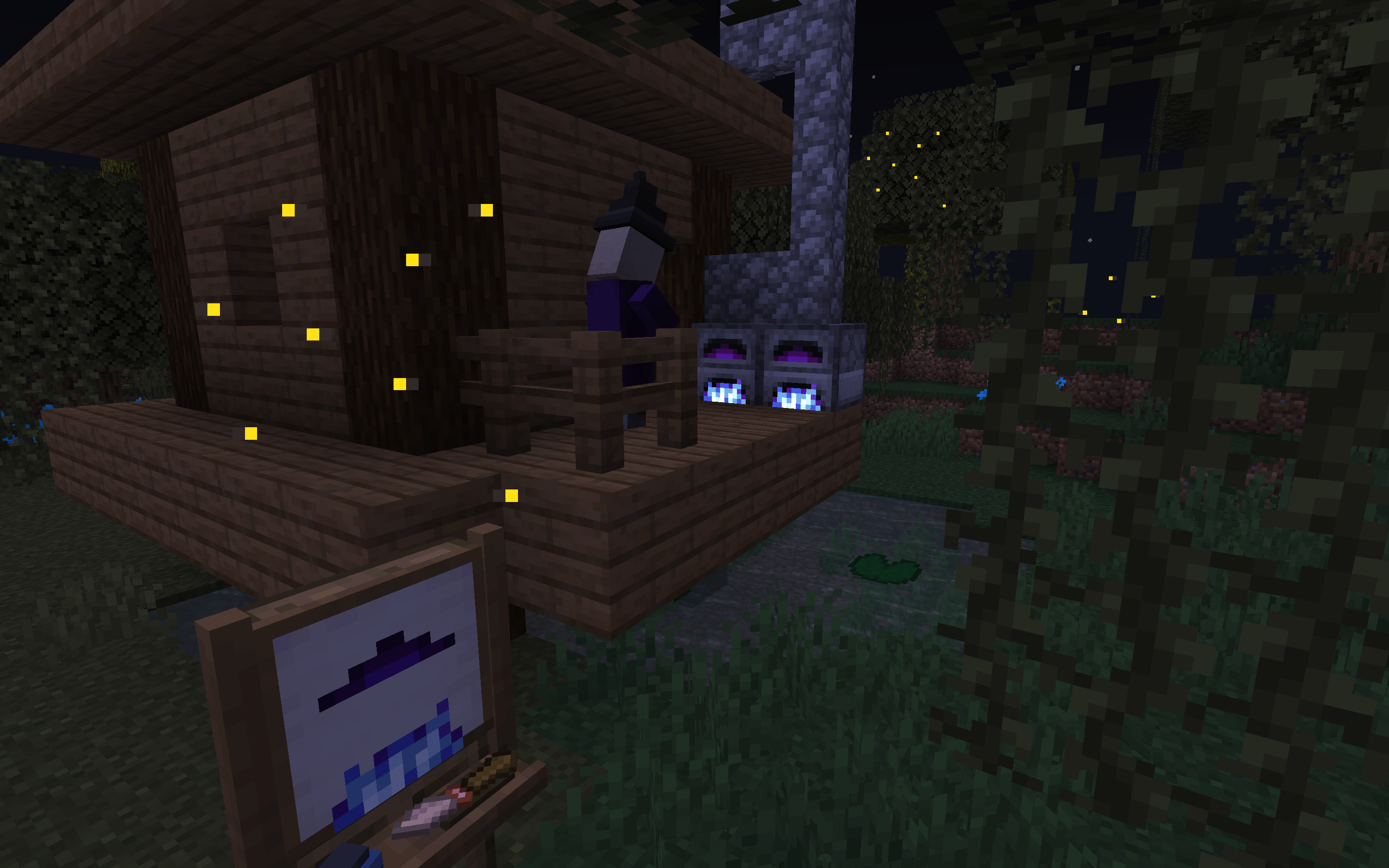
What mysteries unfold in this treacherous swamp?
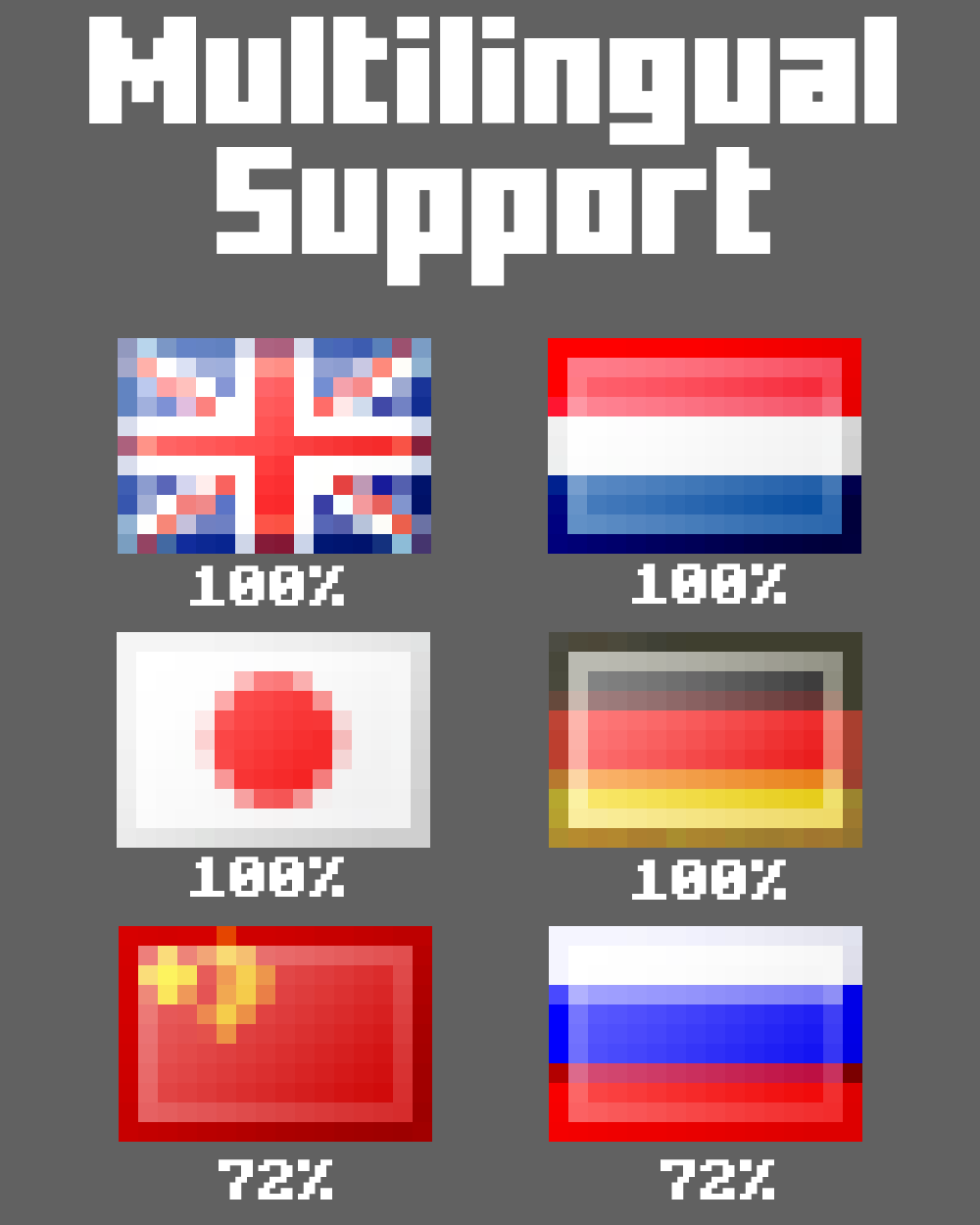
You can use MC Paint in 6 different languages!
FAQ
Where can I find the resource pack on Modrinth?
)
Project description from Modrinth.
Pick your setup
MC Paint by Minecraft version and loader
Choose the version and loader you play, then open the matching release.
Minecraft version
1.21.11
5 loader buildsMinecraft version
1.21.10
5 loader buildsMinecraft version
1.21.9
5 loader buildsMinecraft version
1.21.8
5 loader buildsMinecraft version
1.21.7
5 loader buildsMinecraft version
1.21.6
5 loader buildsMinecraft version
1.21.4
5 loader buildsMinecraft version
1.21.3
5 loader buildsMinecraft version
1.21.2
5 loader buildsMinecraft version
1.21.1
4 loader buildsMinecraft version
1.21
4 loader buildsShowing the newest 12 of 20 game versions. Older files are in the list below.
Check the dependencies, then try the file in a copied instance before changing a world you care about.
Recent files
MC Paint versions and loaders
1.9.0+mod
mc-paint-1.9.0.jar
3 Jul 2026
Client Optional Server Optional Dependencies No extras listed Listed on Release listing
Check the 26.2 · Fabric setup 26.2FabricForgeNeoForge release
1.9.0
mc_paint_v1.9.0_data_pack.zip
3 Jul 2026
Client Optional Server Optional Dependencies No extras listed Listed on Release listing
Check the 26.2 · datapack setup 26.2datapack release
1.7.0+mod
mc-paint-1.7.0.jar
19 Dec 2025
Client Optional Server Optional Dependencies No extras listed Listed on Release listing
Check the 1.21.11 · Fabric setup 1.21.11FabricForgeNeoForge release
1.7.0
mc_paint_v1.7.0_data_pack.zip
19 Dec 2025
Client Optional Server Optional Dependencies No extras listed Listed on Release listing
Check the 1.21.11 · datapack setup 1.21.11datapack release
1.6.0
mc_paint_v1.6.0_data_pack.zip
25 Aug 2025
Client Optional Server Optional Dependencies No extras listed Listed on Release listing
Check the 1.21.10 · datapack setup 1.21.61.21.71.21.81.21.9 release
1.6.0+mod
mc-paint-1.6.0.jar
25 Aug 2025
Client Optional Server Optional Dependencies No extras listed Listed on Release listing
Check the 1.21.10 · Fabric setup 1.21.61.21.71.21.81.21.9 release
1.5.0
mcpaint-v1.5.0-datapack.zip
30 Nov 2024
Client Optional Server Optional Dependencies No extras listed Listed on Release listing
Check the 1.21.4 · datapack setup 1.21.4datapack release
1.5.0+mod
mc-paint-1.5.0.jar
30 Nov 2024
Client Optional Server Optional Dependencies No extras listed Listed on Release listing
Check the 1.21.4 · Fabric setup 1.21.4FabricForgeNeoForge release
1.4.0
mcpaint-v1.4.0-datapack.zip
23 Oct 2024
Client Optional Server Optional Dependencies No extras listed Listed on Release listing
Check the 1.21.3 · datapack setup 1.21.21.21.3datapack release
1.4.0+mod
mc-paint-1.4.0.jar
23 Oct 2024
Client Optional Server Optional Dependencies No extras listed Listed on Release listing
Check the 1.21.3 · Fabric setup 1.21.21.21.3FabricForge release
1.3.1
mcpaint-v1.3.1-datapack.zip
5 Aug 2024
Client Optional Server Optional Dependencies No extras listed Listed on Release listing
Check the 1.21.1 · datapack setup 1.211.21.1datapack release
1.3.1+mod
mc-paint-1.3.1.jar
5 Aug 2024
Client Optional Server Optional Dependencies No extras listed Listed on Release listing
Check the 1.21.1 · Fabric setup 1.211.21.1FabricForge release
Looking for an older file? The official Modrinth project page is in Resources.
 mod
mod CurseForge + Modrinth · Minecraft
Legendary Block Entities
Forge port of EBE (Enhanced Block Entities). Improve FPS by optimizing block entities.
 mod
mod CurseForge + Modrinth · Minecraft
Create: Remote Terminal
Adds a remote terminal to access the Stock Keeper system.
 mod
mod Modrinth · Minecraft
BounceStyles
Data-driven GeckoLib Cosmetics mod Originally created for BounceSMP