Architectury API Needed by Continue Button Continued 1.1.0+26.1.2
requiredMatching file found Matched file: 20.1.17+neoforge

Modrinth · Minecraft mod
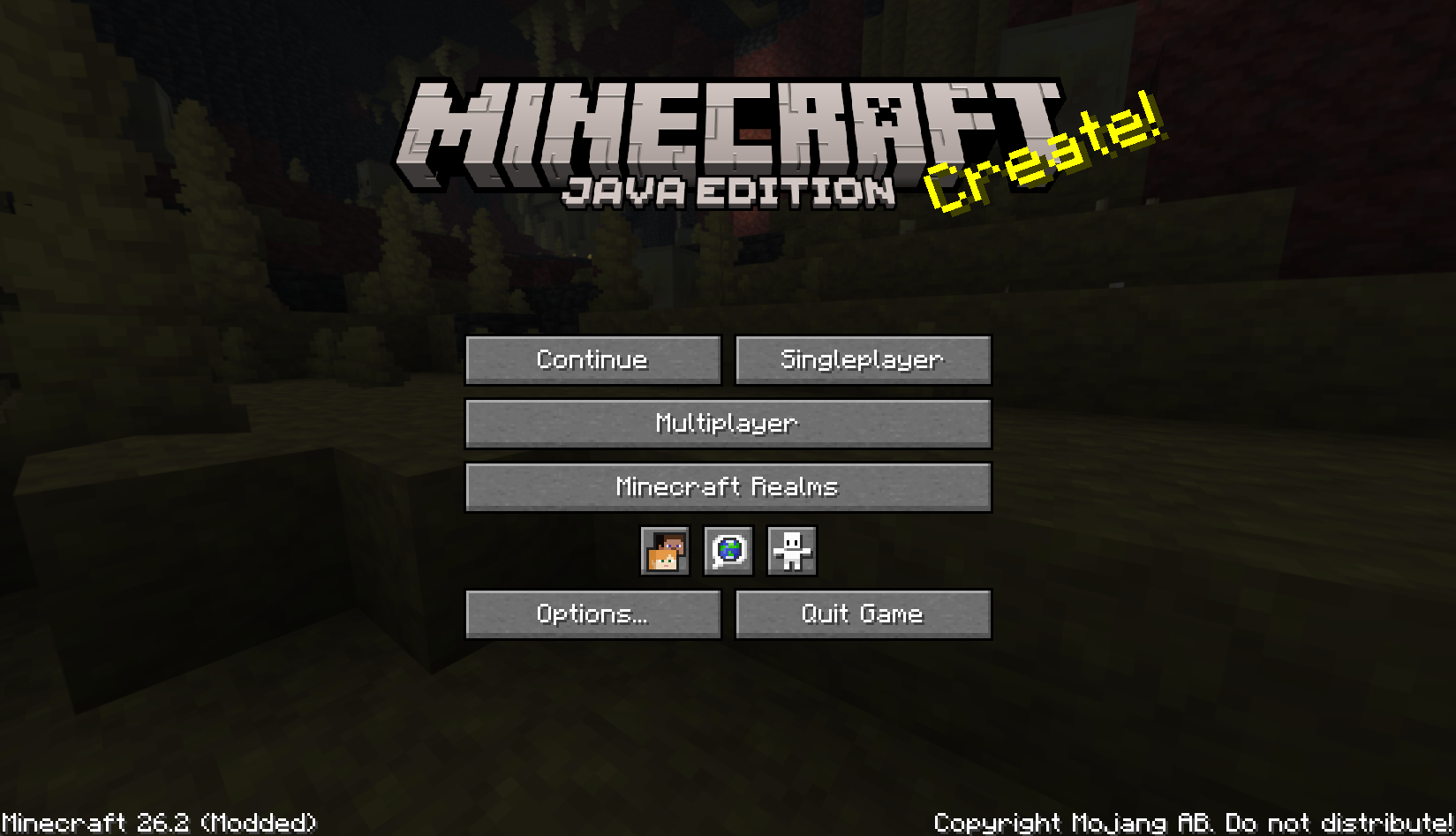
Continue the last save or server you played from the main screen. Continuation version of the Continue Button.
Quick answer
Continue Button Continued 1.1.0+26.1.2 targets 26.1, 26.1.1, 26.1.2 with NeoForge. It must be installed on the client. Do not install it on the dedicated server. All 1 required mods have matching files.
Where it goes
It must be installed on the client. Do not install it on the dedicated server.
This file is marked client-only.
1.1.0+26.1.2 on 26.1.2 NeoForge. Every mod below is checked against that same setup.
Install Architectury API first. We found matching files for this game-version and loader setup.
We only count dependency files that match this setup. A file for another loader does not fill the gap.
Before you install it
Built for Continue Button Continued 1.1.0+26.1.2 on 26.1.2 NeoForge. Pick another file and the loader, install side or required mods may change.
Use 1.1.0+26.1.2. It targets 26.1, 26.1.1, 26.1.2 with NeoForge; another release may have different loader, side or dependency requirements.
Install Architectury API first. We found matching files for this game-version and loader setup.
It must be installed on the client. Do not install it on the dedicated server.
Use the “Get this file” button beside 1.1.0+26.1.2. It opens that exact file at the source.
About this project
A lightweight Fabric and NeoForge client-side mod that adds a compact Continue button to
Minecraft's main menu.
Continue Button Continued remembers the last singleplayer world or multiplayer server you joined,
then lets you jump back in with one click from the title screen.
continuebutton configuration to continuebuttoncontinued when possible..jar file into your .minecraft/mods folder.The mod stores its last target in:
.minecraft/config/continuebuttoncontinued/config.properties
Older Continue Button installations used:
.minecraft/config/continuebutton/config.properties
On first launch, Continue Button Continued attempts to copy the legacy configuration into the new
location so existing users can keep their last saved world or server.
Continue Button Continued is a continued fork of
Continue Button by umollu.
This project is licensed under the MIT License.
The original Continue Button copyright notice is preserved in LICENSE, and the
continued project copyright notice has been added there as well.
Project description from Modrinth.
Pick your setup
Choose the version and loader you play, then open the matching release.
Check the dependencies, then try the file in a copied instance before changing a world you care about.
Recent files
continue-button-continued-neoforge-1.1.0+26.1.2.jar
3 Oct 2026
Looking for an older file? The official Modrinth project page is in Resources.


