Cloth Config API (Fabric/Forge/NeoForge) Optional for Wild Tool Access Wild_Tool_Access-1.19.2-1.4.1.jar
optionalMatching file found Matched file: [Fabric 1.19-1.19.2] v8.3.134

CurseForge · Minecraft mod
Adds an item quick select, inspired by the one in "Zelda: Breath of the Wild".
Quick answer
Wild Tool Access Wild_Tool_Access-1.19.2-1.4.1.jar targets 1.19.2, 1.19.1, 1.19 with Fabric. The project page does not say whether this file belongs on the client, dedicated server, or both. All 1 required mods have matching files.
Where it goes
The project page does not say whether this file belongs on the client, dedicated server, or both.
The source does not explicitly classify this release as client-only or server-only.
Wild_Tool_Access-1.19.2-1.4.1.jar on 1.19. Every mod below is checked against that same setup.
Install Fabric API first. We found matching files for this game-version and loader setup.
We only count dependency files that match this setup. A file for another loader does not fill the gap.
Before you install it
Built for Wild Tool Access Wild_Tool_Access-1.19.2-1.4.1.jar on 1.19. Pick another file and the loader, install side or required mods may change.
Use Wild_Tool_Access-1.19.2-1.4.1.jar. It targets 1.19.2, 1.19.1, 1.19 with Fabric; another release may have different loader, side or dependency requirements.
Install Fabric API first. We found matching files for this game-version and loader setup.
The project page does not say whether this file belongs on the client, dedicated server, or both.
Use the “Get this file” button beside Wild_Tool_Access-1.19.2-1.4.1.jar. It opens that exact file at the source.
About this project
This client side mod adds two customizable quick select bars, similar to the one in "The Legend of Zelda: Breath of the Wild", which you can open with hotkeys to quickly access all the tools, or any other item type you specify in the config, in your inventory. 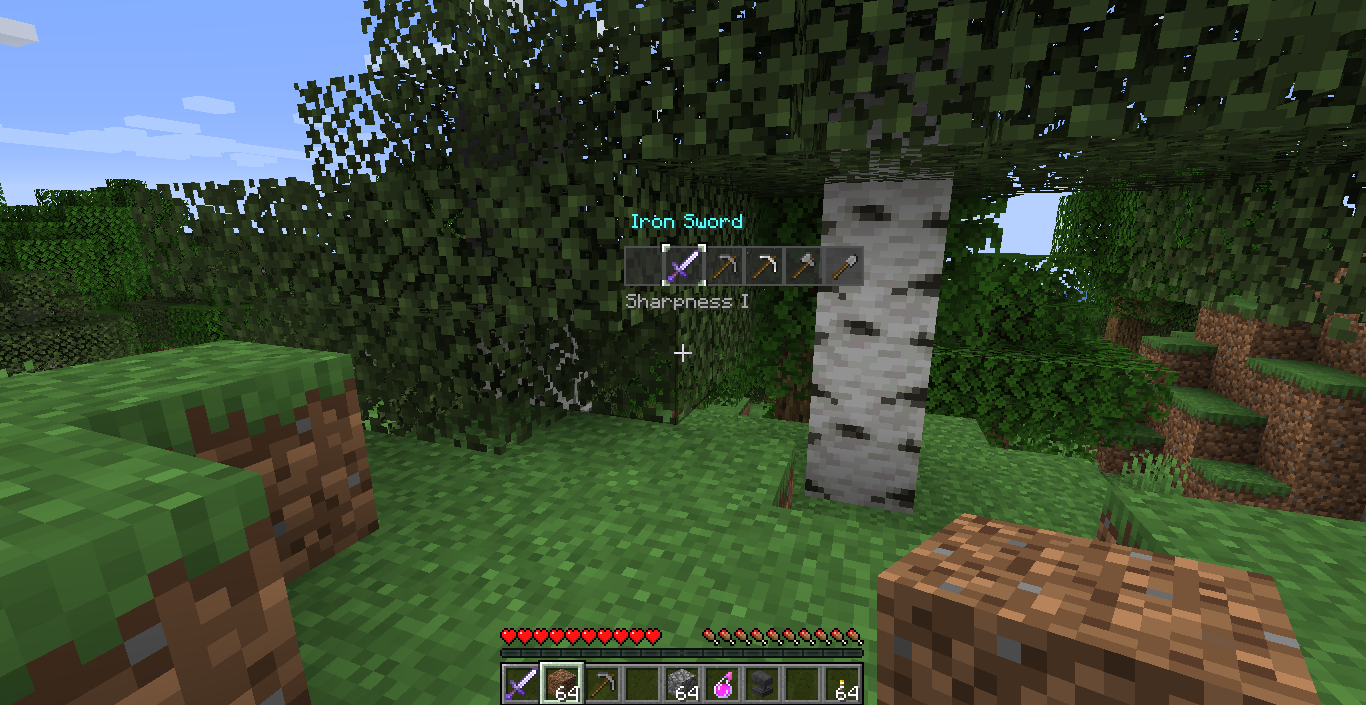
The config options can be changed in the config file or, with the help of Mod Menu, in game (requires Cloth Config API) and can be used to change:
and more. More detailed Information can be found here. If you encounter any bugs or have any suggestions, please let me know on the GitHub page, if you can. If you want to express your appreciation through money you can buy me an apple. ;)
Project description from CurseForge.
Pick your setup
Choose the version and loader you play, then open the matching release.
Showing the newest 12 of 13 game versions. Older files are in the list below.
Check the dependencies, then try the file in a copied instance before changing a world you care about.
Recent files
3 Dec 2023
22 Jul 2023
23 Jun 2023
7 Mar 2023
20 Oct 2022
23 Sept 2022
Looking for an older file? The official CurseForge project page is in Resources.
 mod
🤑 Influence trades - 🧱sand/dirt/glass Slabs - 🎁linked chest inventory- 🛠️place random block
 mod
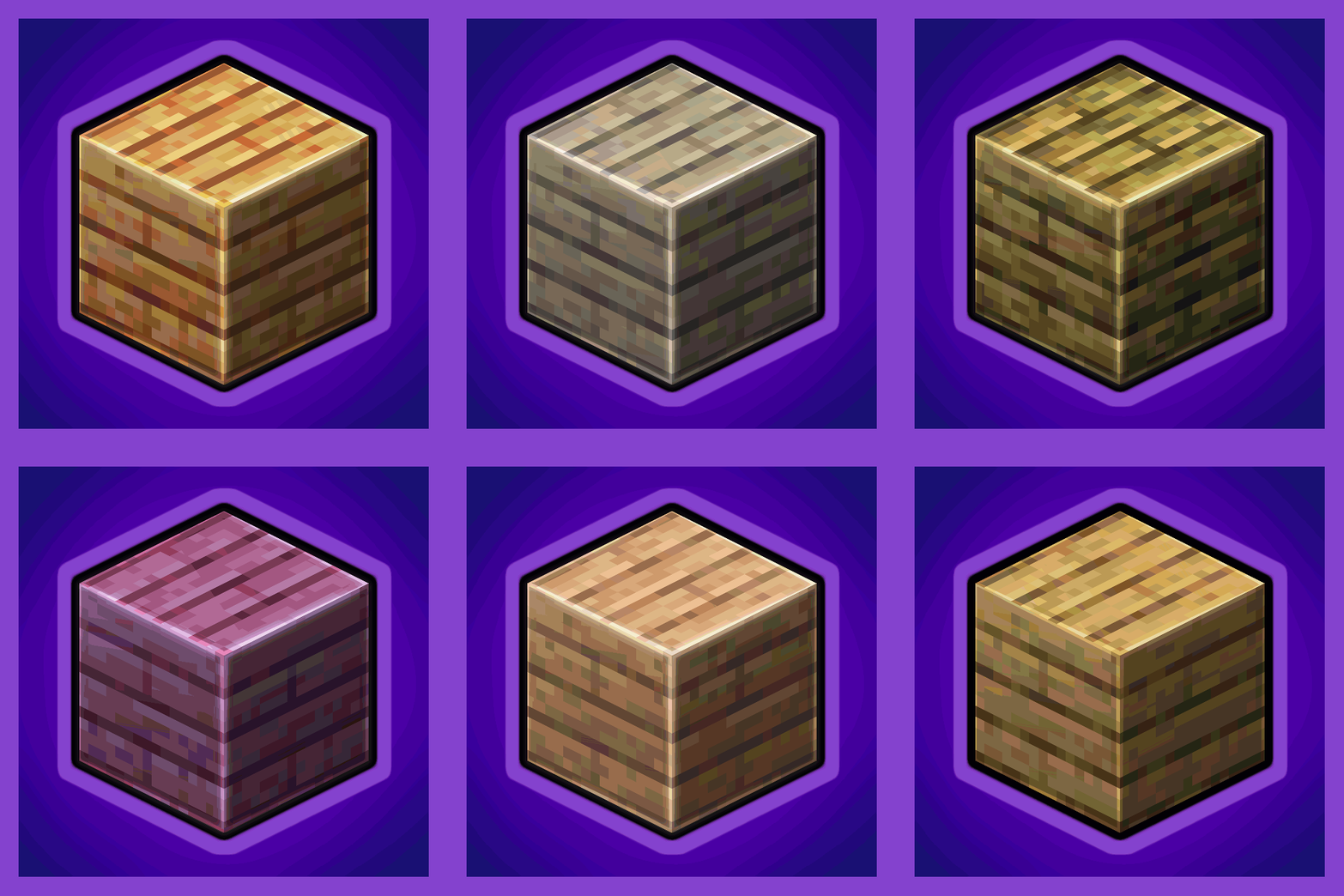
Universal Wood Compat: Quark, Twilight Forest, Twigs, Another Furniture, Farmers Delight, Macaw's, Valhelsia, Architects Palette, Deco Blocks, Crayfish FM
 mod
Backpack mod on all versions