Fabric API Needed by Spray Madness [1.19.X] Spray Madness 1.0.2
requiredMatching file found Matched file: [1.19.1] Fabric API 0.58.5+1.19.1
CurseForge · Minecraft mod
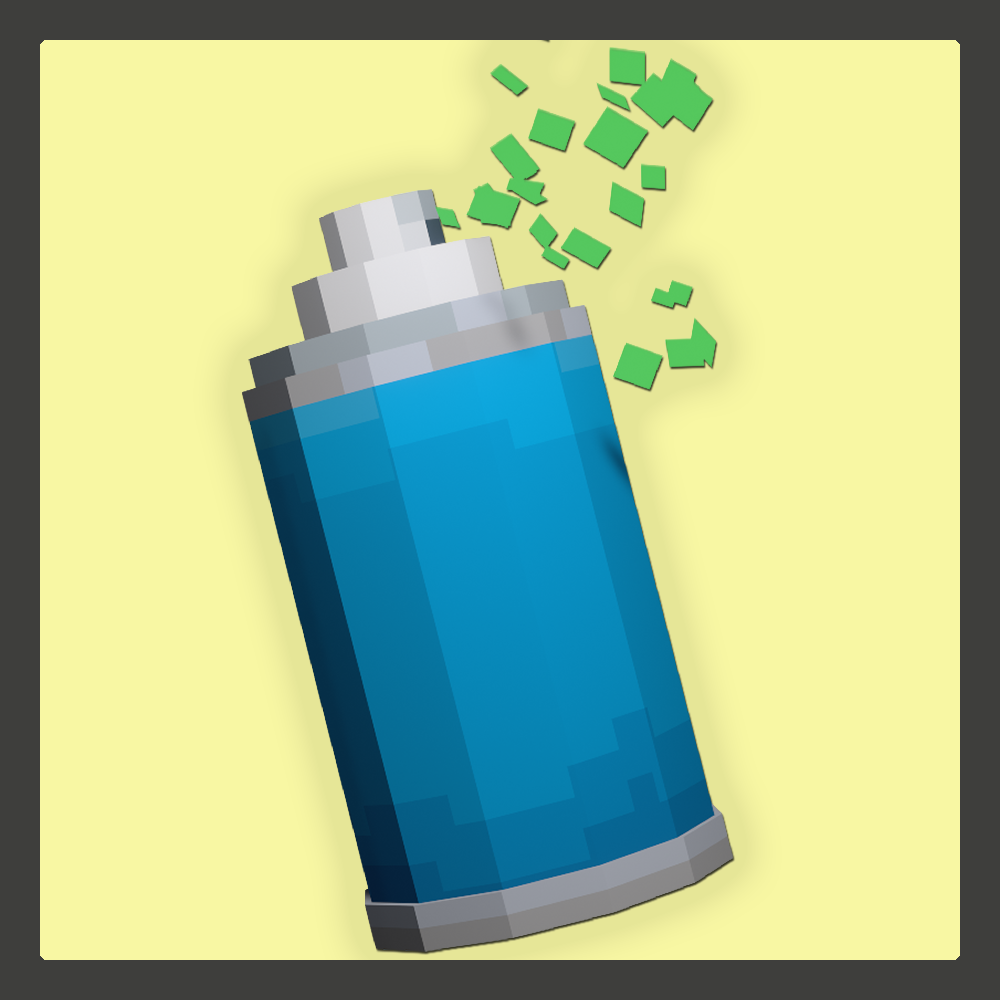
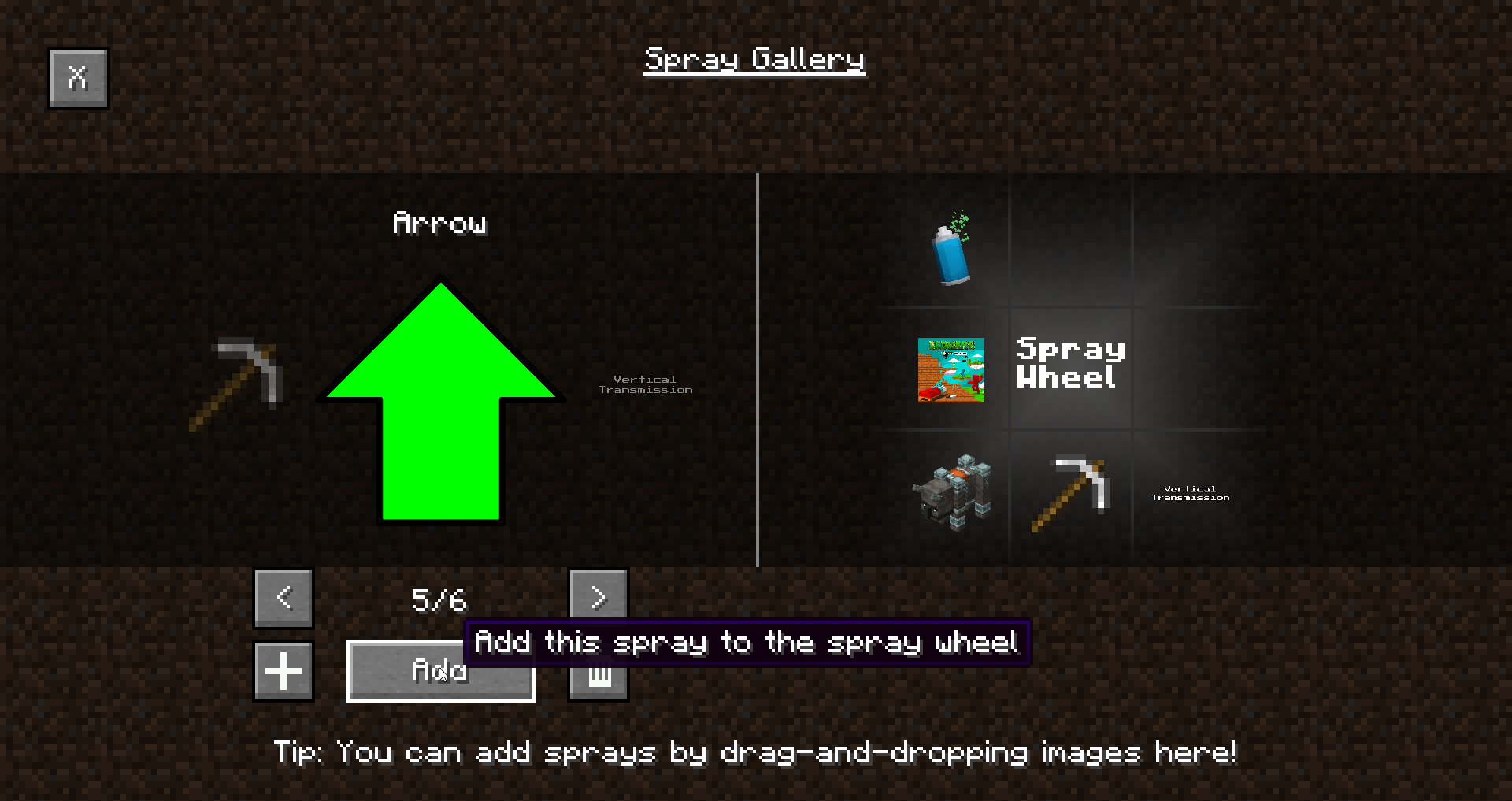
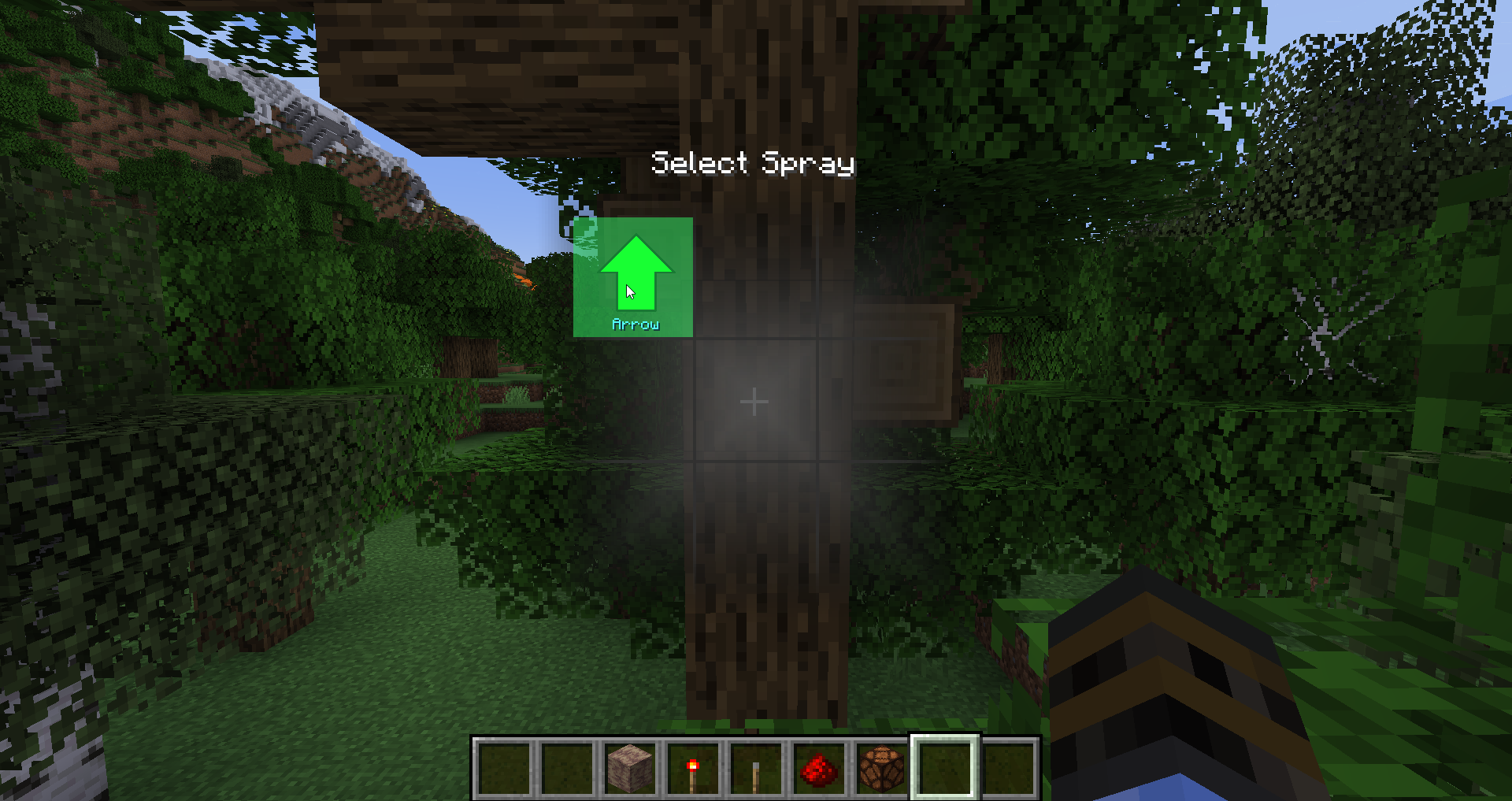
Adds the ability to spray customizable graffiti in your world. Spray whatever, wherever you want.
Quick answer
Spray Madness [1.19.X] Spray Madness 1.0.2 targets 1.19.1, 1.19 with Fabric. The project page does not say whether this file belongs on the client, dedicated server, or both. All 1 required mods have matching files.
Where it goes
The project page does not say whether this file belongs on the client, dedicated server, or both.
The source does not explicitly classify this release as client-only or server-only.
[1.19.X] Spray Madness 1.0.2. Change the file and its required mods may change too.
Install Fabric API first. We found matching files for this game-version and loader setup.
We only count dependency files that match this setup. A file for another loader does not fill the gap.
Before you install it
Built for Spray Madness [1.19.X] Spray Madness 1.0.2. Pick another file and the loader, install side or required mods may change.
Use [1.19.X] Spray Madness 1.0.2. It targets 1.19.1, 1.19 with Fabric; another release may have different loader, side or dependency requirements.
Install Fabric API first. We found matching files for this game-version and loader setup.
The project page does not say whether this file belongs on the client, dedicated server, or both.
Use the “Get this file” button beside [1.19.X] Spray Madness 1.0.2. It opens that exact file at the source.
About this project
Spray whatever, wherever you want with Spray Madness! This mod allows you to import custom images as graffiti and allows you to spray all surfaces in the game with them! Mark important locations, annotate Redstone contraptions, or decorate your base with fancy art! The best part? Everything is saved client-side, meaning if you spray something on a server or on a Realm, it will be saved!
Q: What kind of images can I load?
A: Any image as long as it's a PNG or a JPG!
Q: Can I modify what my sprays look like beyond images?
A: Strictly speaking, you can create a resource pack that overrides the spray shader to add whatever you want to it. Better support for shaders is planned.
Q: Why can't other players see my sprays?
A: Spray customization was the initial goal of this mod - allowing players to import custom sprays was the most important milestone for me. Making custom sprays visible to other players however would introduce the need to moderate and filter all uploaded sprays, or limit them in some other way. I don't have the ability to moderate sprays by hand, and I believe doing so automatically is wrong. I also feel like limiting options isn't the right solution. Thus, if there is enough demand, I may add support for server-defined sprays that everyone will be able to see, but for now, the mod will remain client-side.
Planned Features
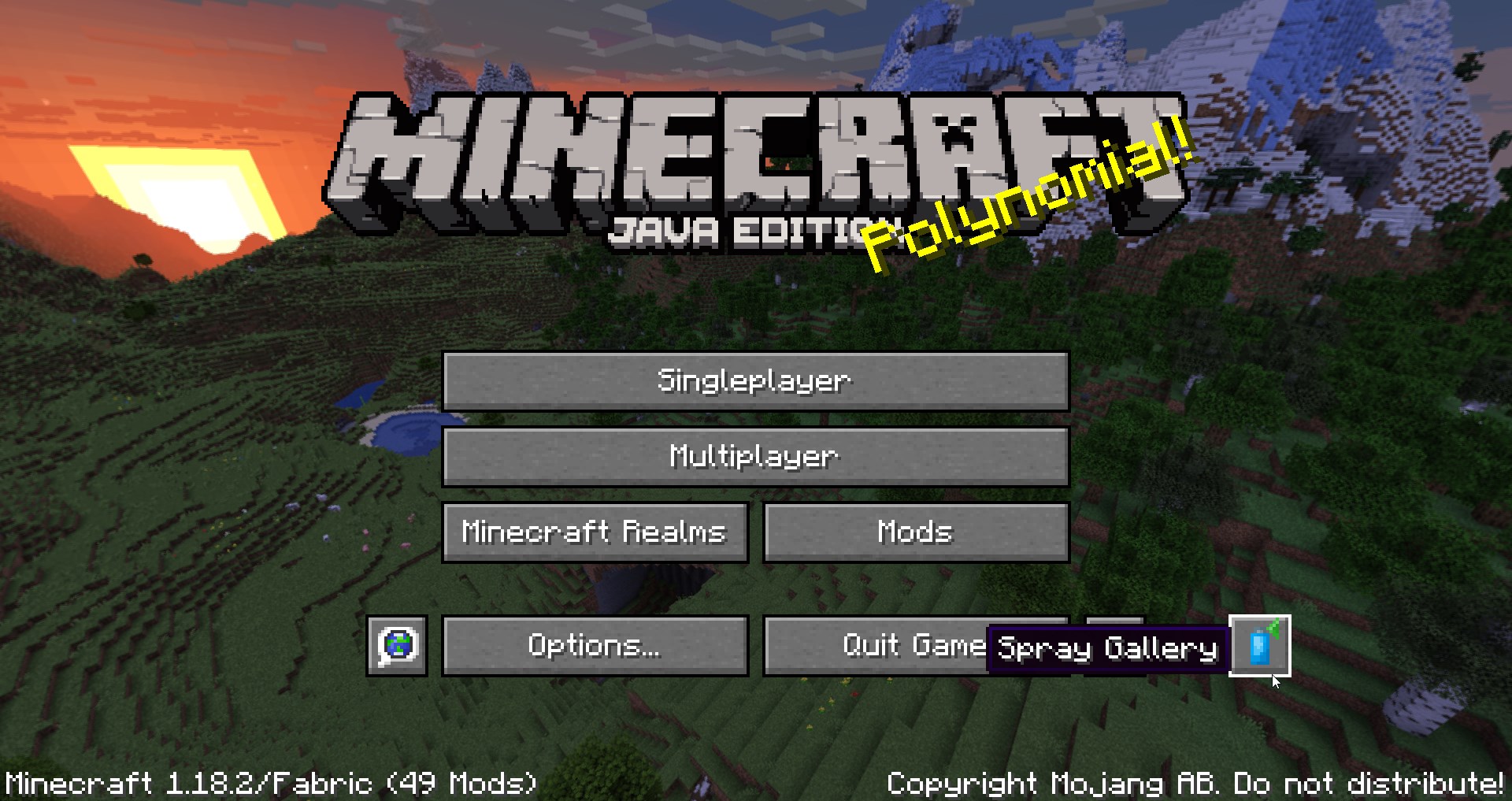
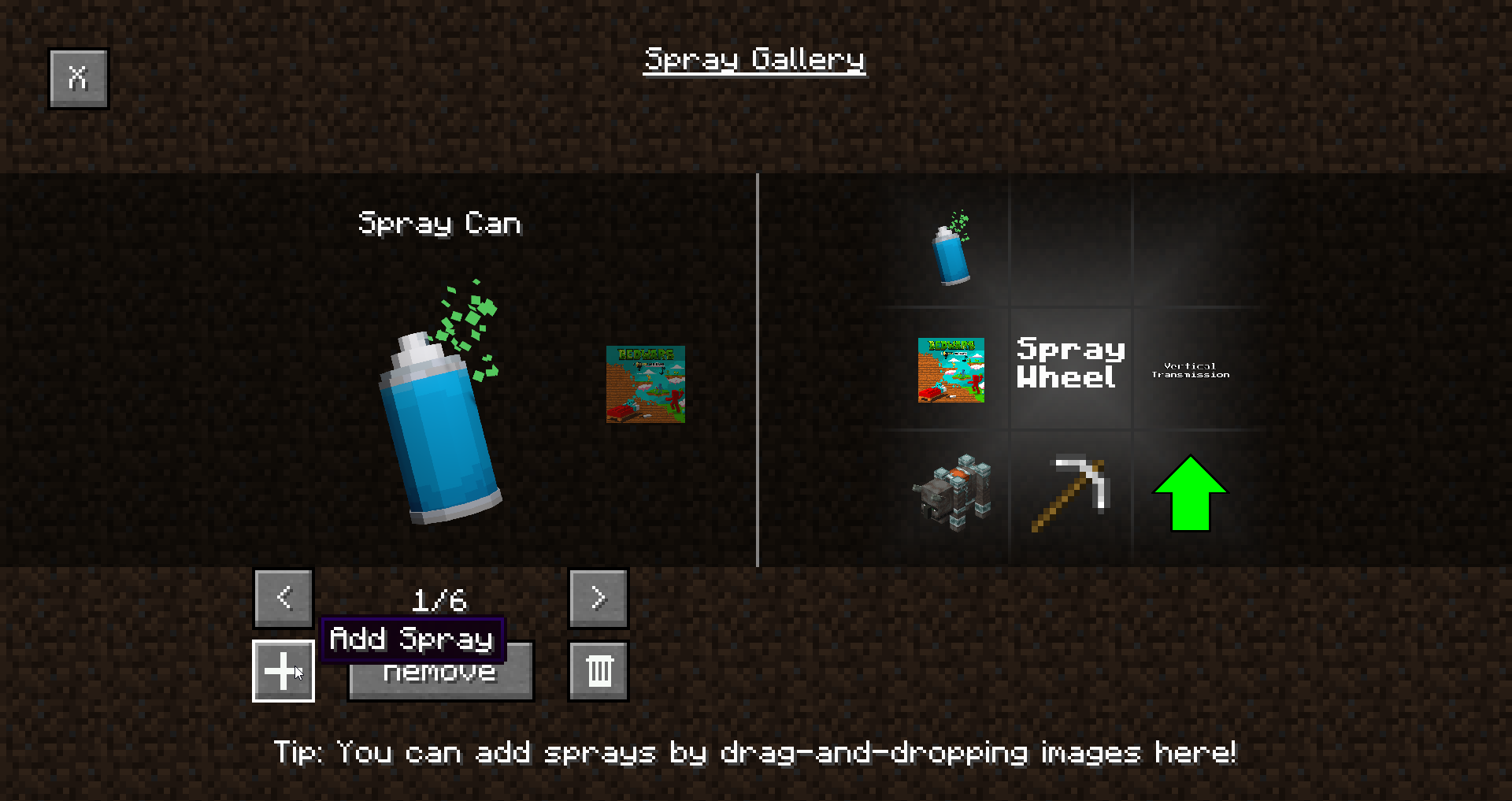
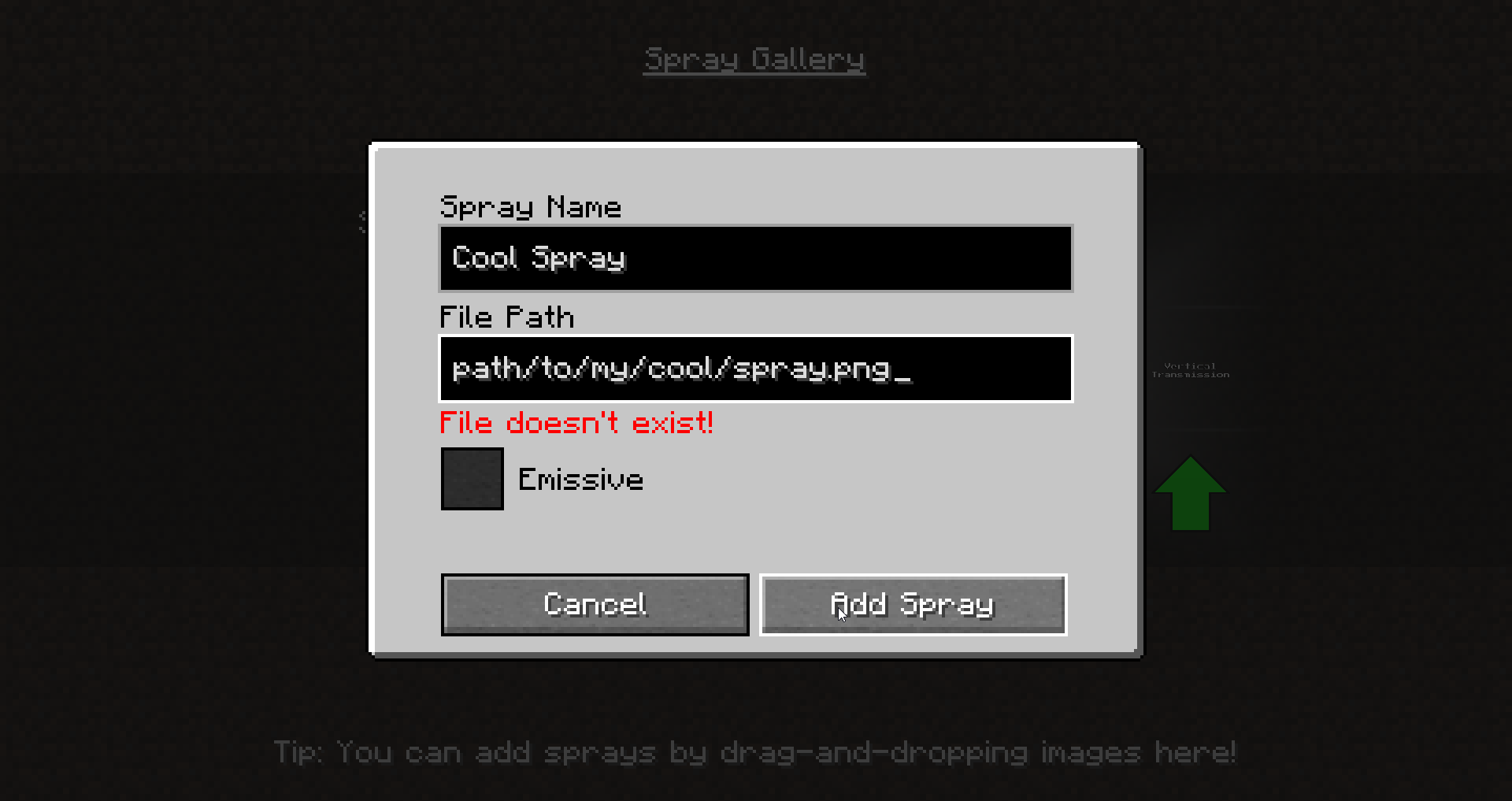
Have an issue with the mod? Got some feedback? Or do you simply want to be updated on my mods? Join my Discord server!
Project description from CurseForge.
Pick your setup
Choose the version and loader you play, then open the matching release.
Check the dependencies, then try the file in a copied instance before changing a world you care about.
Recent files
spraymadness-1.0.2+1.19.jar
3 Aug 2022
spraymadness-1.0.1+1.18.2.jar
20 Jul 2022
spraymadness-1.0.1+1.19.jar
17 Jul 2022
Looking for an older file? The official CurseForge project page is in Resources.
 mod
modRealistic stars and Keplerian orbital mechanics of the Sun, Earth, Moon and the planets. Now with eclipses and stuff
 mod
modStealing from villages has consequences
 mod
modAn extension mod for the hub server